Diasall
Members
-
Joined
-
Last visited
Everything posted by Diasall
-
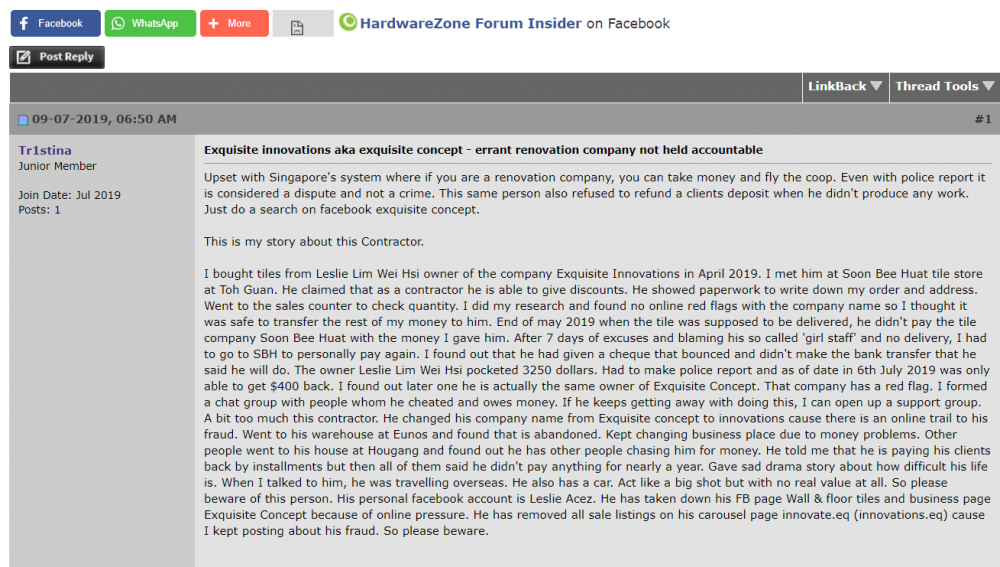
Diasall replied to marchiee's topic in Renovation Contractors, Interior Designers & Suppliers ReviewsUpdate - he is still going around doing the things he do. These are the latest victims. Please beware https://m.facebook.com/story.php?story_fbid=10156436025186824&id=653686823
-
Diasall replied to marchiee's topic in Renovation Contractors, Interior Designers & Suppliers ReviewsUpdate - he changed his Carousell handle to this now. Also company name to Exquisite Innovations. Don't do business with this rouge person.

-
Diasall replied to marchiee's topic in Renovation Contractors, Interior Designers & Suppliers ReviewsHe also advertise his services in Carousell. This is him

-
Diasall replied to marchiee's topic in Renovation Contractors, Interior Designers & Suppliers ReviewsIts viral now.

-
Diasall replied to marchiee's topic in Renovation Contractors, Interior Designers & Suppliers ReviewsIts viral now.