AndyShinZz
Members
-
Joined
-
Last visited
Everything posted by AndyShinZz
-
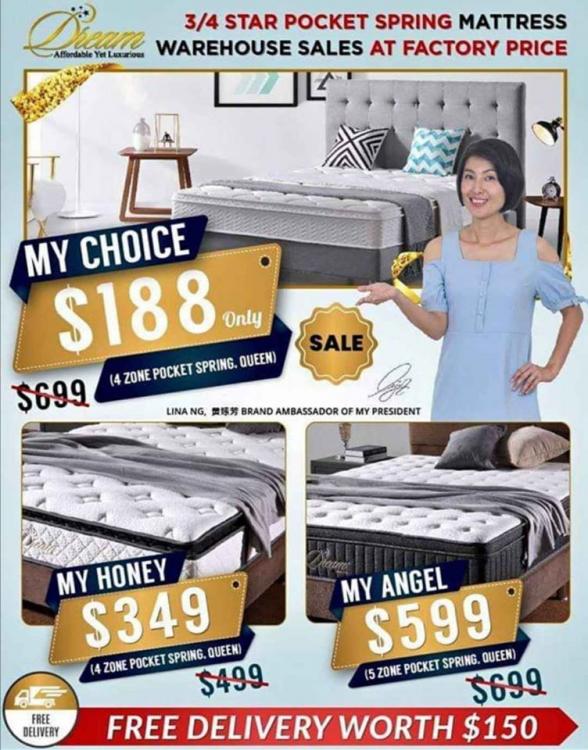
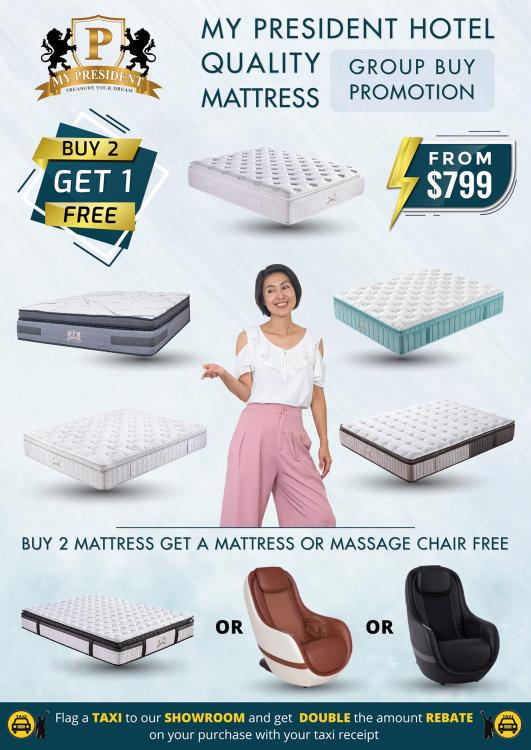
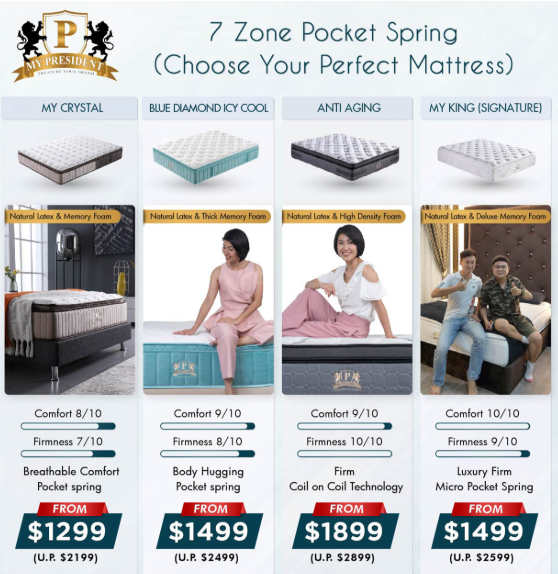
Hi, this is Andy from My President Mattress, we are selling hotel quality mattress at factory price from $349. HP: 85957577 Order now and get your's today!! Call | Whatsapp | SMS : 85957577 https://www.mydigitallock.com.sg/7-zone-pocket-spring-mattress/ Buy any 2 mattress from $799 and get 1 massage chair worth $899 for free or another mattress for free Most of the Singapore celebrities and customers love our pocket spring mattress and customized bedframes Receive $100 discount with purchase of digital lock Free Taxi Rebate (Twice the amount) with any purchase Come visit our showroom and try all range of our comfort hotel mattress today!! Biggest Outlet **** Bukit Batok Showroom (West) **** 51 Bukit Batok Crescent, #05-14 Singapore 658077 Contact : 85957577 Andy
-
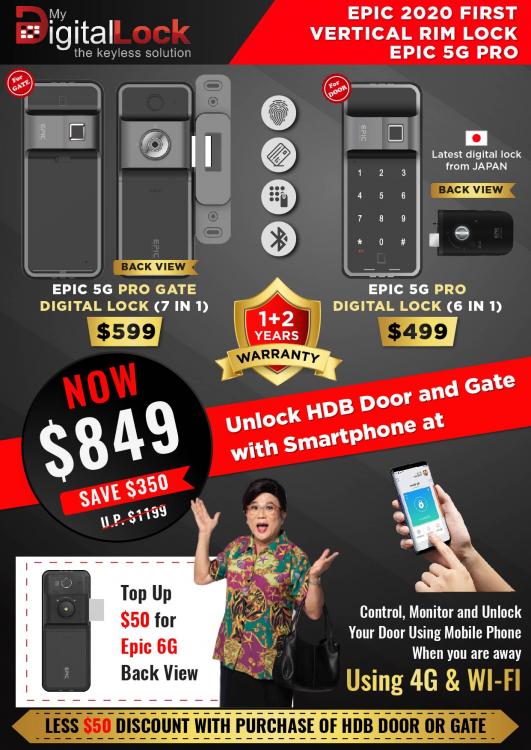
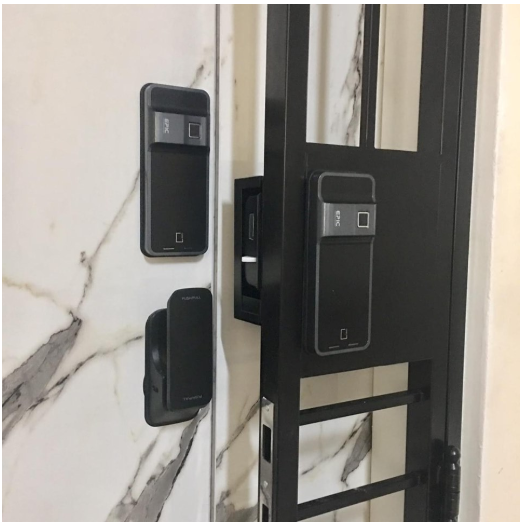
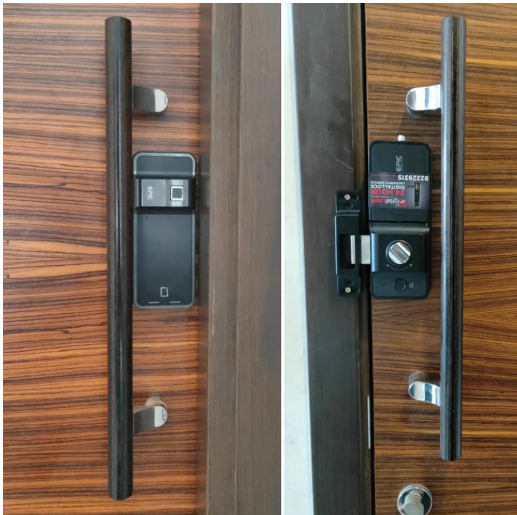
Hi, this is Andy from My Digital Lock, we are selling Epic 5G Digital Lock from $450 with free delivery and installation. HP: 85957577 Order now and get your's today!! Call | Whatsapp | SMS : 85957577 https://www.mydigitallock.com.sg/digital-lock/ All Epic Digital Locks comes with 1+2years warranty Upgradable to 3 or 5years full warranty Buy any Digital Lock and get $50 off for any HDB Gate or Main Door Receive $100 discount with purchase of My President Mattress Free Taxi Rebate(Twice the amount) with any purchase Come visit our showroom and try all range of our latest Digital Locks today!! Biggest Outlet **** Bukit Batok Showroom (West) **** 51 Bukit Batok Crescent, #05-14 Singapore 658077 Contact : 85957577 Andy