


Leaderboard


Popular Content
Showing content with the highest reputation on 06/29/17 in Posts
-
The final product - Our house Finally, after 3 months of renovation, these are the final products of our house! Must really thank our Contractor C for helping us to realise our dream house. She has been very patient with us throughout the journey, as we kept making (hopefully small) changes Living room + cosy corner Foyer + Shoe cabinet + Bomb shelter The wet and dry kitchen The master bedroom The walk-in-wardrobe The master bathroom Hope you guys like our house as much as we do! - The Boss and The Secretary
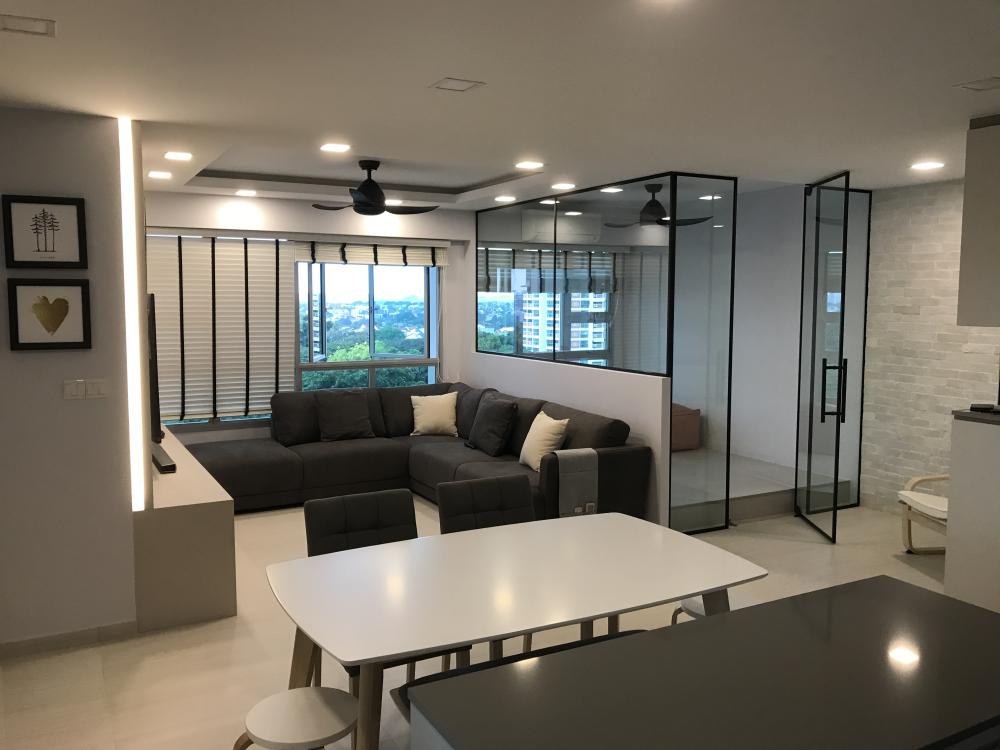
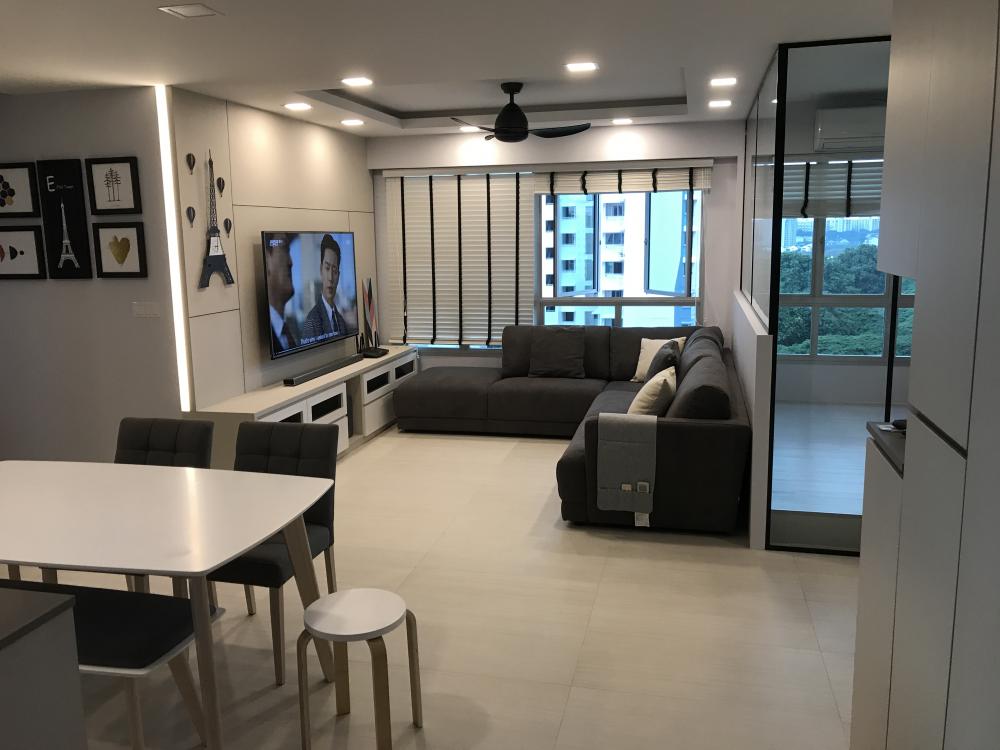

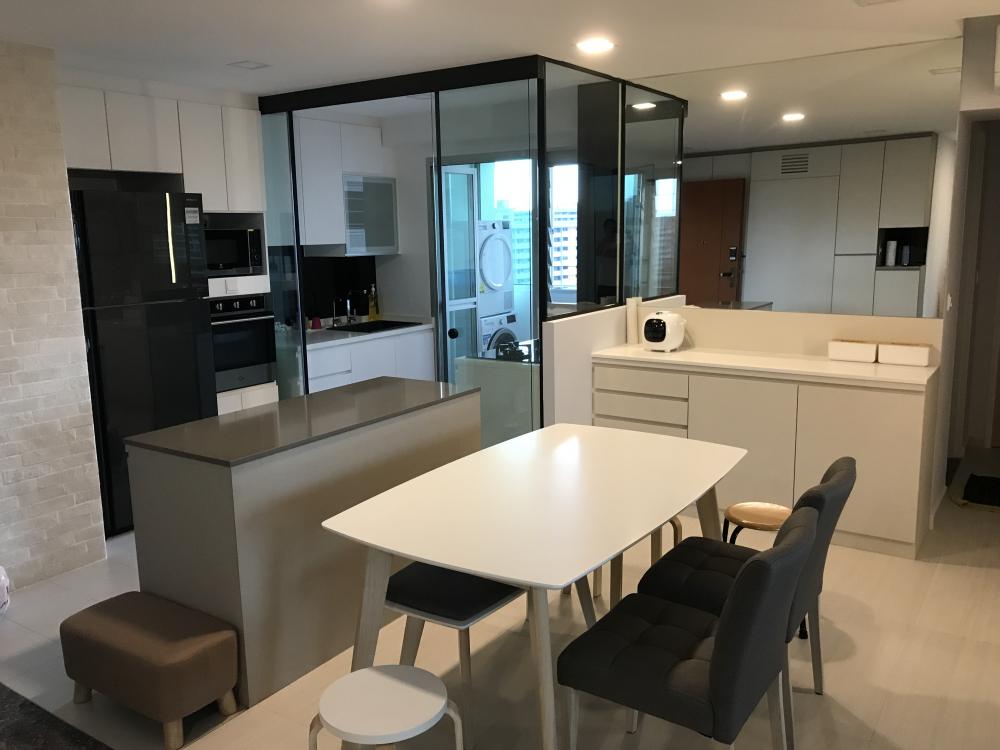
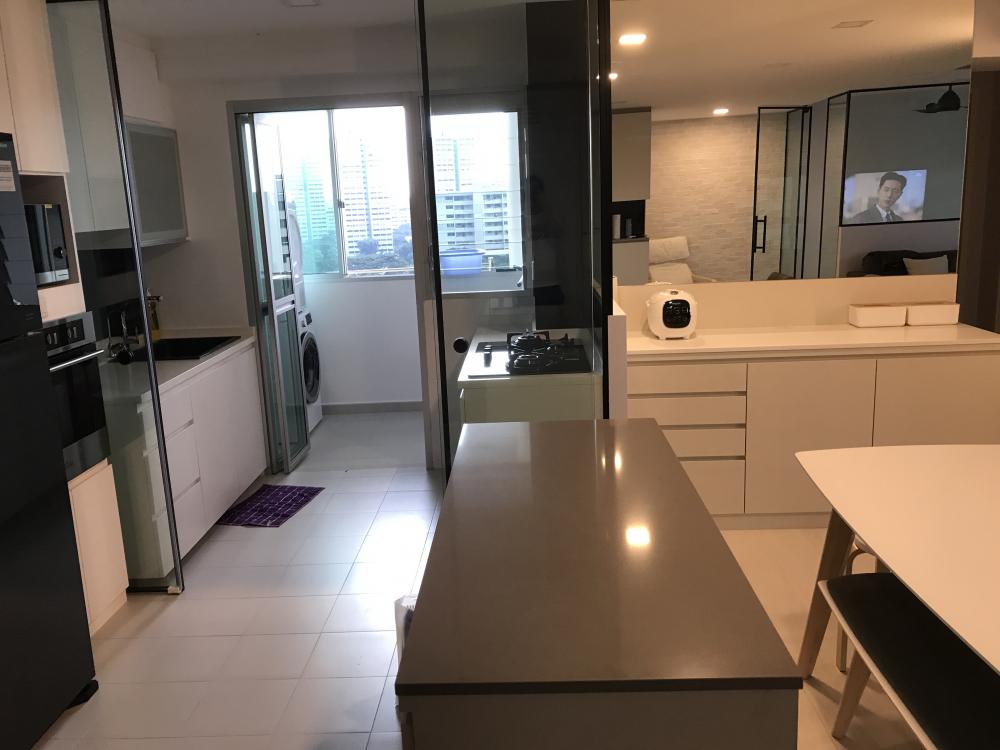
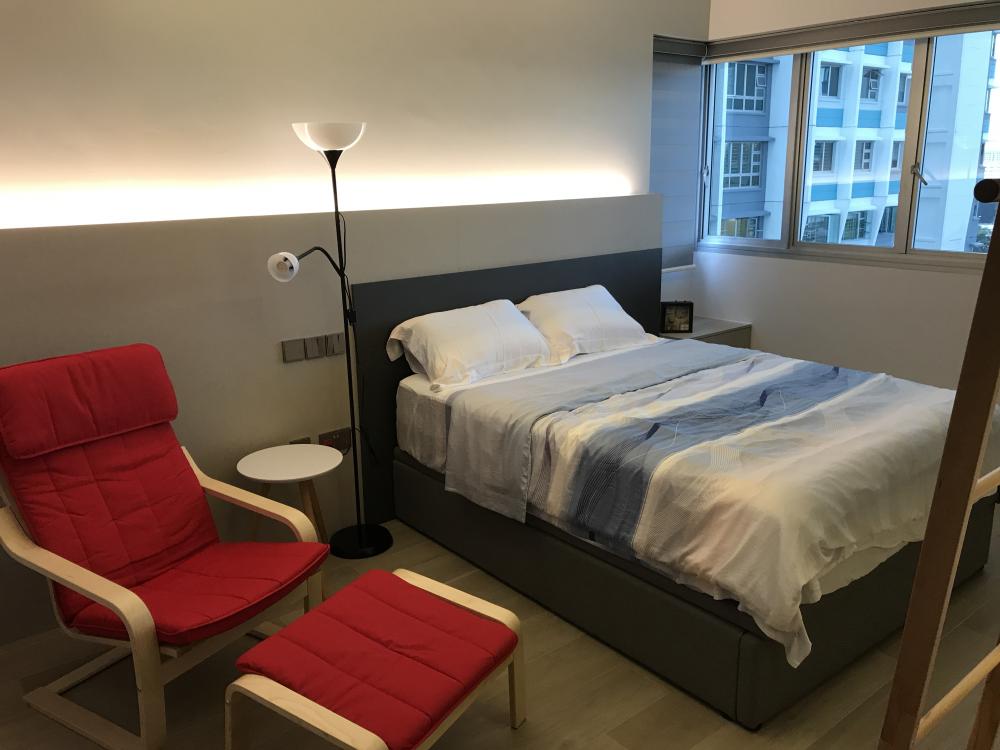


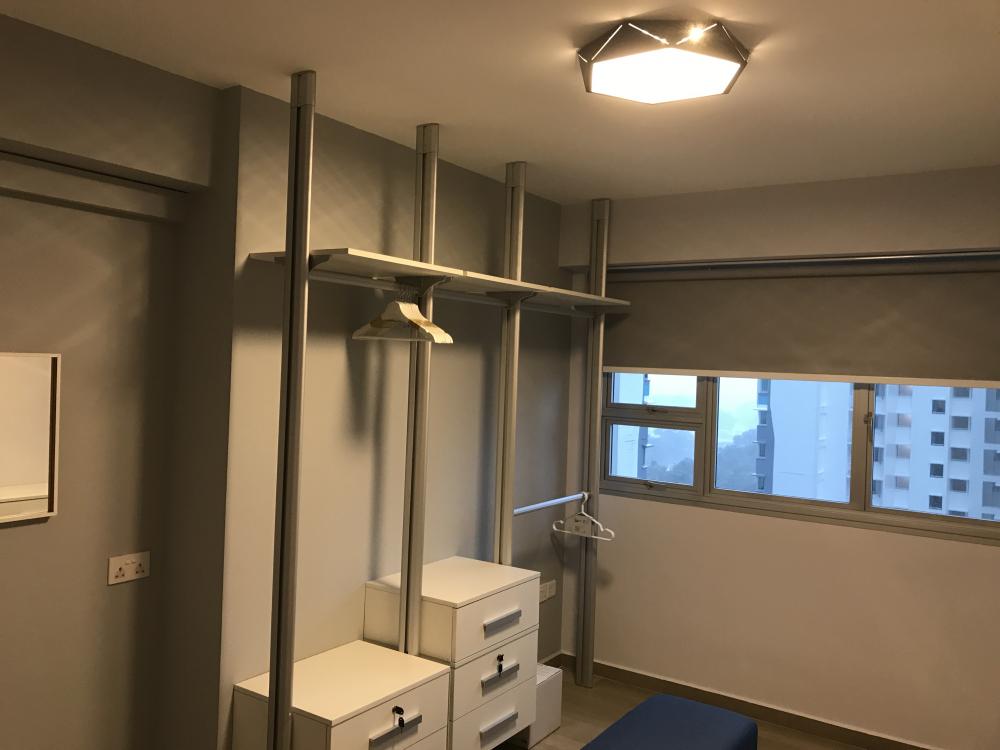
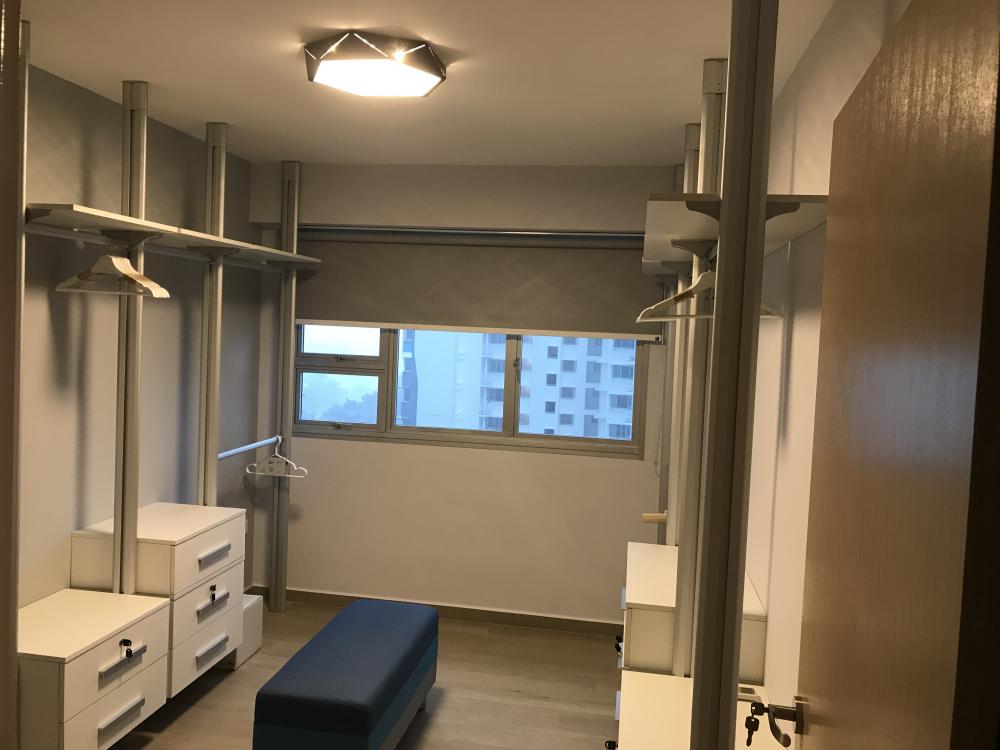 1 point
-
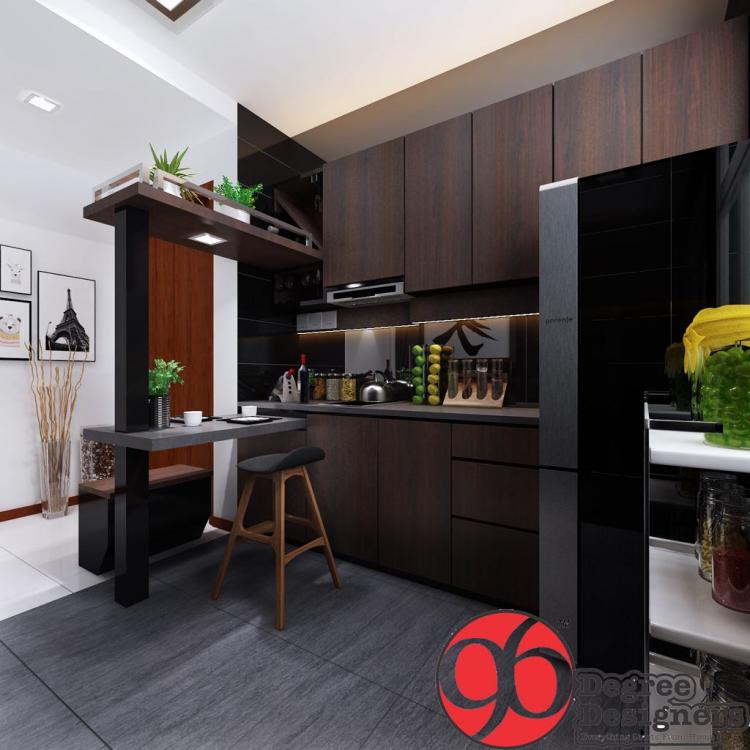
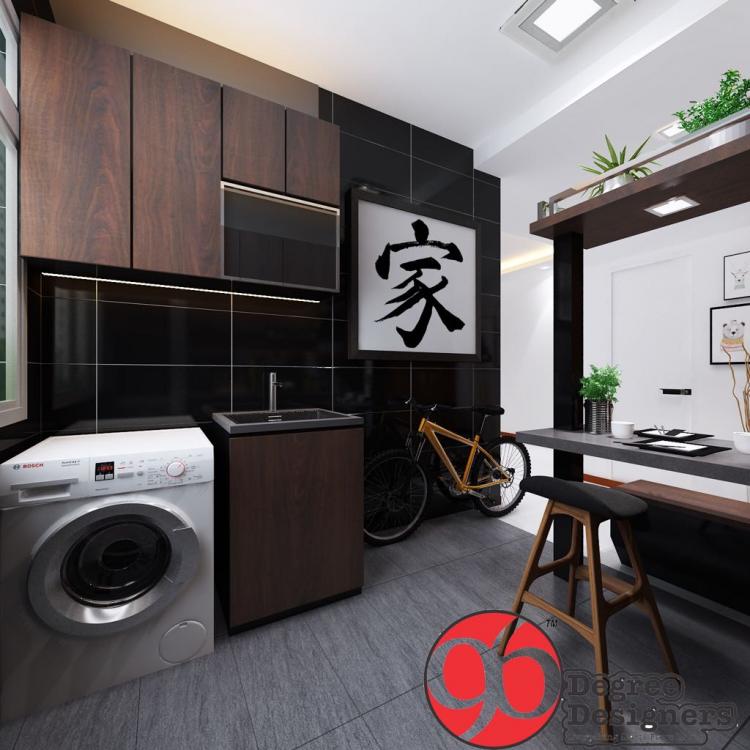
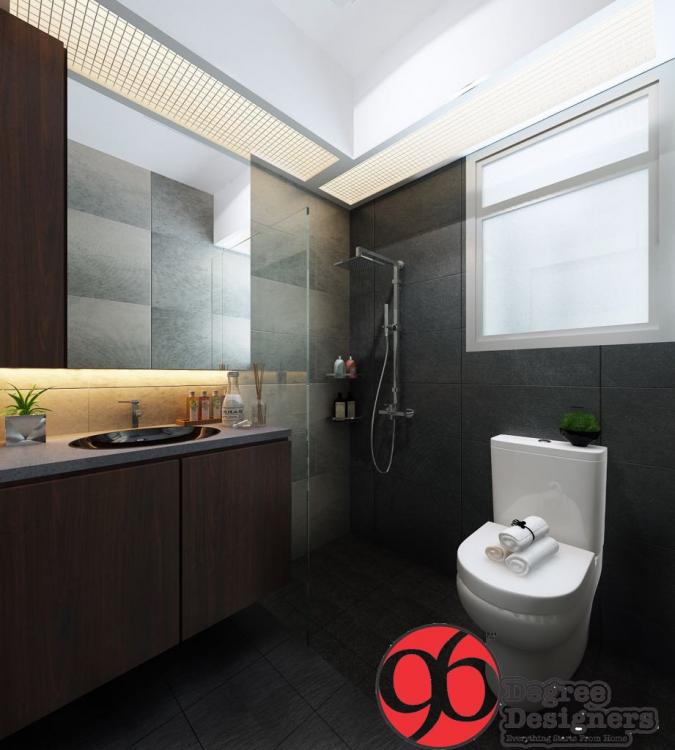
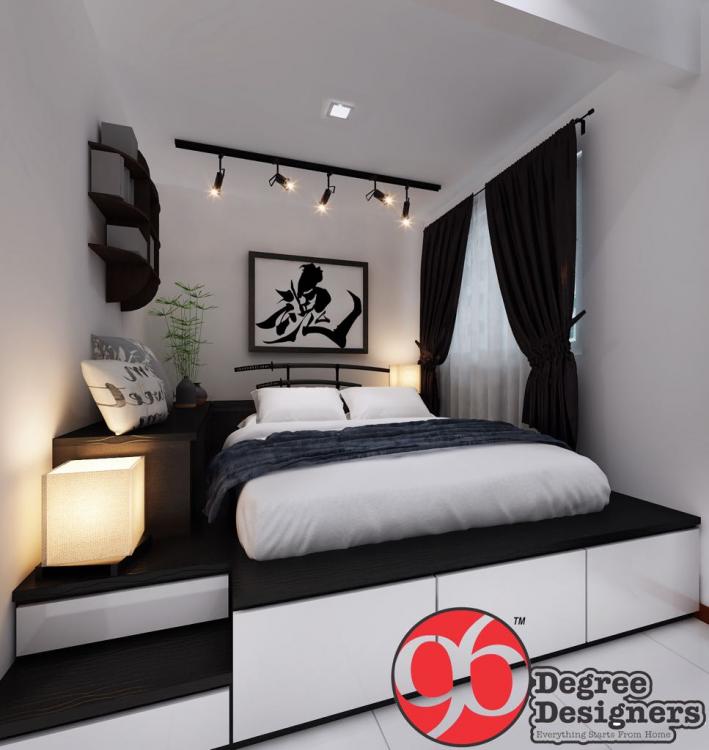
Blog Entry Date: 27th June 2017 Tuesday Click Here to go back to Page 1 - Table of Contents First look at the 3D Drawings from my ID! (Living Room excluded) Firstly, a very Selamat Hari Raya to my Muslim friends! <3 After my earlier distressed post, I guess is time to post something more cheerful. Im glad to report that I finally got my 3D Drawings from Jason. This is a 1st draft and would have more changes and corrections. So far he has responded promptly to my Whatsapp enquiries. Still yet to arrange for a meetup to discuss and address my concerns so that'll come later. Anyway, the tiles you see are exactly the ones I selected at Soon Bee Huat. At least now can visualize how they look like. Honestly I think I like how they turned out! Hopefully final product looks the same. What do ya'll think? Click Here for the Next Blog Entry: Voicing out my Concerns to ID, Schedule Check and some photos of selected Laminates and Quartztop Click Here to go back to Page 1 - Table of Contents
 1 point
This leaderboard is set to Singapore/GMT+08:00