



ANG3L
Members
-
Joined
-
Last visited
Everything posted by ANG3L
-
Just finish my 2nd home reno. Will be sharing my journey with all soon. Stay tune Cheers Happy new home owner
-
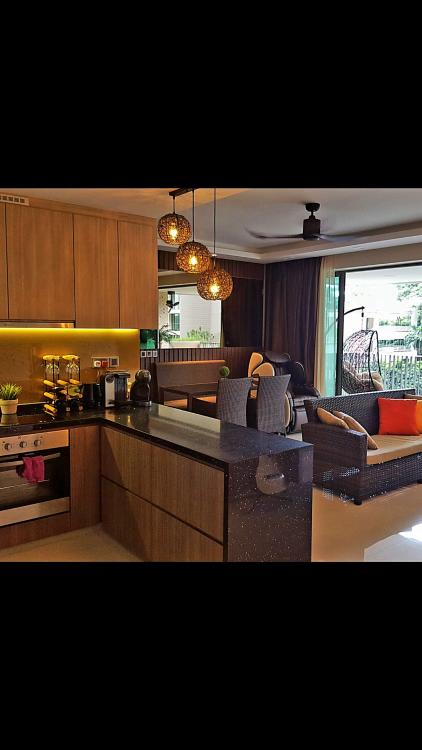
How times files... It was as if like yesterday while i spend those endless hours here seeking for inspiration to the design of my 3rm flat at SengKang 5 years back then. Now its time to move to another chapter of my life and i would really love to post some pictures of my love nest to share before it becomes to someone else's. May all always find comfort in their home sweet home at the end of the day regardless how bad any day might be. ANG3L PS:So sorry abt my agent watermark contact no.
-
Hi all This forum has really help me a lot in helping me to build my first nest with so much priceless information and ideas. Guess its my turn now to share my little humble love nest i call home