



tokbooncheng
Members
-
Joined
-
Last visited
-
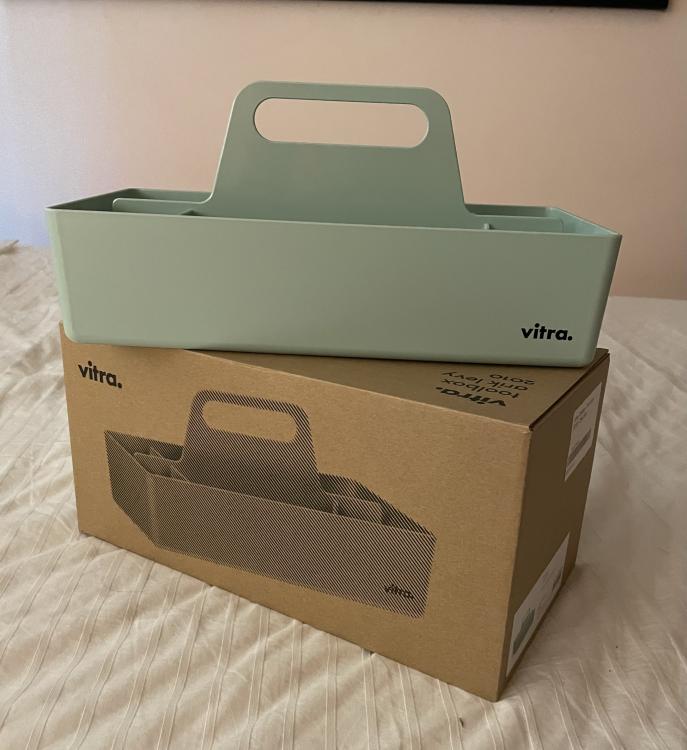
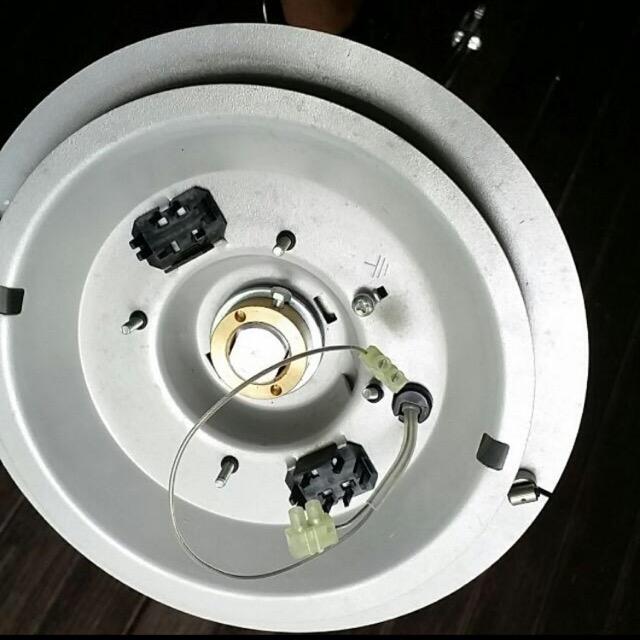
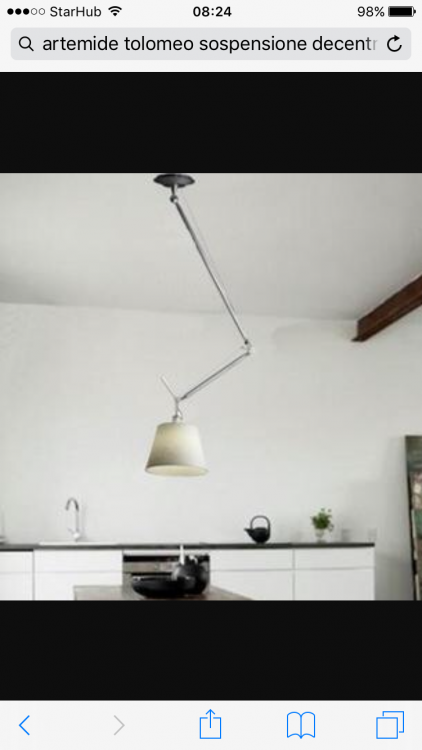
Made in Germany 🇩🇪 Self collect WhatsApp to 91993131 if keen +$10 to deliver to your location
-
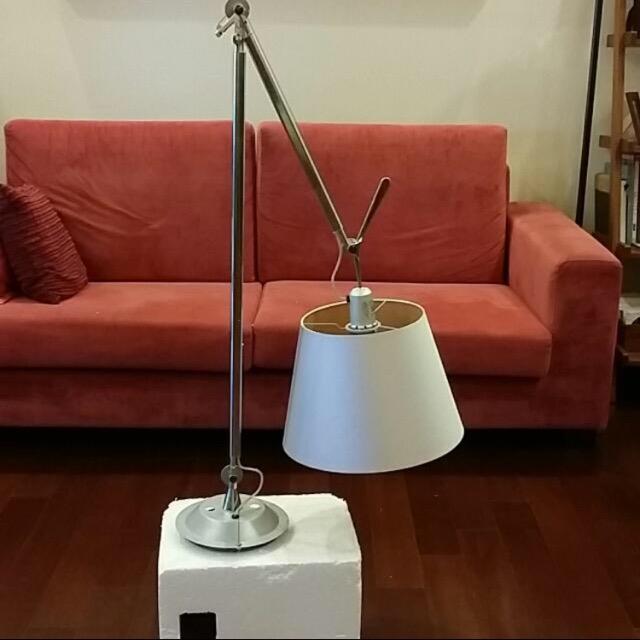
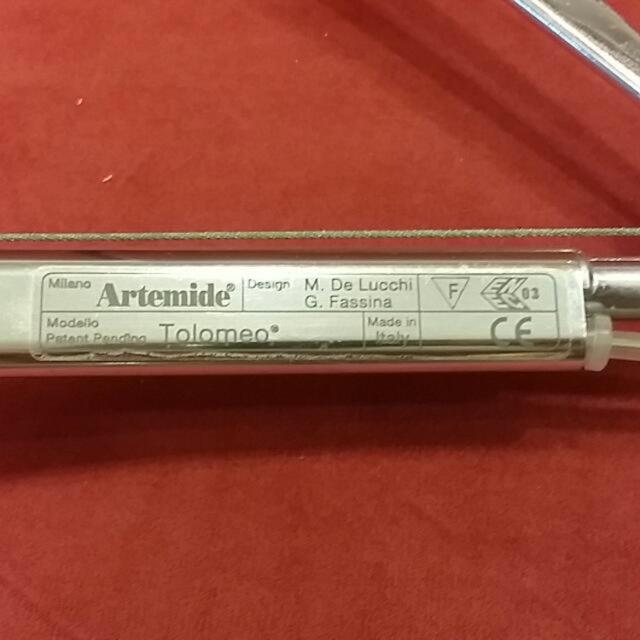
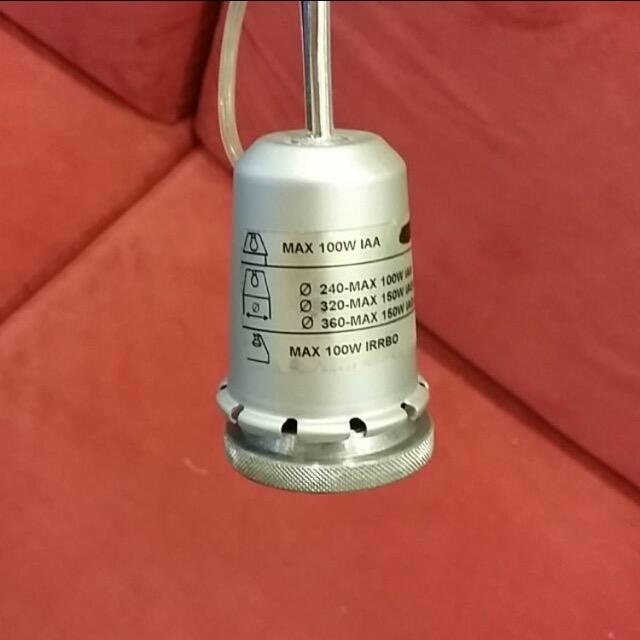
Bought new but never install. Keep in store ! Lamp shade 26cm diameter SMS to 91993131 if keen
-
Up for sale
-
Up for sale
-
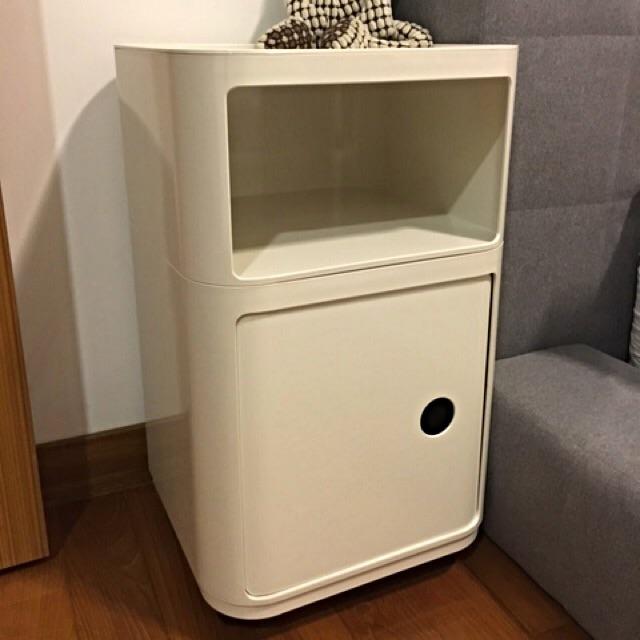
Hi all, Selling per subject... Condition: 9/10 Color: White Price: $319neg Interest parties pls SMS to 91993131 Thanks for viewing
-
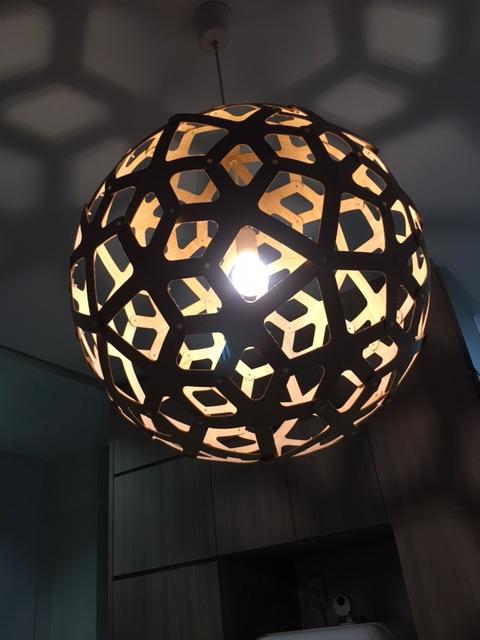
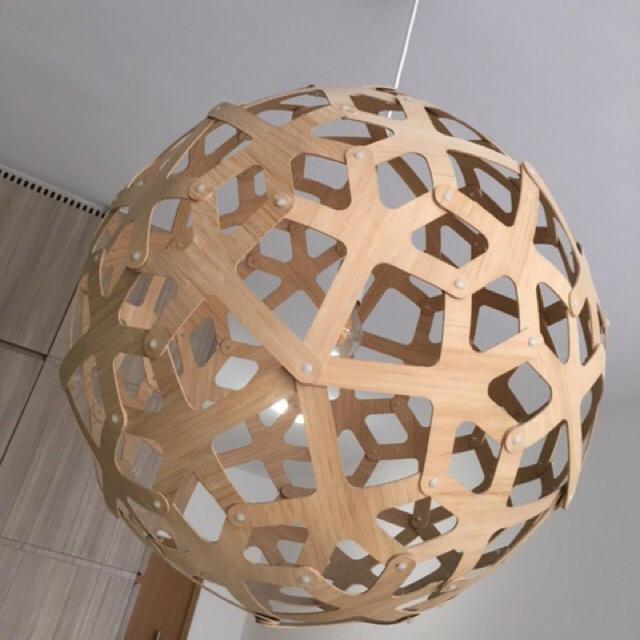
Hi all, Selling of the above mention... Size: 60cm Price: $269neg Condition: 9/10 Interested parties pls SMS to 91993131
-
Hello all,Selling item per subject...Pls see below link for photo of itemhttps://carousell.com/p/50854605Pls text to 91993131 for further queries.Thanks for viewing...
-
Up to the top....
-
Up to the top...
-
Bring this up again...
-
Bring this up again...
-
Bring this up....
-
Bring this up....
-
Bring this up...
-
Bring this up...