allelsebeingequal
Members
-
Joined
-
Last visited
Everything posted by allelsebeingequal
-
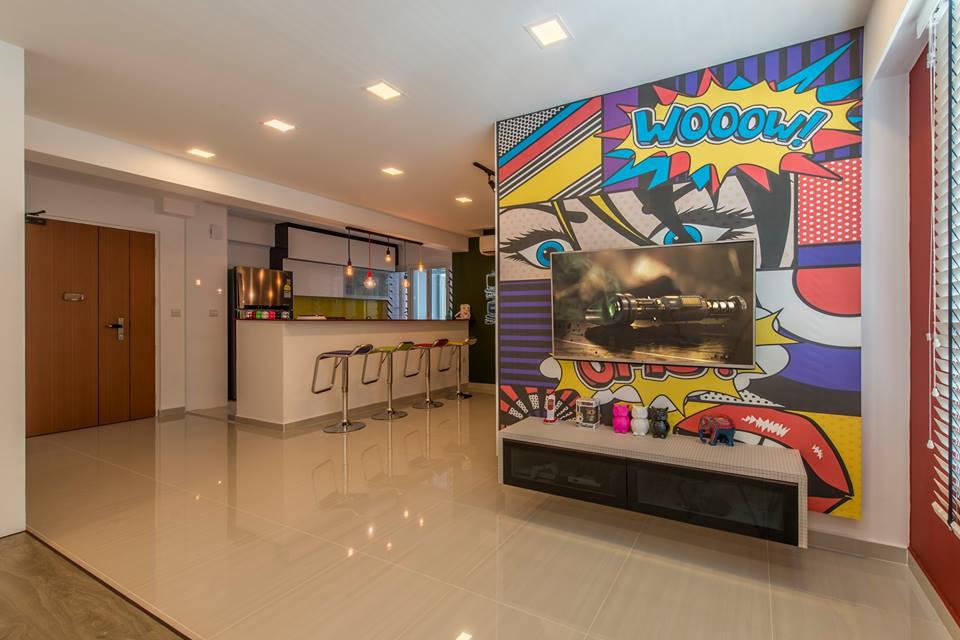
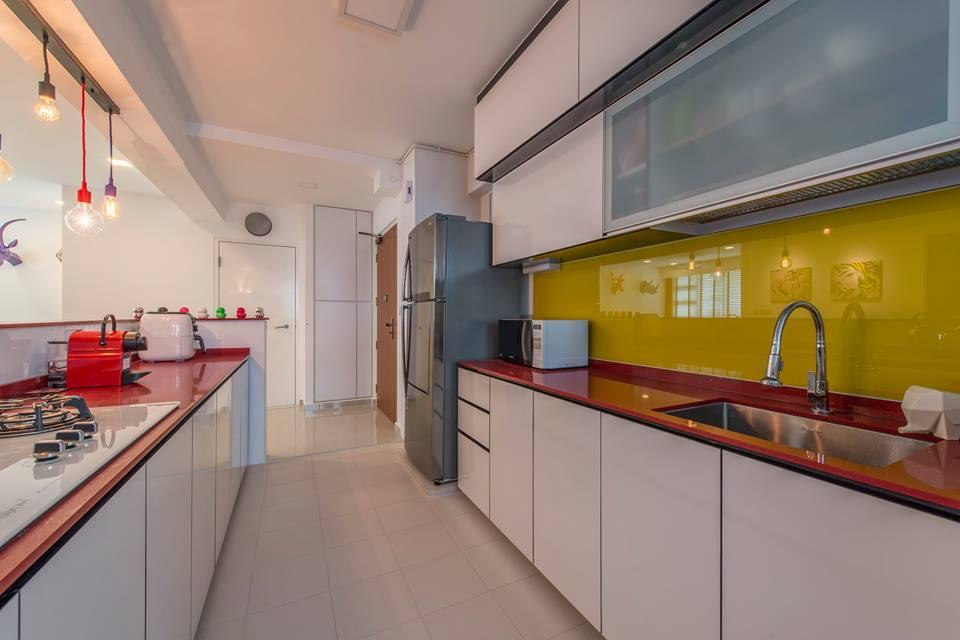
allelsebeingequal replied to Calista88's topic in Renovation Contractors, Interior Designers & Suppliers ReviewsHi Calista88, My friend engaged In Interior Design to do up their new BTO and i managed to retrieve 2 pics of my friend's place from their Facebook. Heard from my friend that they decided to engage Tyson from In Interior after comparing 4-5 ID. Reason being, Tyson was able to understand & classify their needs & wants. My friend had budget constraints and Tyson actually helped her to achieve her dream home by using other materials to achieve similar effect. Many of our friends were referred to them and 8/10 signed with them. None to forget their package deals are really attractive. got free aircon.