Singaporeanowner
Members
-
Joined
-
Last visited
Everything posted by Singaporeanowner
-
Thanks owlNbear, I'll stay strong.
-
Thanks for your help, I will get over it and be happy again.
-
iloveweekends, you are right.
-
Yes rapala1982, you are smart and you are right! I was not prepared and now learning a very good lesson. We young Singaporean are so well protected that we may not realised of the risk before making an agreement to renovate our house. I hope our government can help, if not many inexperienced new house owner like myself may fall into traps set by experience ID.
-
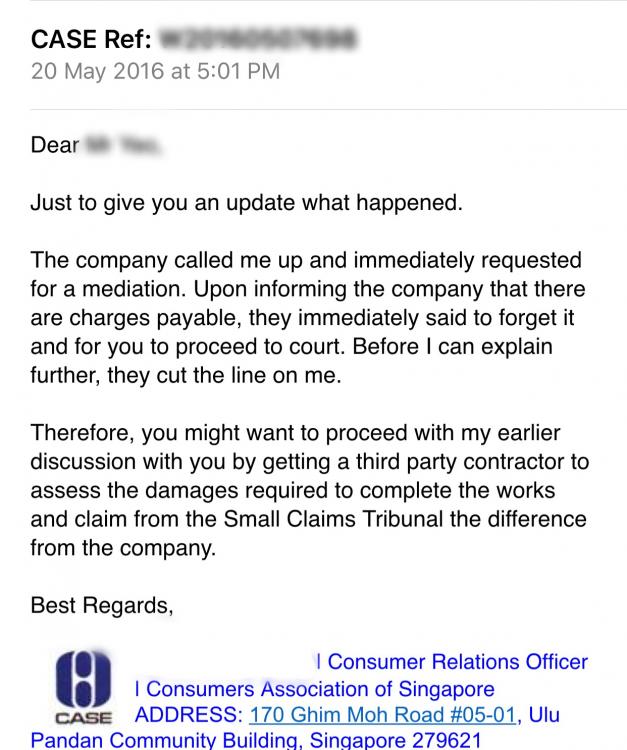
Replied email from CASE a week later
-
Are we allow to share the ID name here?
-
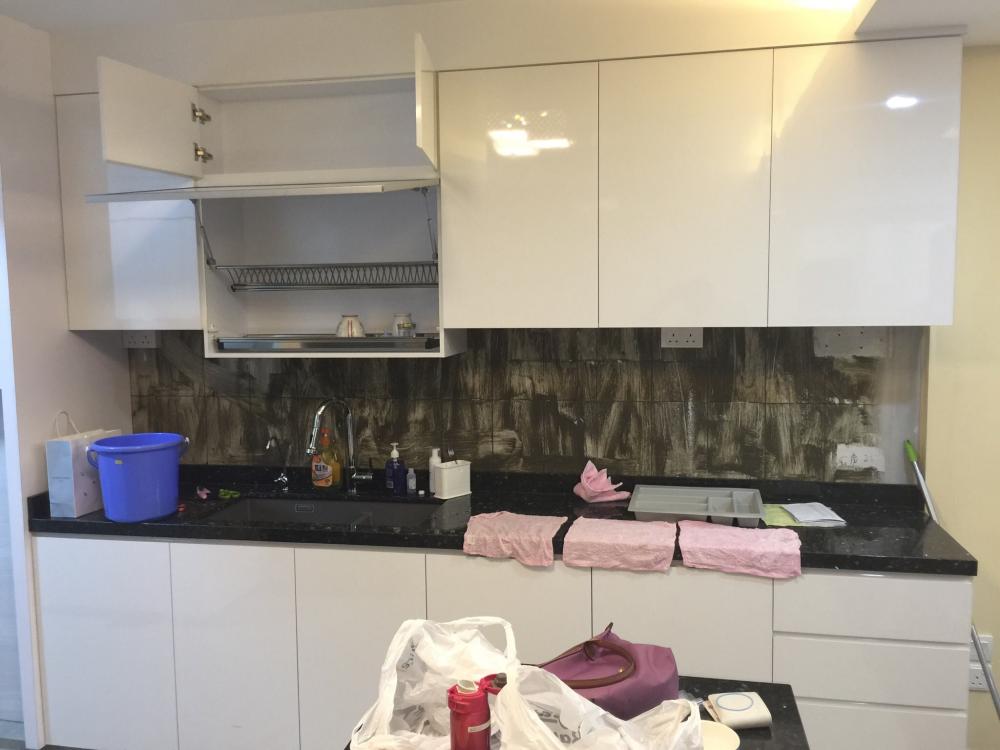
I had very bad experienced over my ID, found him being greedy and has no integrity over my house renovation. I had spent amost S$80k and my house is still not completely done. My advice to new house owner, to engage directly with the contractors for your house renovation. Do not trust ID or you will spend alot on your renovation like me and received alot of stress.