Skip to content
View in the app

A better way to browse. Learn more.

RenoTalk.com ™

A full-screen app on your home screen with push notifications, badges and more.

To install this app on iOS and iPadOS
  1. Tap the Share icon in Safari
  2. Scroll the menu and tap Add to Home Screen.
  3. Tap Add in the top-right corner.
To install this app on Android
  1. Tap the 3-dot menu (⋮) in the top-right corner of the browser.
  2. Tap Add to Home screen or Install app.
  3. Confirm by tapping Install.

frankkaaa

Members
  • Joined

  • Last visited

Everything posted by frankkaaa

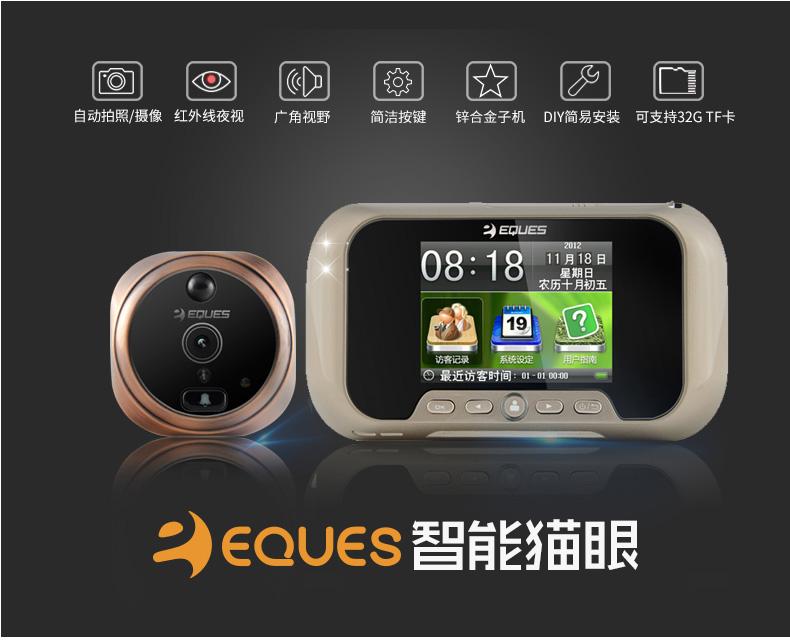
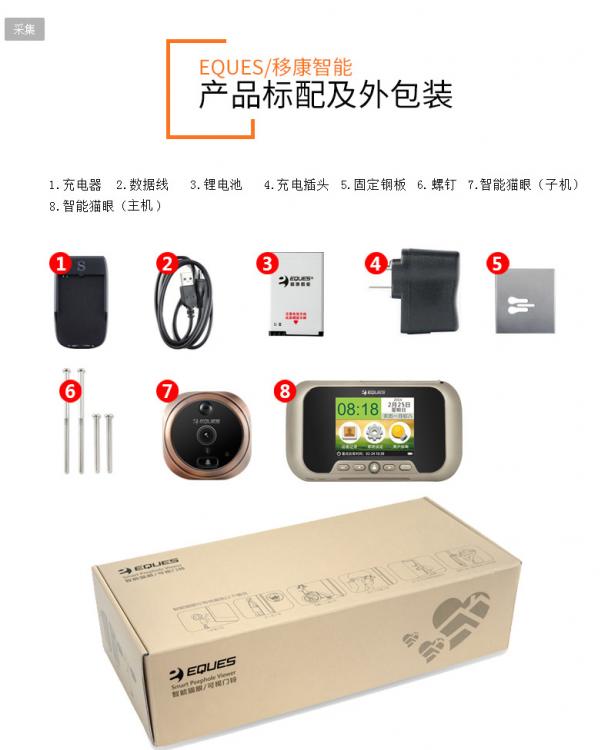
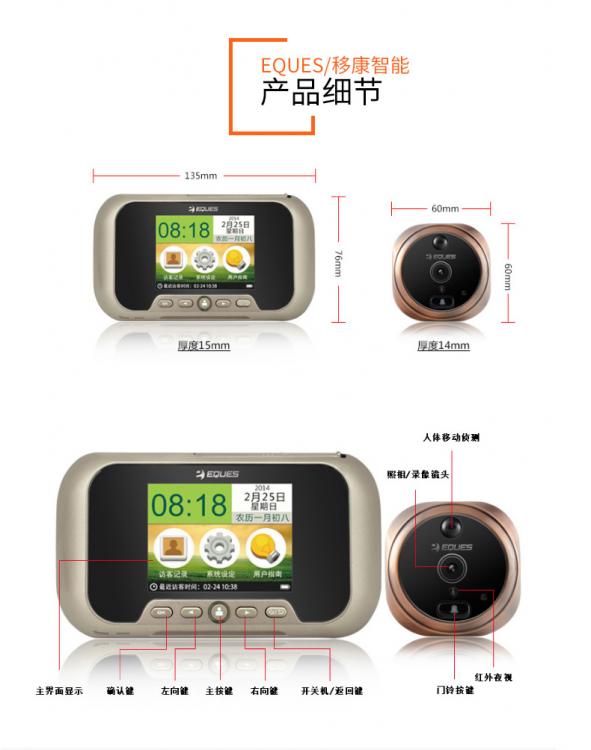
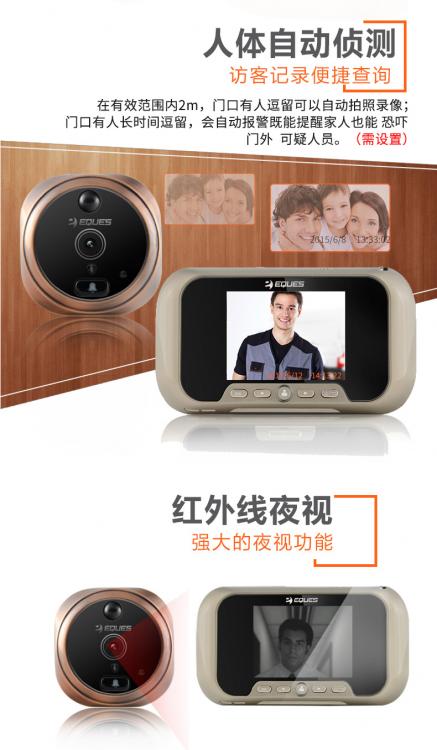
  1. Selling brand new electronic door viewer & door bell - Comes with motion sensor detection - Automatically takes a video of 10 secs whenever the door bell is ring - Wide angel view - Night vision - Able to select language of your choice - Rechargeable battery - Easy installation - Supports up to 32G memory Letting go as i bought 2 sets by accident. Self collection at Punggol Whatsapp/ SMS 87773210 to deal or request for more pic/video
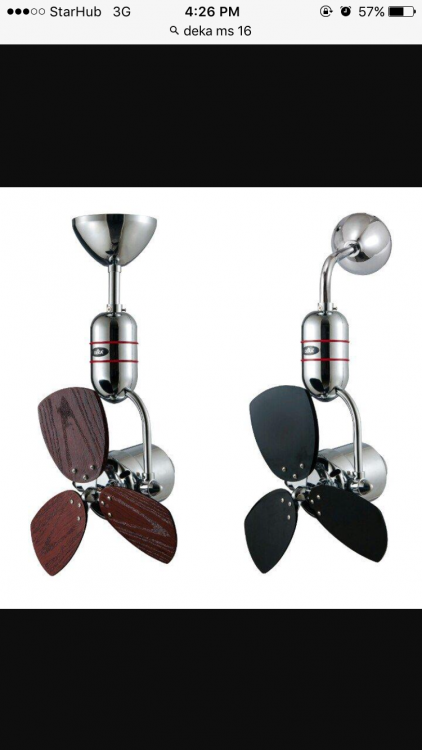
  2. BRAND NEW 16" wooden blade black and wood Colour (2 in 1) comes with remote control able to oscillate able to wall or ceiling mount text 87773210 to deal
Account

Navigation

Search

Search

Configure browser push notifications

Chrome (Android)
  1. Tap the lock icon next to the address bar.
  2. Tap Permissions → Notifications.
  3. Adjust your preference.
Chrome (Desktop)
  1. Click the padlock icon in the address bar.
  2. Select Site settings.
  3. Find Notifications and adjust your preference.