TheWoodenPlatform
Verified Merchant
-
Joined
-
Last visited
Everything posted by TheWoodenPlatform
-
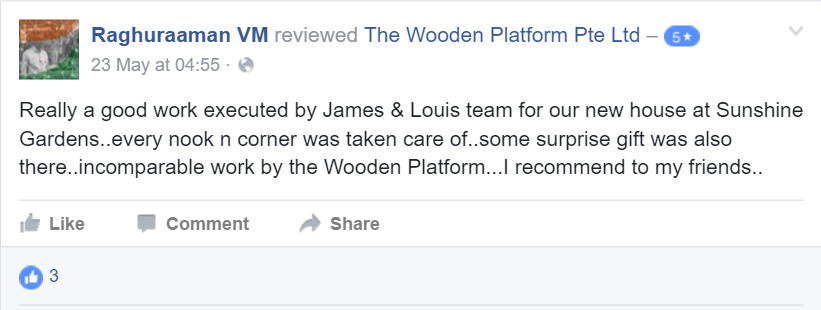
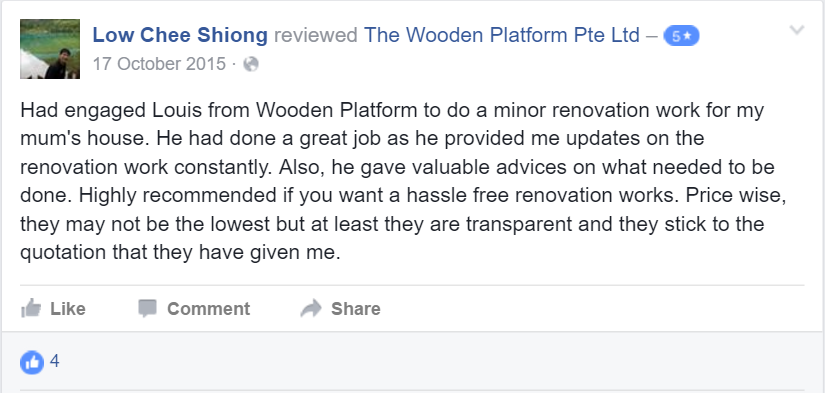
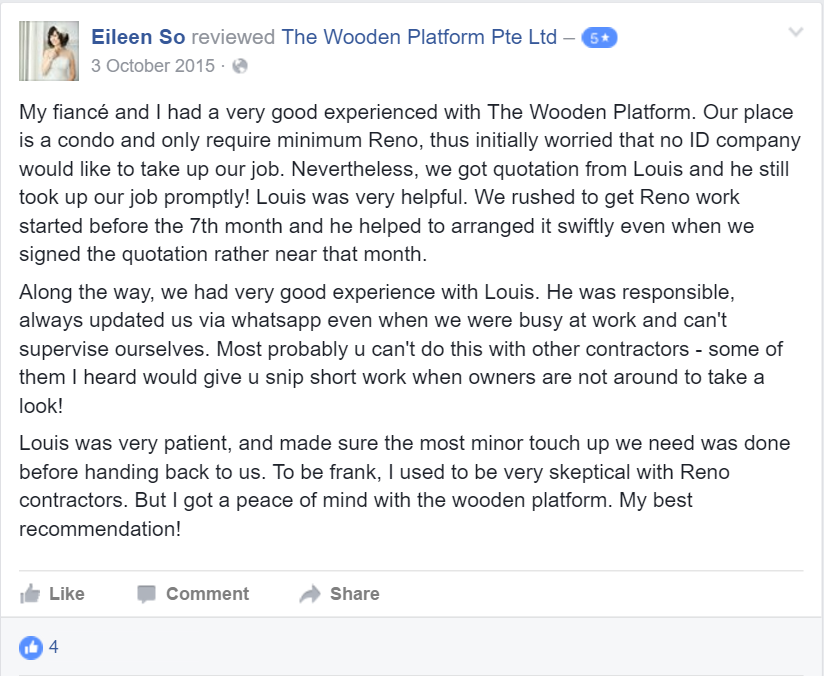
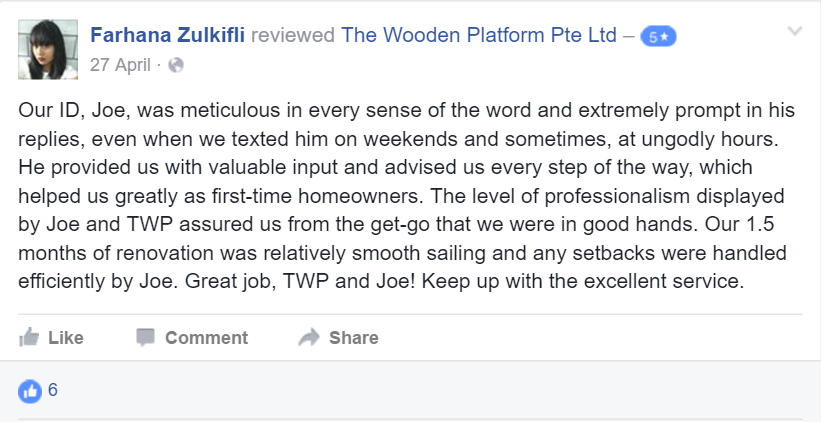
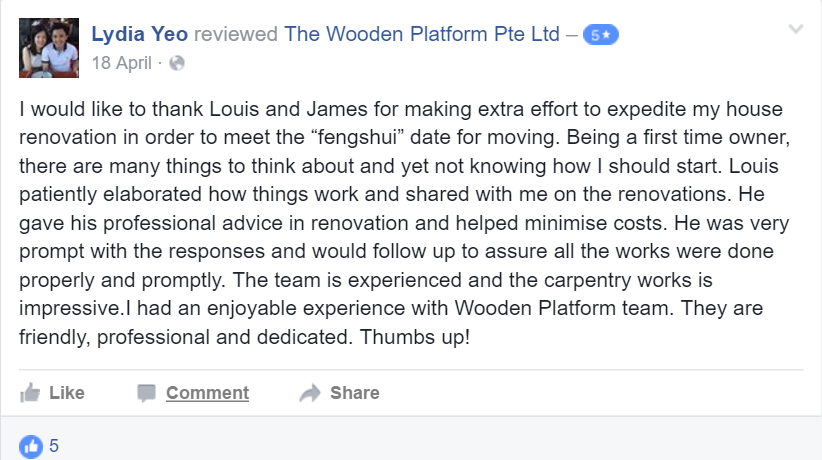
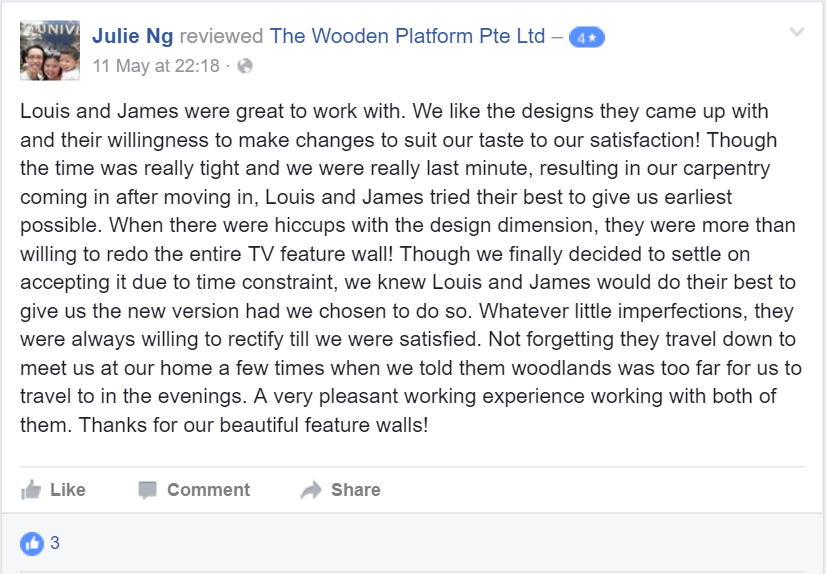
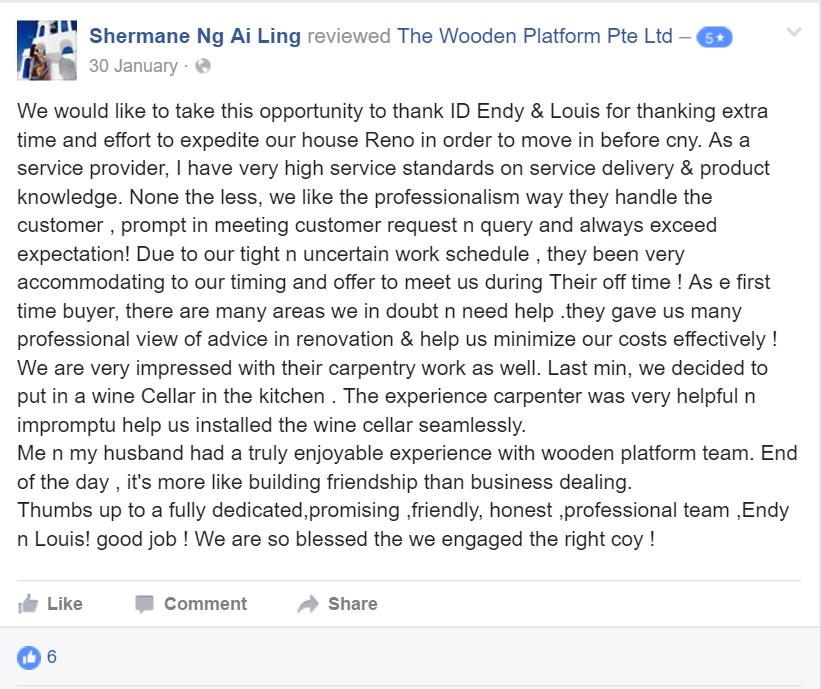
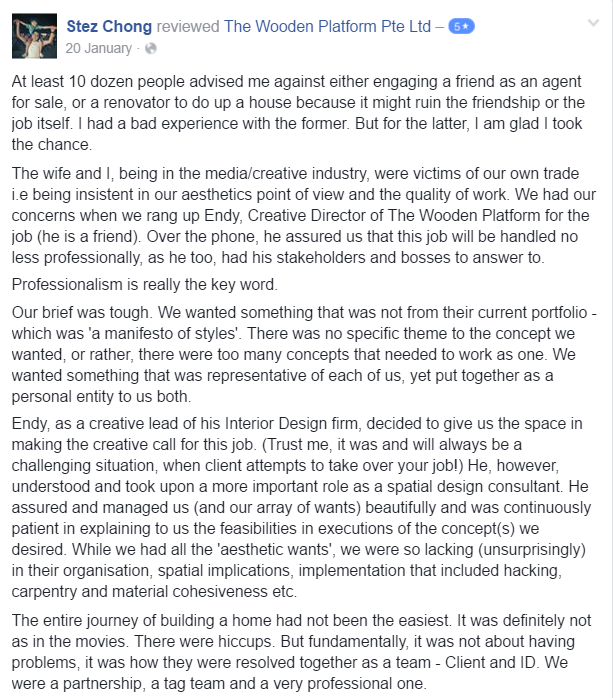
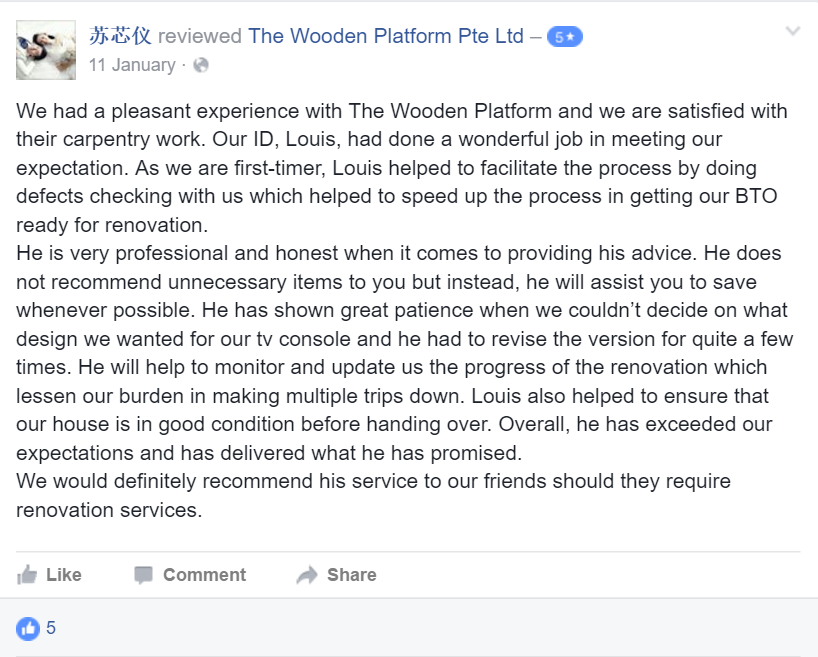
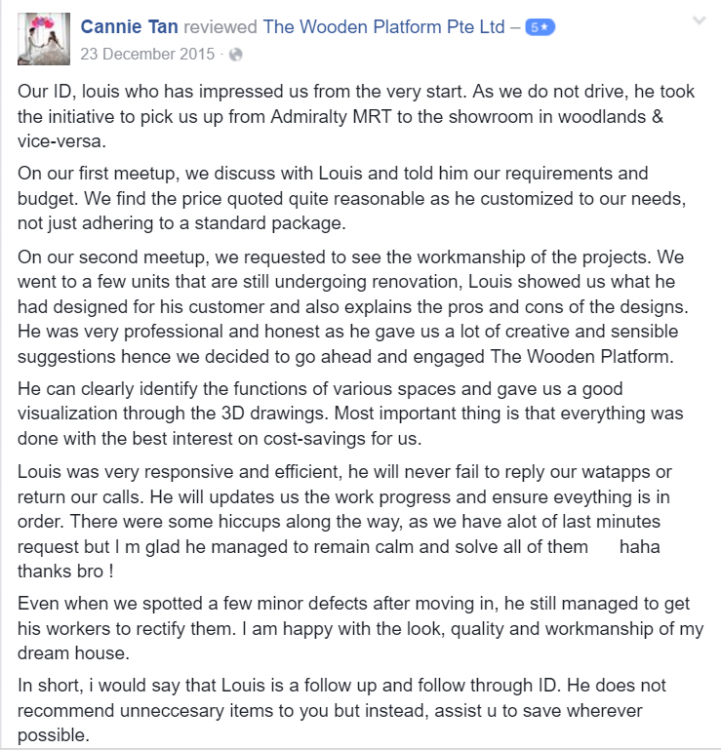
TheWoodenPlatform replied to TheWoodenPlatform's topic in Renovation Contractors, Interior Designers & Suppliers ReviewsBelow are reviews extracted from our Facebook

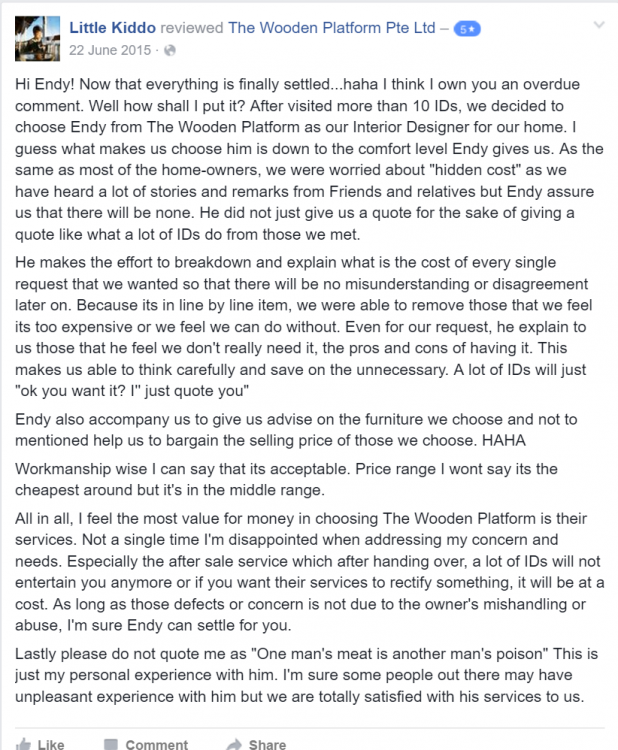
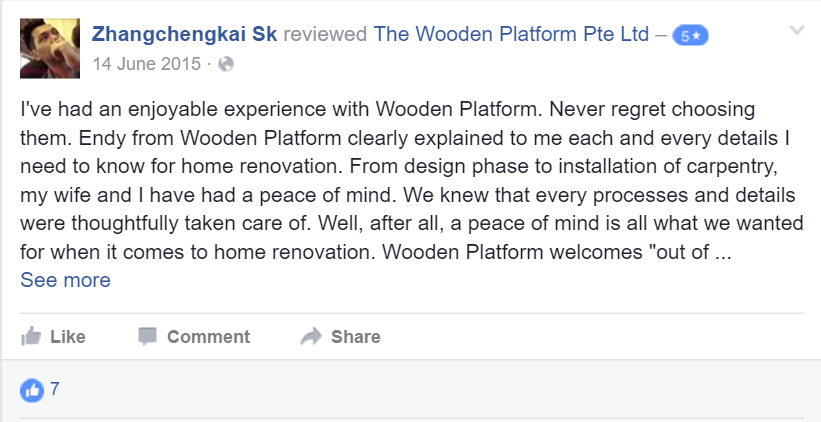



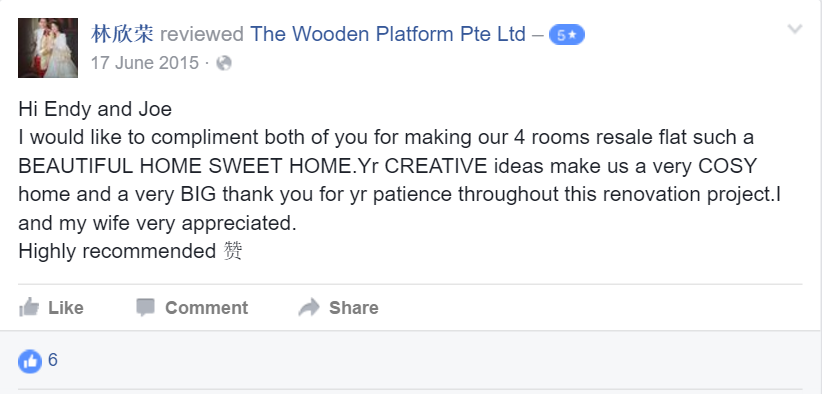
-
TheWoodenPlatform replied to TheWoodenPlatform's topic in Renovation Contractors, Interior Designers & Suppliers ReviewsBelow are reviews extracted from our Facebook
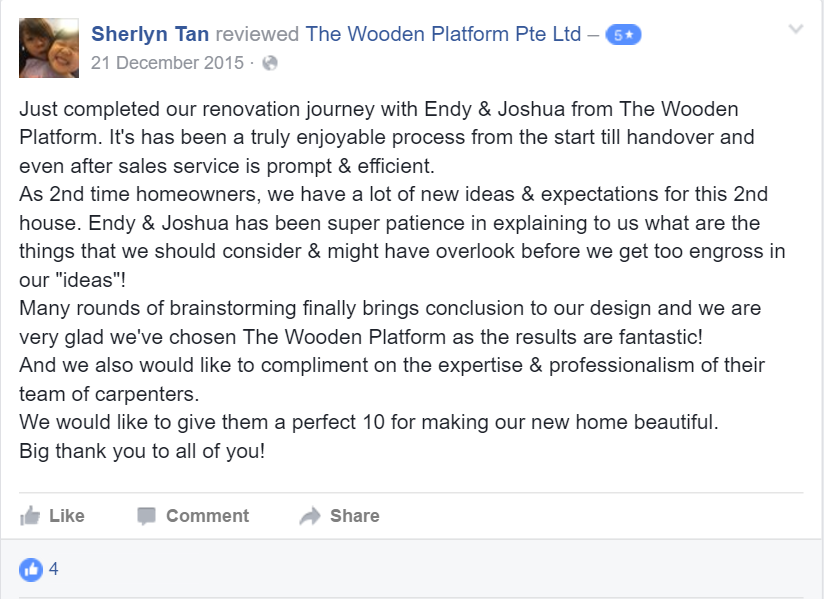
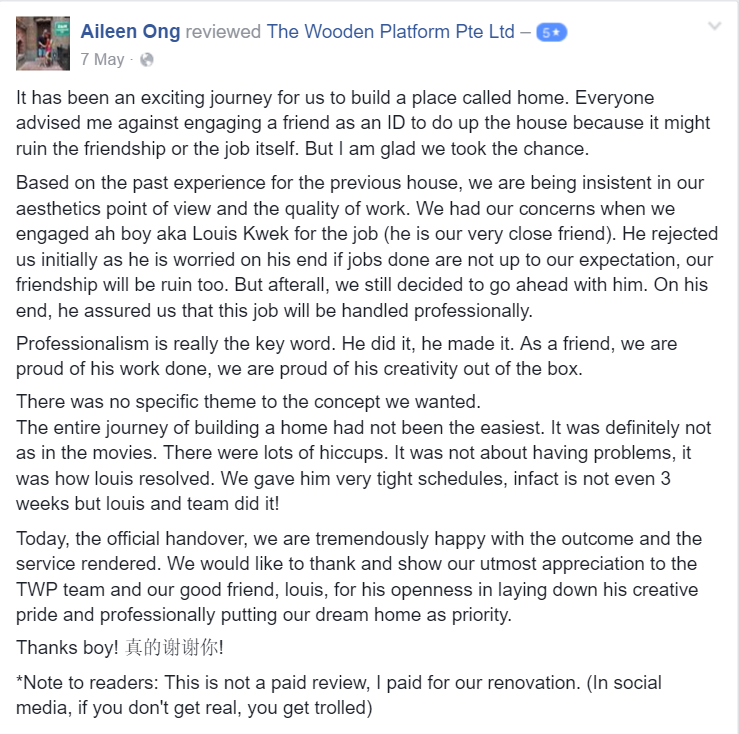
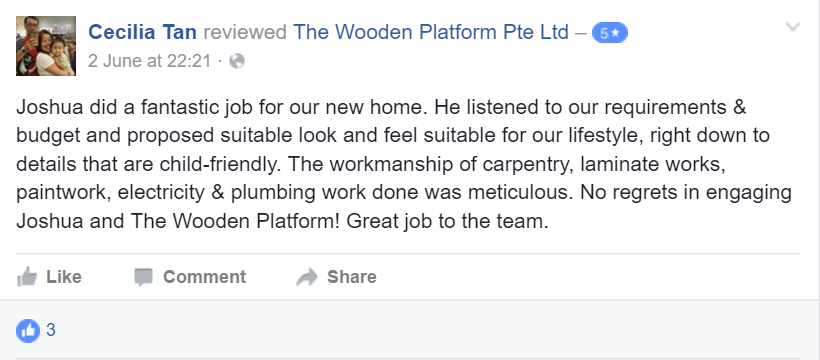
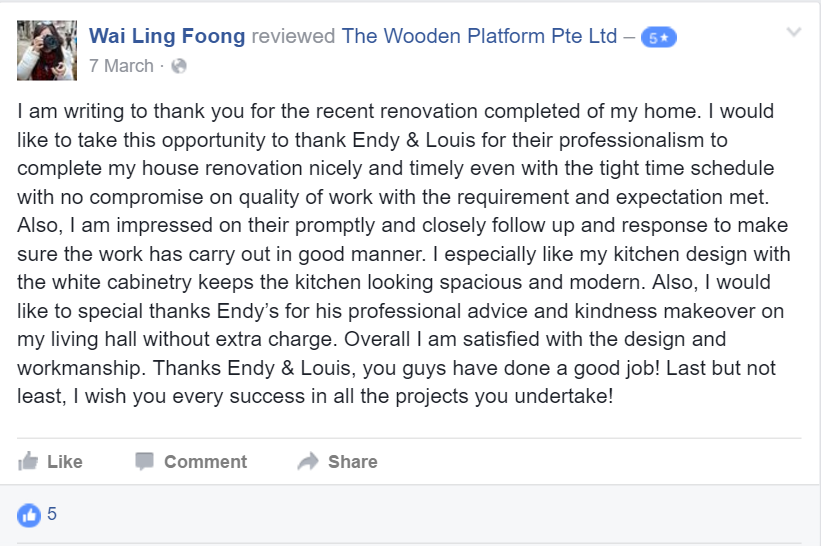
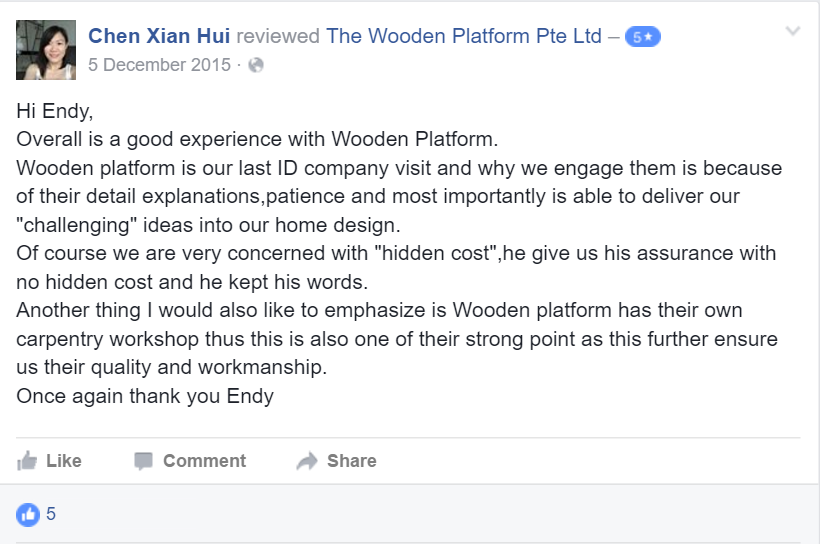
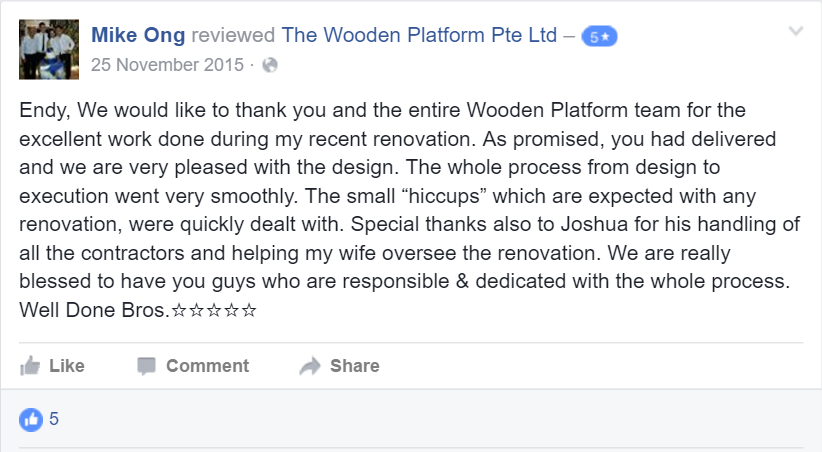
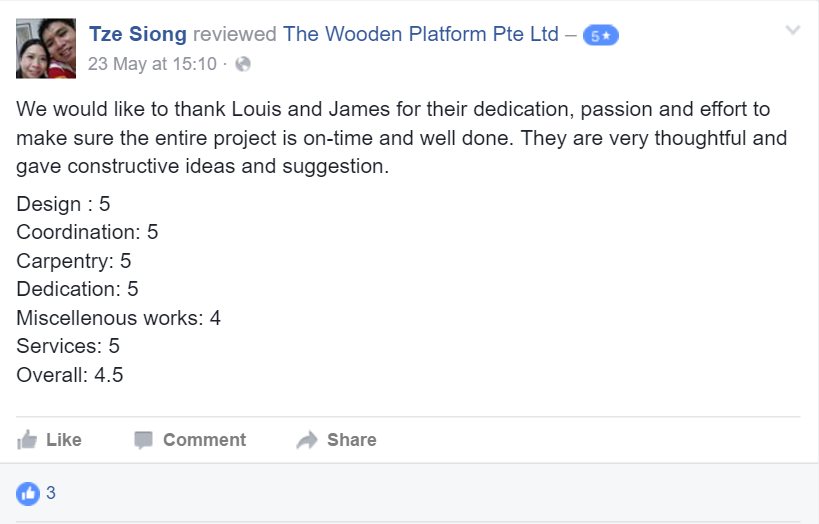
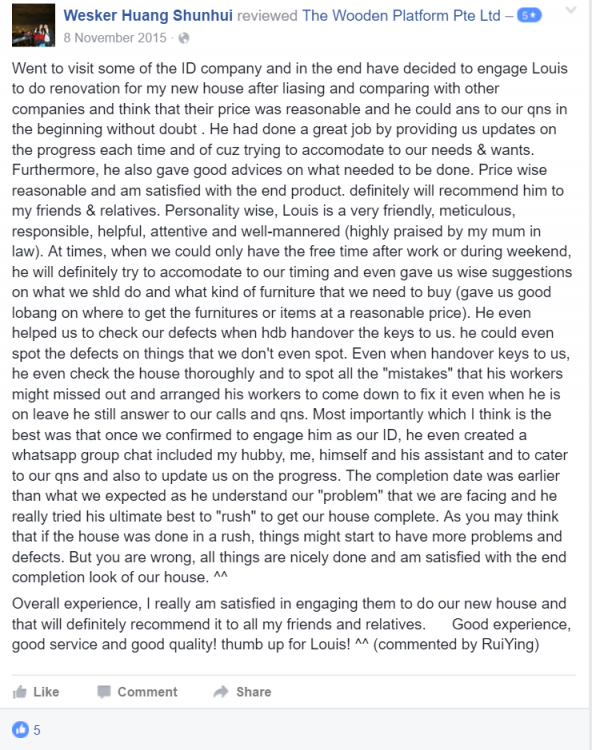
-
TheWoodenPlatform replied to TheWoodenPlatform's topic in Renovation Contractors, Interior Designers & Suppliers ReviewsBelow are reviews extracted from our Facebook
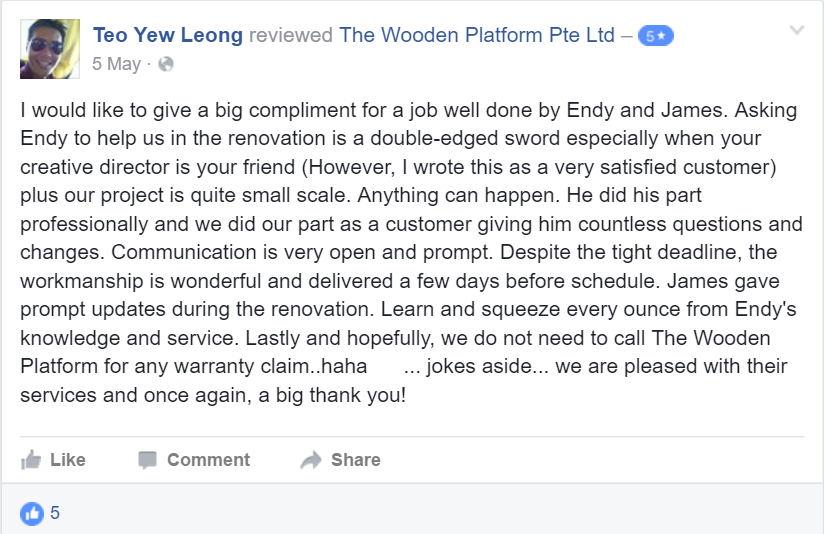
-
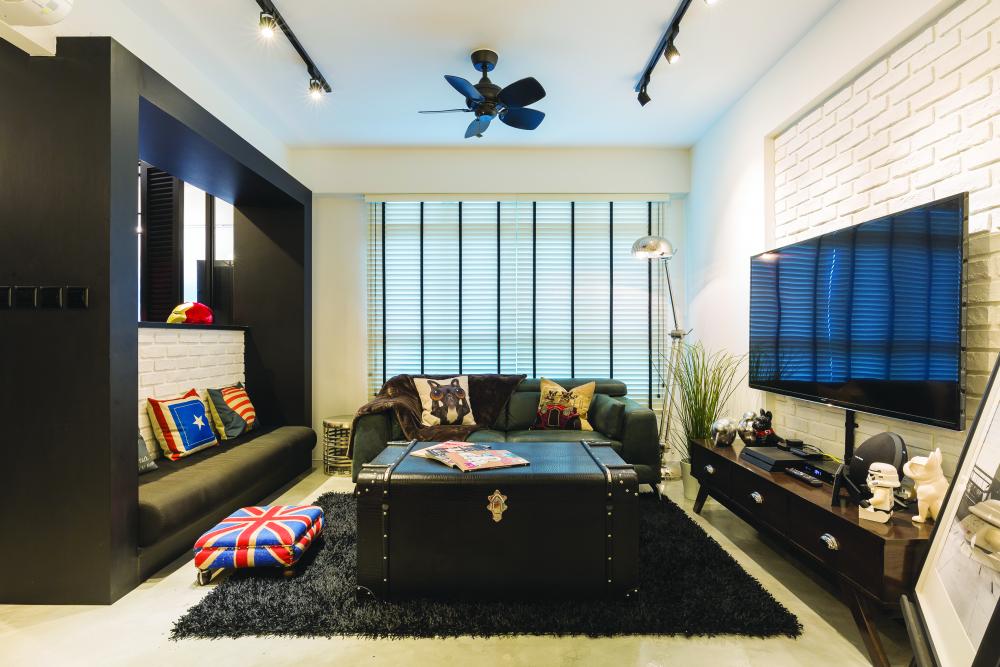
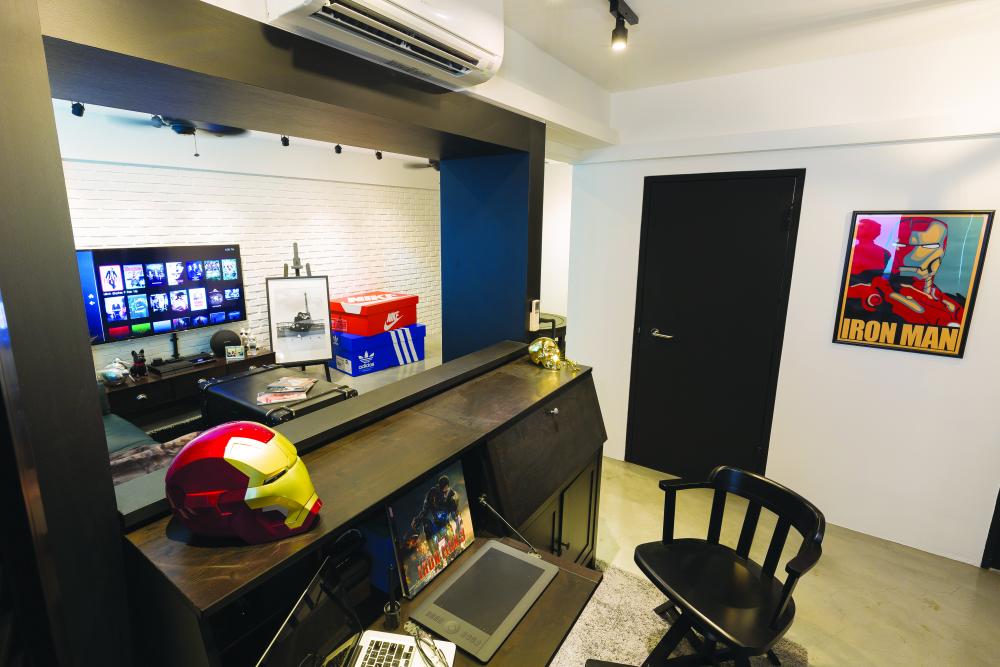
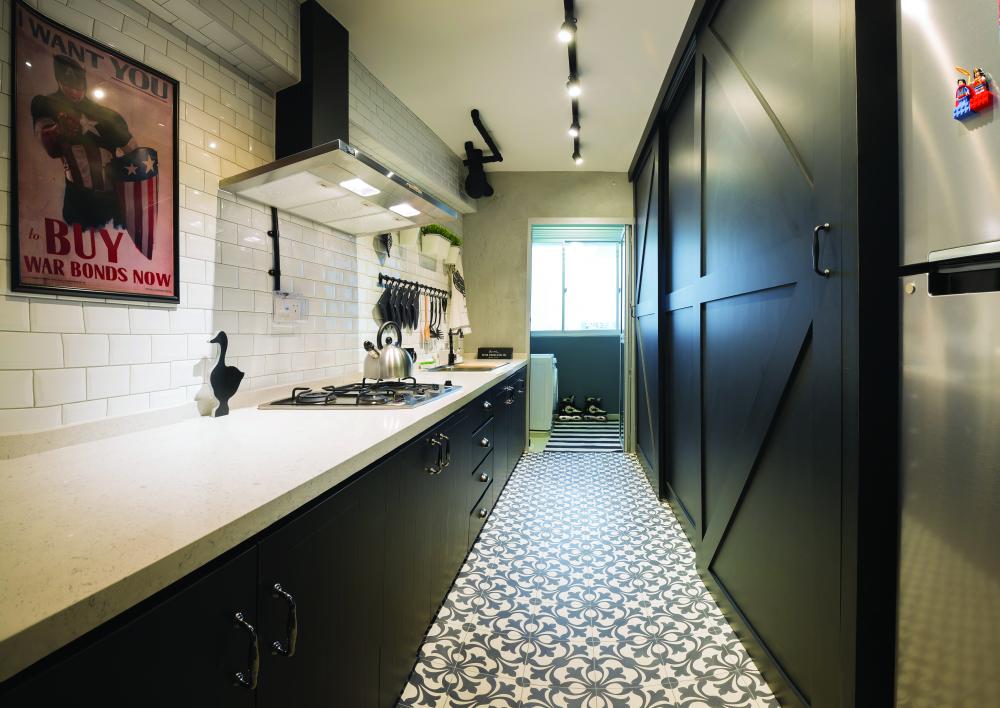
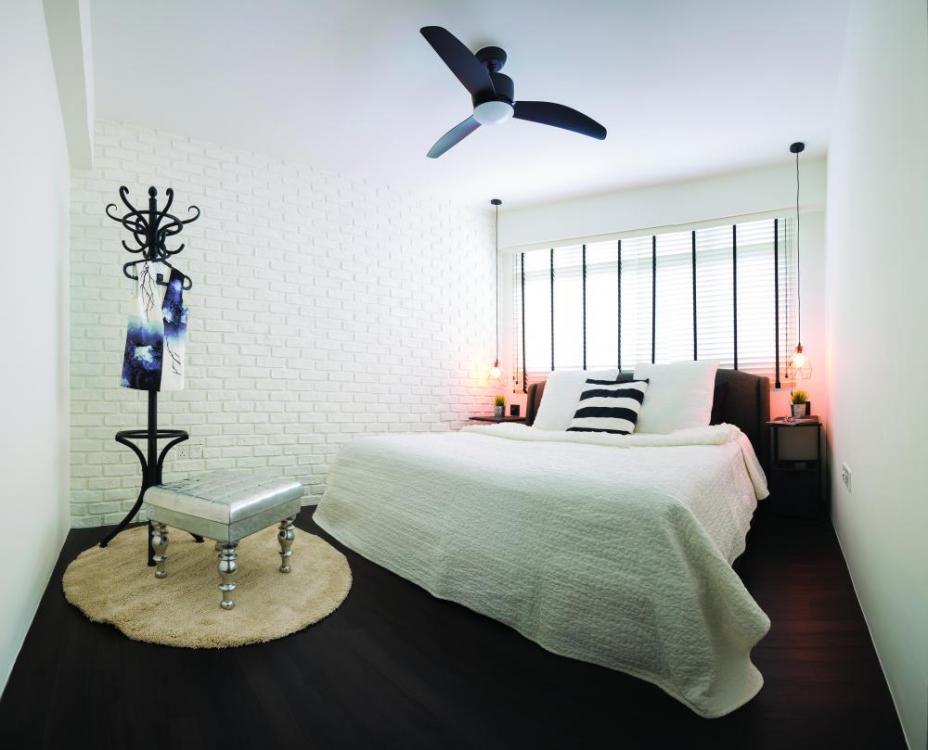
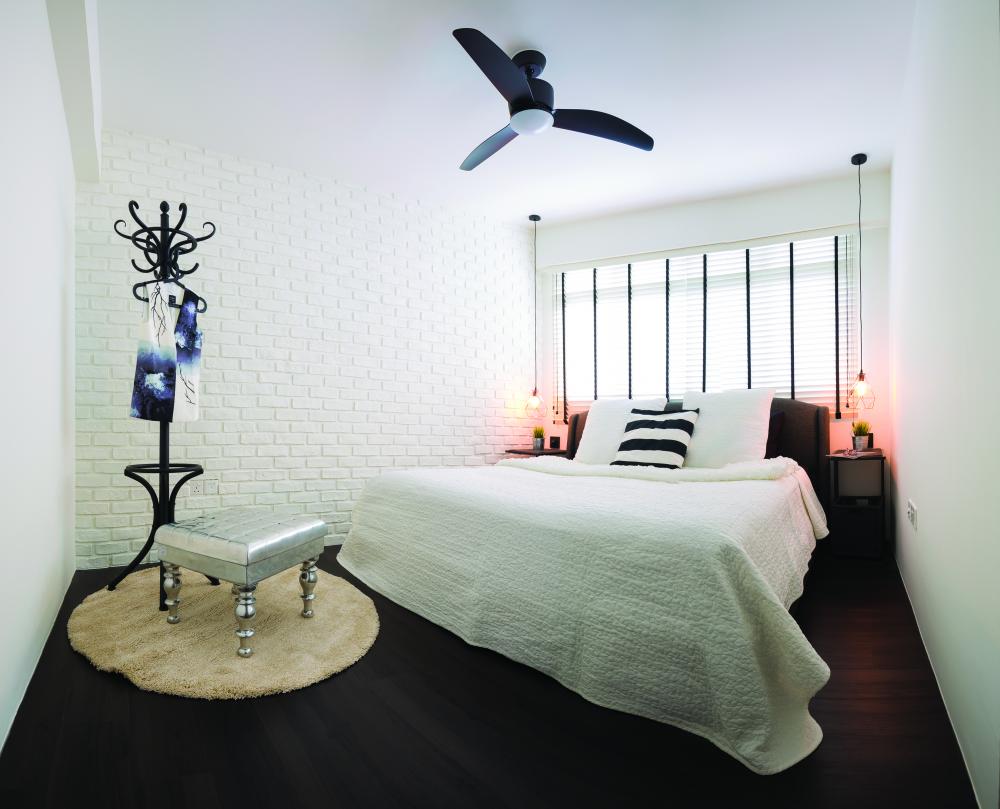
The Wooden Platform, a (blooming/developing) design and consultancy firm of vibrancy, is dedicated to delivering the highest level of customer-focused and reliable design services. Our vision, built from a strong belief of constant care and innovation has guided our business operations since our very first clientele. We create your dream home, like it is our own. Our panel of BCA-qualified design consultants are here to provide ease of mind - from the very first meeting in understanding your needs, to perfecting your idea to a reality in the shortest frame of time. Exceeding your expectations is our mantra. The Wooden Platform Website The Wooden Platform Facebook Tel: 6734 3133 / 8161 3000 E-mail: jasontan@thewoodenplatform.com Address: 280 Woodlands Ind E5 #05-06 Harvest@Woodlands Preview of our portfolio