


muffin123
Members
-
Joined
-
Last visited
Everything posted by muffin123
-
muffin123 replied to muffin123's topic in Renovation Contractors, Interior Designers & Suppliers ReviewsNot convenient to give you their contact here... but maybe you can reach out to them via their facebook page?
-
muffin123 replied to muffin123's topic in Renovation Contractors, Interior Designers & Suppliers ReviewsNot convenient to give you their contact here but maybe you can reach out to them via their facebook page?
-
muffin123 replied to muffin123's topic in Renovation Contractors, Interior Designers & Suppliers ReviewsHello, he is Mr Low and he has two daughters helping him with the business. Not convenient to give you their contact here but maybe you can reach out to them via their facebook page?
-
muffin123 replied to muffin123's topic in Renovation Contractors, Interior Designers & Suppliers ReviewsHello, so sorry I was very new to forum and wasn't sure on how to reply. Paiseh!
-
Hi Priscilla, unfortunately I dont have it anymore... try reaching out to them for one?
-
PM you!
-
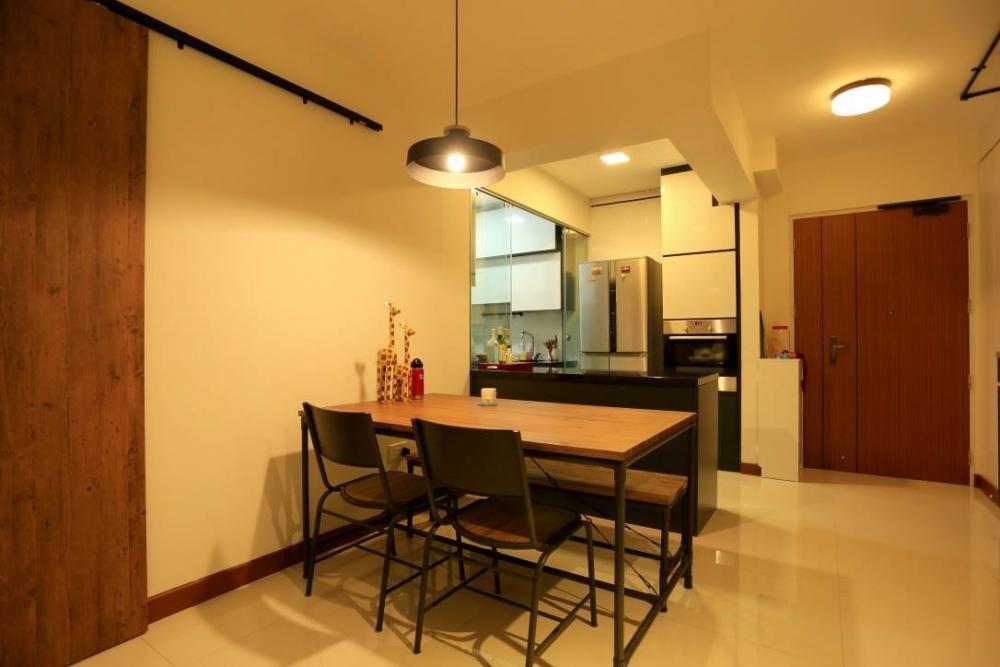
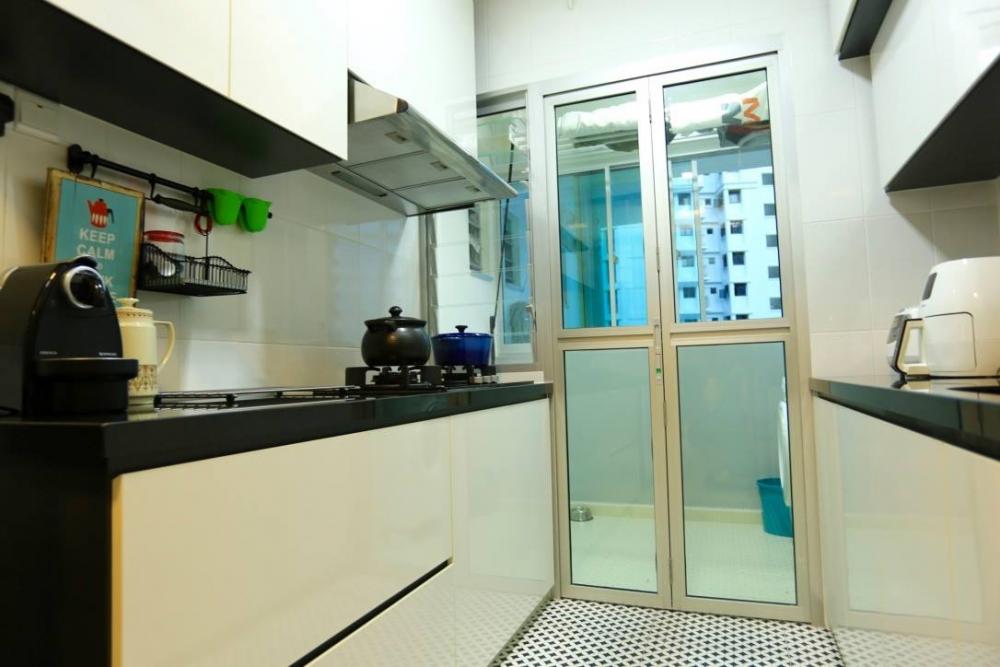
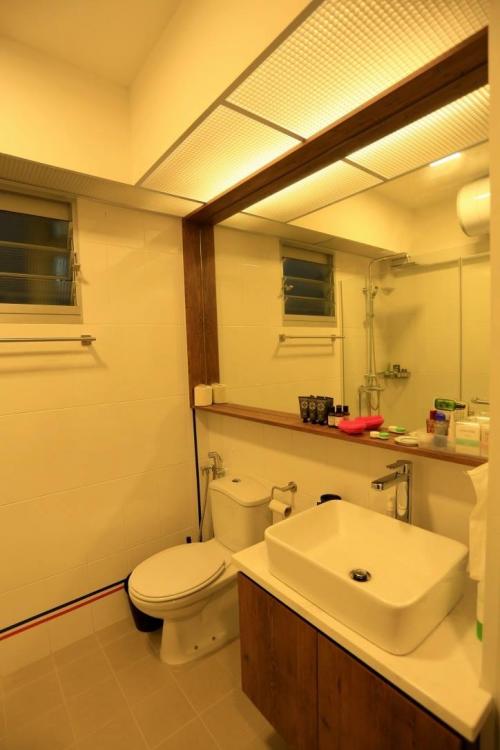
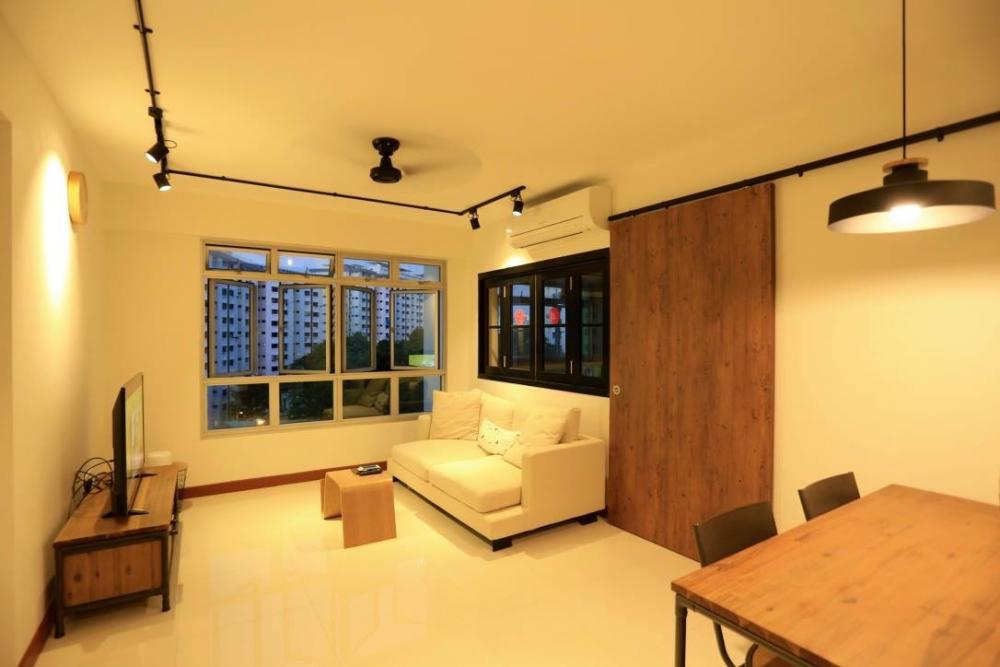
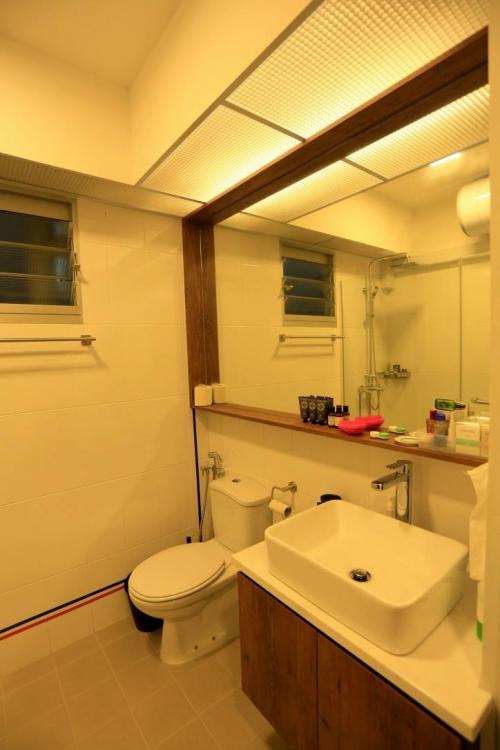
Hi everyone! Just wanted to recommend Teng Hong Renovate. I renovated my BTO 4-room flat last year with them. It is a small family run business and the owner is very down to earth and easygoing. Pricing wise is very competitive too. I did not engage an ID, so I told Mr Low (the contractor) what I want to do with my place and he advised us accordingly whether it is doable or not. Here's some photos of my humble abode. I demolished the wall between the kitchen and dining area, and the wall between my living room and bedroom 3 for a bigger space. I really love the outcome of the renovation! Highly recommend Mr Low! You can contact them via their facebook page and they will give you a quotation. Hope this helps!



-
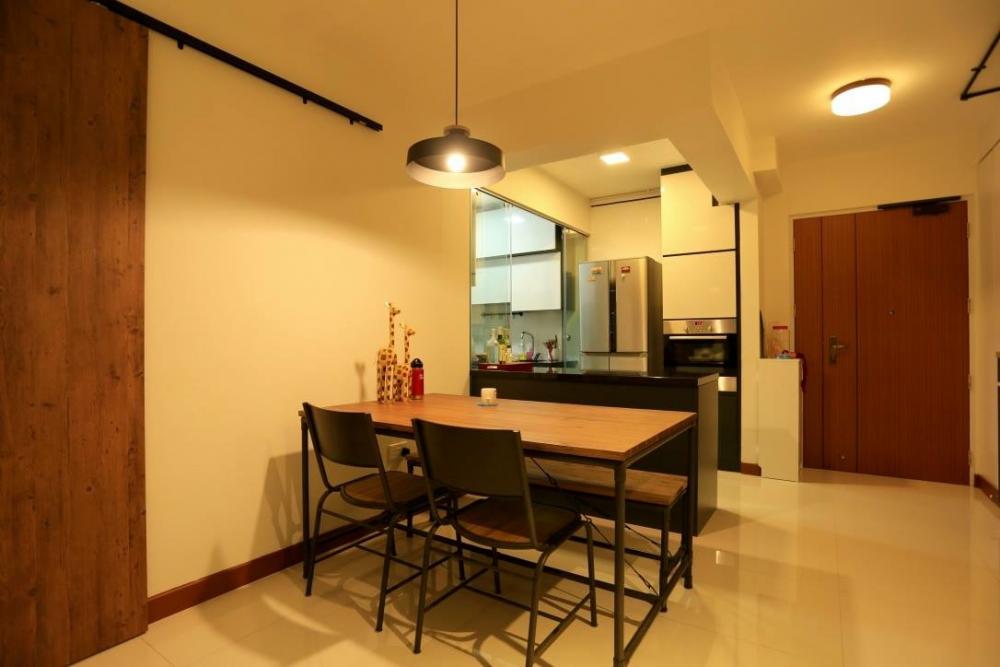
I renovated my BTO 4-room flat last year with Teng Hong Renovate. It is a small family run business and the owner is very down to earth and easygoing.
