


alanleong
Members
-
Joined
-
Last visited
-
Looking for a quick quotation or enquiry? Just less than 3mins walk from your new place! Your friendly neighbour Renoguyz is just located at Block 3 #01-85. For appointment or online enquiry please call: Alan Leong @ 85111444 or email to alanleong@outlook.com. OR Brayden Yew @ 86680899 or email brayden.yew@gmail.com. ! 100% free with no obligation ! ! Saves your time, cost & hassle time ! ! Quick response on quotation within 24hrs !
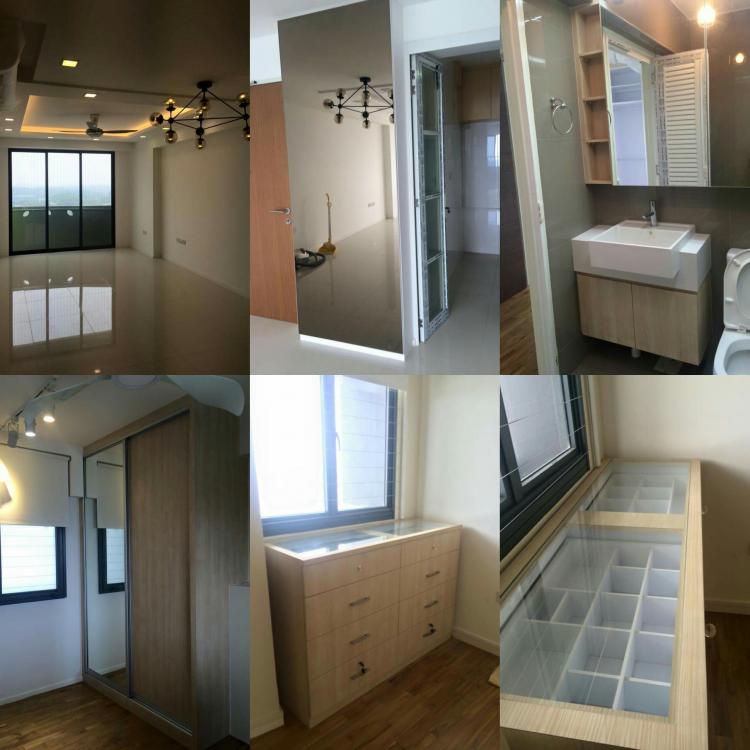
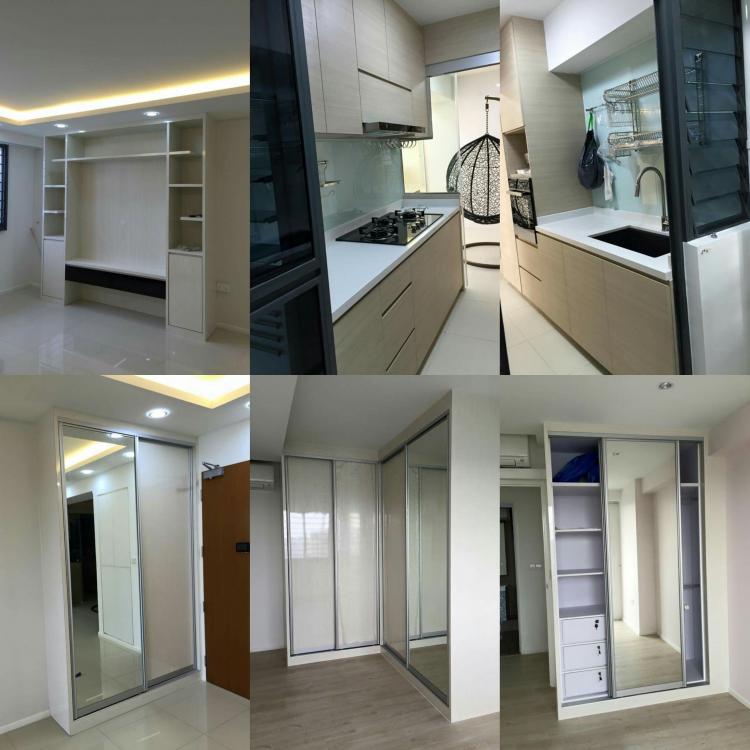

-
alanleong replied to myimaginaryhome's topic in HDB BTO Flat, Executive and Private Condo Development UpdatesLooking for a quick quotation or enquiry? Just less than 5mins walk away your new place! Your friendly neighbour Renoguyz is just located at block 3 #01-85. For online enquiry. Please call Alan @ 85111444 or email to alanleong@outlook.com! ! 100% free and no obligation ! ! Saves your time, cost and hassle time ! ! Fast response on quote request within 24hrs !