Skip to content
View in the app

A better way to browse. Learn more.

RenoTalk.com ™

A full-screen app on your home screen with push notifications, badges and more.

To install this app on iOS and iPadOS
  1. Tap the Share icon in Safari
  2. Scroll the menu and tap Add to Home Screen.
  3. Tap Add in the top-right corner.
To install this app on Android
  1. Tap the 3-dot menu (⋮) in the top-right corner of the browser.
  2. Tap Add to Home screen or Install app.
  3. Confirm by tapping Install.

Jai

Members
  • Joined

  • Last visited

Everything posted by Jai

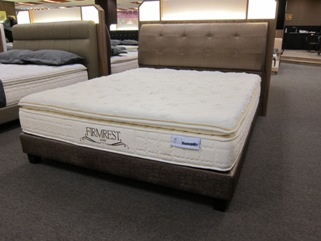
  1. Actually the mattresses are also available. Additional 30% discount is available for buyers purchasing both mattresses.
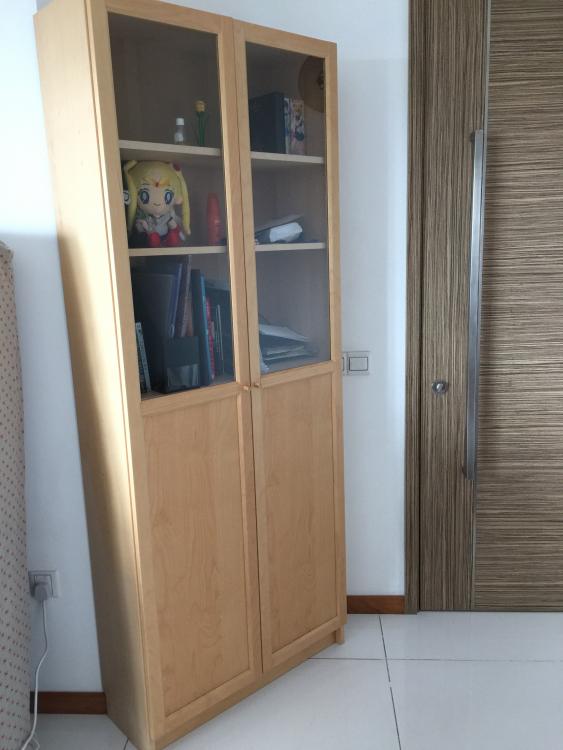
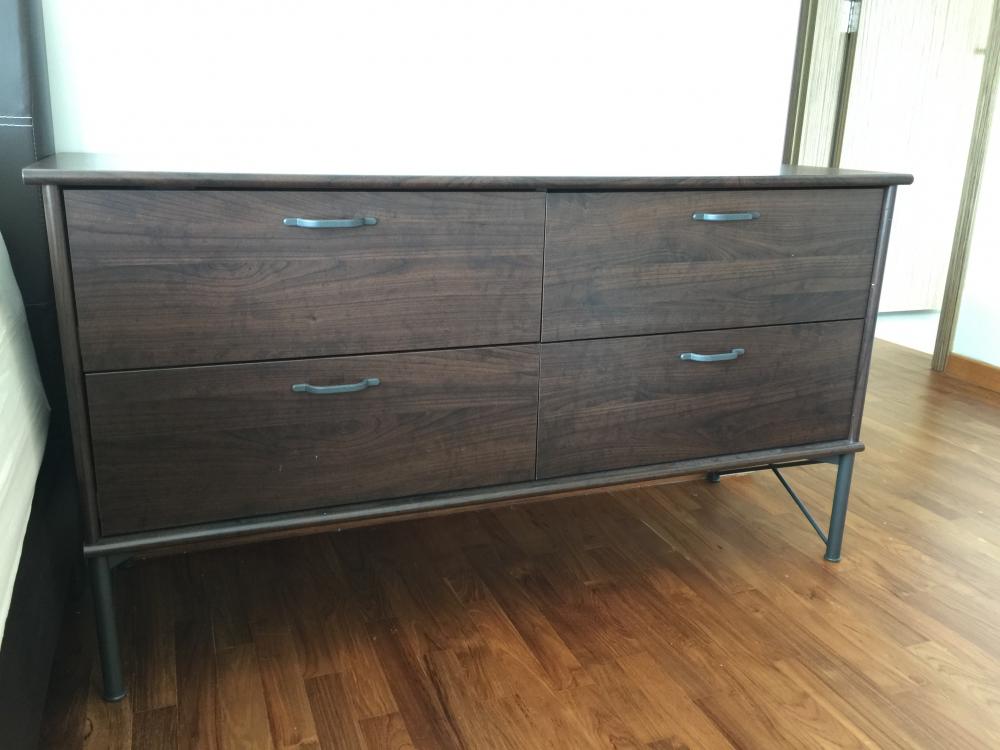
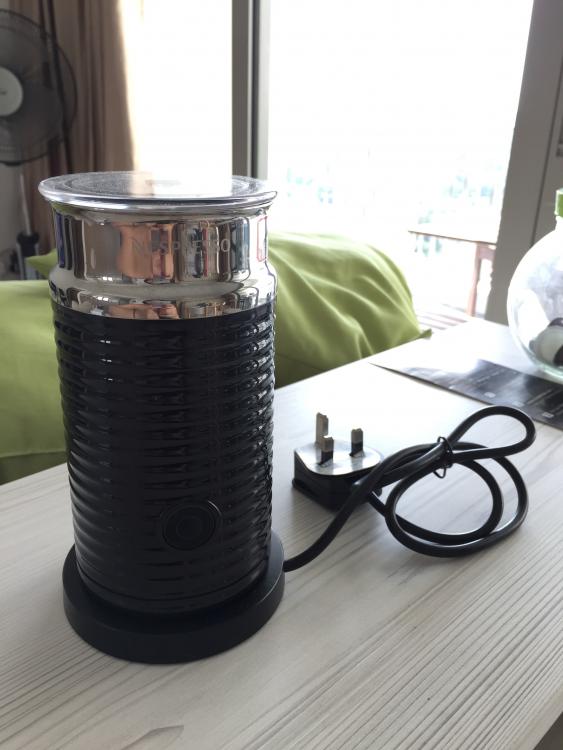
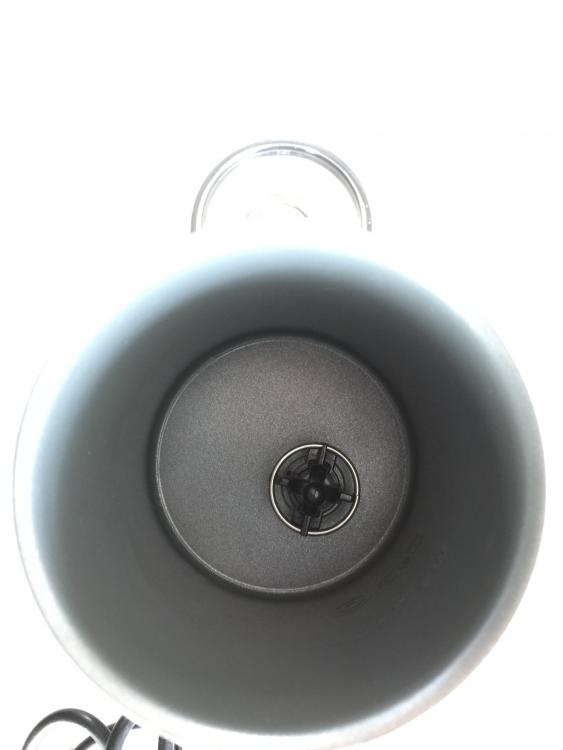
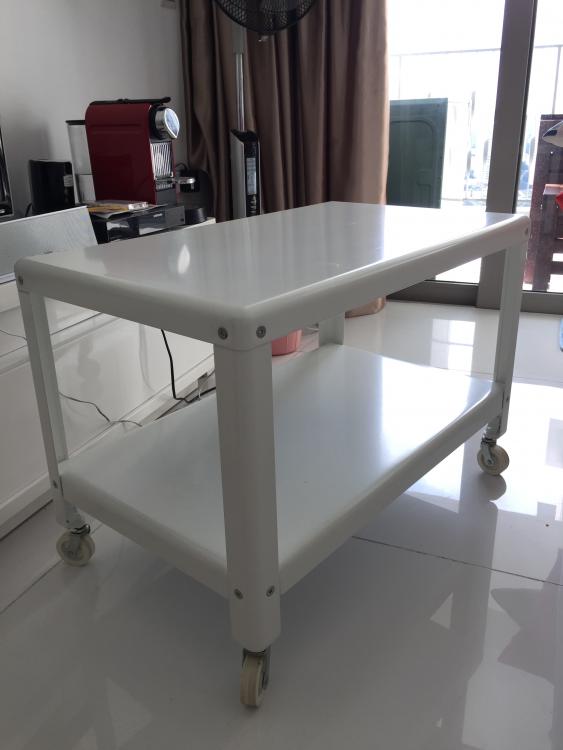
  2. Hi, Sorry for late reply. Most of the items are already gone. Right now I still have the bookshelf, milk foamer, fan (with remote control), coffee table with wheels and bedside drawers. Let me know if you are interested in any of these. Unfortunately I don't offer viewing unless the buyer confirms to buy the item on the spot if no defect is found in the item. Thanks. Jai
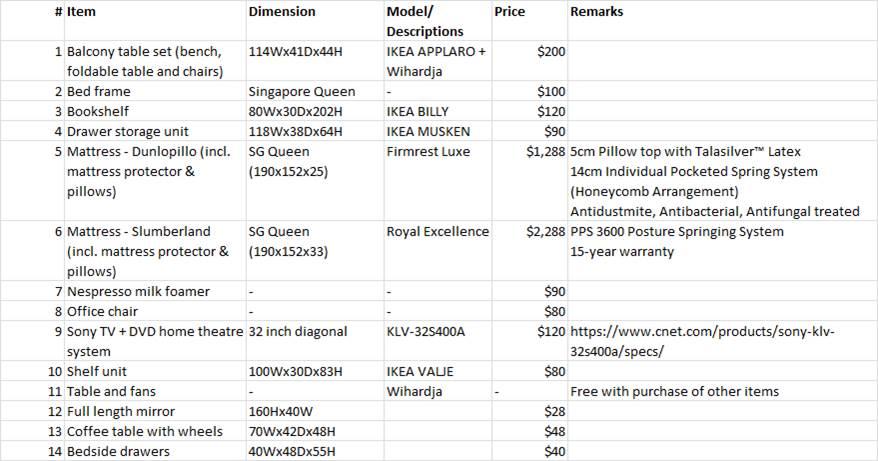
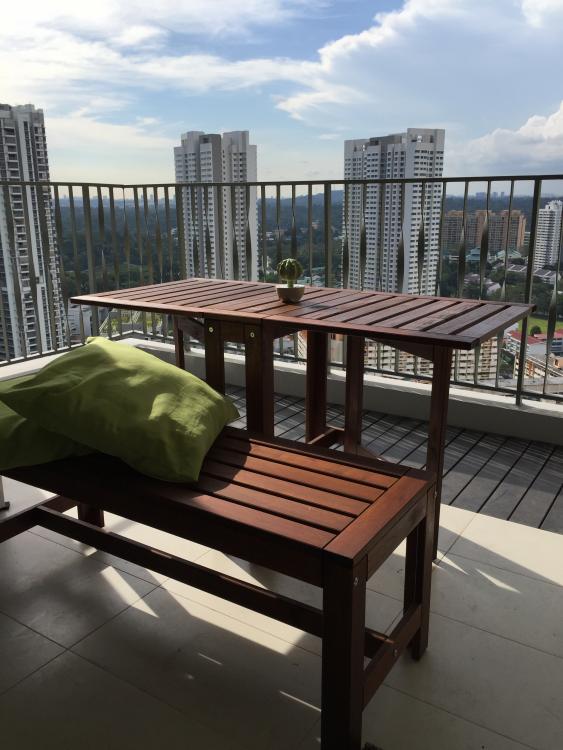
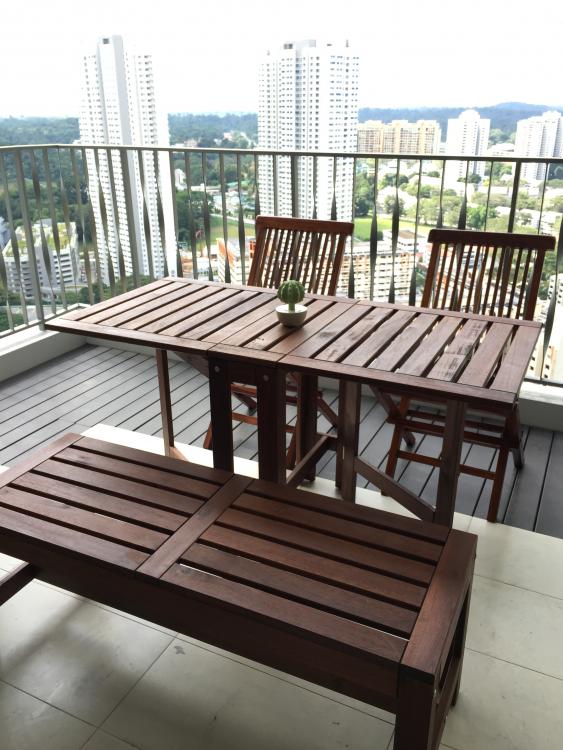
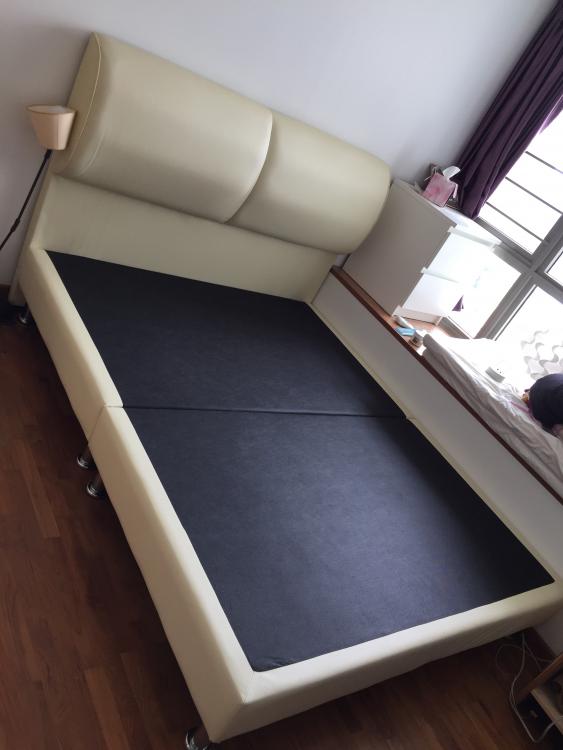
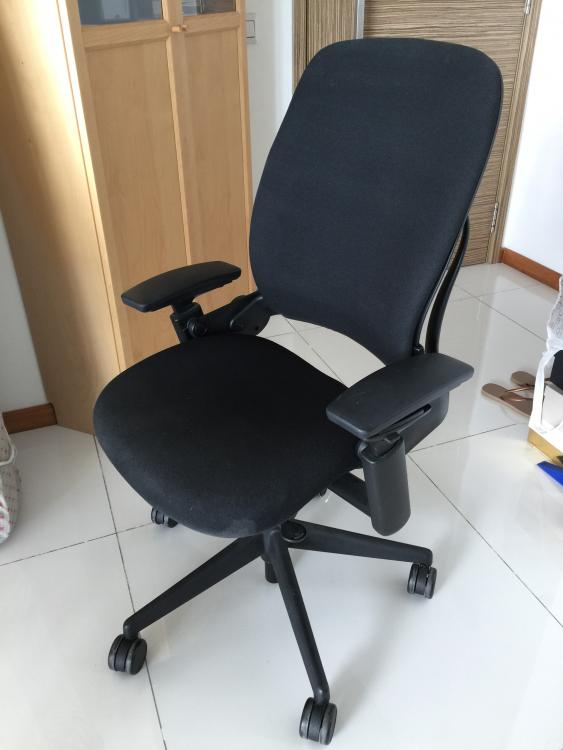
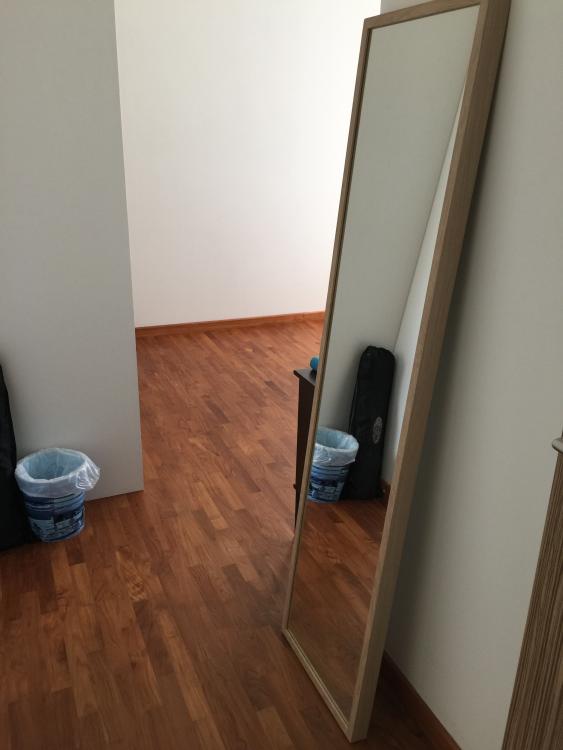
  3. List of items for sale listed below. Discount available for purchase of multiple items. Serious buyers only. Thanks. Jai

Account

Navigation

Search

Search

Configure browser push notifications

Chrome (Android)
  1. Tap the lock icon next to the address bar.
  2. Tap Permissions → Notifications.
  3. Adjust your preference.
Chrome (Desktop)
  1. Click the padlock icon in the address bar.
  2. Select Site settings.
  3. Find Notifications and adjust your preference.