Skip to content
View in the app

A better way to browse. Learn more.

RenoTalk.com ™

A full-screen app on your home screen with push notifications, badges and more.

To install this app on iOS and iPadOS
  1. Tap the Share icon in Safari
  2. Scroll the menu and tap Add to Home Screen.
  3. Tap Add in the top-right corner.
To install this app on Android
  1. Tap the 3-dot menu (⋮) in the top-right corner of the browser.
  2. Tap Add to Home screen or Install app.
  3. Confirm by tapping Install.

carzen1660

Members
  • Joined

  • Last visited

Everything posted by carzen1660

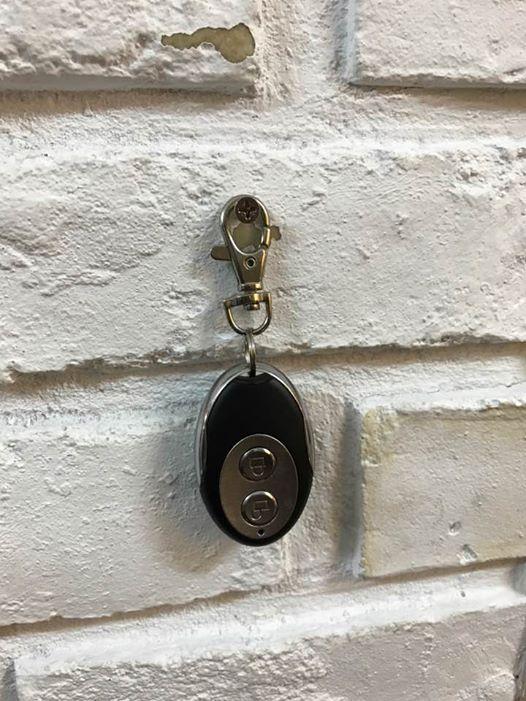
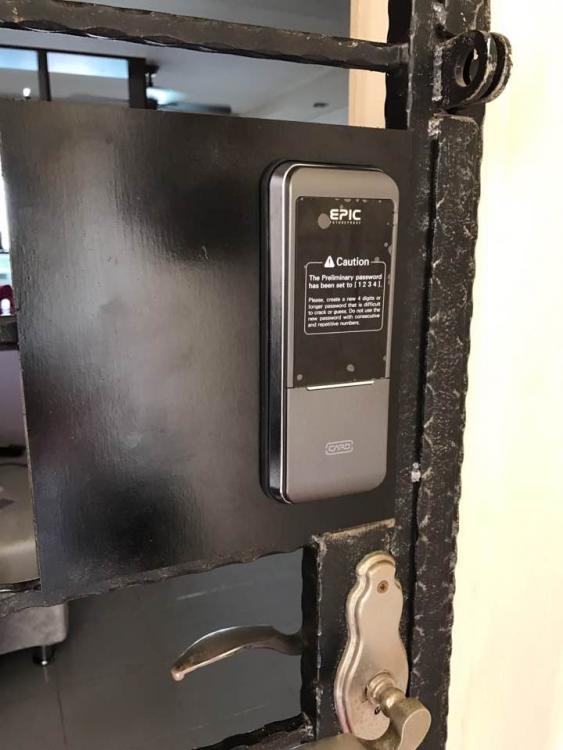
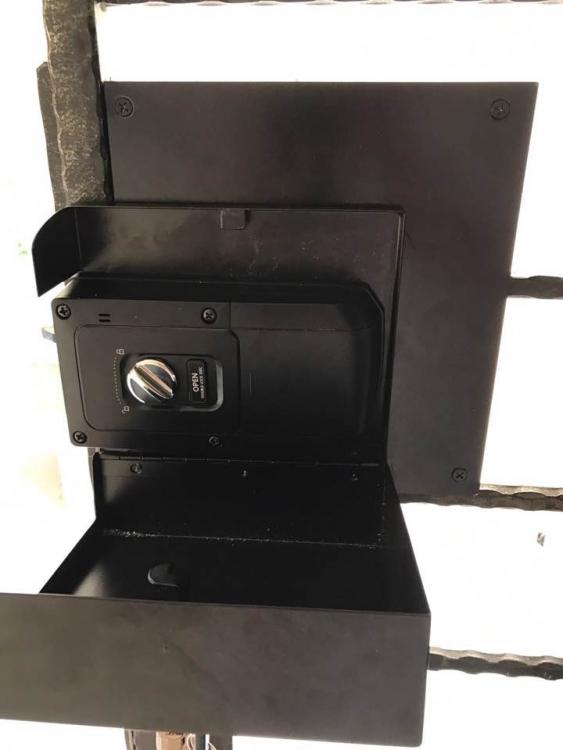
  1. Selling brand new epic gate digital lock for hdb/bto gate. - Made In Korean - Unlock by using card, password or remote control - Register up to 30 user card - One Time Password - Scramble Code Function - Easy Installation Letting go as i bought 2 sets by accident. Self collection at yishun. Whatsapp/ SMS 81554069 to deal or request for more pic/video
Account

Navigation

Search

Search

Configure browser push notifications

Chrome (Android)
  1. Tap the lock icon next to the address bar.
  2. Tap Permissions → Notifications.
  3. Adjust your preference.
Chrome (Desktop)
  1. Click the padlock icon in the address bar.
  2. Select Site settings.
  3. Find Notifications and adjust your preference.