Whiskyya Lo
Members
-
Joined
-
Last visited
Everything posted by Whiskyya Lo
-
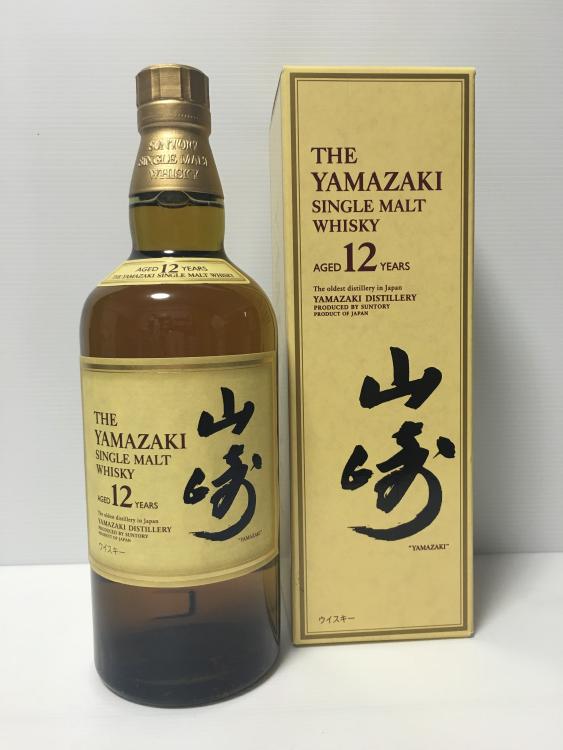
Yamazaki 12yrs X 3pcs to Let Go Cheap. Best Offer Secure subject to stock last. For enquiry, pls Whats Apps Hp: 9635 3518 Cass Koh. Buy Yamazaki 12yrs Whisky, Order Yamazaki 12yrs Whisky, Buy Japanese Whisky, Order Japanese Whisky,
-
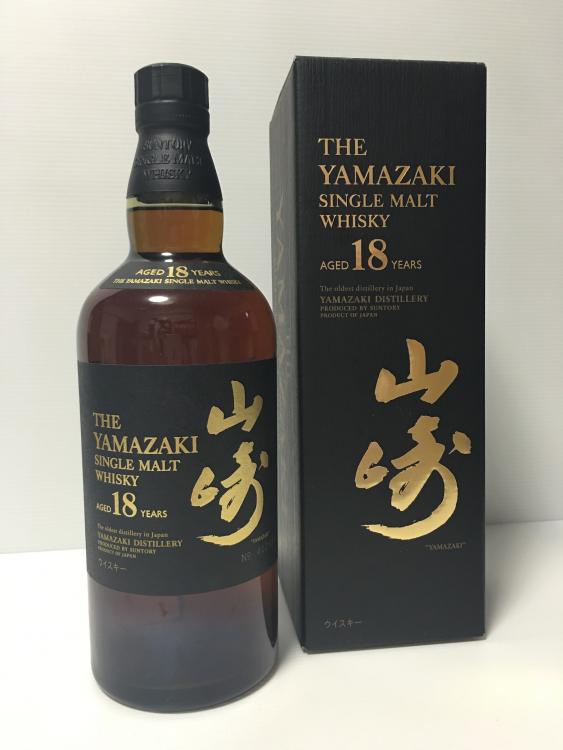
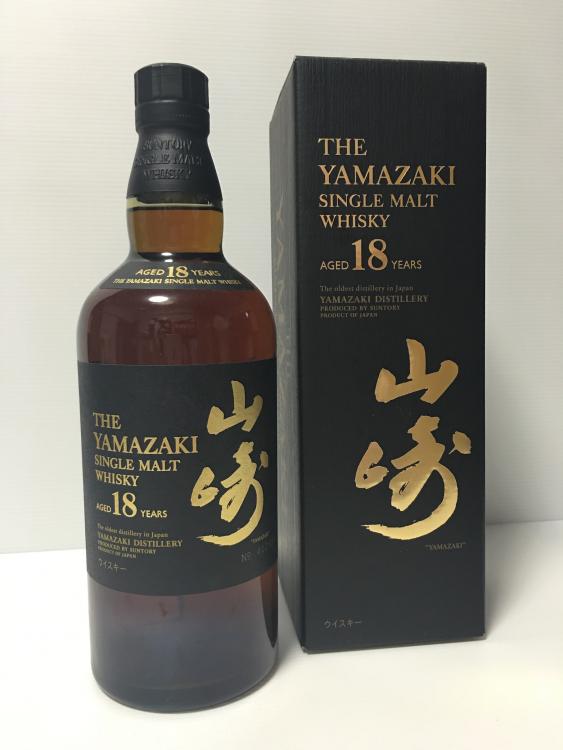
Yamazaki 18yrs X 3pcs to Let Go Cheap. Best Offer Secure subject to stock last. For enquiry, pls Whats Apps Hp: 9635 3518 Cass Koh. Buy Yamazaki 18yrs Whisky, Order Yamazaki 18yrs Whisky, Buy Japanese Whisky, Order Japanese Whisky,
-
9635 3518 Drink2Connect. Are You Looking for online alcohol store for ordering Yamazaki Whisky, Hibiki Whisky, Japanese Whisky and ... Our aim to be YOUR ONE STOP place for your premium alcohol needs in Singapore. 24/7 Delivery to your Doorstep with Easy Payment Online. 65 Ubi Road 1, #02-76 Oxley Bizhub 1. Singapore 408729 For enquiry, pls Whats Apps Hp: 9635 3518 Cass Koh Buy Yamazaki whisky, Order Yamazaki Whisky, Yamazaki Whisky Singapore Buy Hibiki Whisky, Order Hibiki Whisky, Hibiki Whisky Singapore Buy Japanese whisky, Order Japanese Whisky, Japanese Whisky Singapore Alcohol Delivery Singapore, Liquor Delivery Singapore, Beer Delivery Singapore, Wine Delivery Singapore, Champagne delivery Singapore, Alcohol Importer Singapore, Liquor Importer Singapore, Beer Importer Singapore, Wine Importer Singapore, Champagne Importer Singapore,