shanonsim
Members
-
Joined
-
Last visited
Everything posted by shanonsim
-
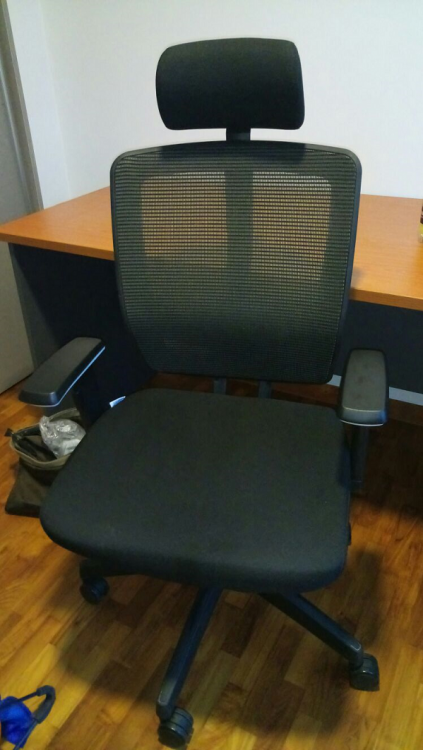
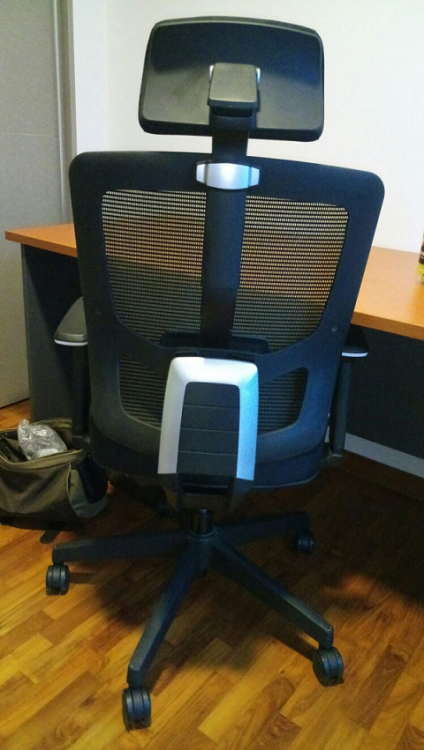
Very premium high-back office chair in excellent condition Reclinable with head rest, many adjustable functions $100, including delivery to your doorstep at no extra charge Viewing possible at Tampines St 86 Bought new from Comfort Design in Dec 2013 for $420 Selling due to clearing out study room for arrival of baby
-
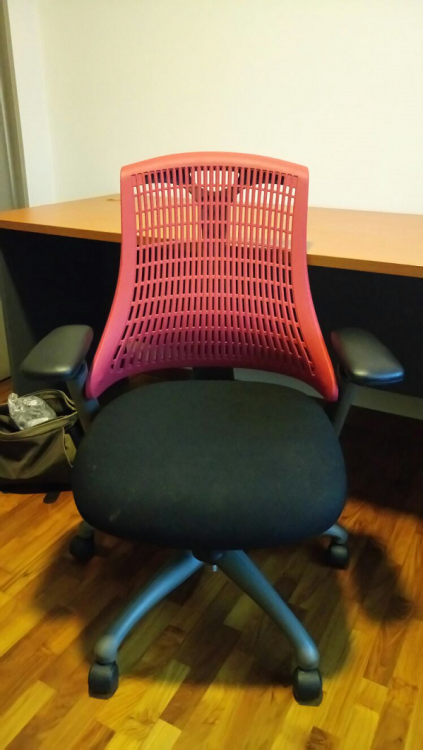
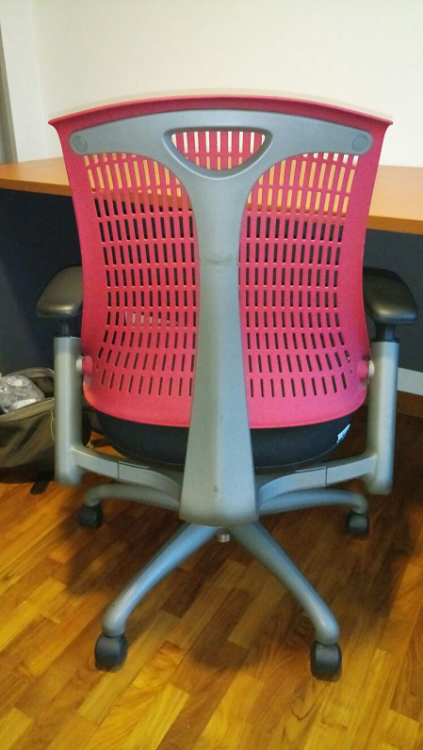
Premium office chair, very comfortable and ergonomic $60, including delivery to your doorstep at no extra charge Viewing possible at Tampines St 86 Bought new from Comfort Design in Dec 2013 for $280 Selling due to clearing out study room for arrival of baby
-
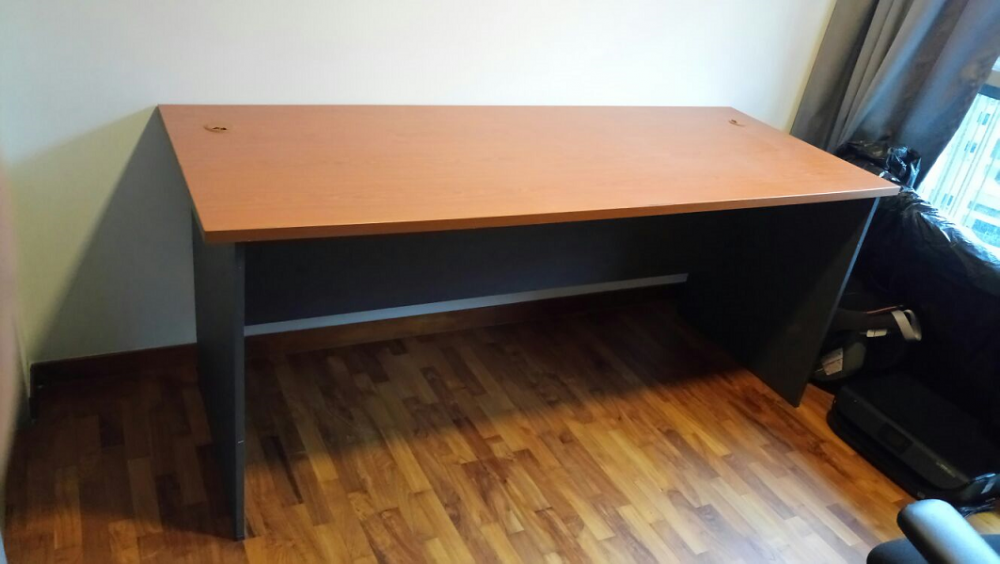
Large study desk, 180cm (length) x 70cm (width) x 75cm (height) Bought from Defu Furniture in Dec 2013 for $260 Selling due to clearing out study room for arrival of baby Asking for $50, does not include delivery