



Skip to content
View in the app

A better way to browse. Learn more.

RenoTalk.com ™

A full-screen app on your home screen with push notifications, badges and more.

To install this app on iOS and iPadOS
  1. Tap the Share icon in Safari
  2. Scroll the menu and tap Add to Home Screen.
  3. Tap Add in the top-right corner.
To install this app on Android
  1. Tap the 3-dot menu (⋮) in the top-right corner of the browser.
  2. Tap Add to Home screen or Install app.
  3. Confirm by tapping Install.

moverssg

Members
  • Joined

  • Last visited

Everything posted by moverssg

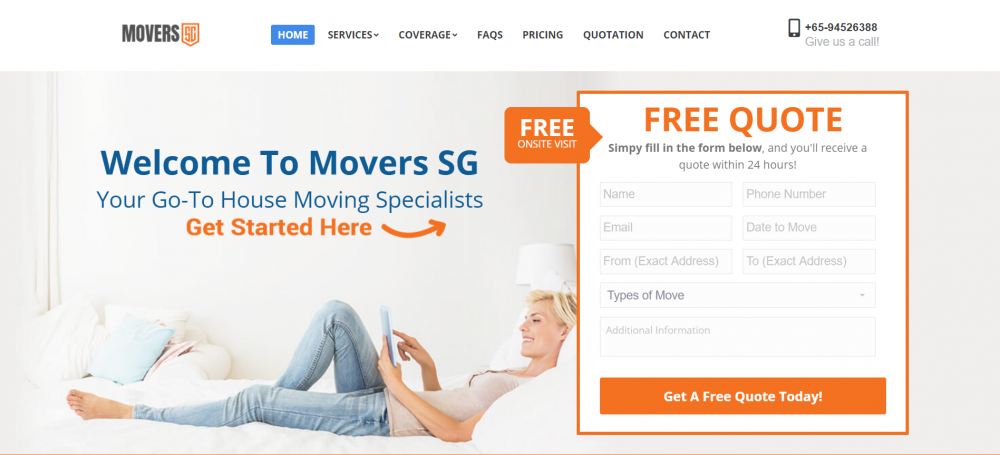
  1. We are using top of the line machinery and trucking vehicles, transporting all your goods will be done in a breeze. Our goal is to provide you affordable packages, proper packaging, and an overall stress-free moving experience. We have established a very good rapport between our valued customers making them comfortable to visit us every now and then for their relocation. Call us now! Phone: +65 9452 6388 Email: enquiry@moverssingapore.com.sg Address - 308 Hougang Ave 5, Singapore 530308 Website - https://www.moverssg.com/
Account

Navigation

Search

Search

Configure browser push notifications

Chrome (Android)
  1. Tap the lock icon next to the address bar.
  2. Tap Permissions → Notifications.
  3. Adjust your preference.
Chrome (Desktop)
  1. Click the padlock icon in the address bar.
  2. Select Site settings.
  3. Find Notifications and adjust your preference.