Jescinda
Members
-
Joined
-
Last visited
-
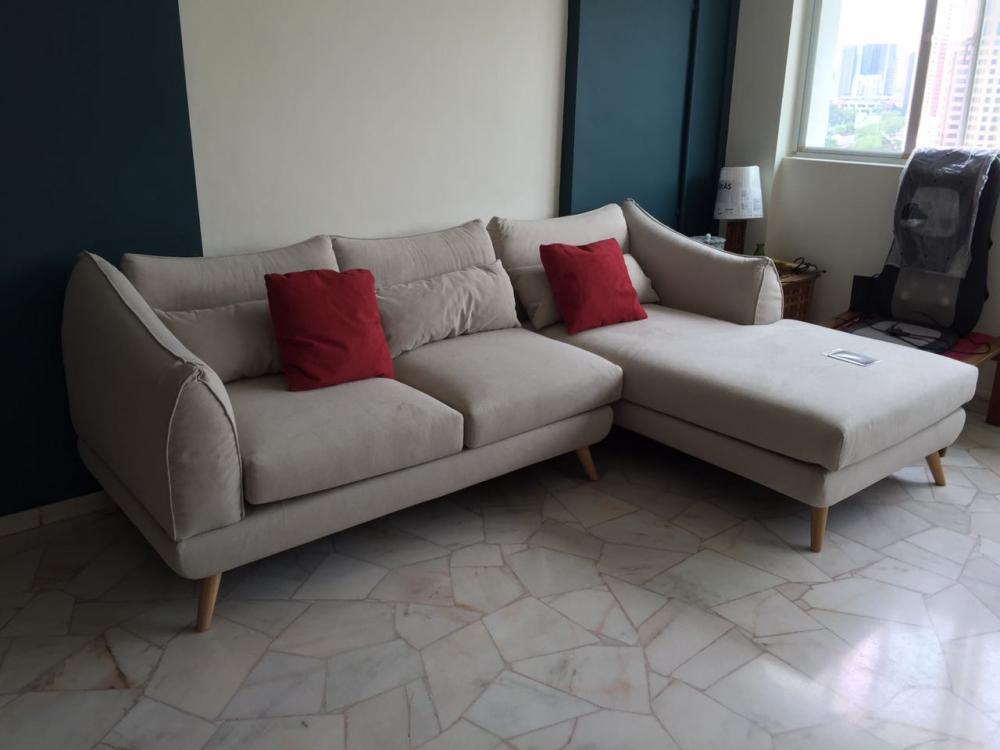
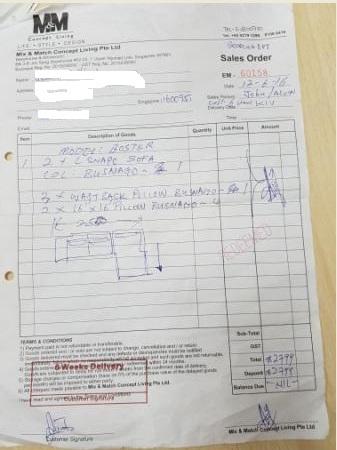
Hi all I thought I shared my experience with them. My overall dealing with Boss Alvin was good. Like all of you, I bought my sofa at the exhibition on June 16 while shopping with my sister in law who were looking for sofa too. And I paid full.. then I did a search on them. Was concerned initially given the feedback that we read & that I paid in full & she 50%. About 3 weeks later we went down to their exhibition as my sister in laws wanted to change some configuration of her items. In fact, she changed twice. And I changed the fabric color to lighter without issue. On 17 Jan 17, my sofa came, exactly what I wanted. All through what's app correspondence with Alvin. His reply was swift using whats app voice (LOL). And his staff called me to confirm delivery as well. There is a 5 years warranty on the foam which I don't remember it was mentioned or maybe I did not hear properly. So keep your receipt well! I attached my photo & receipt here so you can see. So I think no issue buying from them. Though they do look a bit beng! (;-)