Skip to content
View in the app

A better way to browse. Learn more.

RenoTalk.com ™

A full-screen app on your home screen with push notifications, badges and more.

To install this app on iOS and iPadOS
  1. Tap the Share icon in Safari
  2. Scroll the menu and tap Add to Home Screen.
  3. Tap Add in the top-right corner.
To install this app on Android
  1. Tap the 3-dot menu (⋮) in the top-right corner of the browser.
  2. Tap Add to Home screen or Install app.
  3. Confirm by tapping Install.

Claraw

Members
  • Joined

  • Last visited

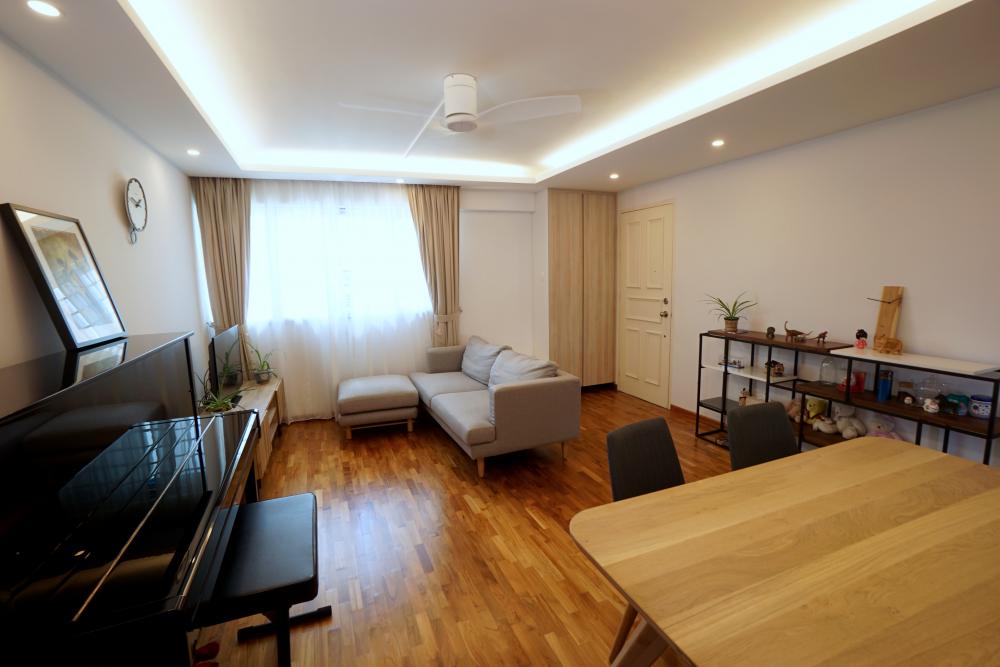
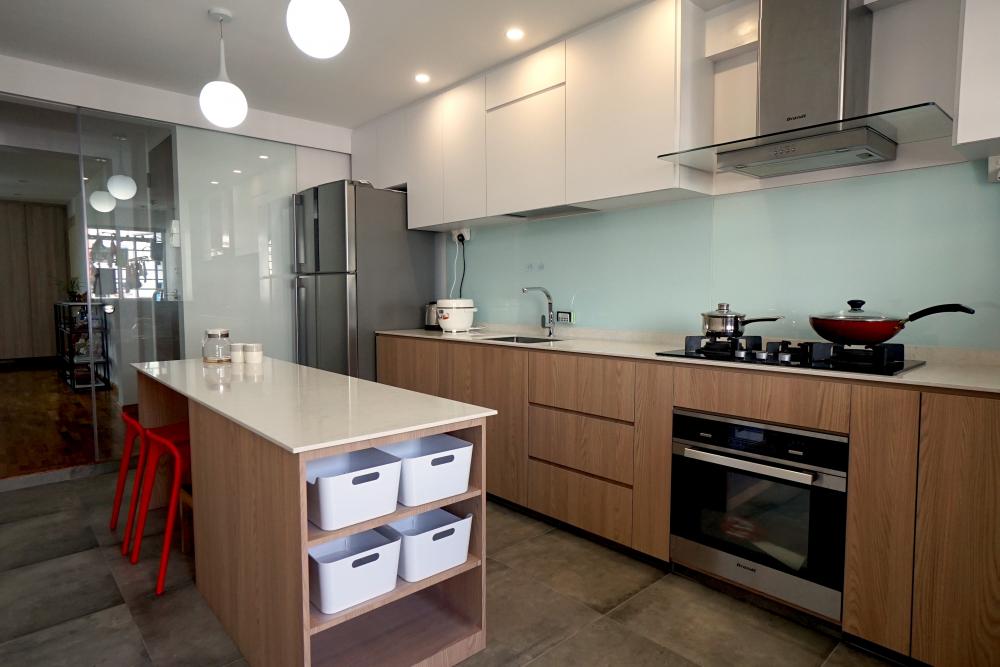
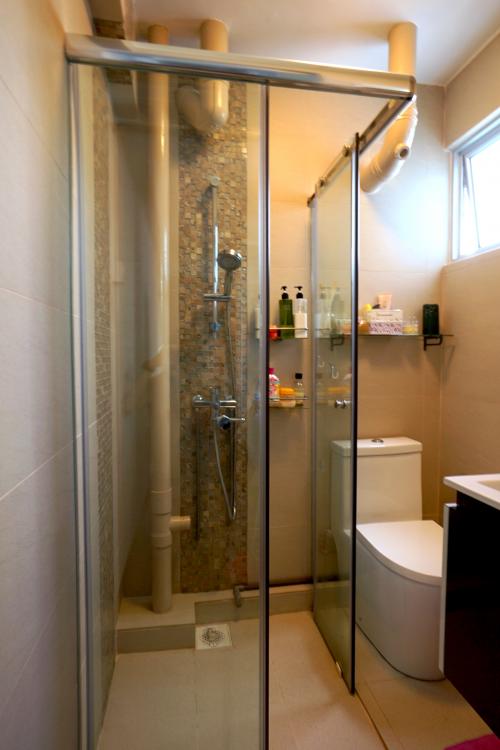
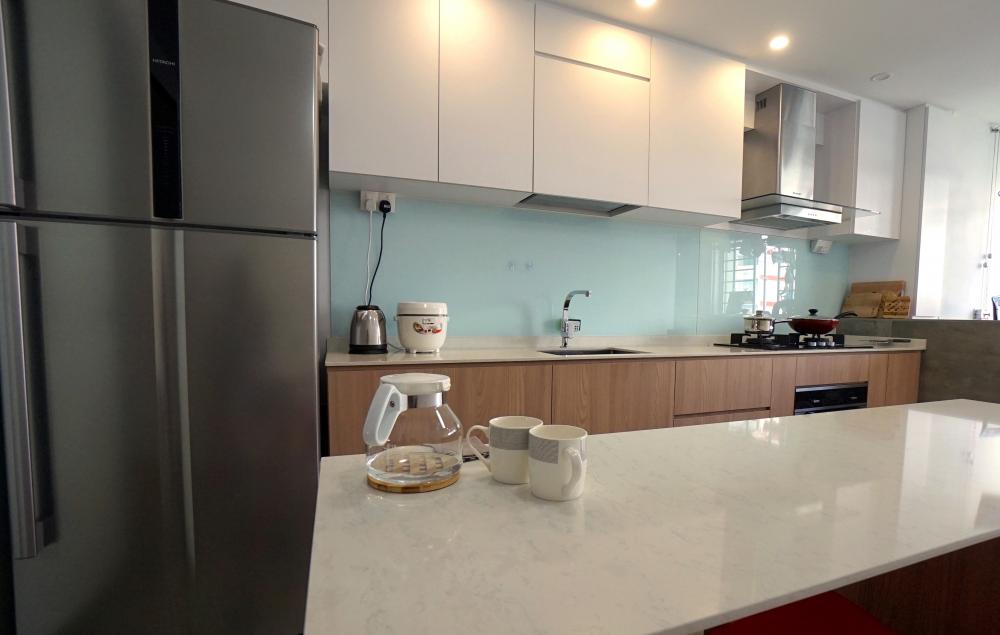
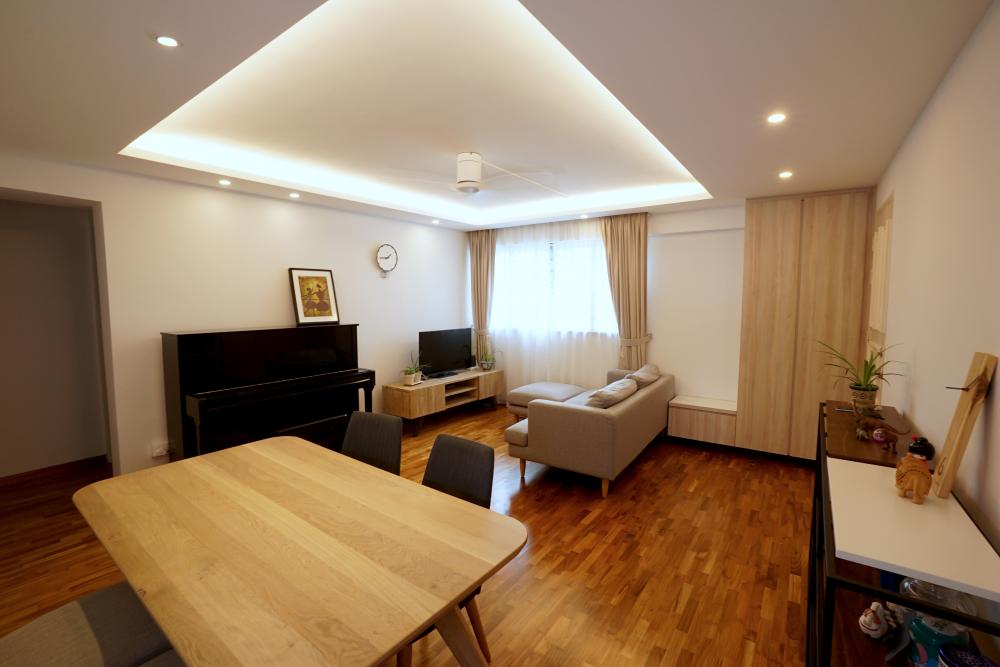
  1. I just want to share the simple makeover of my 36 year old 4 room HDB into a fresh looking home that I look forward to come home to everyday. Basically took a very original condition flat with old renovation and did a major revamp. Flooring was changed to parquet cos i love real wood. Walls were plastered and false ceiling installed with cove lights and downlights. Electrical trunking was kept to an absolute minimum. I wanted an island in the kitchen, so we could eat and make food preparation on it. The toilets need major work and converting the squat to seated WC. The highlight for me was the shower enclosure in the master bedroom! Hope you love it as much as I do!

Account

Navigation

Search

Search

Configure browser push notifications

Chrome (Android)
  1. Tap the lock icon next to the address bar.
  2. Tap Permissions → Notifications.
  3. Adjust your preference.
Chrome (Desktop)
  1. Click the padlock icon in the address bar.
  2. Select Site settings.
  3. Find Notifications and adjust your preference.