Simonlimkg
Members
-
Joined
-
Last visited
Everything posted by Simonlimkg
-
Hi All need some help, my contractor collected his down payment and did work half way and declared that he do not wish to continue the renovations Now my house is half done and contractor is uncontactable Where can I go for help ? Anyway, no to bad mouth this contractor, but is really irresponsible company named is Hi Yang Renovations please advise
-
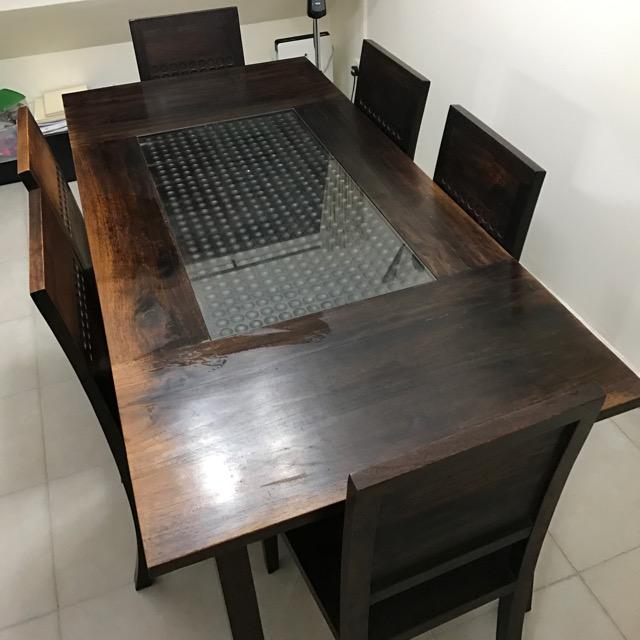
kindly contact owner for full listing