Skip to content
View in the app

A better way to browse. Learn more.

RenoTalk.com ™

A full-screen app on your home screen with push notifications, badges and more.

To install this app on iOS and iPadOS
  1. Tap the Share icon in Safari
  2. Scroll the menu and tap Add to Home Screen.
  3. Tap Add in the top-right corner.
To install this app on Android
  1. Tap the 3-dot menu (⋮) in the top-right corner of the browser.
  2. Tap Add to Home screen or Install app.
  3. Confirm by tapping Install.

tingmei87

Members
  • Joined

  • Last visited

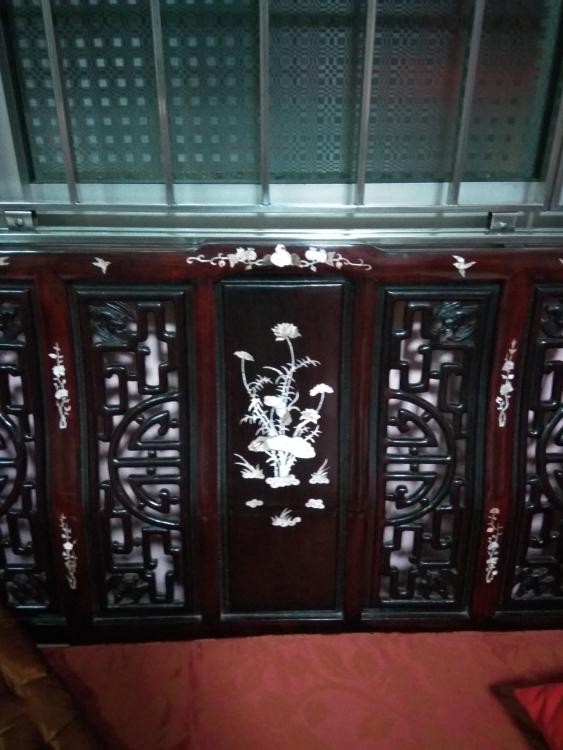
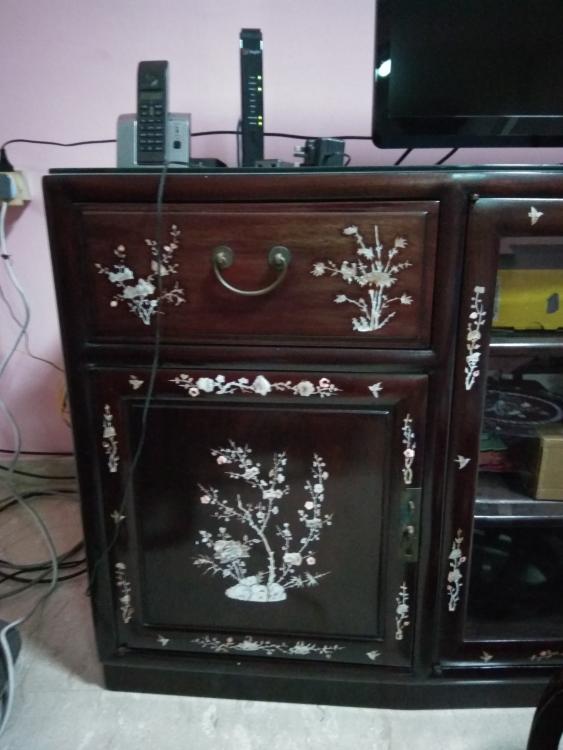
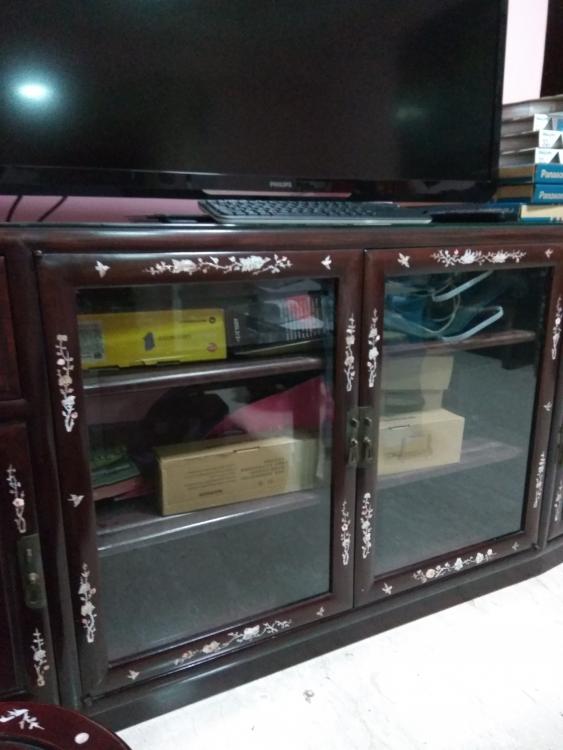
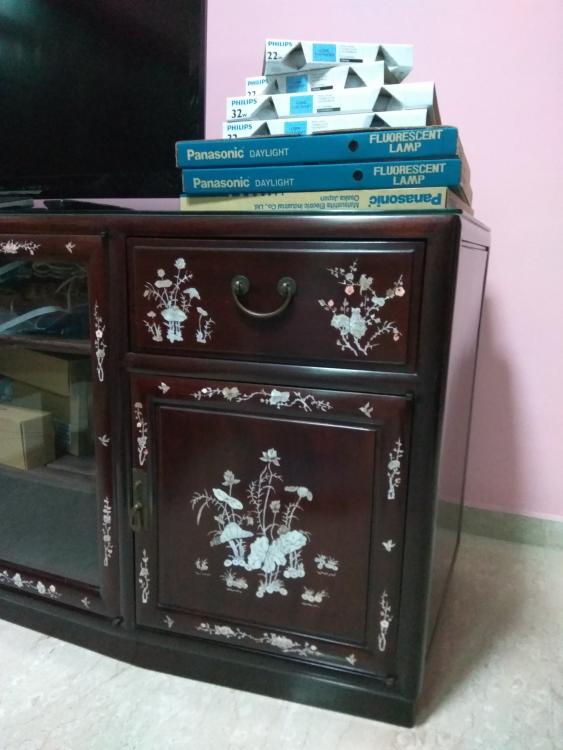
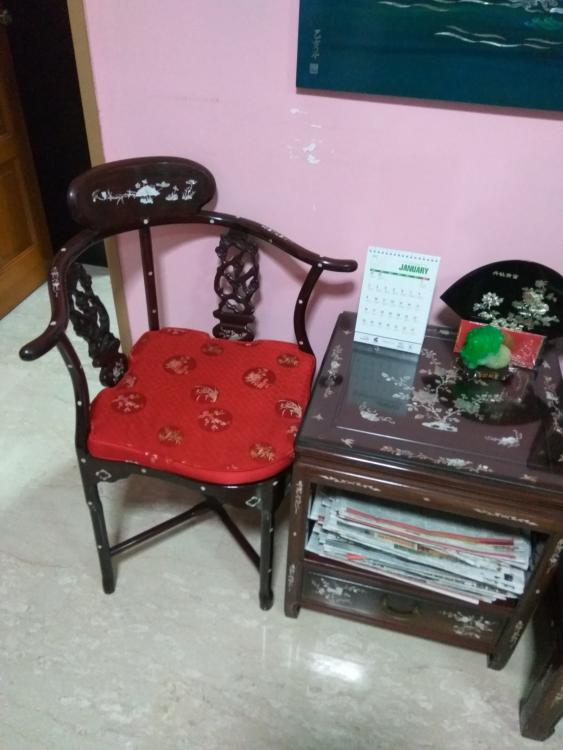
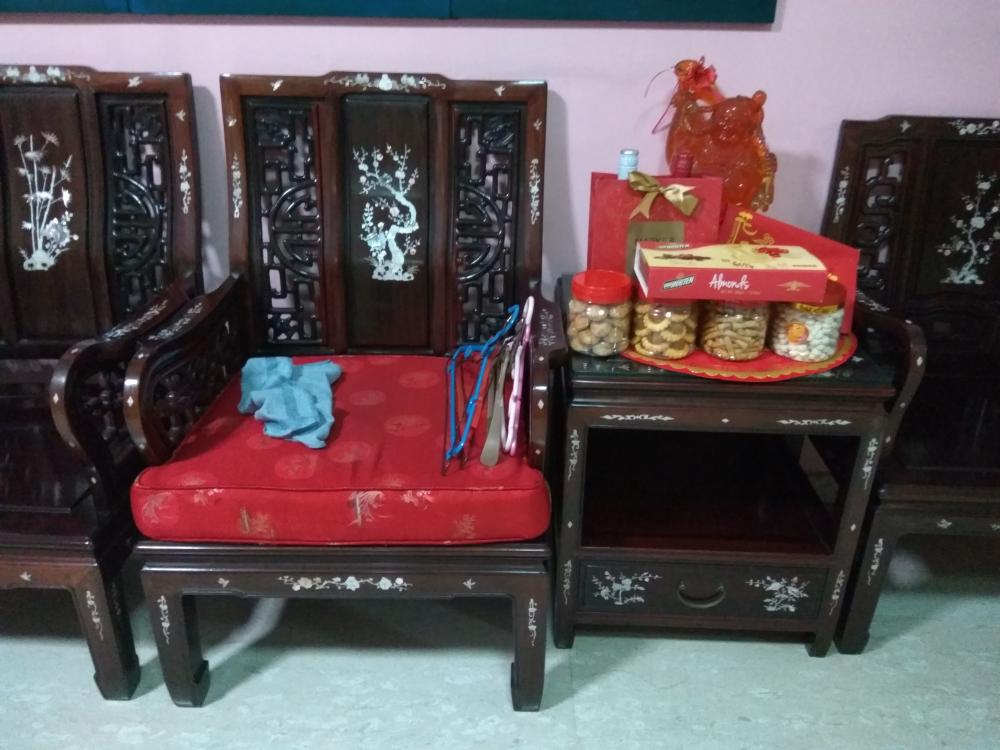
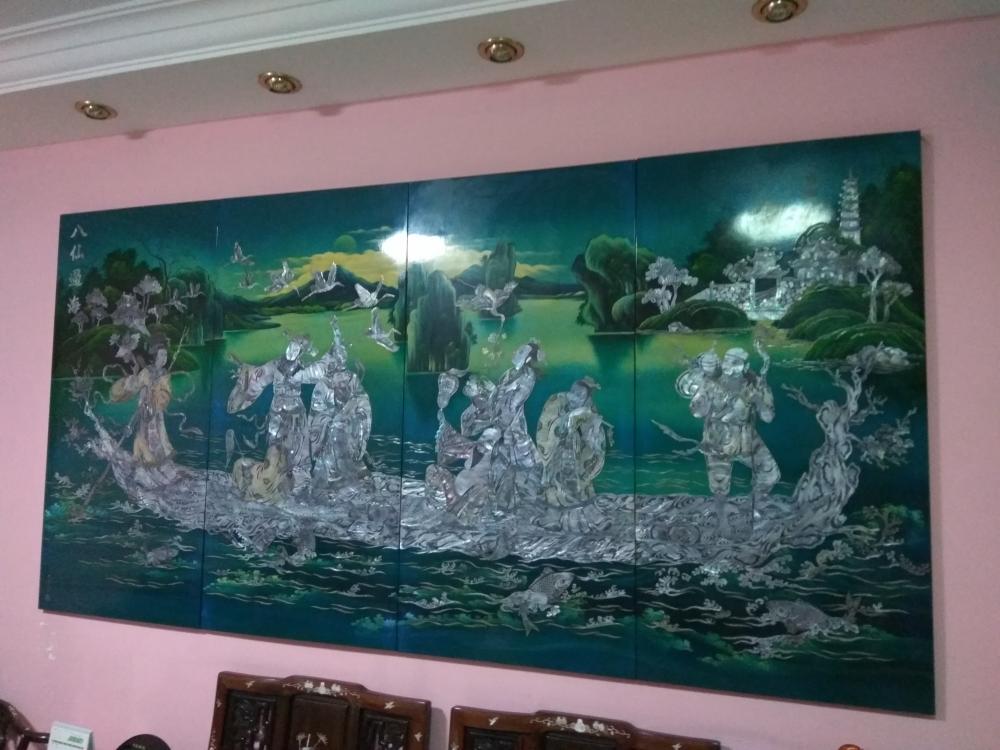
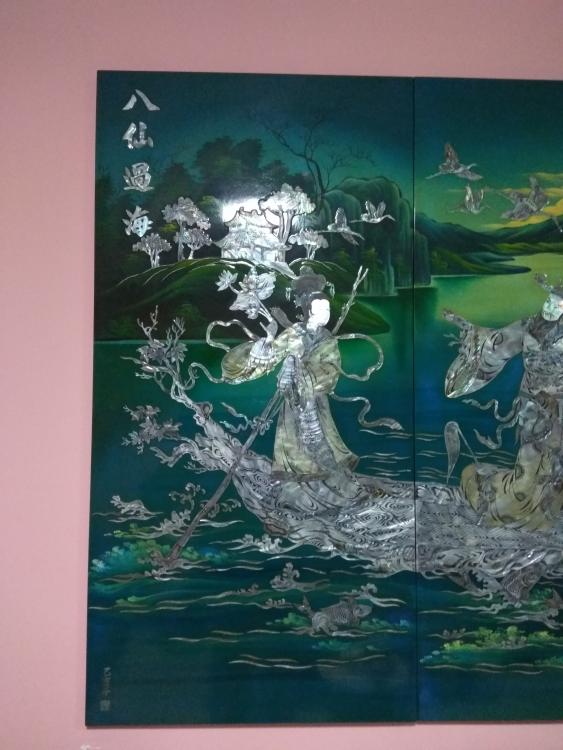
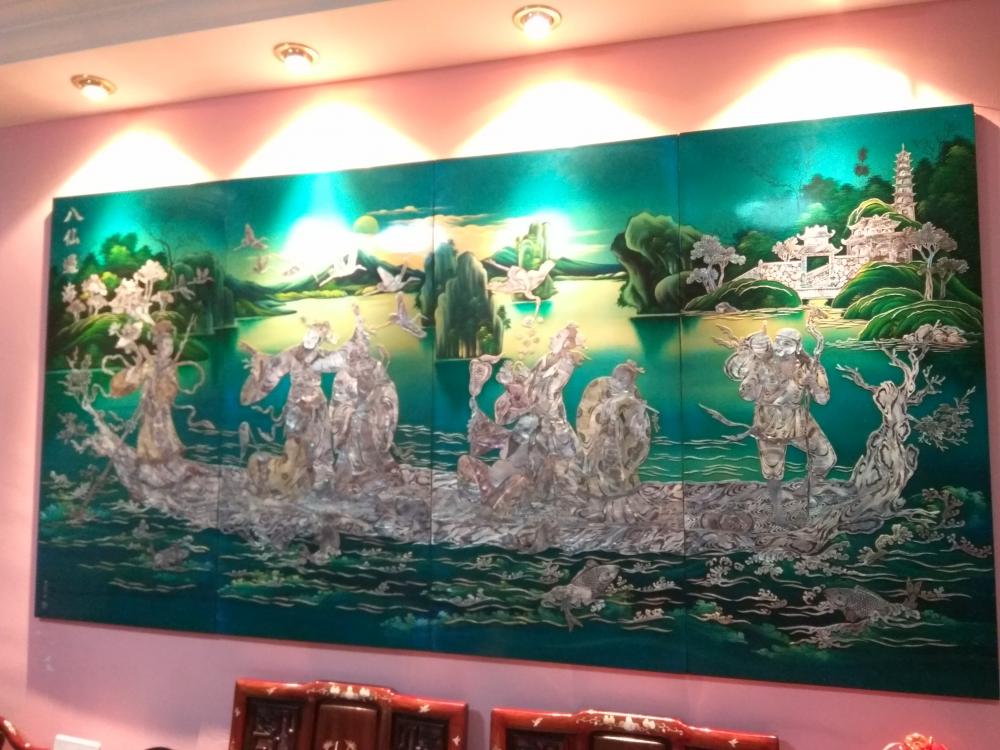
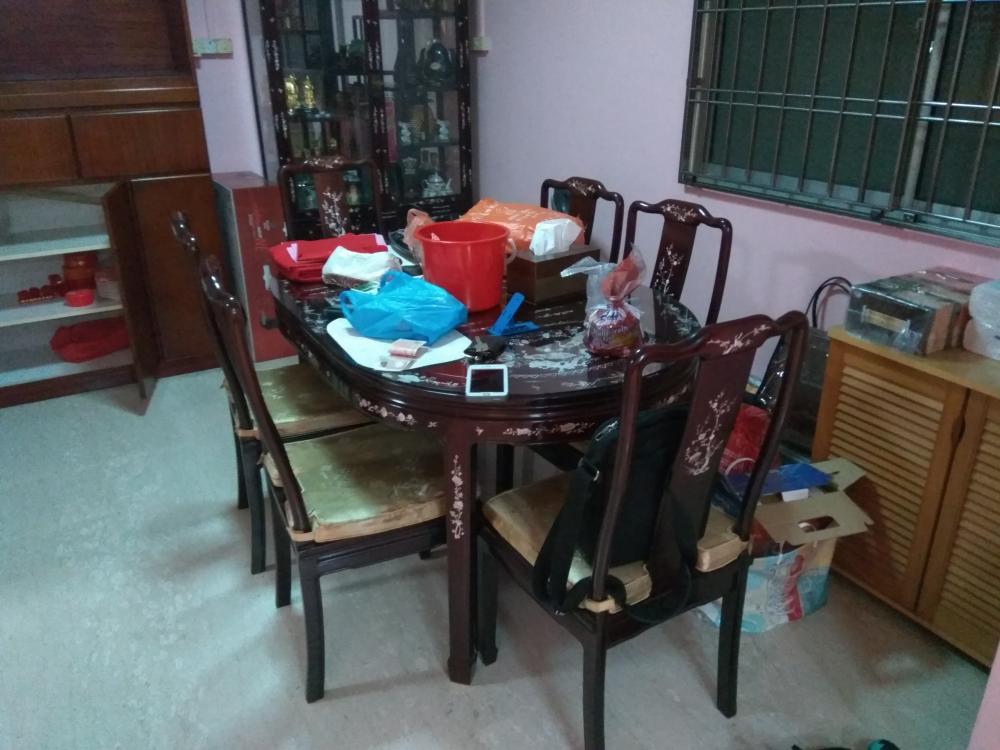
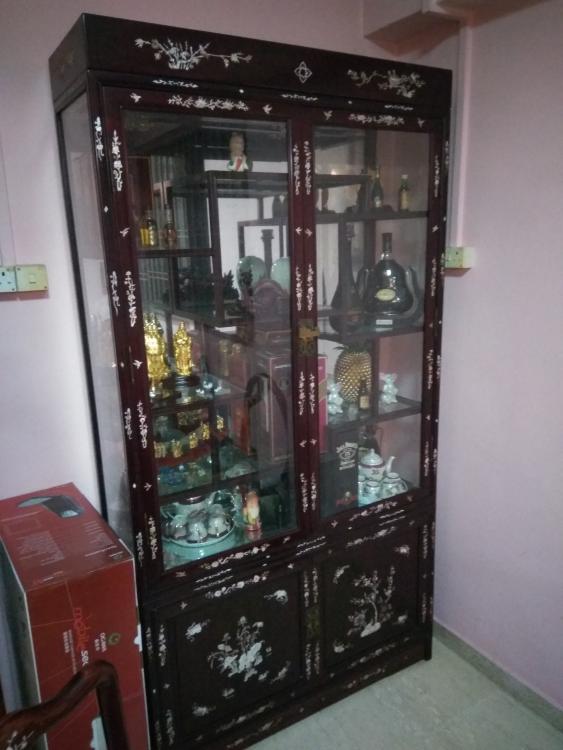
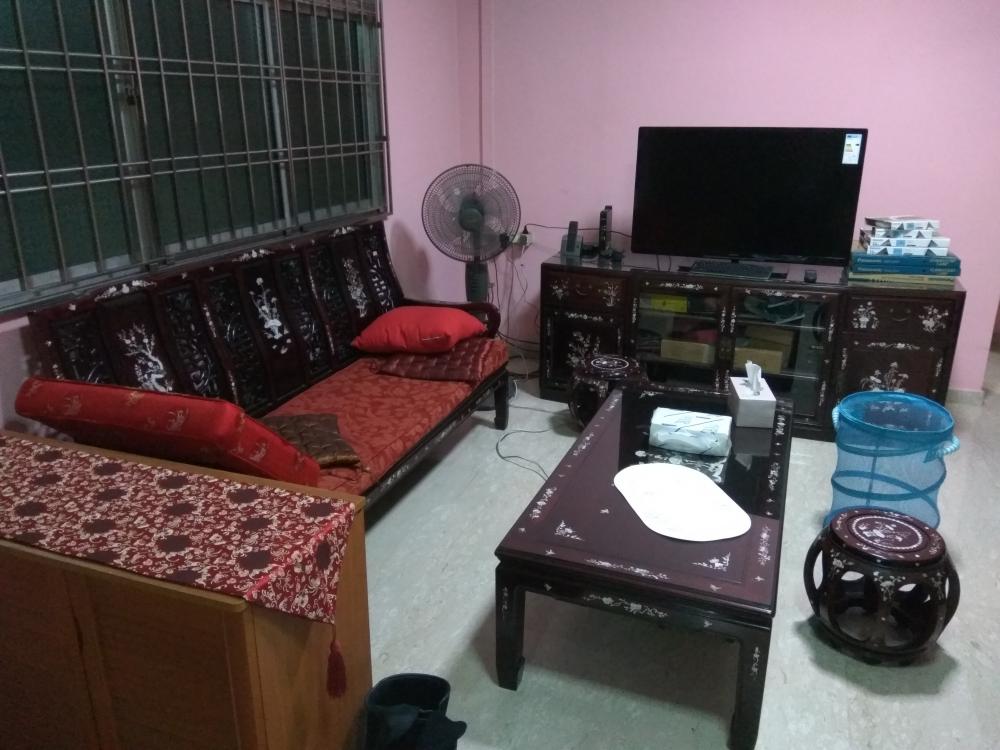
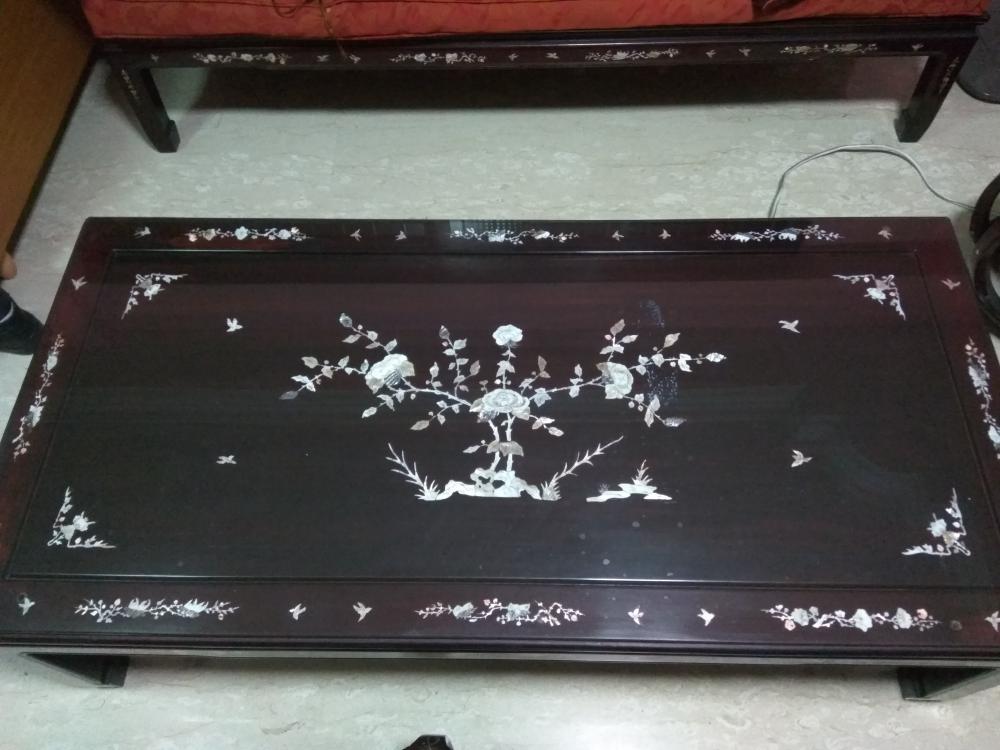
  1. Moving house soon so want sell off these furniture quick. pics attached are full set of living room set - 1 long sofa with cushion, 1 long tv console with functional drawers and doors, 1 long coffee table, 2 single seater with cushion and 2 coffee tables with drawers. Dining room set - 1 long table with 6 seats with cushions. Display Cabinet with functional doors, lights and with working antique lockset and key also. Mother of Pearl 8 immortals Wall Art - made up of 4 pieces, 1 piece is 600mm wide by 1200mm tall, very pretty art piece of the 8 immortals crossing the sea. Don't hesitate to whatsapp or call me at 9040 9497 if you need more info.
Account

Navigation

Search

Search

Configure browser push notifications

Chrome (Android)
  1. Tap the lock icon next to the address bar.
  2. Tap Permissions → Notifications.
  3. Adjust your preference.
Chrome (Desktop)
  1. Click the padlock icon in the address bar.
  2. Select Site settings.
  3. Find Notifications and adjust your preference.