gj5297
Members
-
Joined
-
Last visited
Everything posted by gj5297
-
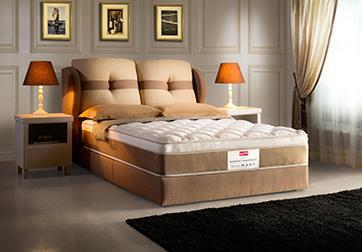
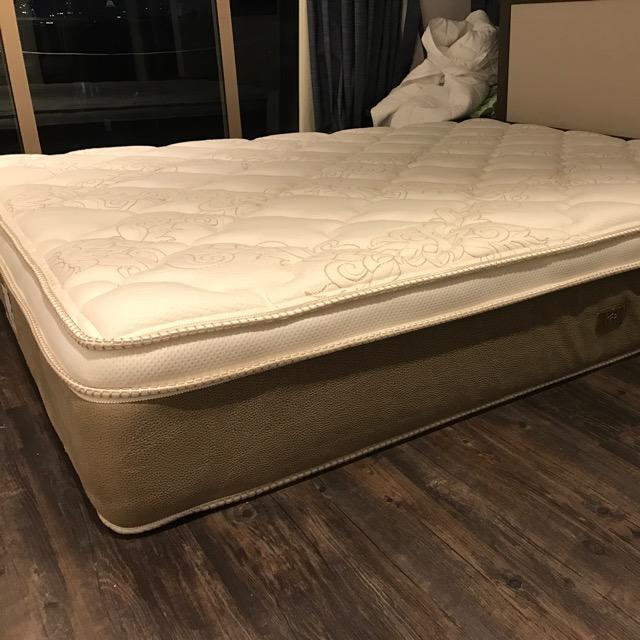
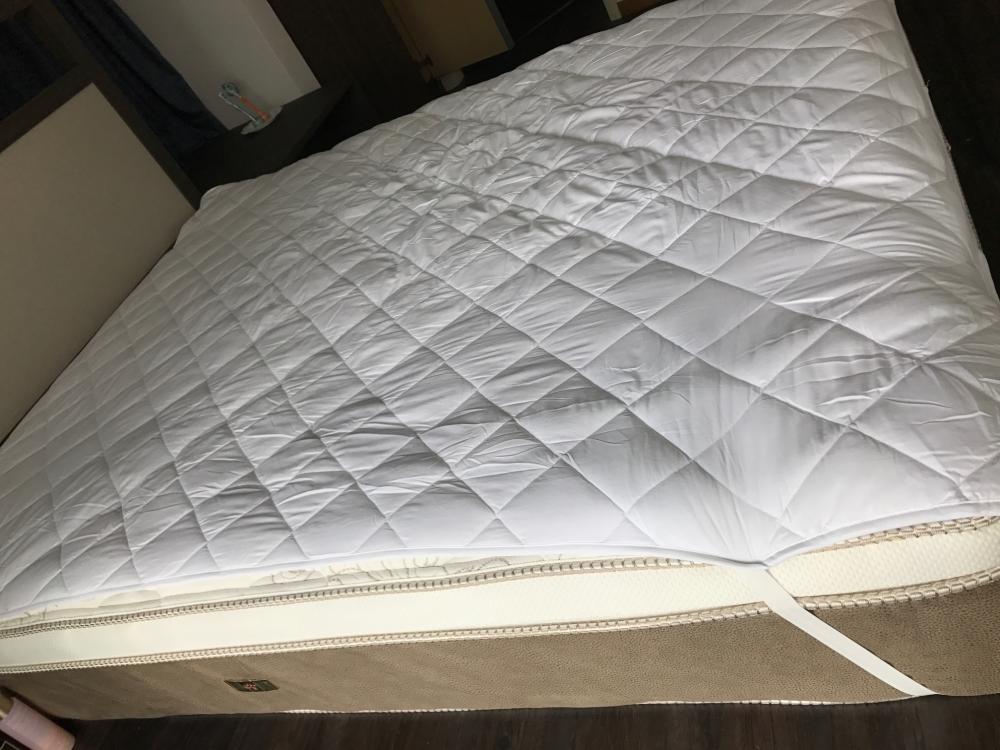
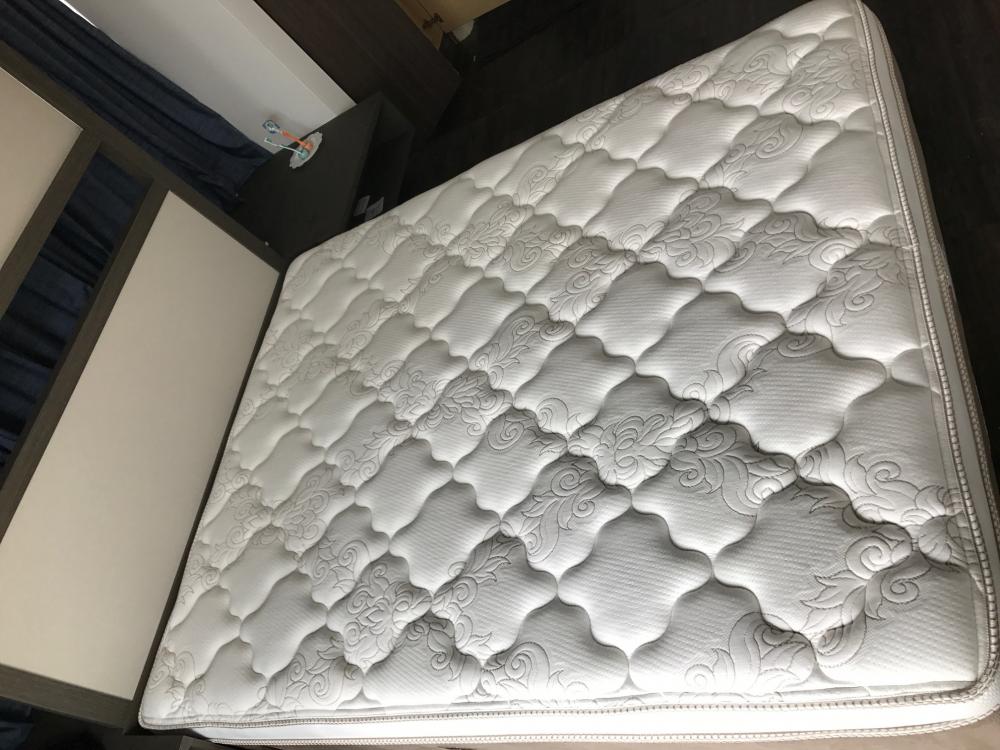
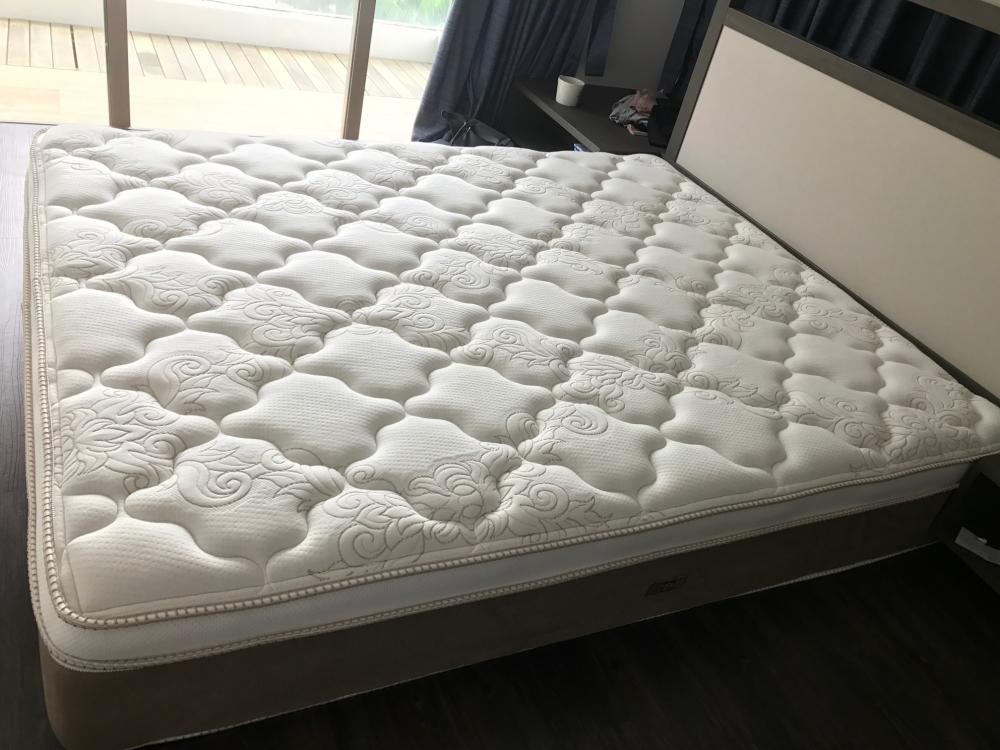
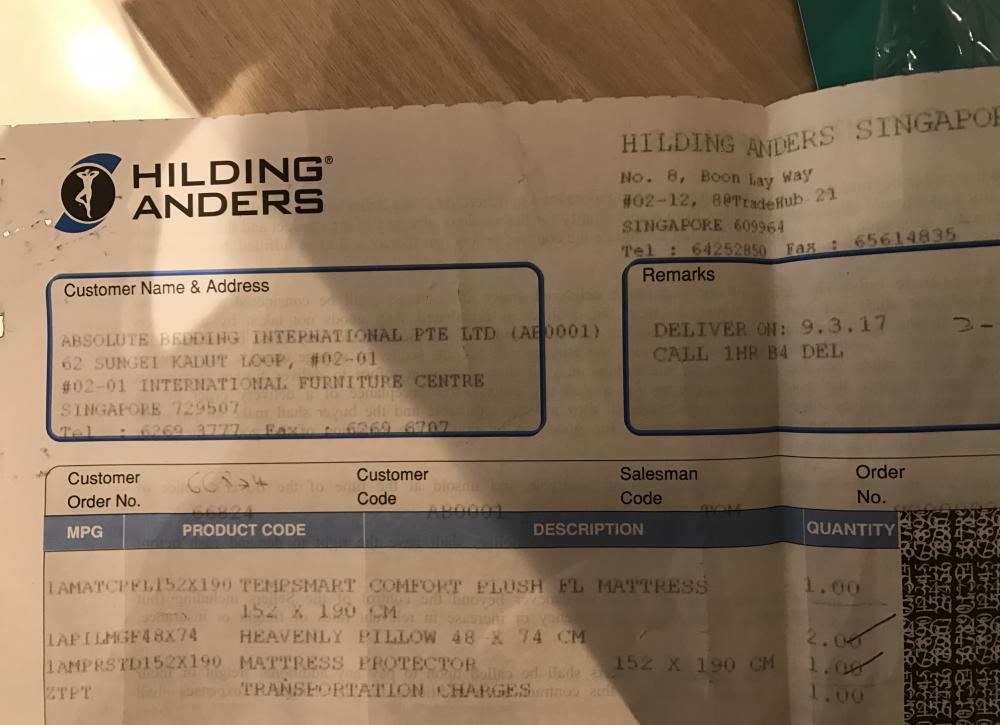
I bought it at SGD2,250 (tax invoice with proof) for my new house, unfortunately I am not used to the firmness of the new mattress (was using extra-firm mattress previously). I am willing to let go at SGD1,500. I can be contacted at 96973875. - delivered on 9th March, only used it on 13th March (move in date). Had been either travelling overseas since or slept on the couch, hence hardly used. - It comes with 2 "heavenly pillows", happy to let go FOC - It comes with 15-year warranty - Used with mattress protector - Attached a few photos for reference About TempSmart series: TempSmart™ keeps you cool & dry all night every night. TempSmart™ mattress or pillow fabric is capable of detecting body temperature and adapting the evaporation of humidity accordingly! As your body heats up the fabric, the TempSmart™ molecules on fabric push the evaporation "gas pedal". Extra evaporation reduces humidity and has a cooling effect. TempSmart™ mattresses and pillows keep you comfortably cool and dry and improve the quality of your sleep. The features of TempSmart™ technology - Balances temperature. - Feels cool, fresh to touch. - Absorbs excess heat to limit overheating. - Releases heat to keep you warm. http://www.slumberland.com.my/retail/tempsmart-series/