



Skip to content
View in the app

A better way to browse. Learn more.

RenoTalk.com ™

A full-screen app on your home screen with push notifications, badges and more.

To install this app on iOS and iPadOS
  1. Tap the Share icon in Safari
  2. Scroll the menu and tap Add to Home Screen.
  3. Tap Add in the top-right corner.
To install this app on Android
  1. Tap the 3-dot menu (⋮) in the top-right corner of the browser.
  2. Tap Add to Home screen or Install app.
  3. Confirm by tapping Install.

keavepoh

Members
  • Joined

  • Last visited

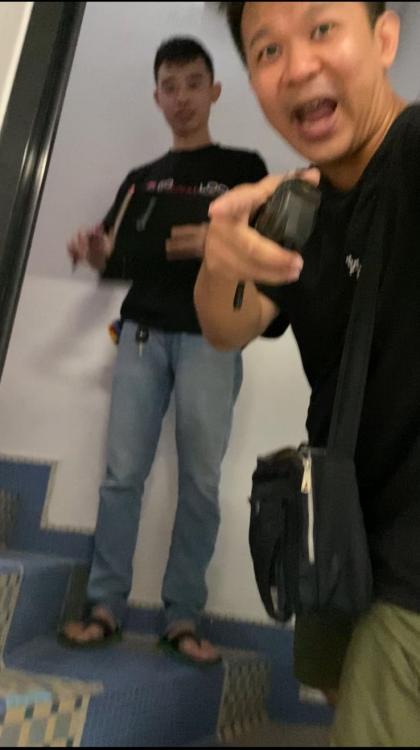
  1. Recently I came across a crook contractor by the name of Lim Kok Han, not sure if he's the same Jorence Lim, perhaps u can message me to tally his face since i got his face picture
  2. How’s siong doors? I have 4 doors required for a major renovation to save $$ from ID quote.
  3. Hi, I need a partition specialist who doesnt subcontract to someone else down the chain, since i don't see the point of subcon, but I want good sound proof-partition for 10 rooms in a 1200 sqft apartment. If you fit the bill, please email me your contact details and your company profile. I need you to follow me onsite to the new apartment on 3rd Feb 2008. Regards Keave POH keavepoh@yahoo.com.sg
Account

Navigation

Search

Search

Configure browser push notifications

Chrome (Android)
  1. Tap the lock icon next to the address bar.
  2. Tap Permissions → Notifications.
  3. Adjust your preference.
Chrome (Desktop)
  1. Click the padlock icon in the address bar.
  2. Select Site settings.
  3. Find Notifications and adjust your preference.