Skip to content
View in the app

A better way to browse. Learn more.

RenoTalk.com ™

A full-screen app on your home screen with push notifications, badges and more.

To install this app on iOS and iPadOS
  1. Tap the Share icon in Safari
  2. Scroll the menu and tap Add to Home Screen.
  3. Tap Add in the top-right corner.
To install this app on Android
  1. Tap the 3-dot menu (⋮) in the top-right corner of the browser.
  2. Tap Add to Home screen or Install app.
  3. Confirm by tapping Install.

AA1918

Members
  • Joined

  • Last visited

Everything posted by AA1918

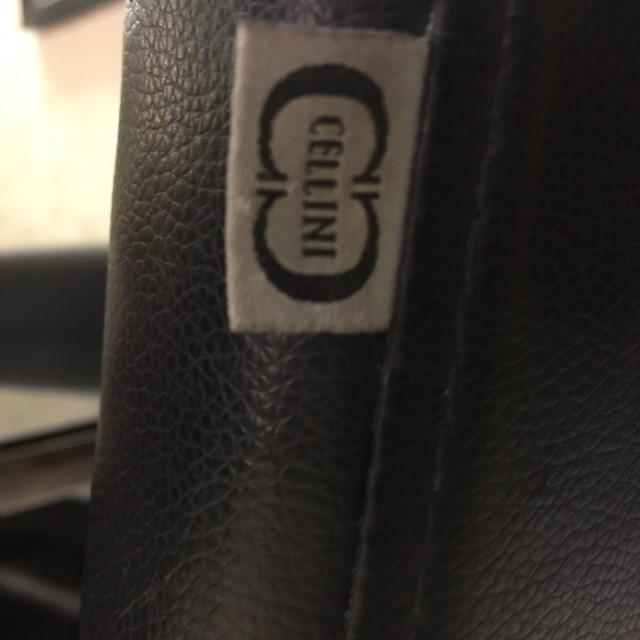
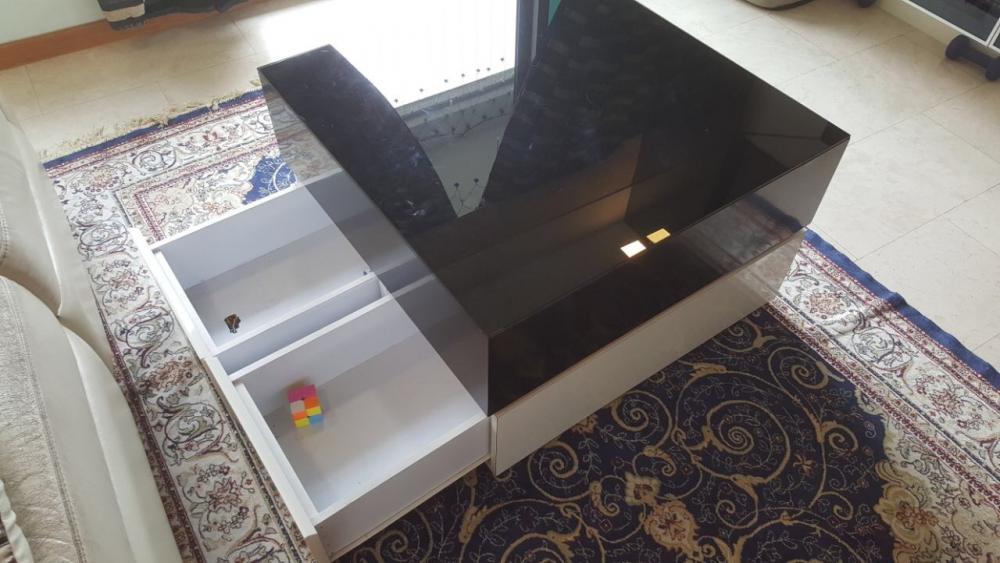
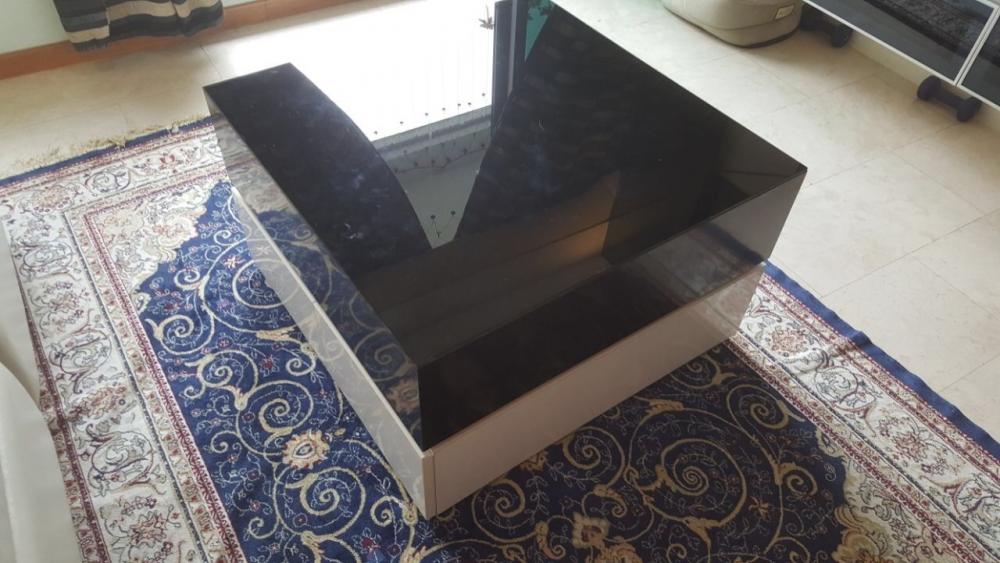
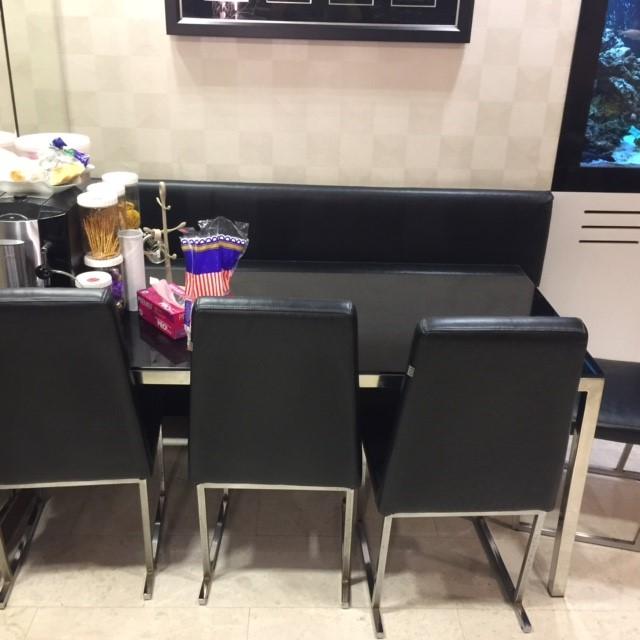
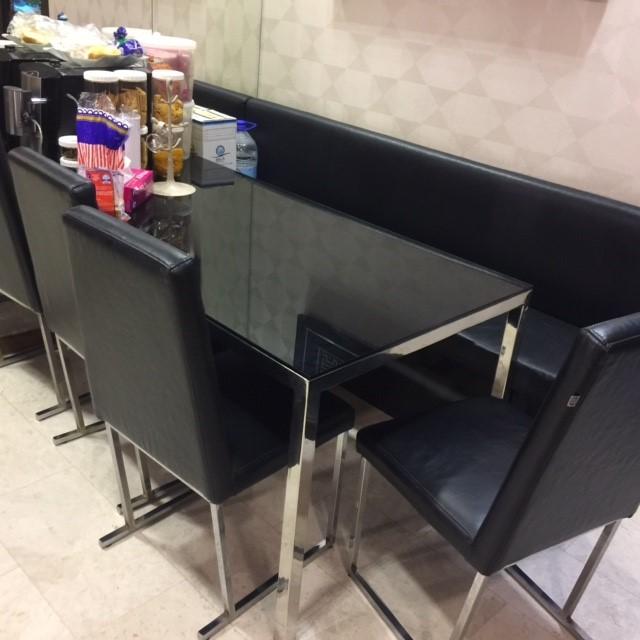
  1. Hi all I got a black glass top Cellini dining table with four chairs for quick sale. the deal will come with: 2 sets of seat covers for the four chairs matching glass top custom-made coffee table chairs are used with covers. condition : 8.5/10 size of dining table : 175cm by 80cm size of coffee table : 75 by 75cm bought at $2,500 Fire sales at $250 everything needs to go by 24 June 2017 sms / whatsapp 9800 6574 cheers!!
Account

Navigation

Search

Search

Configure browser push notifications

Chrome (Android)
  1. Tap the lock icon next to the address bar.
  2. Tap Permissions → Notifications.
  3. Adjust your preference.
Chrome (Desktop)
  1. Click the padlock icon in the address bar.
  2. Select Site settings.
  3. Find Notifications and adjust your preference.