Skip to content
View in the app

A better way to browse. Learn more.

RenoTalk.com ™

A full-screen app on your home screen with push notifications, badges and more.

To install this app on iOS and iPadOS
  1. Tap the Share icon in Safari
  2. Scroll the menu and tap Add to Home Screen.
  3. Tap Add in the top-right corner.
To install this app on Android
  1. Tap the 3-dot menu (⋮) in the top-right corner of the browser.
  2. Tap Add to Home screen or Install app.
  3. Confirm by tapping Install.

marvious00

Members
  • Joined

  • Last visited

Everything posted by marvious00

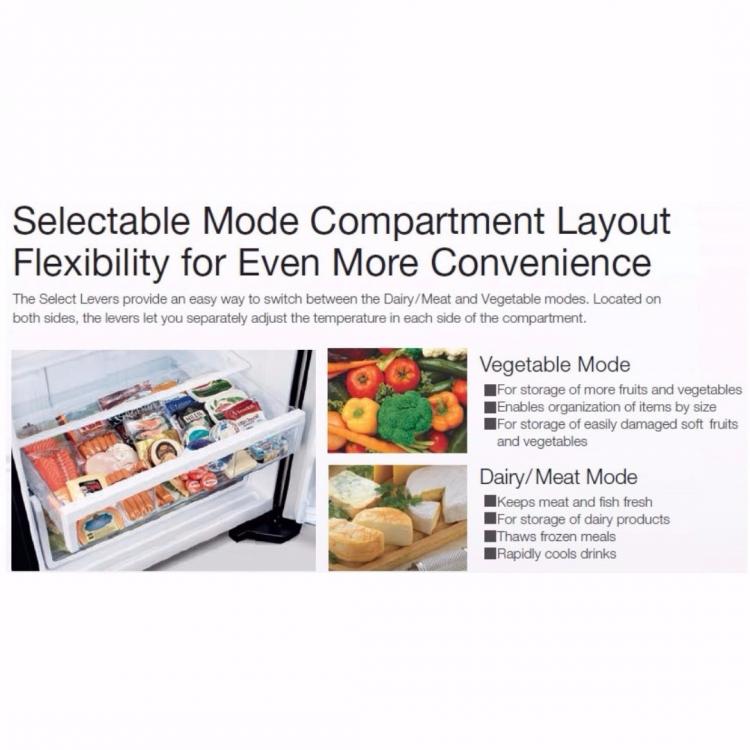
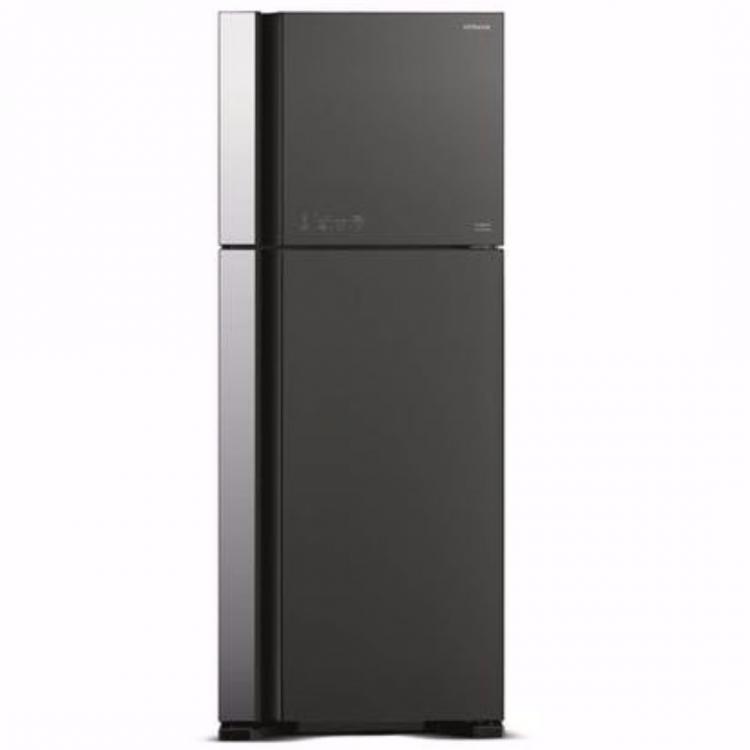
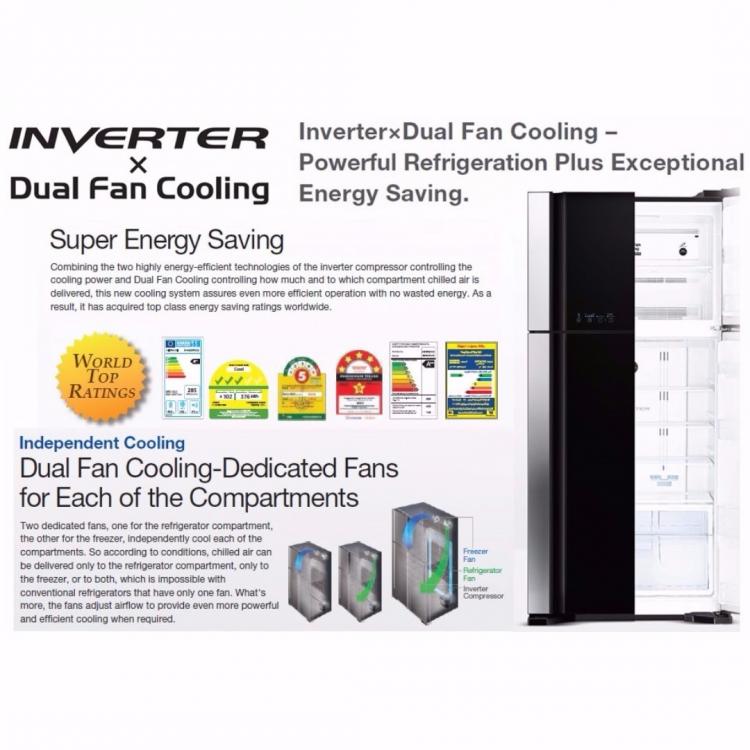
  1. I am letting go a new refrigerator for $1,280 (bought in Sept 2017) from Hitachi due to space constraints. Bought the fridge but realized it was unable to fit into my house. Retail price for the item is $1,209 and warranty with Hitachi is for a period of 1 year. Warranty has been extended with Harvey Norman for additional 4 years. Warranty can be registered online with Hitachi. Additional information may be obtained from the following web links: https://www.hitachiconsumer.com/sg/products/refrigerators/big-2/r-vg560p3ms.html?productId=r-vg560p3ms
Account

Navigation

Search

Search

Configure browser push notifications

Chrome (Android)
  1. Tap the lock icon next to the address bar.
  2. Tap Permissions → Notifications.
  3. Adjust your preference.
Chrome (Desktop)
  1. Click the padlock icon in the address bar.
  2. Select Site settings.
  3. Find Notifications and adjust your preference.