Skip to content
View in the app

A better way to browse. Learn more.

RenoTalk.com ™

A full-screen app on your home screen with push notifications, badges and more.

To install this app on iOS and iPadOS
  1. Tap the Share icon in Safari
  2. Scroll the menu and tap Add to Home Screen.
  3. Tap Add in the top-right corner.
To install this app on Android
  1. Tap the 3-dot menu (⋮) in the top-right corner of the browser.
  2. Tap Add to Home screen or Install app.
  3. Confirm by tapping Install.

Desness

Members
  • Joined

  • Last visited

Everything posted by Desness

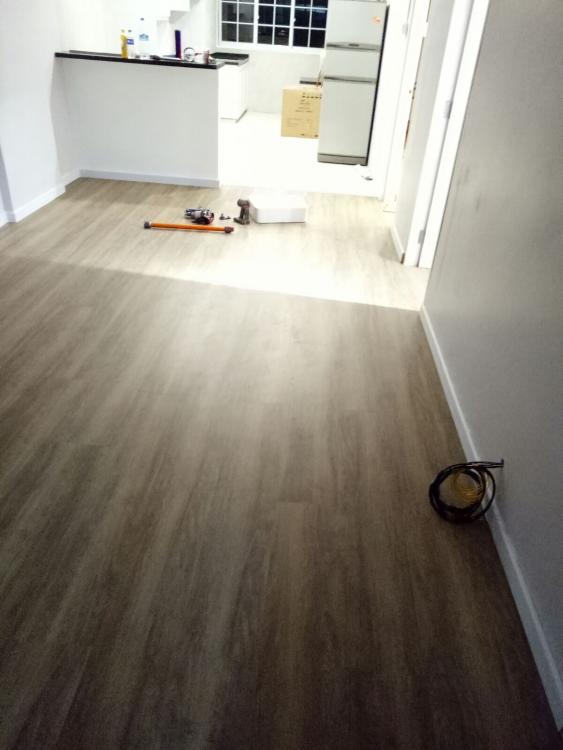
  1. Our resale 4 room flat renovation was recently completed and I must say we are really satisfied with the results. Through out the whole renovation process, our contractor was responsive and helpful. We have also met up multiple times to discuss on the renovation work and not even once he tried to hurry us or sounded impatient. The damage was close to 40K , however it is worth it and his prices are negotiable. Those Interested can PM me for his number and as for the communication part, I don't think it will be a problem as he is bilingual. Below are the after and before pictures.

Account

Navigation

Search

Search

Configure browser push notifications

Chrome (Android)
  1. Tap the lock icon next to the address bar.
  2. Tap Permissions → Notifications.
  3. Adjust your preference.
Chrome (Desktop)
  1. Click the padlock icon in the address bar.
  2. Select Site settings.
  3. Find Notifications and adjust your preference.