jasline
Members
-
Joined
-
Last visited
Everything posted by jasline
-
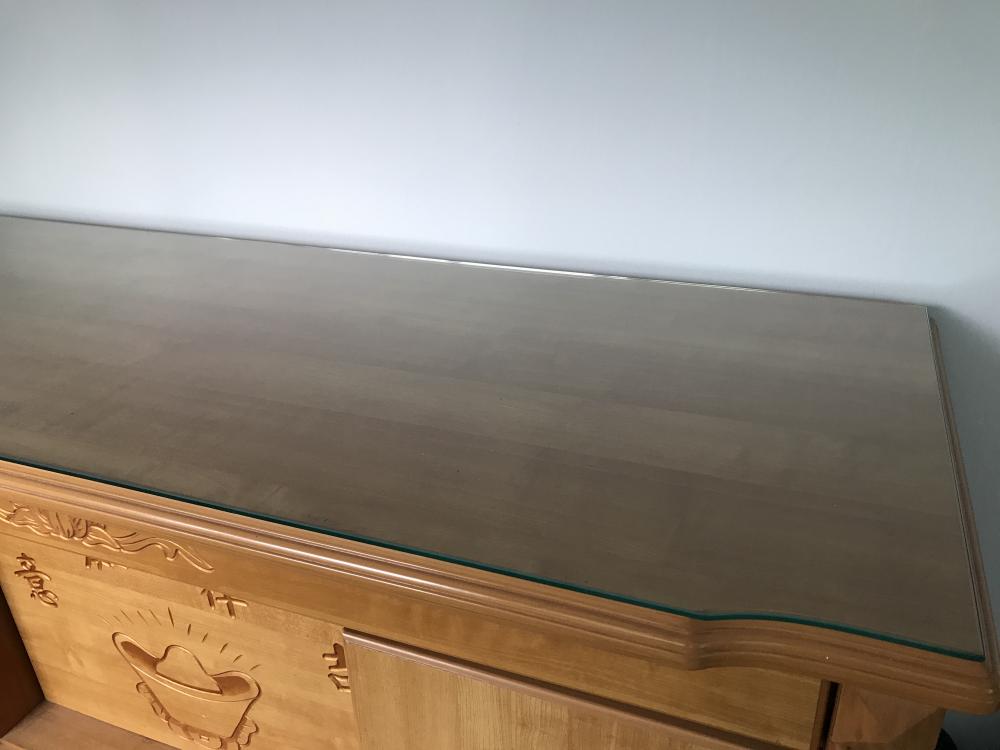
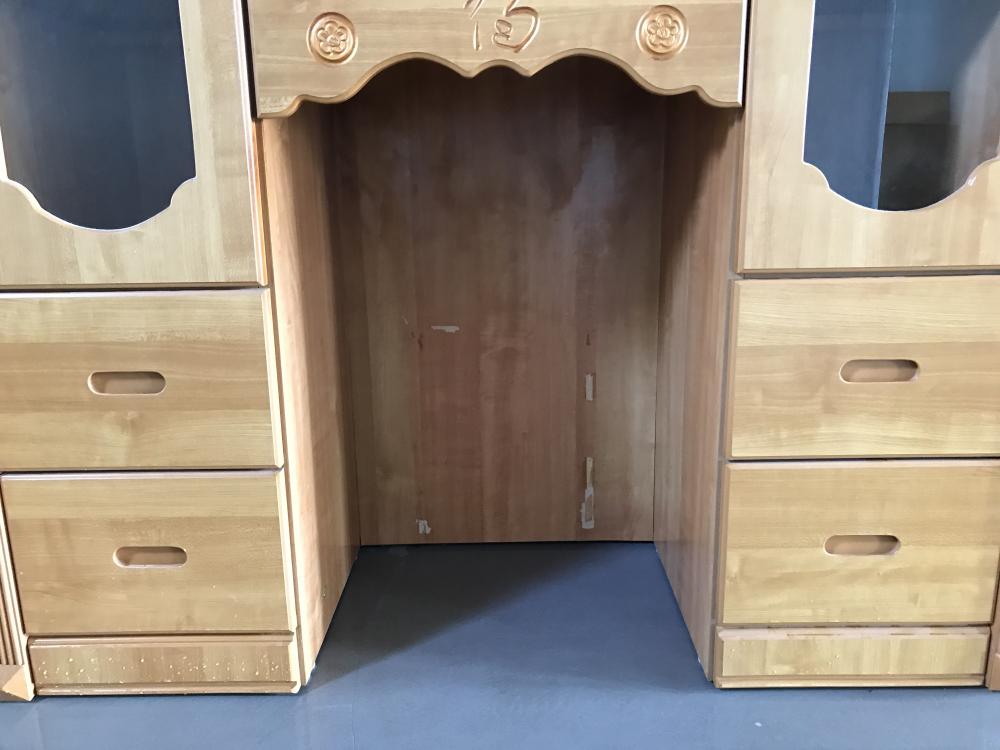
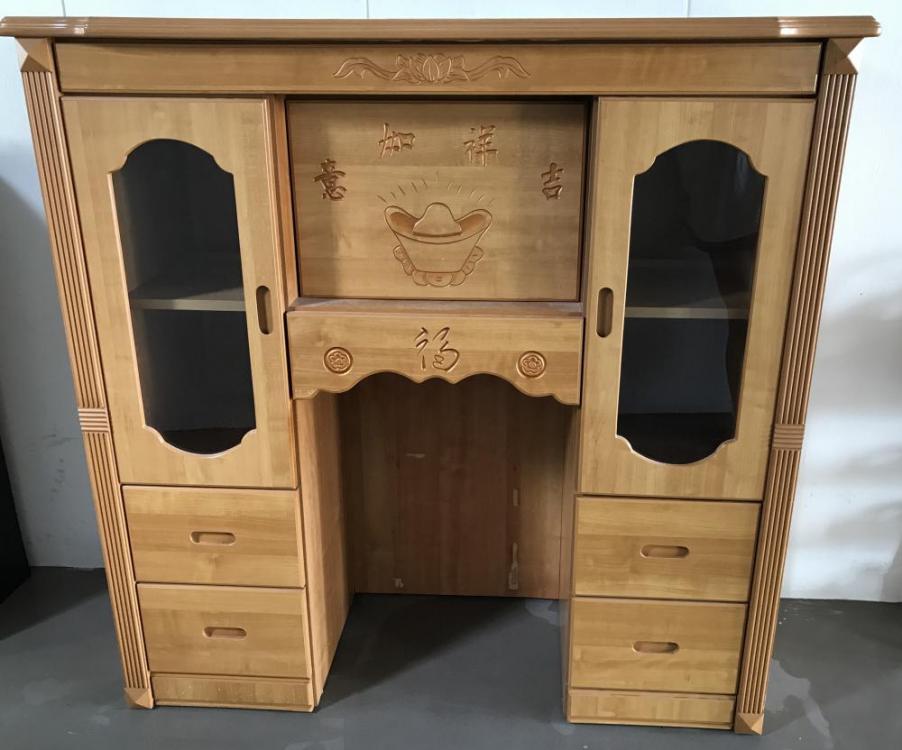
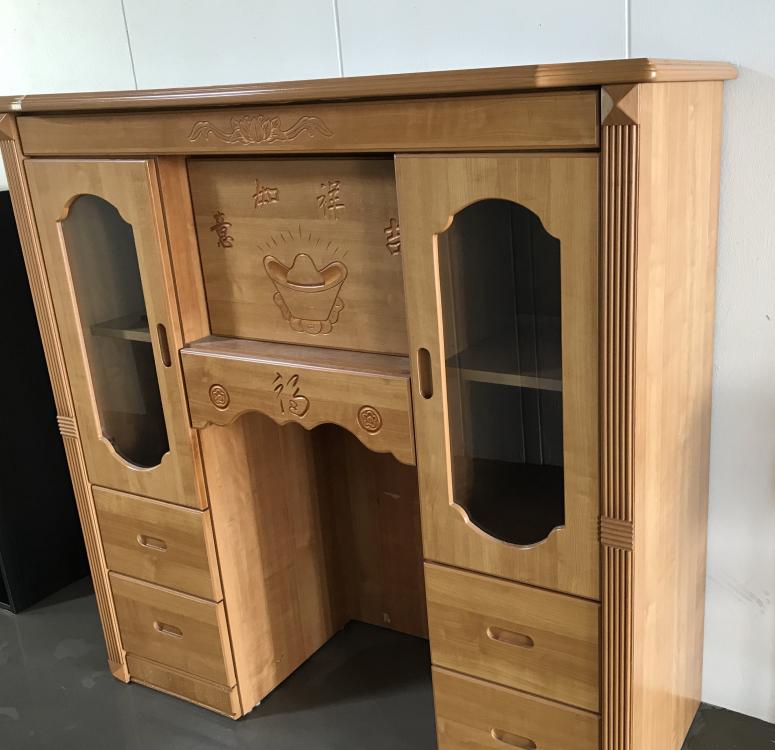
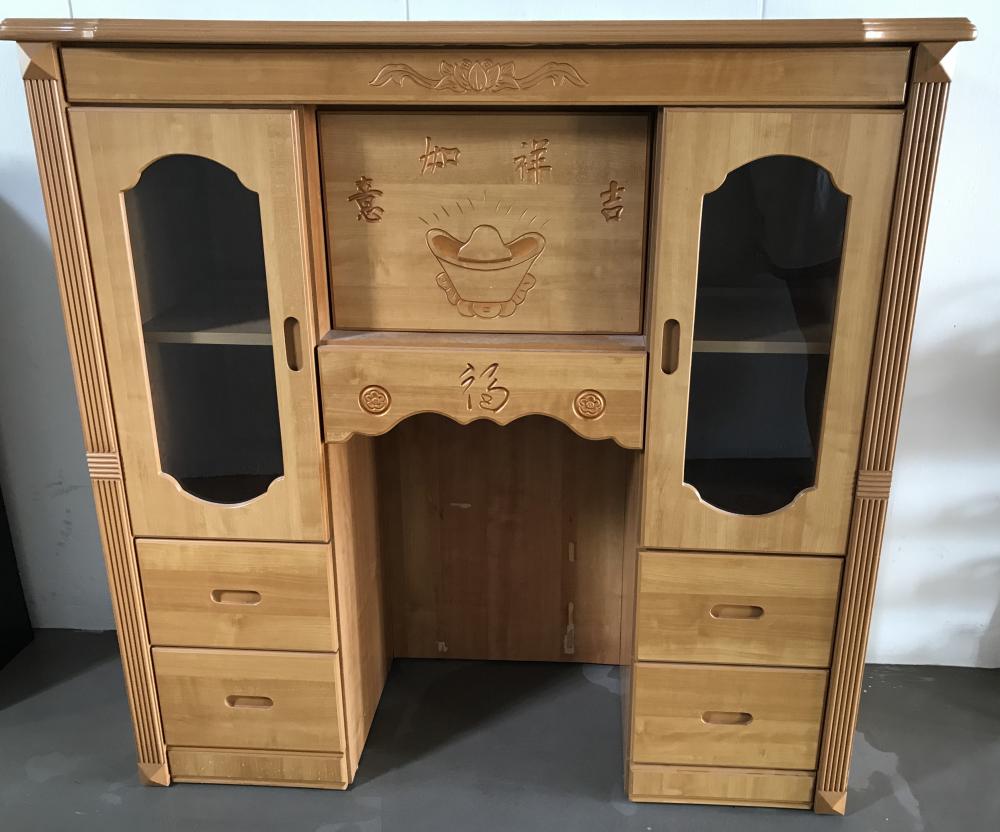
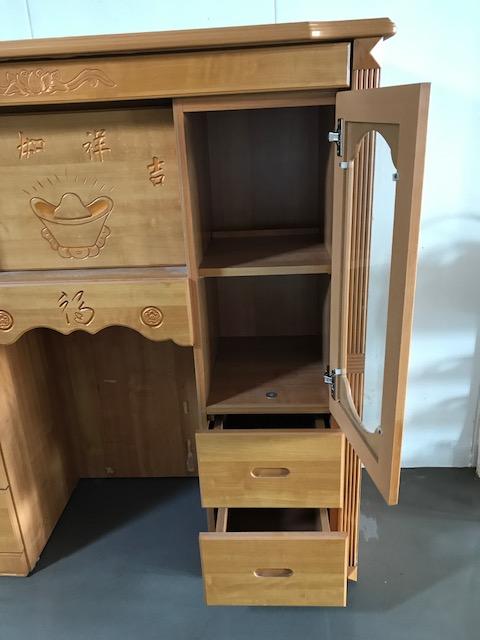
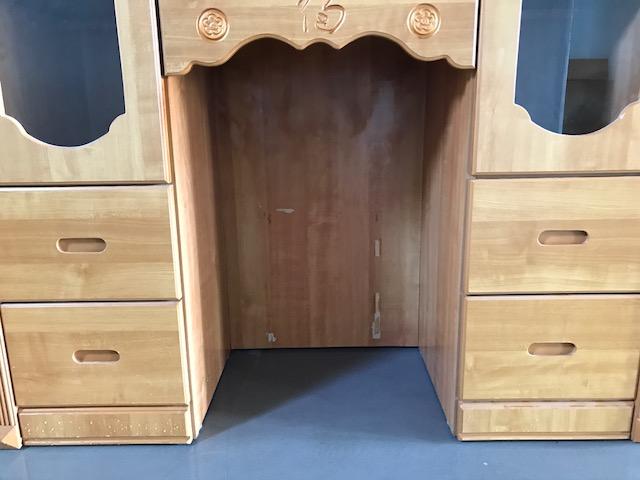
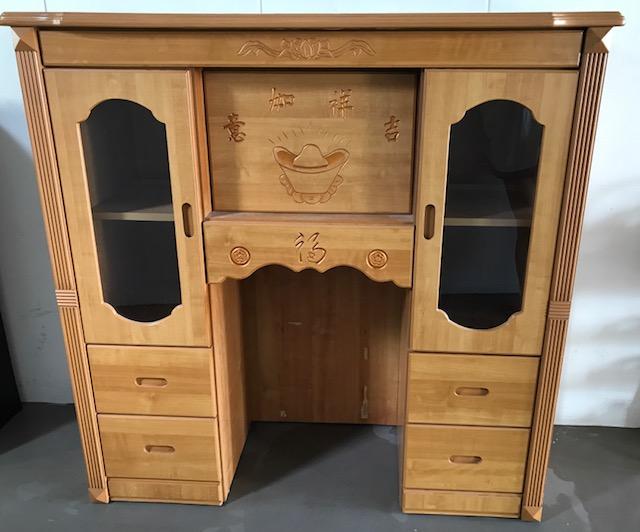
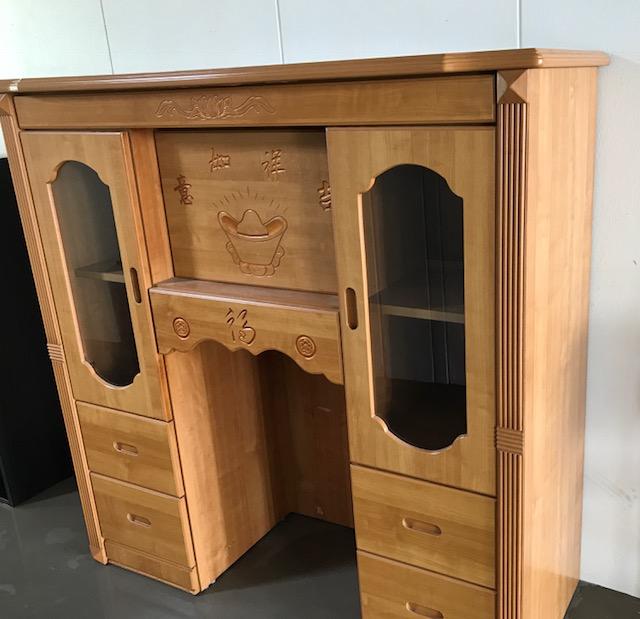
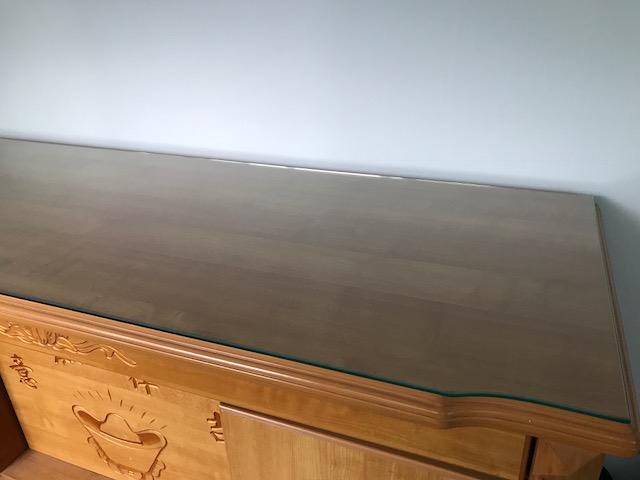
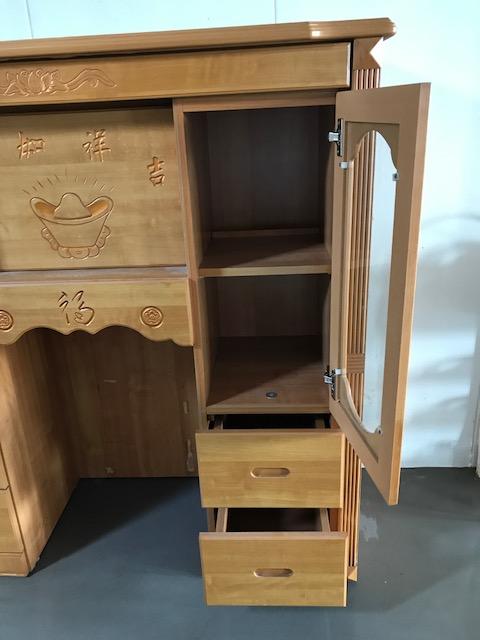
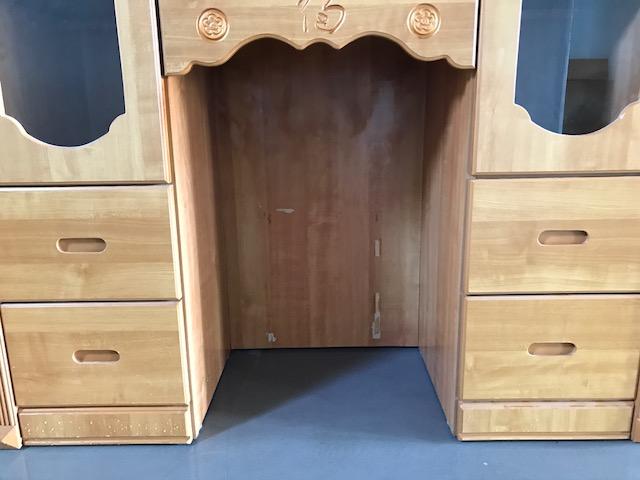
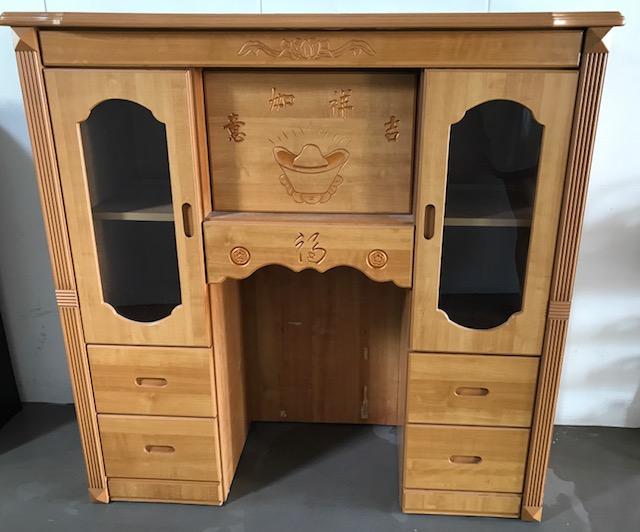
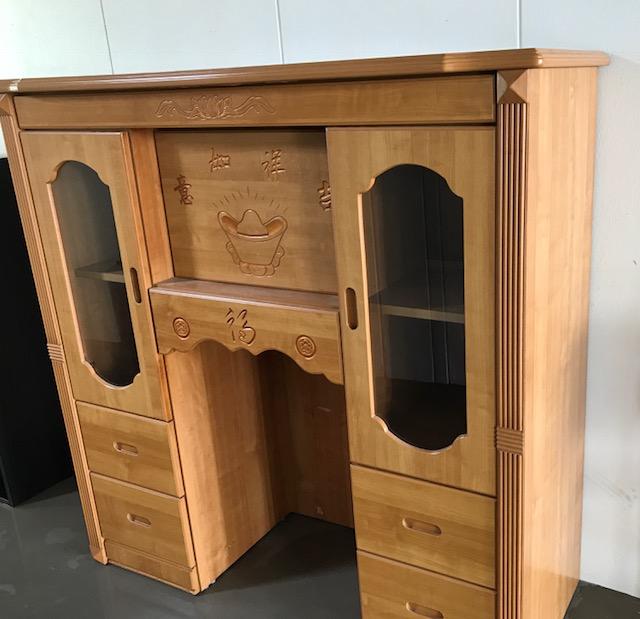
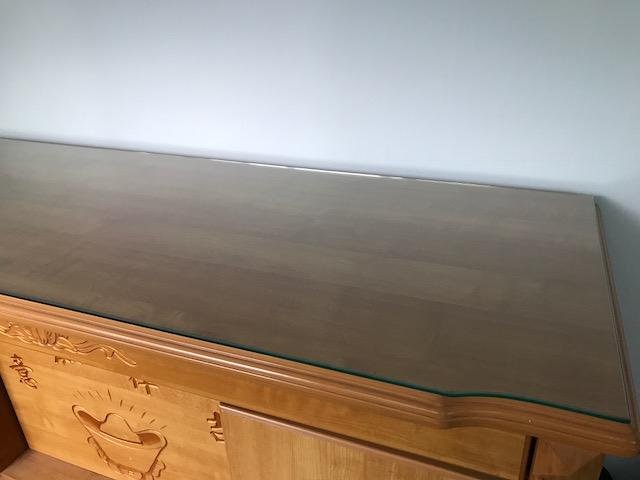
Price Reduced ! Used Altar Table L125.5cm W47.5cm H124cm Original price: $50 >>>> NOW: $38 only Optional: - with glass top, additional $10 Self collect from Pasir Ris Interested please contact Jasline at 8522 1218. Thank you
-
Price Reduced ! Used Altar Table L125.5cm W47.5cm H124cm Original price: $50 >>>> NOW: $38 only Optional: - with glass top, additional $10 Self collect from Pasir Ris Interested please contact Jasline at 8522 1218. Thank you
-
Price Reduced ! Used Altar Table L125.5cm W47.5cm H124cm Original price: $50 >>>> NOW: $38 only Optional: - with glass top, additional $10 Self collect from Pasir Ris Interested please contact Jasline at 8522 1218. Thank you
-
Used Altar Table L125.5cm W47.5cm H124cm Optional: - with glass top, additional $10 Self collect from Pasir Ris Interested please contact Jasline at 8522 1218. Thank you