Redbull8888
Members
-
Joined
-
Last visited
Everything posted by Redbull8888
-
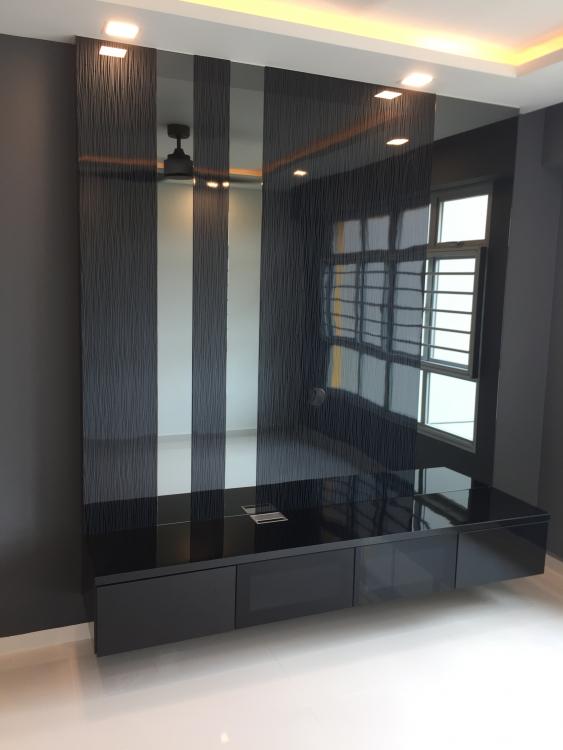
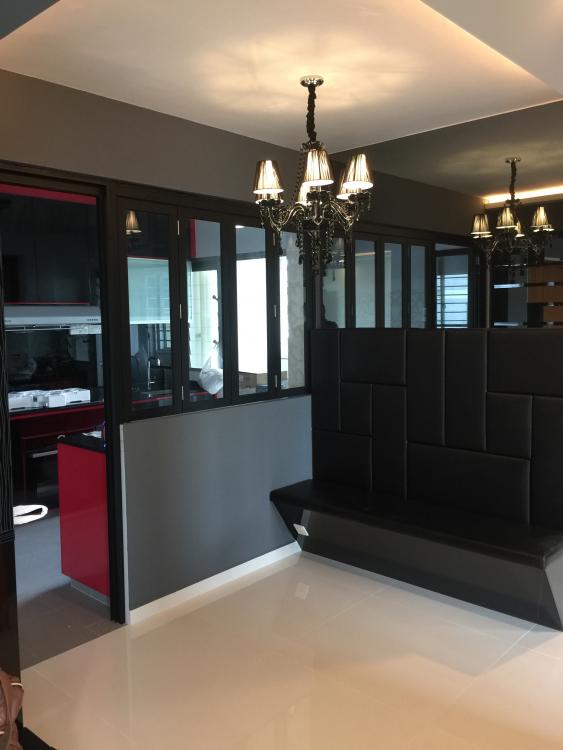
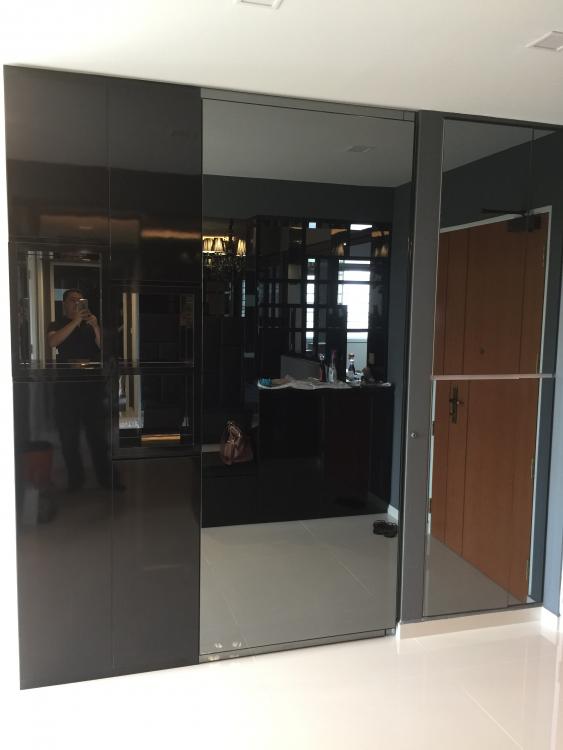
Redbull8888 replied to dtft's topic in Renovation Contractors, Interior Designers & Suppliers ReviewsAfter renovation done budget 40k modern concept ID was helpful and patient you can contact him 97965371 Raymond if you guys need any renovation services highly recommend !

-
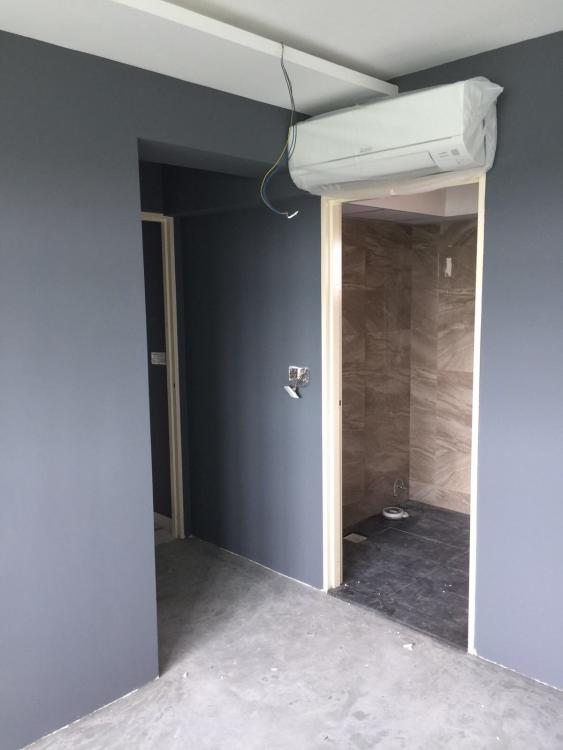
Redbull8888 replied to dtft's topic in Renovation Contractors, Interior Designers & Suppliers ReviewsRenovation done in the midst by Ideal Design Interior. So far so good. Was satisfied with the services provided. Awaiting carpentry works to be done. Will upload and update further. Highly recommend ideal design interior for your renovation works.