bryanhong
Members
-
Joined
-
Last visited
-
bump bump
-
-
bump
-
bump
-
-
-
-
bump
-
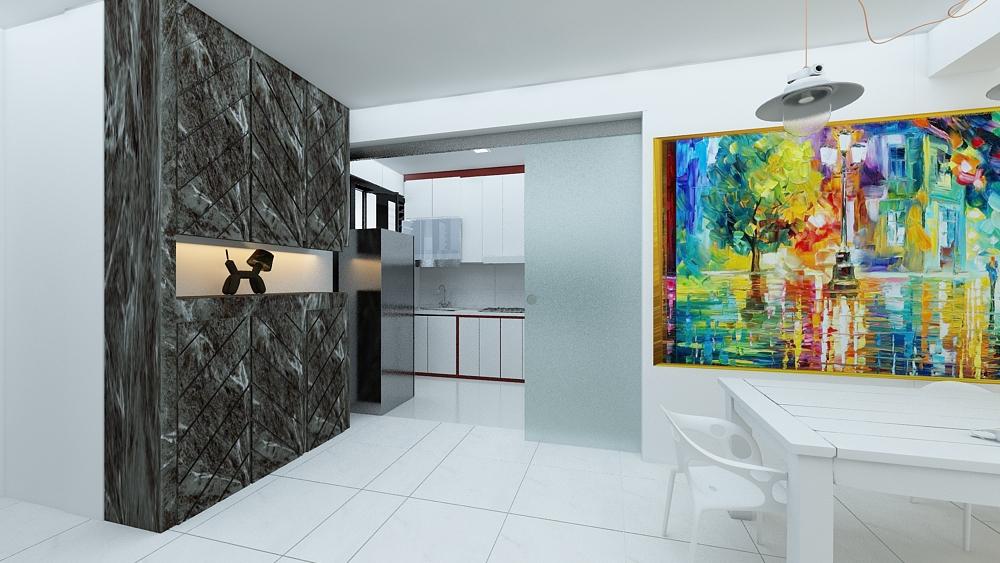
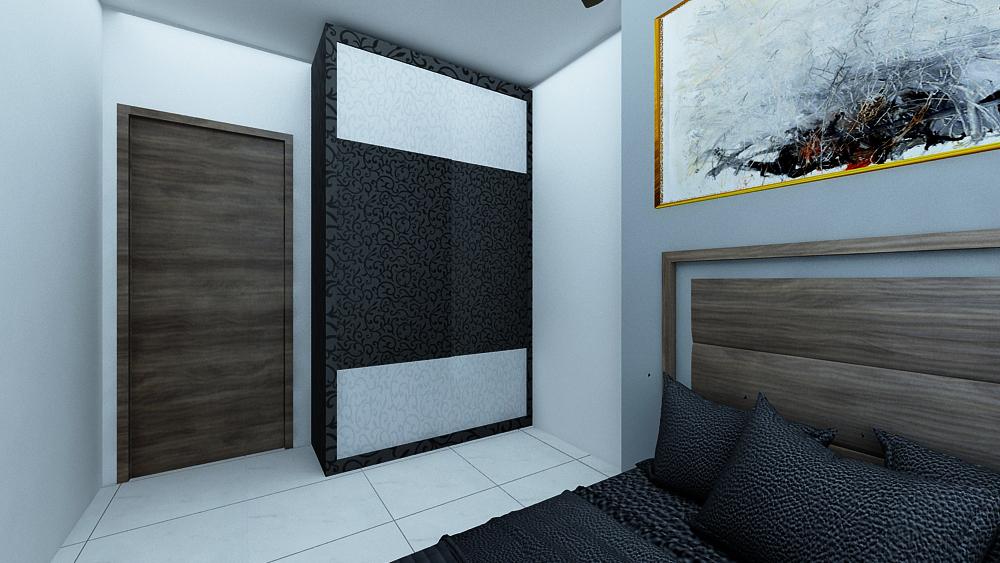
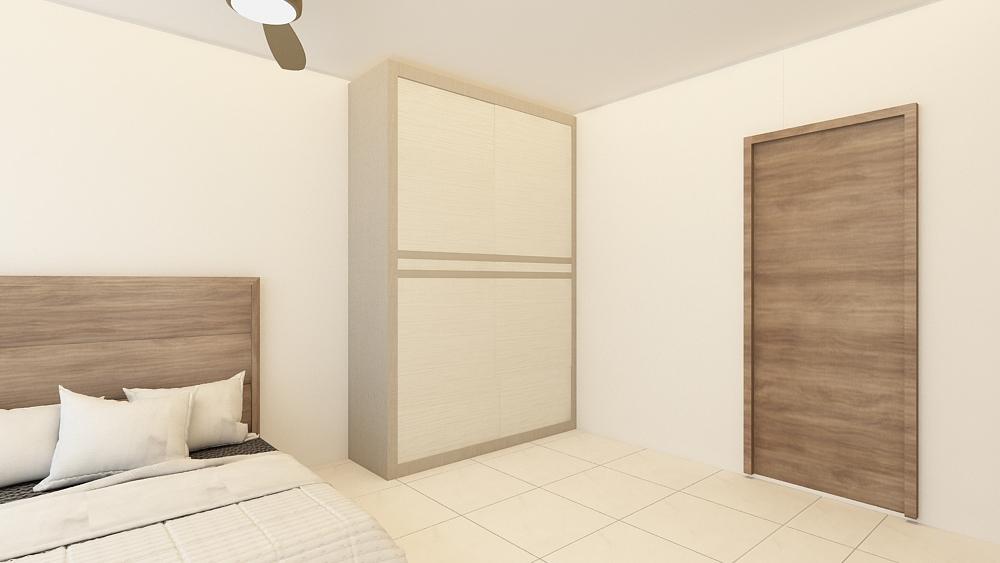
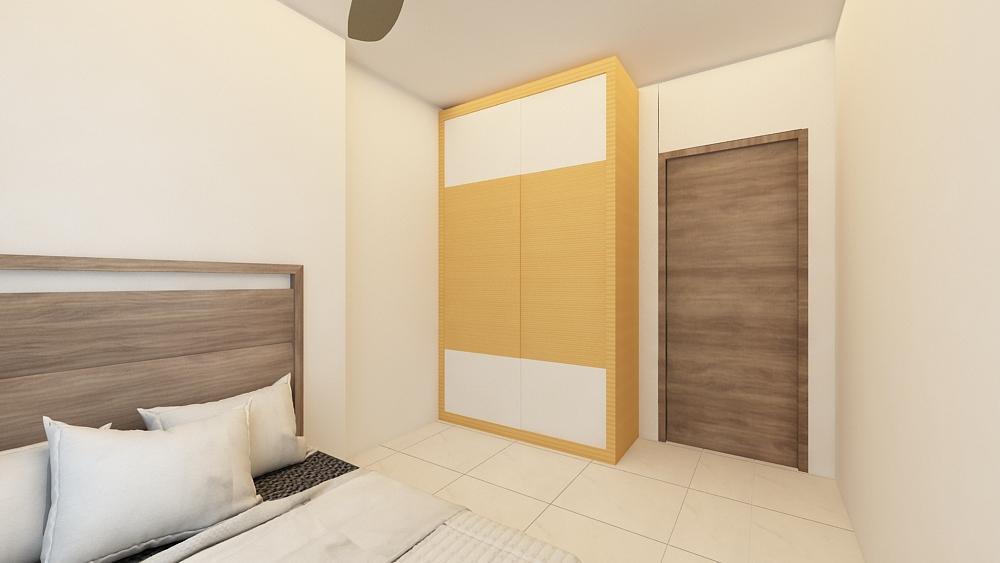
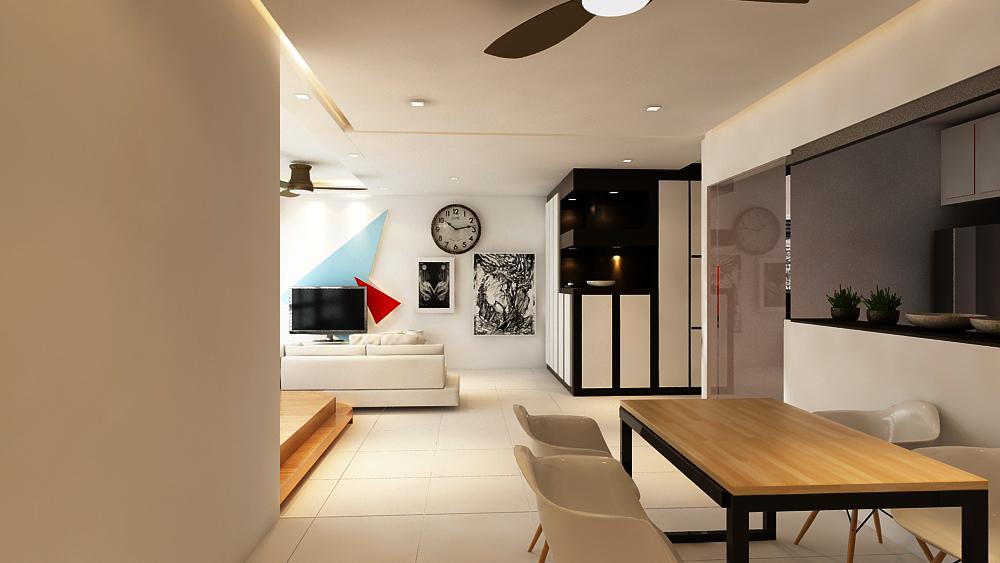
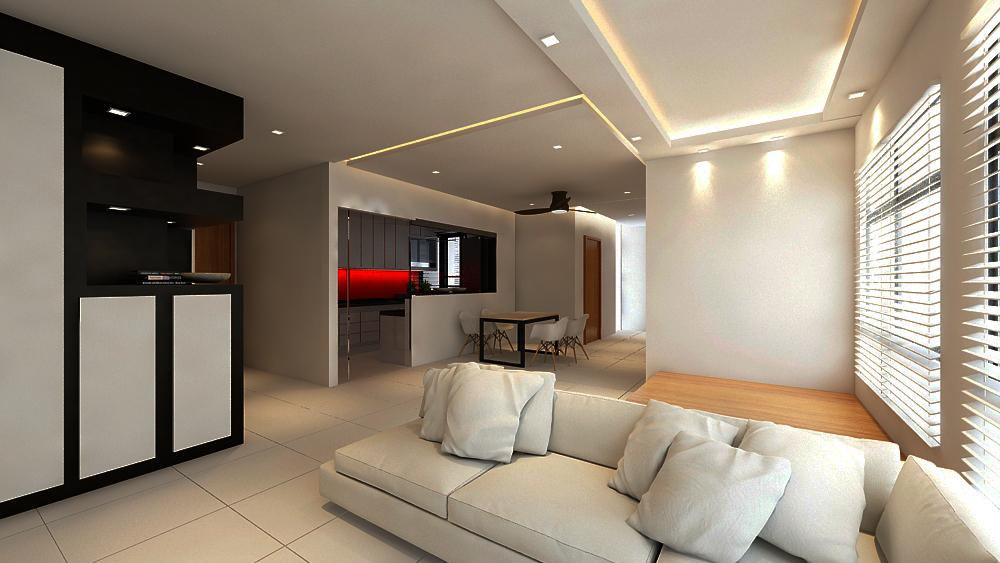
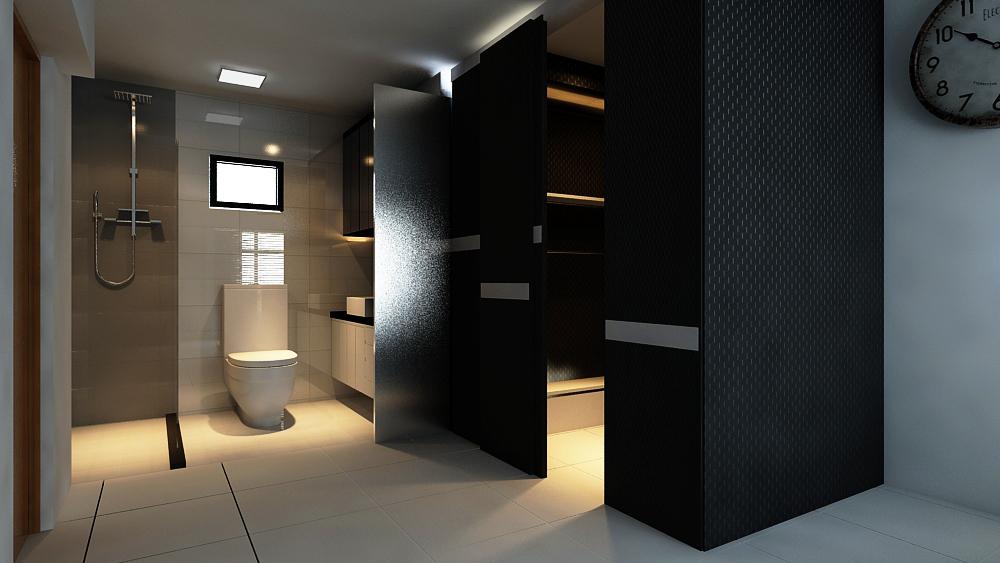
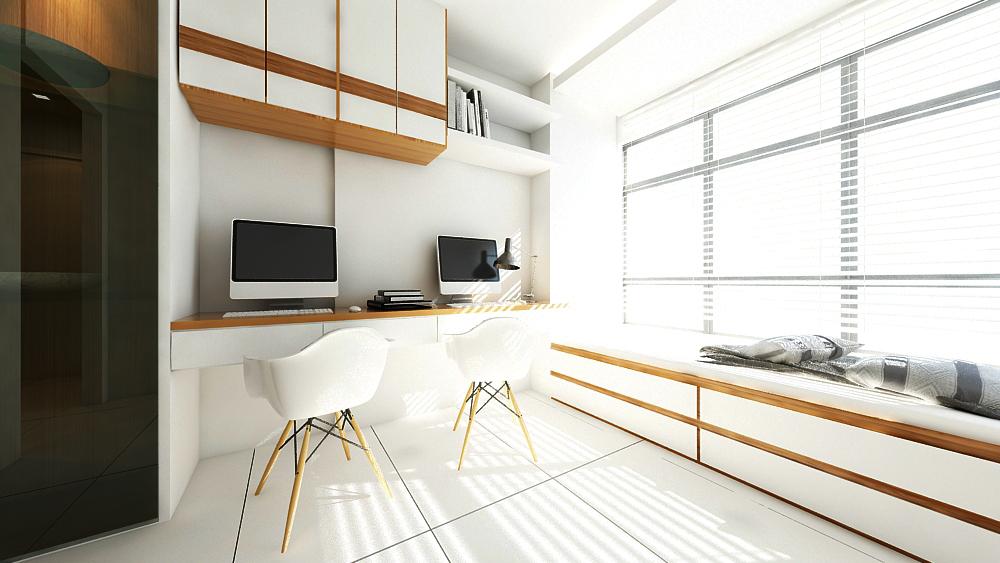
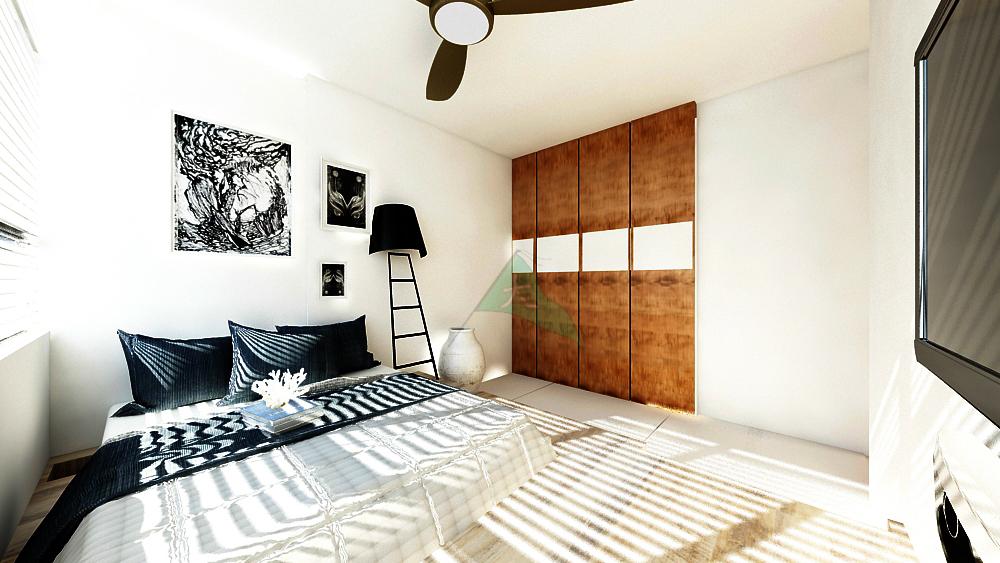
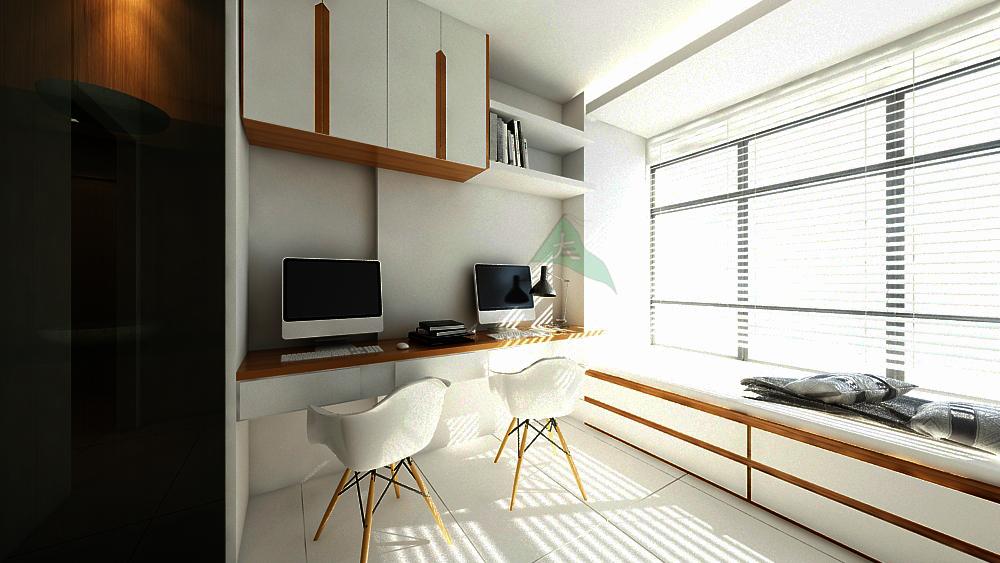
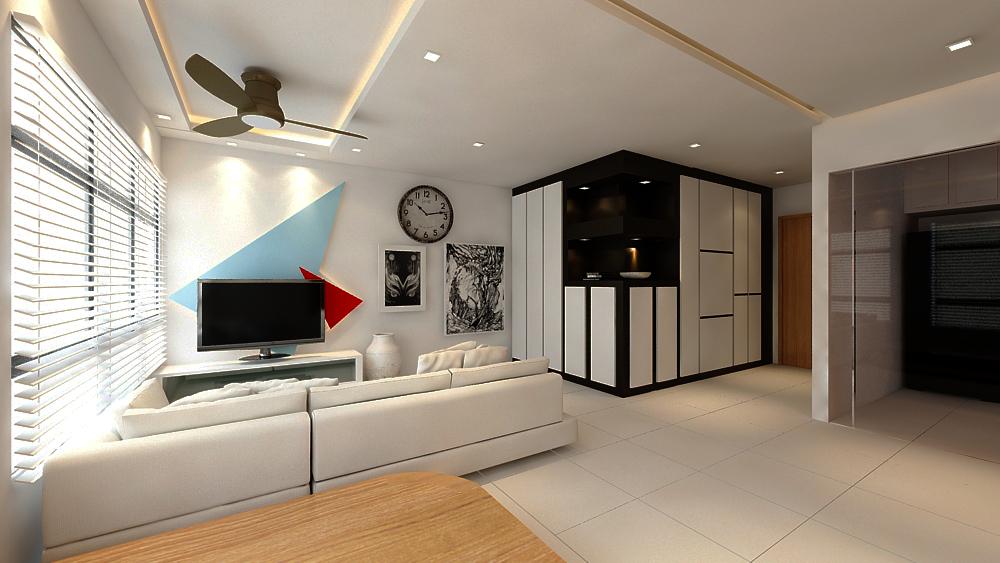
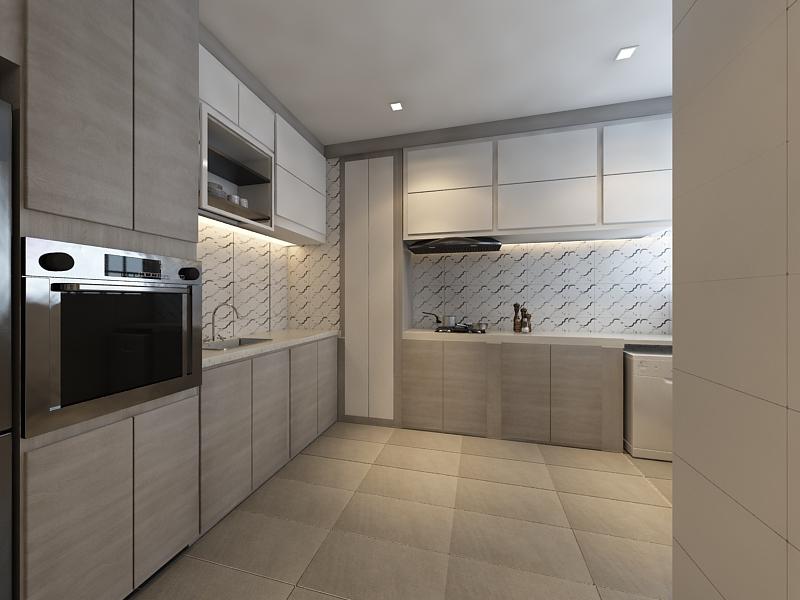
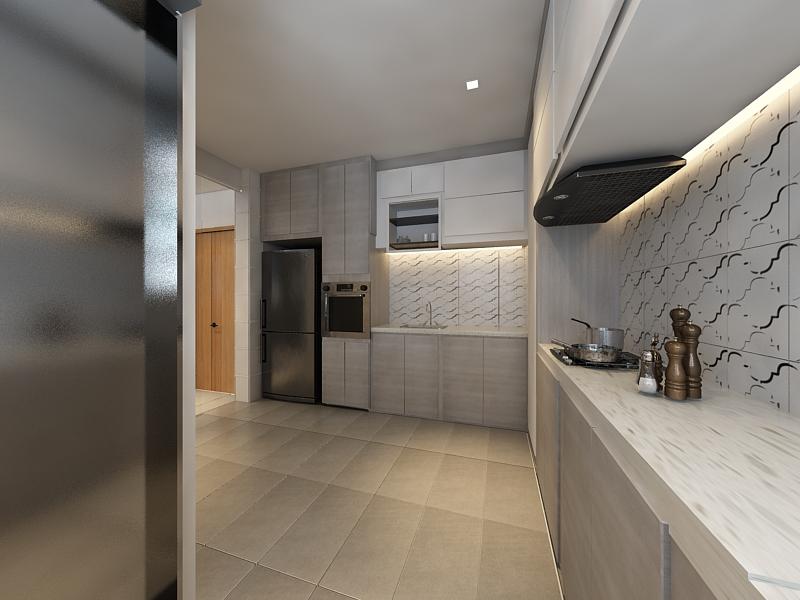
Hi all dear home owners my name is bryan i am actually selling service to help home owner to draw out their dream home in 3d in what they wanted time taken for a drawing to be done 2 days longest 5 days depends on how fast you give me the info of how you wanted your house to be done so i shall not say much now i just gonna post some done up drawing i have done for some home owners that engage me . thank you so much for the support can pm me or email me for @ bryanhong91@gmail.com for more info




-
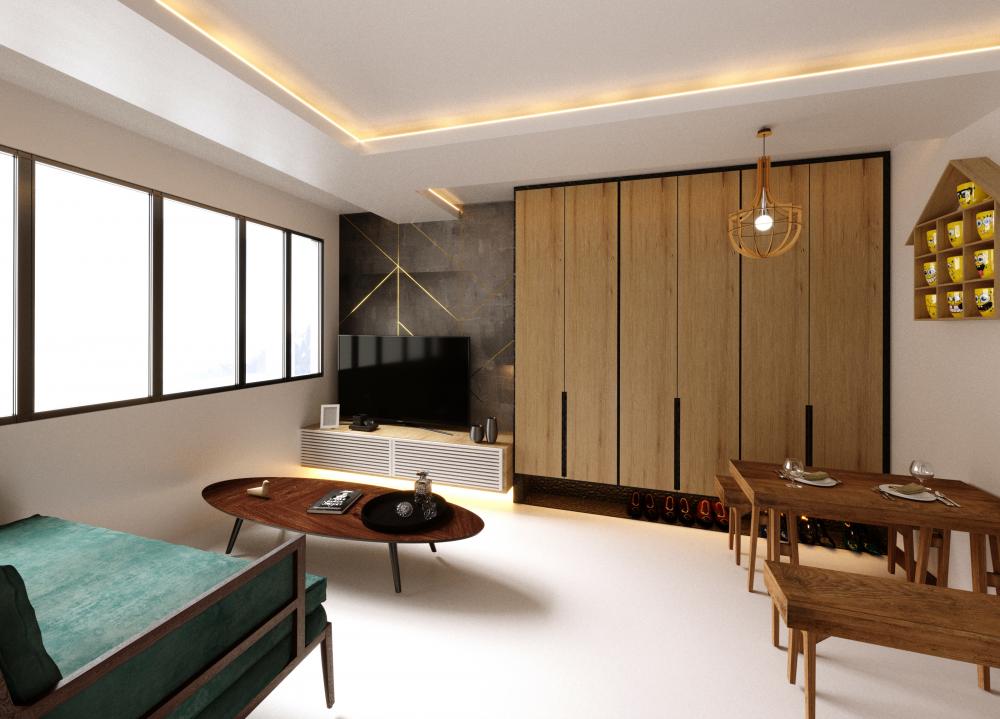
Hi all dear home owners my name is bryan i am actually selling service to help home owner to draw out their dream home in 3d in what they wanted time taken for a drawing to be done 2 days longest 5 days depends on how fast you give me the info of how you wanted your house to be done so i shall not say much now i just gonna post some done up drawing i have done for some home owners that engage me . thank you so much for the support can pm me or email me for @ bryanhong91@gmail.com for more info