



ehbypot
Members
-
Joined
-
Last visited
Everything posted by ehbypot
-
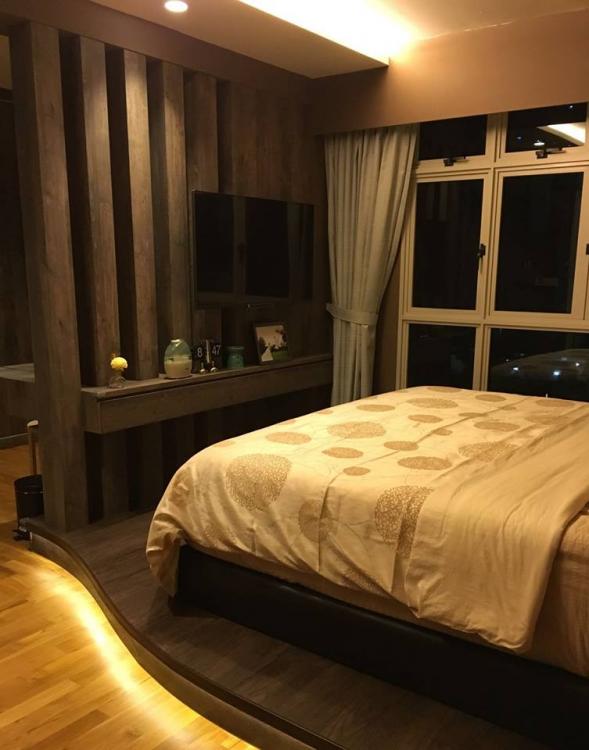
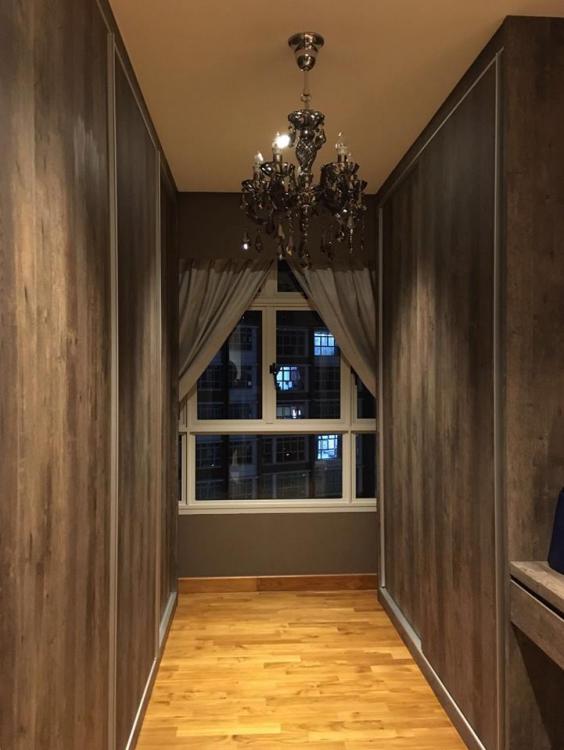
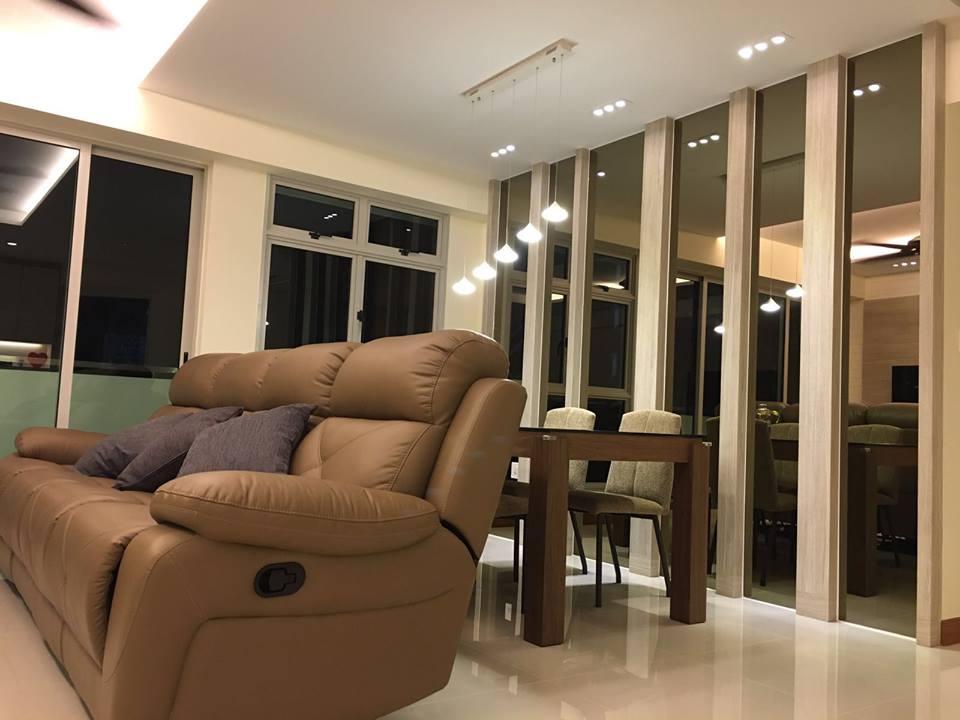
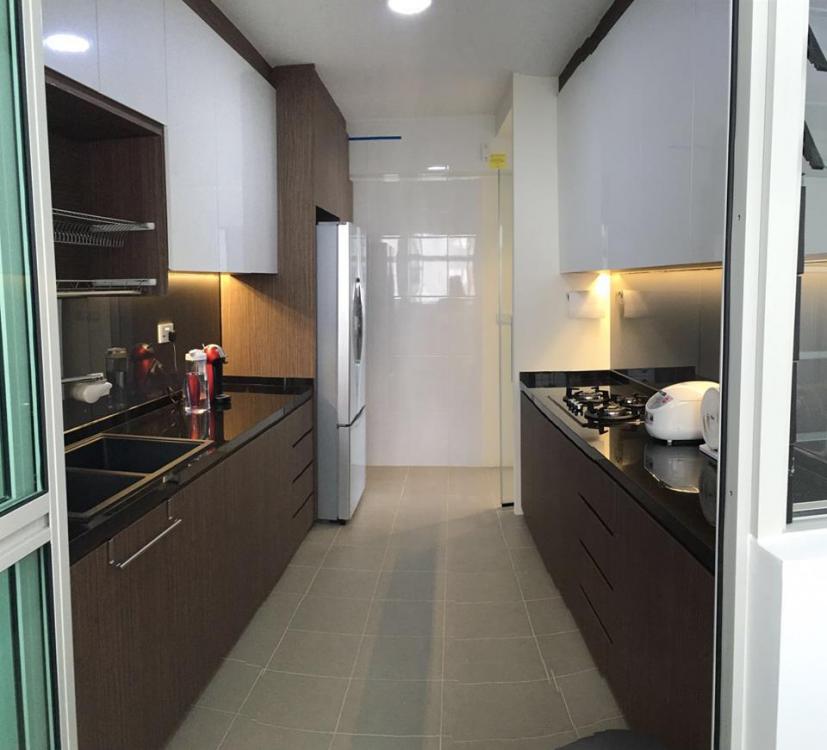
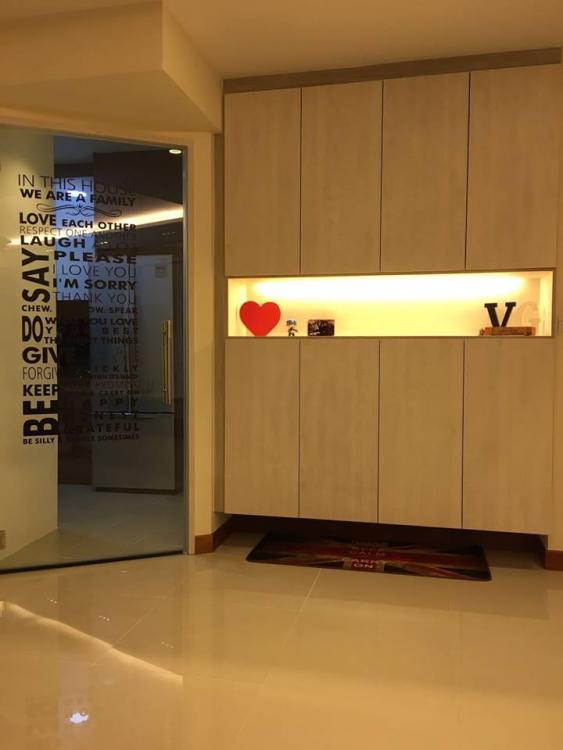
Hi all, I was fond of looking for interior designs and renovation then came across in this website. Started reading some renovation recommendations and I just want to also share my renovation experience with this ID and they have their own contractor as well. I just want to help those who are looking for ID / contractors to transform their house into a home. My friend recommended them and scheduled for an appointment to discuss our reno. They were very open to our suggestions of what kind of design concept we want and they were also great at suggesting alternative concept to make the designs improve more but with a cheaper budget. They were very good at explaining the details and how they update the schedule of the reno. They were very accommodating and all the small issues were settled. Overall, my house turned to be a relaxing and cozy home! Below are the photos of my house. I’m happy to share their contact with you.
- 17 replies
-
- cheap
- contractor
- designer
- good design
-
Tagged with: