Marco BT
Members
-
Joined
-
Last visited
-
Marco BT replied to Marco BT's topic in Renovation Contractors, Interior Designers & Suppliers ReviewsHi i have sent
-
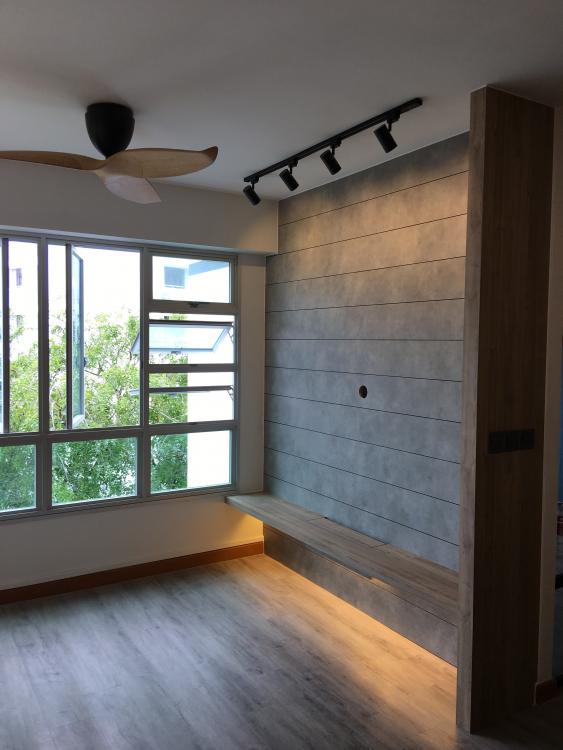
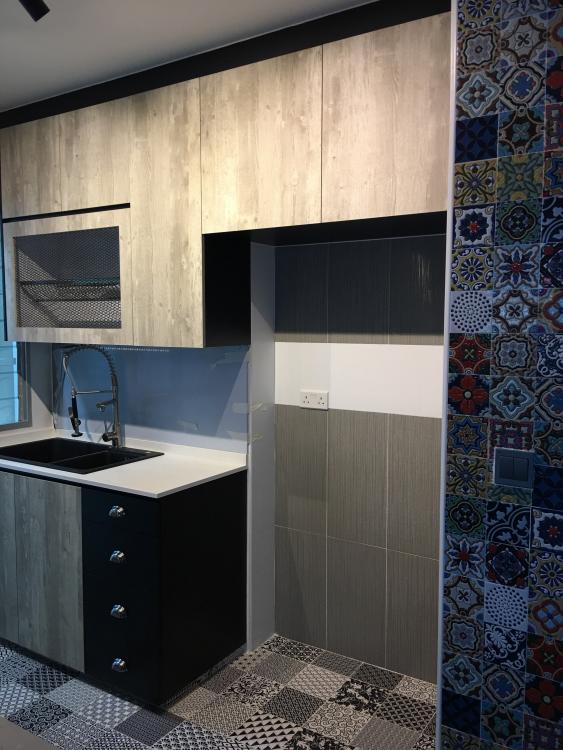
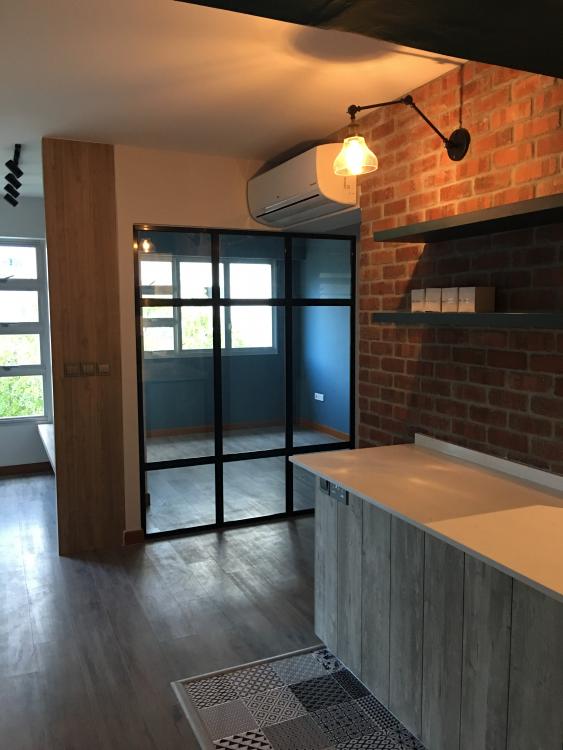
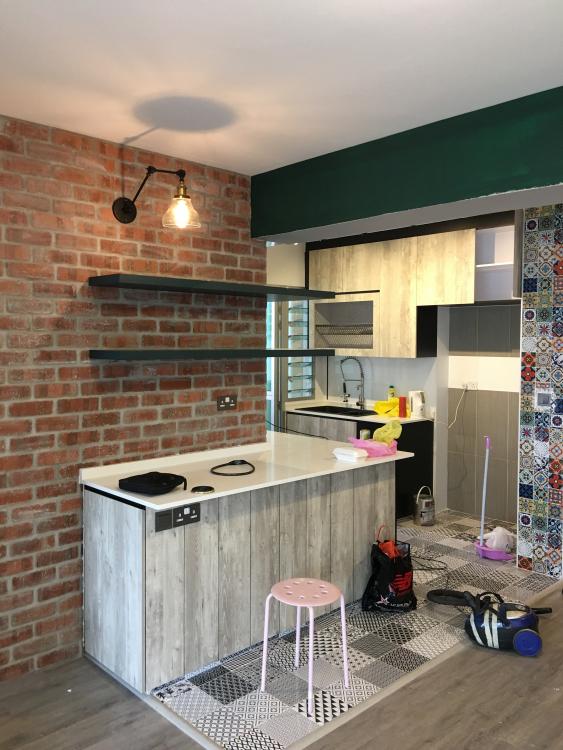
Hi, just sharing personal experience. Have my new 4-room BTO flat at Bendemeer. During initial stage when finding contractor to renovate, having tough time assessing which ID to use, end up decided to go with this Mr Tan. I'm happy with him because he is different from other people who are too pushy and keep want to include more things for me to take. He simplify what I want and end up make it a pleasant experience for me. Some of the pictures: Just sharing this as I felt lucky I did not have to go through what some new home owner faced in troublesome pushing ID contractors. Mr Lim