Skip to content
View in the app

A better way to browse. Learn more.

RenoTalk.com ™

A full-screen app on your home screen with push notifications, badges and more.

To install this app on iOS and iPadOS
  1. Tap the Share icon in Safari
  2. Scroll the menu and tap Add to Home Screen.
  3. Tap Add in the top-right corner.
To install this app on Android
  1. Tap the 3-dot menu (⋮) in the top-right corner of the browser.
  2. Tap Add to Home screen or Install app.
  3. Confirm by tapping Install.

bicycleEd

Members
  • Joined

  • Last visited

Everything posted by bicycleEd

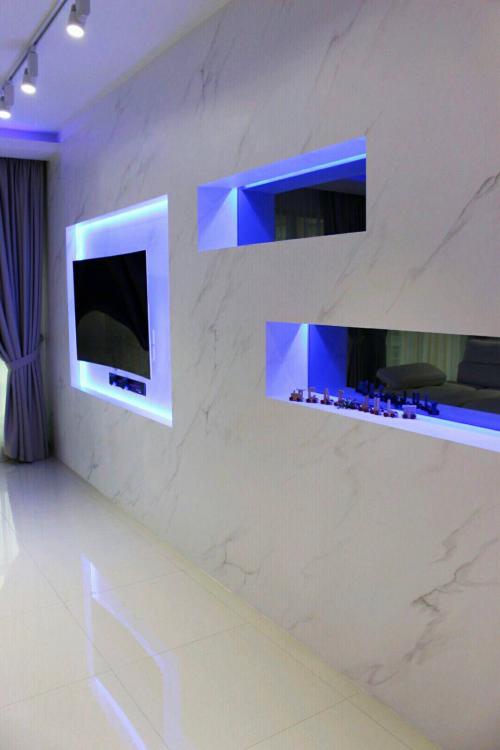
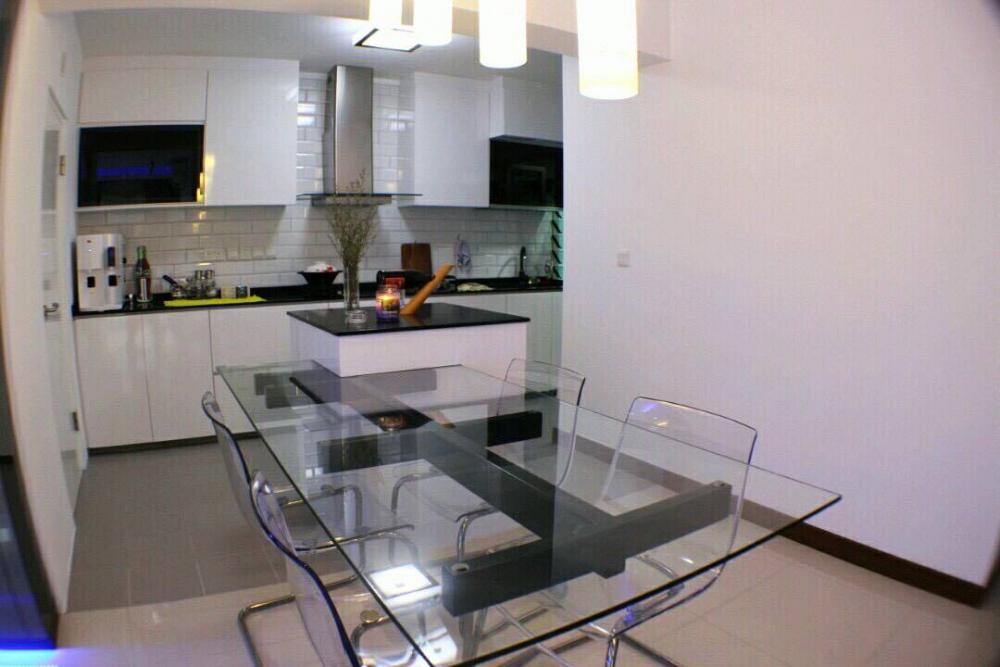
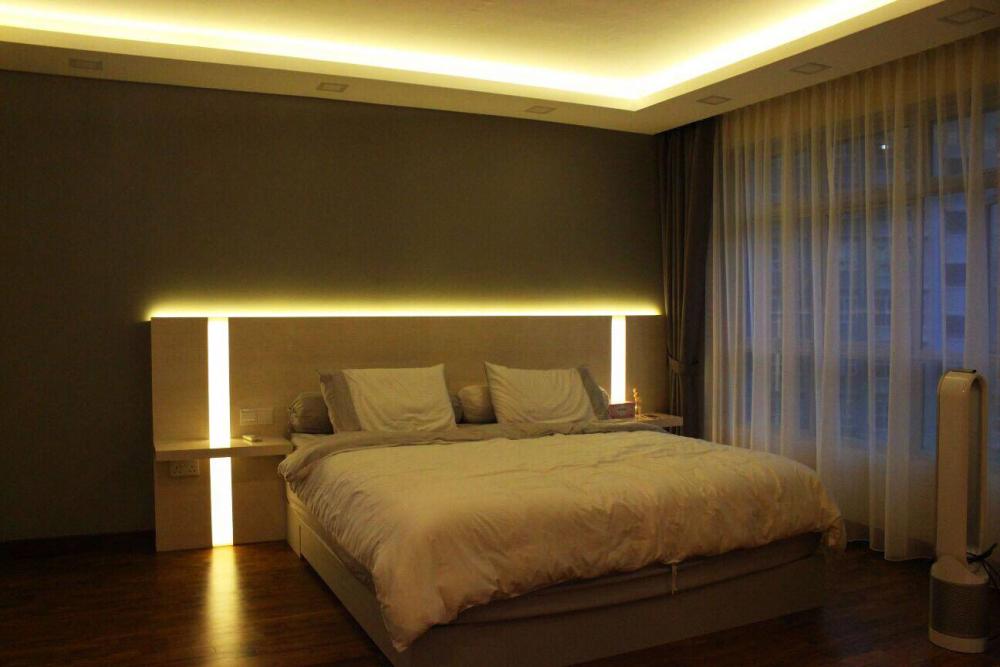
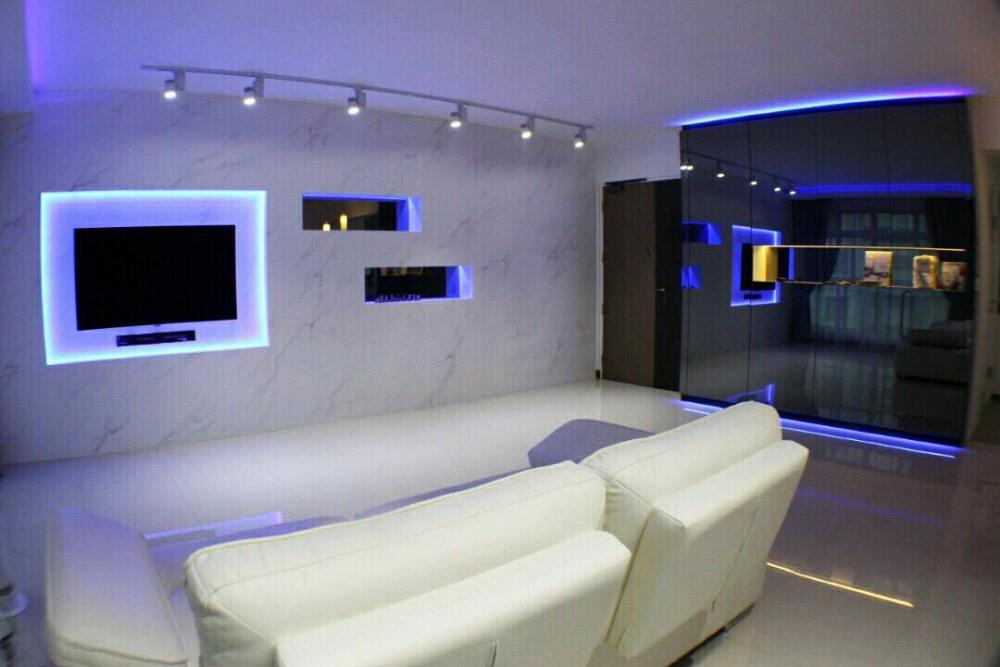
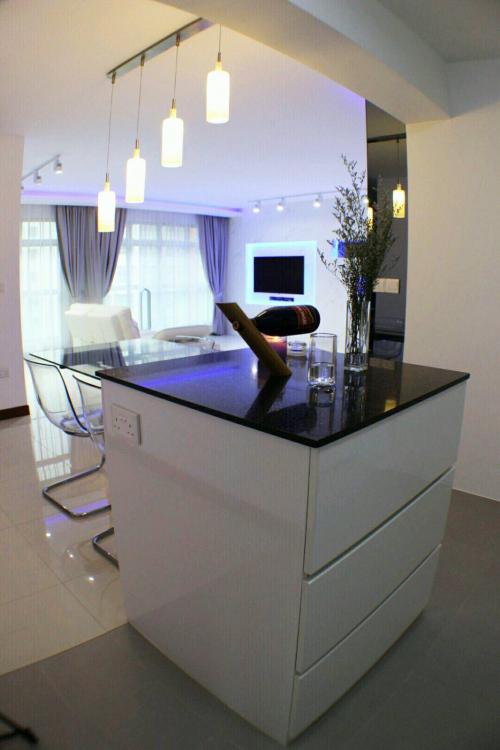
  1. Here's another stunning make over to a 5 room flat in Seng Kang! Although the abode is not decorated with many decors, it was kept simple which in turn makes it look spacious and roomy! The reign of white provides a pure & simplistic elegance that is timeless & endearing. Is this what you are looking for in your home? Simply leave your enquiry in the comment box below! Let us give you an affordable quotation for your home! OR Book an appointment with us today.
Account

Navigation

Search

Search

Configure browser push notifications

Chrome (Android)
  1. Tap the lock icon next to the address bar.
  2. Tap Permissions → Notifications.
  3. Adjust your preference.
Chrome (Desktop)
  1. Click the padlock icon in the address bar.
  2. Select Site settings.
  3. Find Notifications and adjust your preference.