



Sunlounge01
Members
-
Joined
-
Last visited
Everything posted by Sunlounge01
-
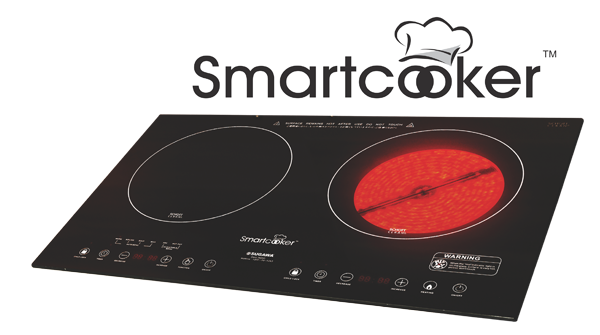
Brand new Sugawa with full warranty 3 years + 3 months) One for one exchange during warranty period. Free delivery and installation. Will be new series which only launch in December (photo displayed is old one) https://youtu.be/Vw9RxMiNkng Watch this video for amazing cooking performance. I ordered it in an event which was $1899 (Lazada sells for $2399) but my mom doesn't like induction. That's why need to let go of it. Ours brand new and company will do the delivery and installation, you get full warranty like buying from store with 40% discount. The best parts attached me the most, 1. Programmed cooking, you don't med to watch the fire and it adjusts the fire level automatically. 2. You can heat up a glass of milk or bake a toast directly on the cooker. Save your microwave money 3. The whole set is probable, you can bring it to dining room to have steamboat and BBQ with your family. It comes with many amazing functions while my mom who cooks the most prefer old fashion... Let go at $1099. Price negotiable. Please take it on my behalf. Thank you.

-
- ceramic
- cooker
- cooking hob
- induction
-
Tagged with: