Happy Owner
Members
-
Joined
-
Last visited
Everything posted by Happy Owner
-
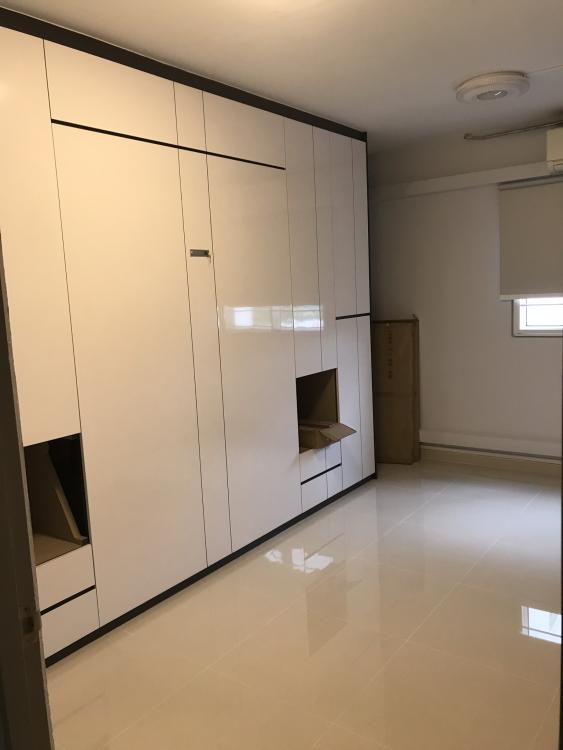
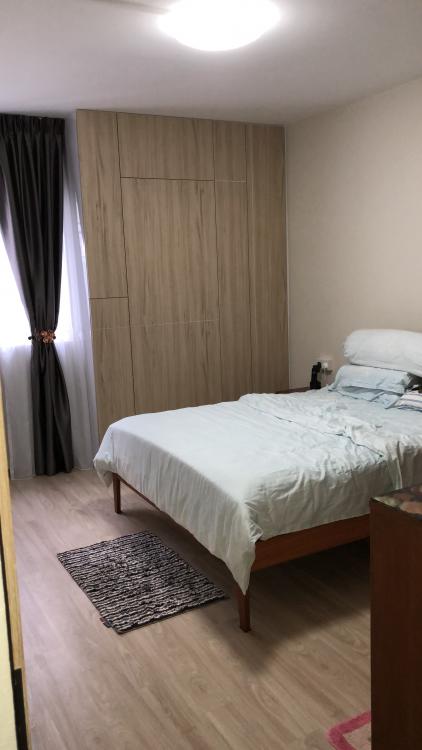
I would like to share my recent renovations experience. I am happy to make a right choice to use a friend’s recommended Interior designer over directly engage contractor for my case. My ID’s Johnny have done a good job to make my renovation process a smooth and easy journey. He supervised the work site frequently to make sure that the work being performed is precisely what the client is anticipating. He takes immediate action to get the relevant contractor to rectify any defects or areas to improve for better design and meet for functionality. Johnny is very professional in his works. He is good in color balancing and have a good sense of creativity which helped me to make good decisions when choosing the home color theme. I am also very impressed with his handyman skills which helped to resolve tedious design problems. Example when the contractor facing difficulties to retify the foldable bed carpentry works. I have moved in for almost 3 months and enjoyed the minimalist design outcome. Especially, I like my almost complete functionality kitchen design, my son’s foldable built in bed cabinet, as well the bedroom cabinets with hidden toilet door design. Thank you very much Johnny for your excellent services and good design work.