First Dot Design
Verified Merchant
-
Joined
-
Last visited
Everything posted by First Dot Design
-
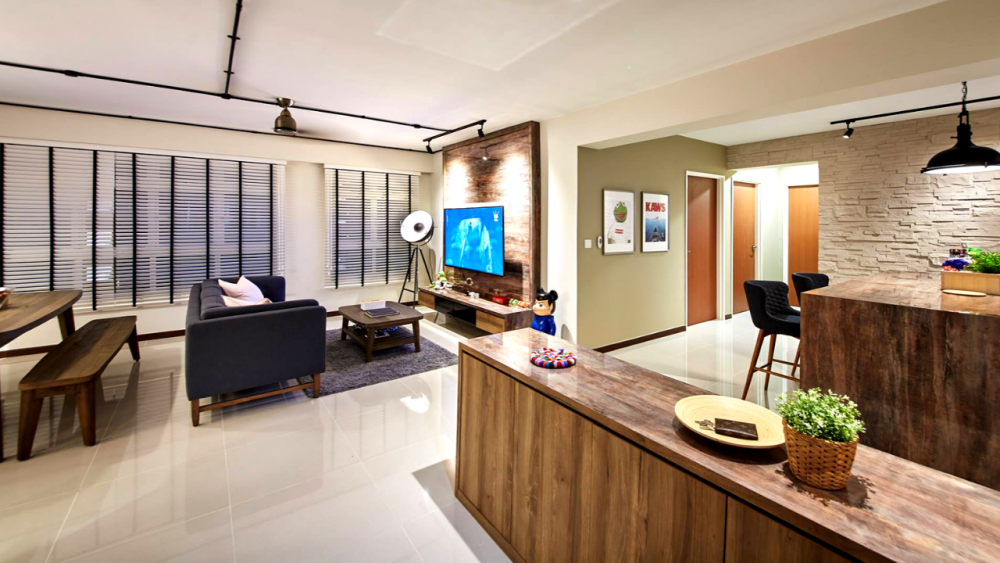
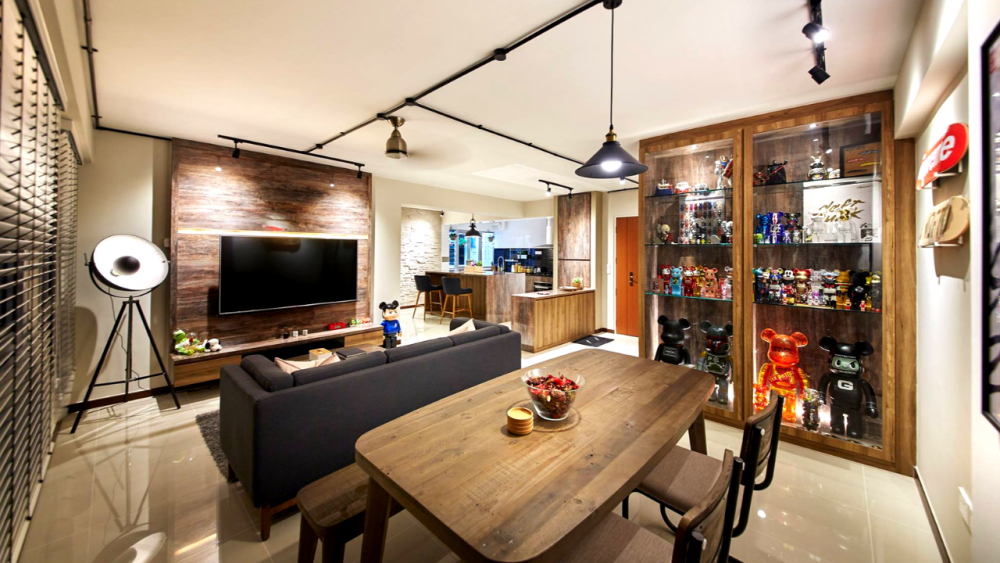
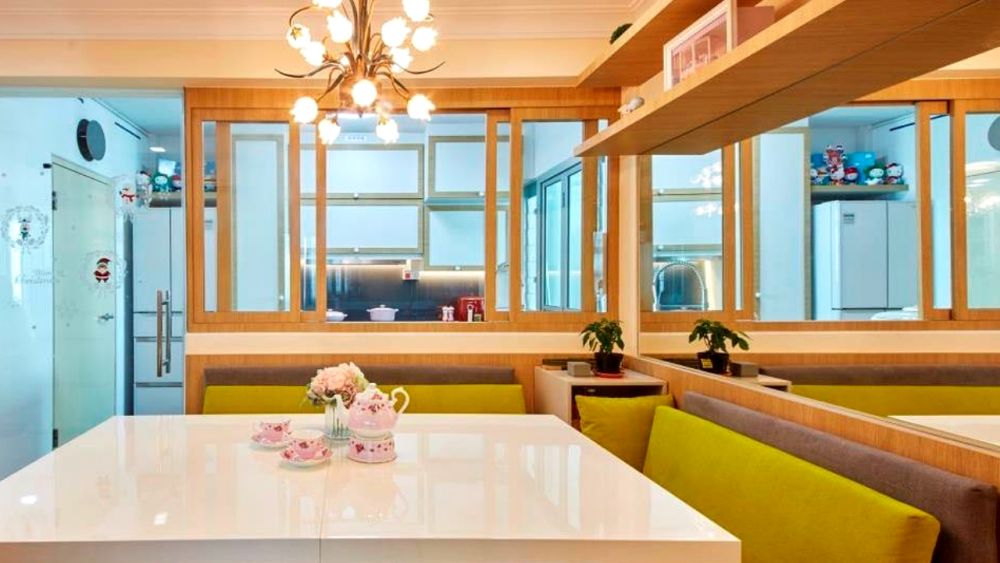
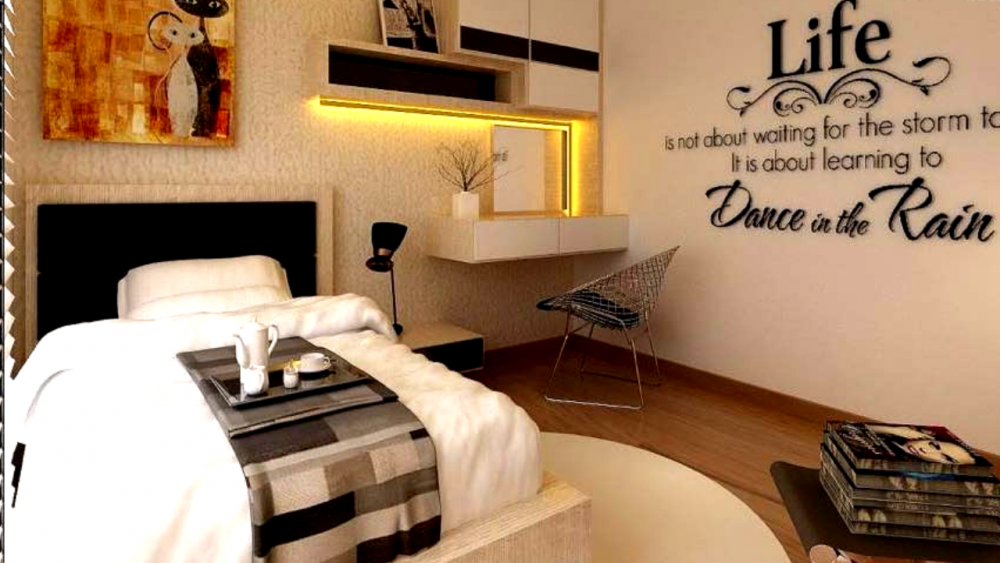
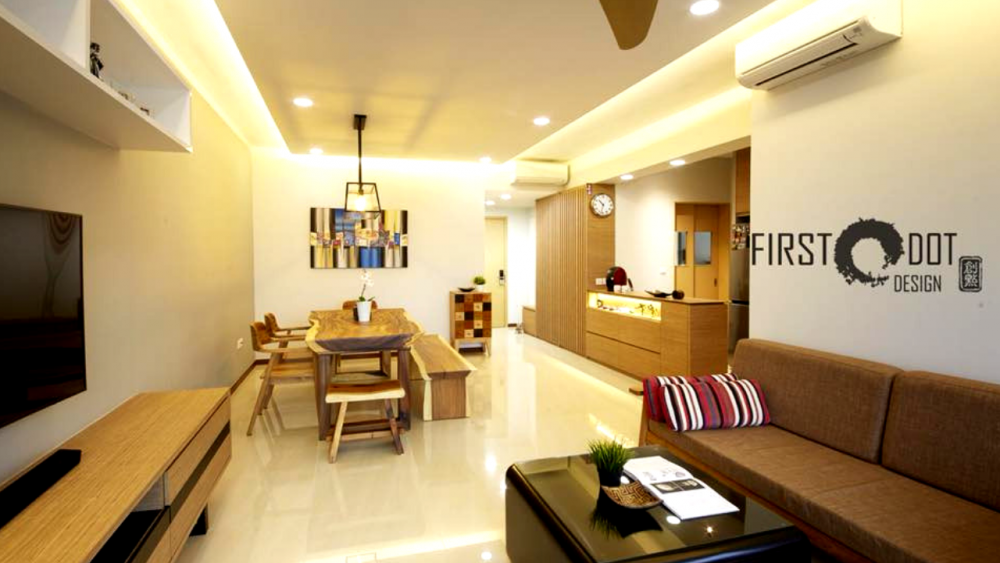
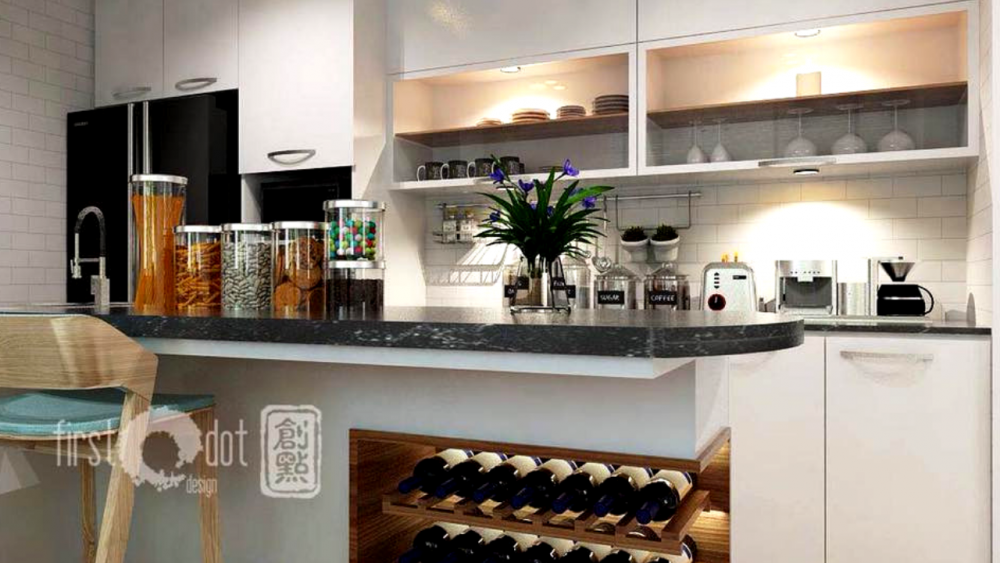
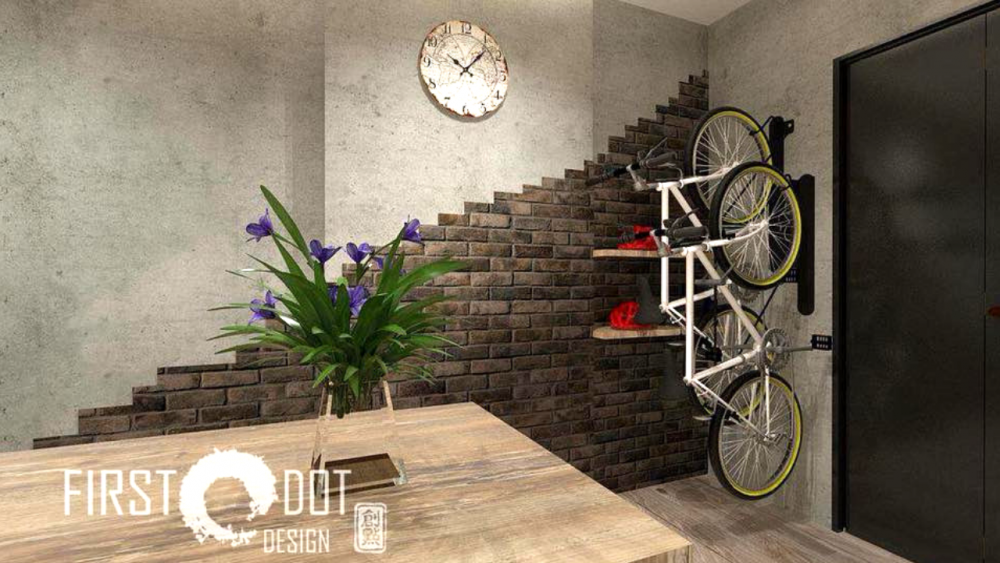
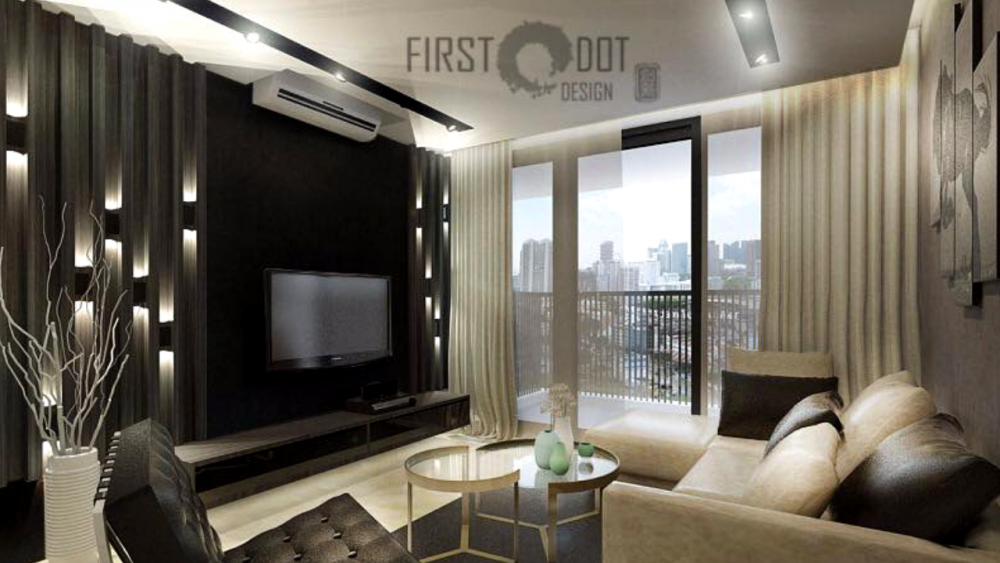
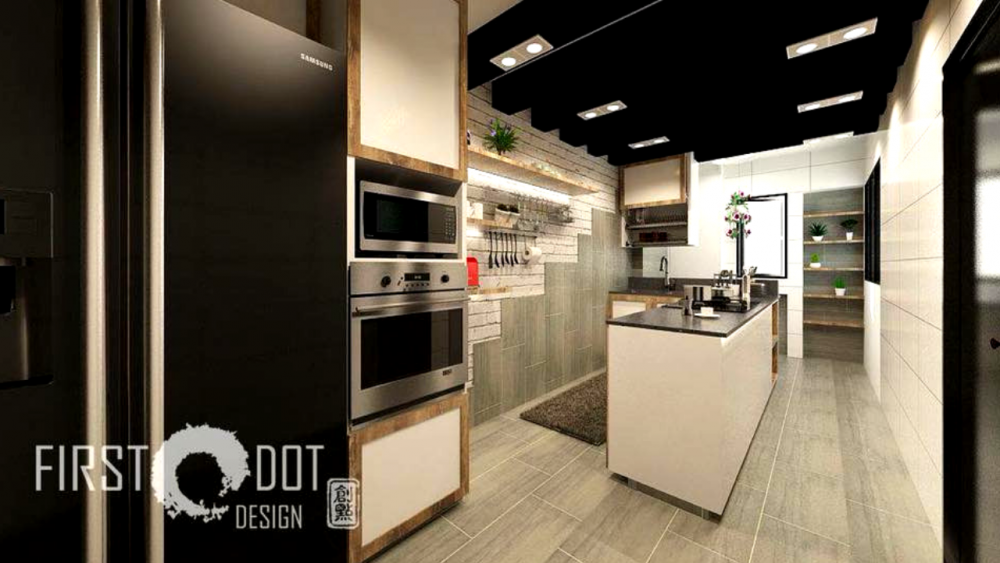
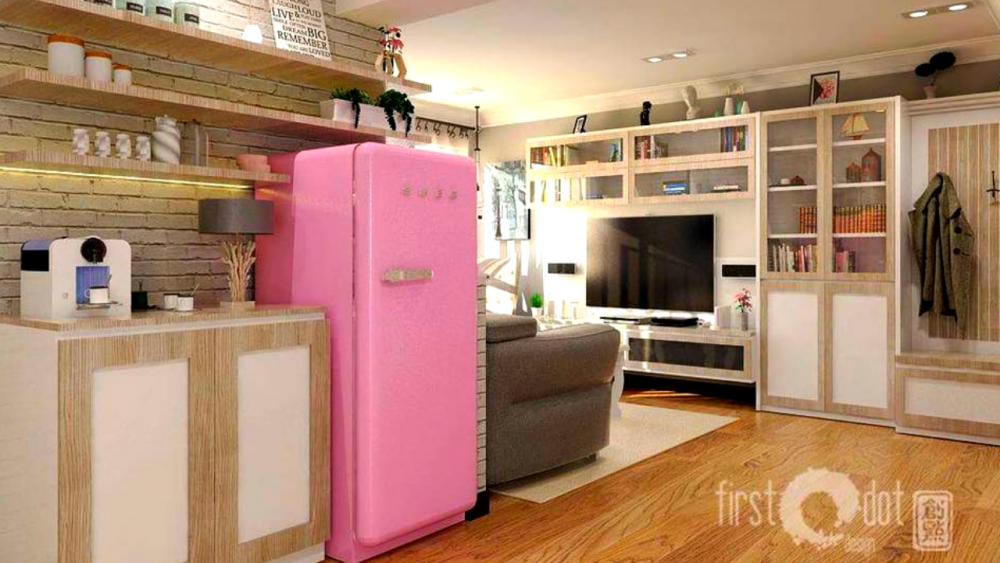
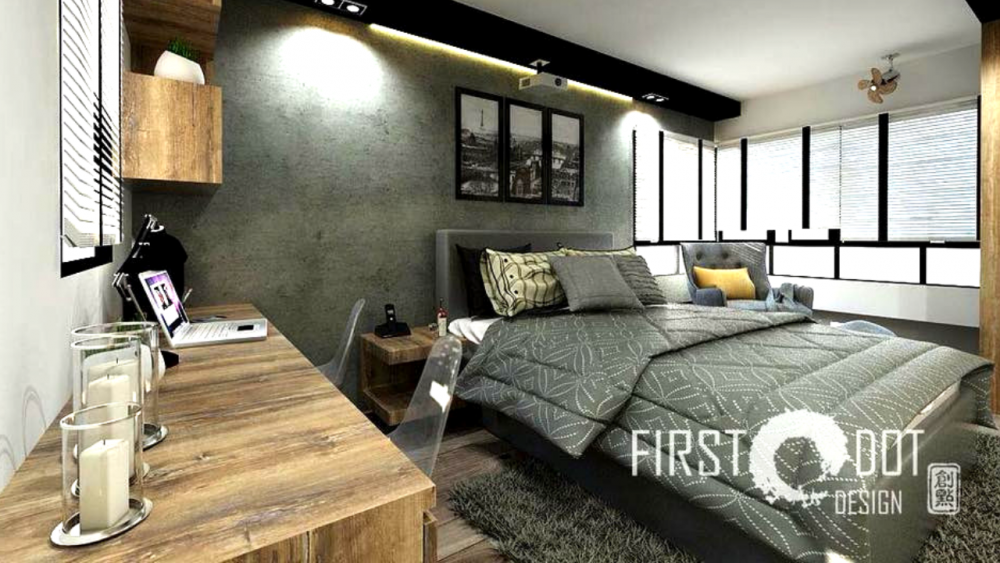
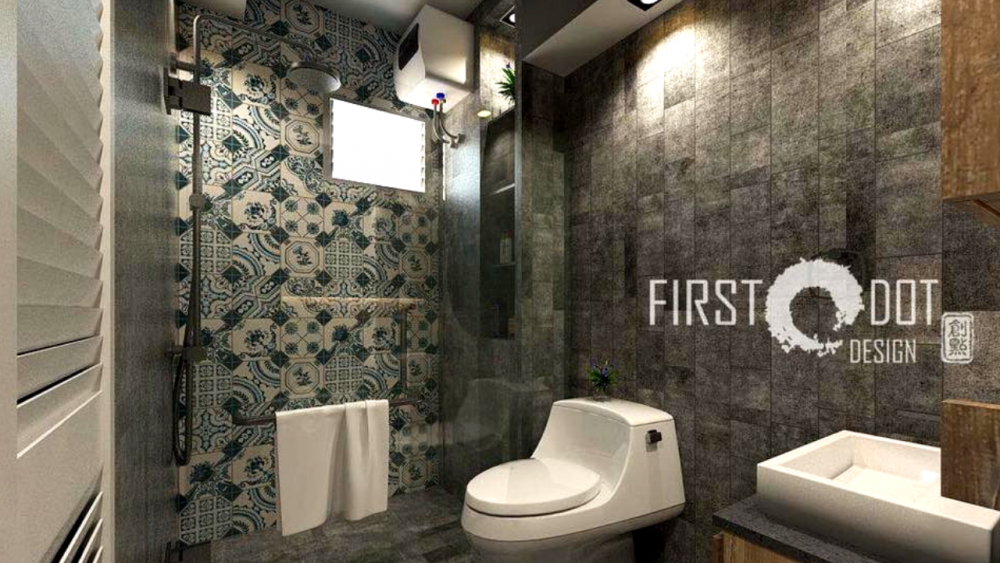
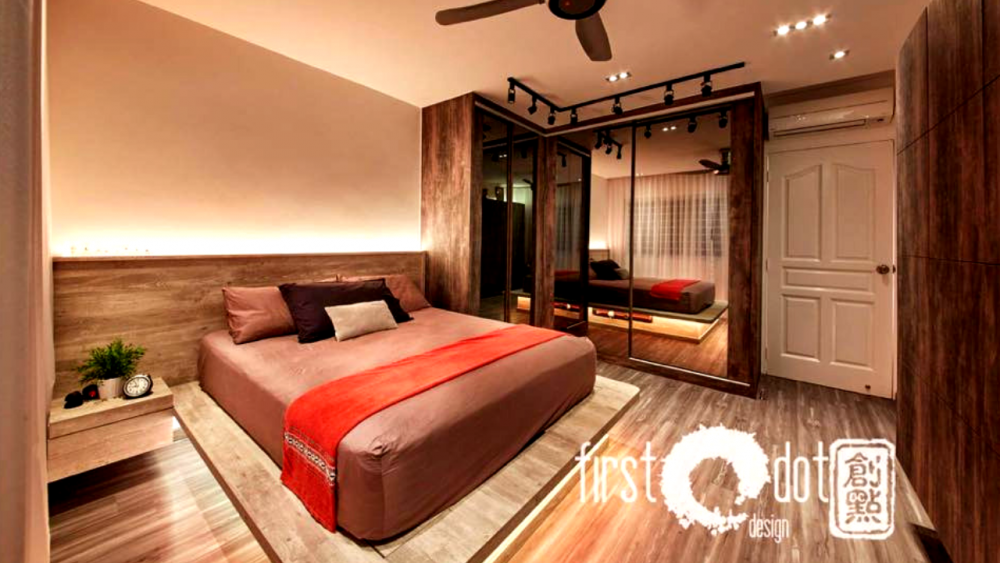
Just as a dot symbolizes the very beginning of the design process, at First Dot Design we start with you, our customer. We believe in producing interior design work that is specially designed with your precise needs and wishes in mind. We endeavor to create interior spaces that not only match the design brief but also making a unique statement. All interior space has its own character & identity. We aim to create the best experience for all users of interior space. We believe in helping our client achieve their desired results through creativity not only in the design aspects, but also in how we manage the available budget and resources. In short, we commit to put our heart and soul into designing the dream home that matches your needs, budget, and lifestyle! Contact us for a discussion today First Dot Design Pte Ltd 3A Geylang Lorong 7 Singapore 388787 Email: enquiries@firstdotdesign.com.sg Tel: 6717-5885 (10am – 6pm) Mobile: 9338 2889 (24 hrs)