



SheenaQuek
Members
-
Joined
-
Last visited
-
SheenaQuek replied to SheenaQuek's topic in DIRECT SUPPLIERS - Buy Direct, Save Cost, High ReliabilityHi, Thank you for your interest in our products. Can we communicate through whatsapp for easier clarification? You may reach me at 9876 2981. Thank you.
-
SheenaQuek replied to SheenaQuek's topic in DIRECT SUPPLIERS - Buy Direct, Save Cost, High ReliabilityHi, Thank you for your interest in our products. Can we communicate through whatsapp for easier clarification? You may reach me at 9876 2981. Thank you.
-
SheenaQuek replied to SheenaQuek's topic in DIRECT SUPPLIERS - Buy Direct, Save Cost, High ReliabilityHi, Thank you for your interest in our products. Can we communicate through whatsapp for easier clarification? You may reach me at 9876 2981. Thank you.
-
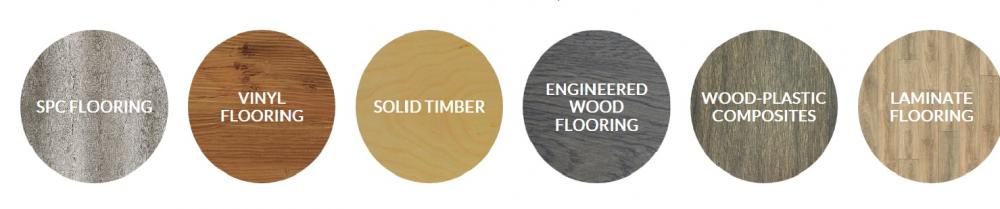
Direct supplier and installations for: 1) Solid timber flooring 2) SPC Flooring 3) Vinyl Flooring 4) Engineered Wood Flooring 5) Wood Plastic Composites 6) Laminate Flooring
-
Direct supplier and installations for the following: 1) solid timber flooring 2) Vinyl flooring 3) SPC flooring 4) Engineered Wood Flooring 5) wood-Plastic Flooring