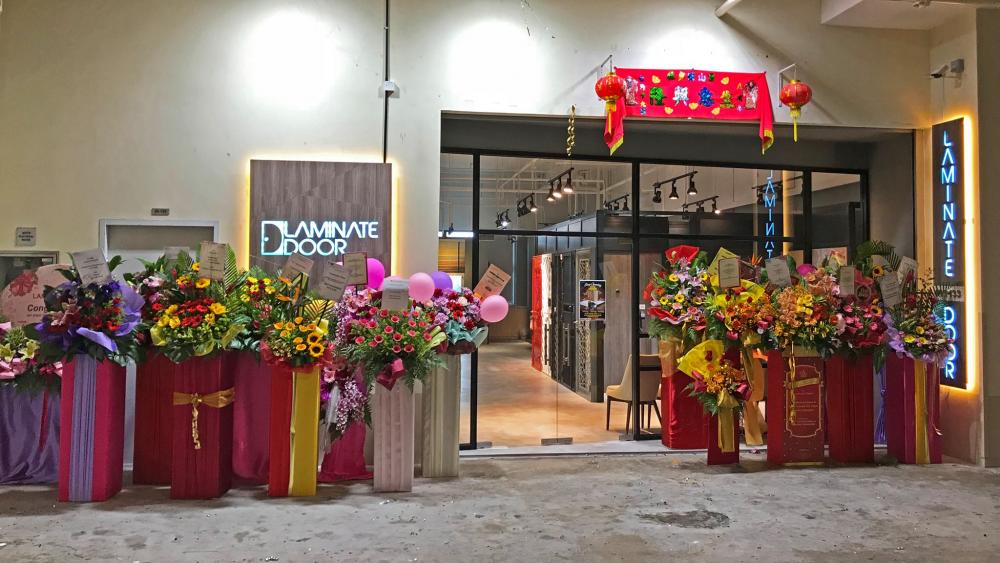
Laminate Door Pte Ltd
-
Joined
-
Last visited
About Me
Laminate Door Supplies HDB Fire Rated Main Door, Mild Steel/Wrought/Metal Gate, Bedroom Door, Toilet Door, Digital Door Locks & Mattress in Singapore. Get inspired with our beautiful front main door designs. From modern to traditional, there are nearly unlimited front door ideas to get your plans started. Contact Us Laminate Door for any enquiry regarding your home door. We will try our best to answer your question as soon as possible.
Get your designer fire rated hdb main door, condo door, landed door, designer door, double or single leaf door,mild steel gate, wrought iron gate, pvc slide swing toilet door, aluminum pvc bifold toilet door, hq qfold toilet door, mattress, samsung digital lock, hafele digital lock, loghome digital lock, igloohome digital lock, gateman digital lock, kaadas digital lock now and get a extra discount purchase with bundle.
Call our hotline now 85220015 / 91773671 ask for more details and get free onsite quotation.
https://www.laminatedoor.com.sg
Feacebook: https://www.facebook.com/laminatedoor
**** Visit Our Showroom at****
18 Boon Lay Way, #03-133 Tradehub 21 S(609966)
Hotline: 85220015 / 91773671
Office Hours:
10am-8pm Monday to Friday
10am-9pm Saturday & Sunday