at77
Members
-
Joined
-
Last visited
Everything posted by at77
-
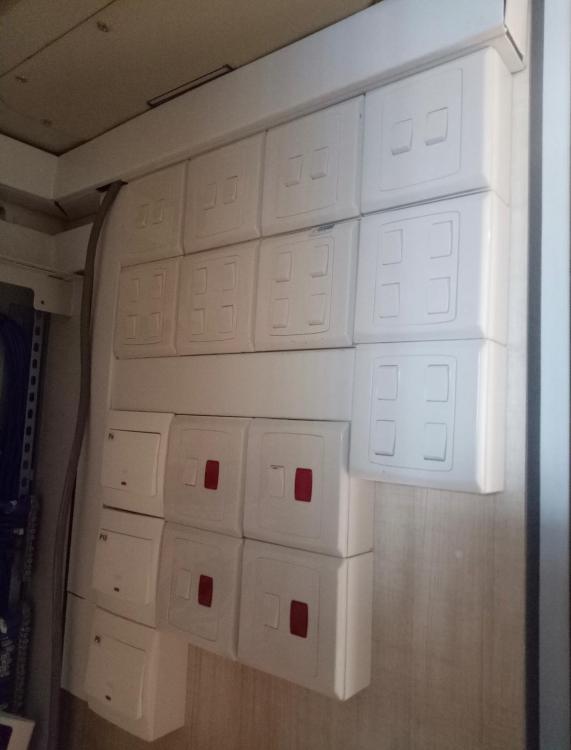
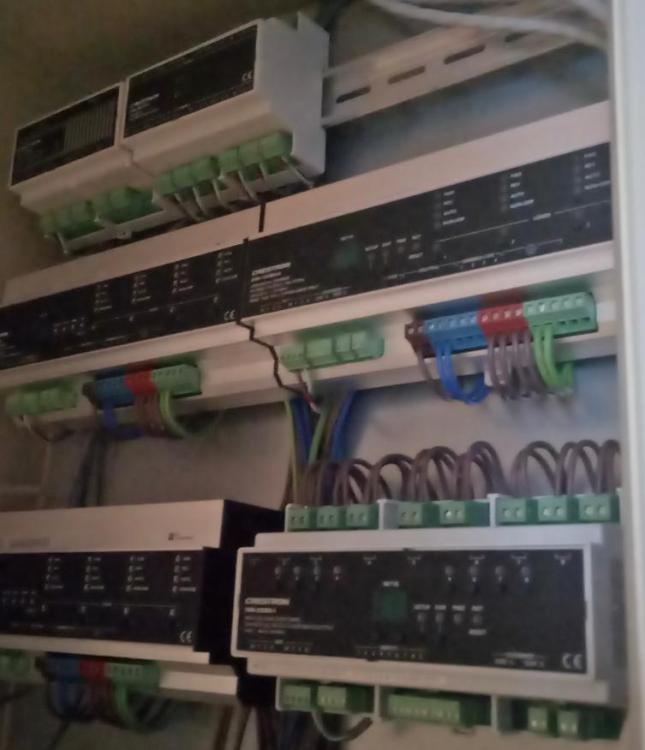
I am writing about Homtech Pte Ltd (http://homtech.com.sg/) because I am very pleased & satisfied with HomTech service and workmanship provided for my recent house renovation. I knew HomTech through a recommendation by a friend. After going through their website, I decided to engage them. Their electrical service is EXCELLENT, NEAT and completed the job in TIMELY MANNER. I do not need to emphasize or keep checking on the renovation progress of their work by going down to site from time to time. They will update me automatically of the site progress. They are also well versed with the home automation system wiring. I also purchased the LED lights from them as they will ensure that the dimmable lights and the lighting system are compatible before I proceed with purchase. This is an extra mile service that Homtech provided to me so that my renovation goes smoothly without any hiccups and I could move into my house fast. WELL RECOMMENDED FOR HOMTECH!