Mohamed Shariff B M H
Members
-
Joined
-
Last visited
Everything posted by Mohamed Shariff B M H
-
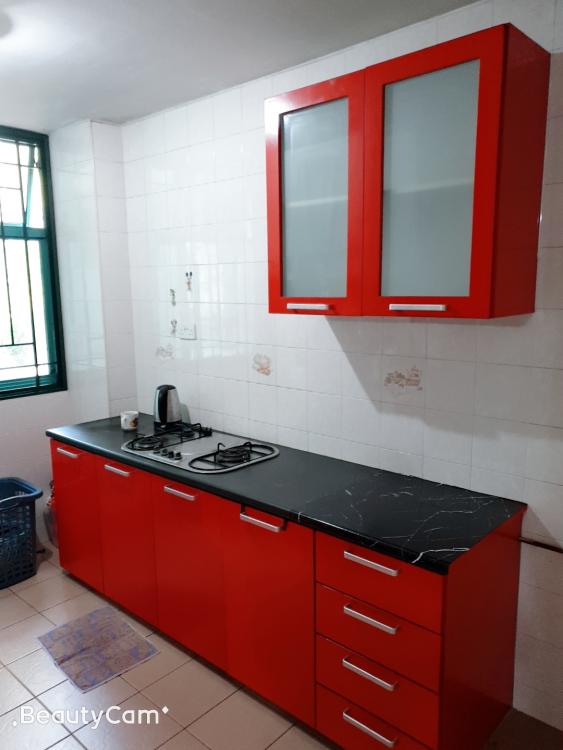
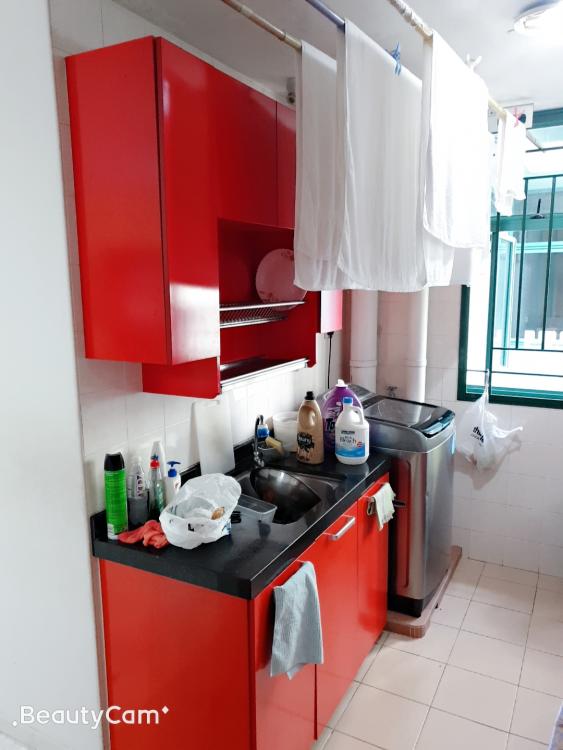
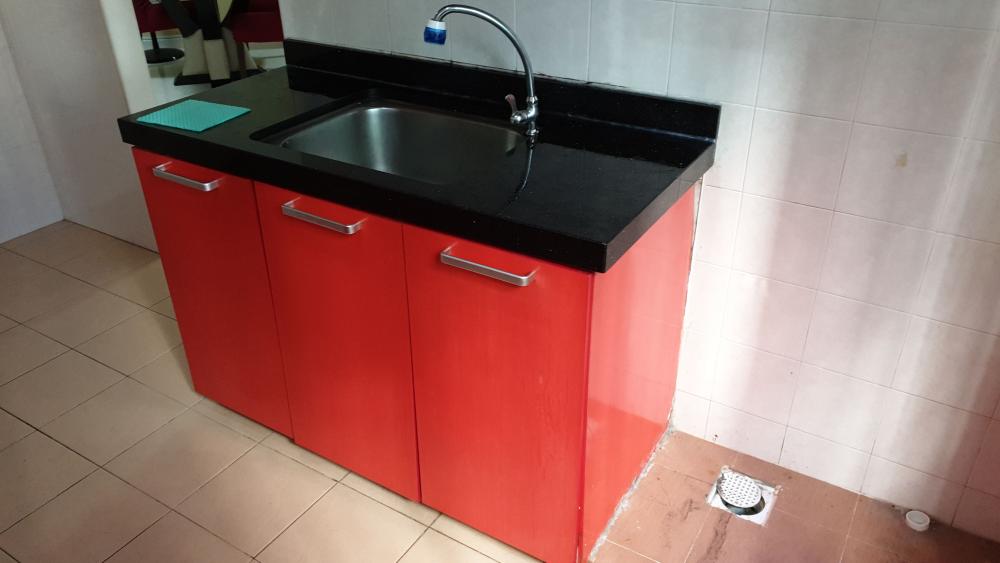
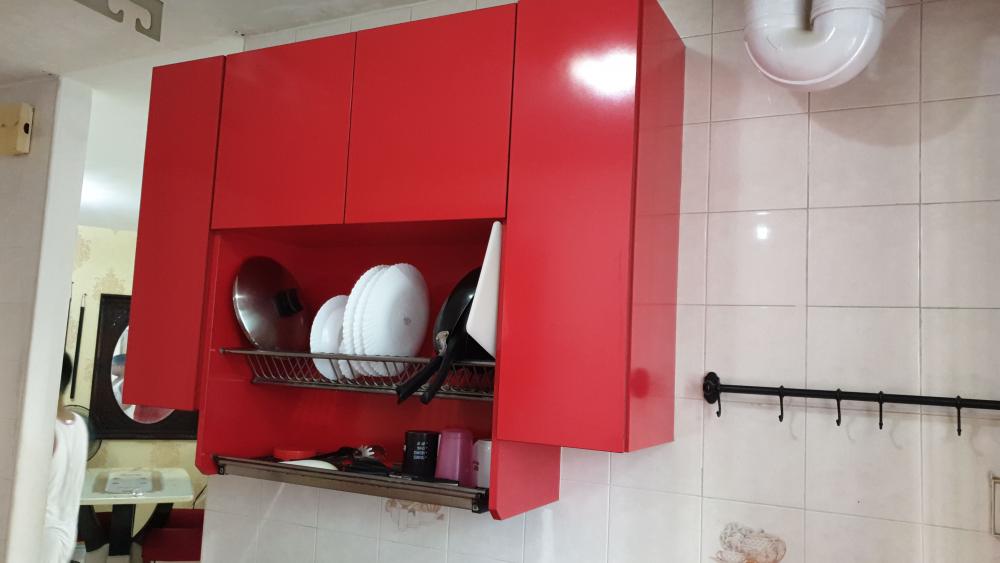
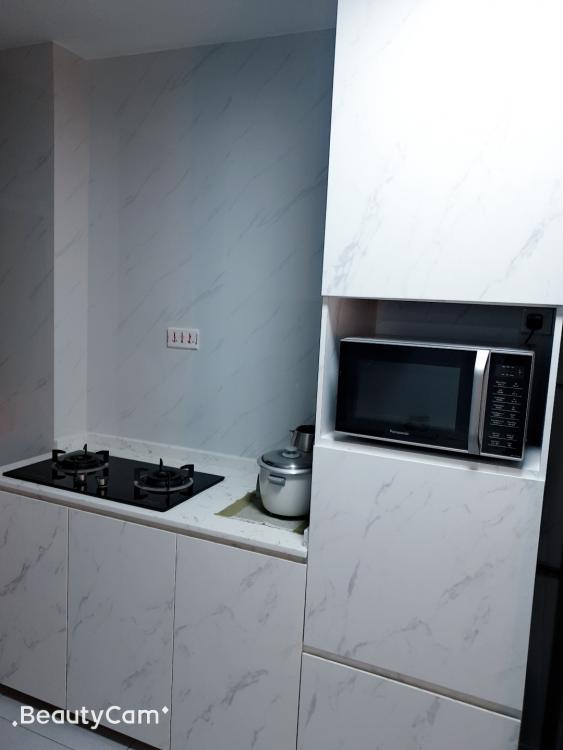
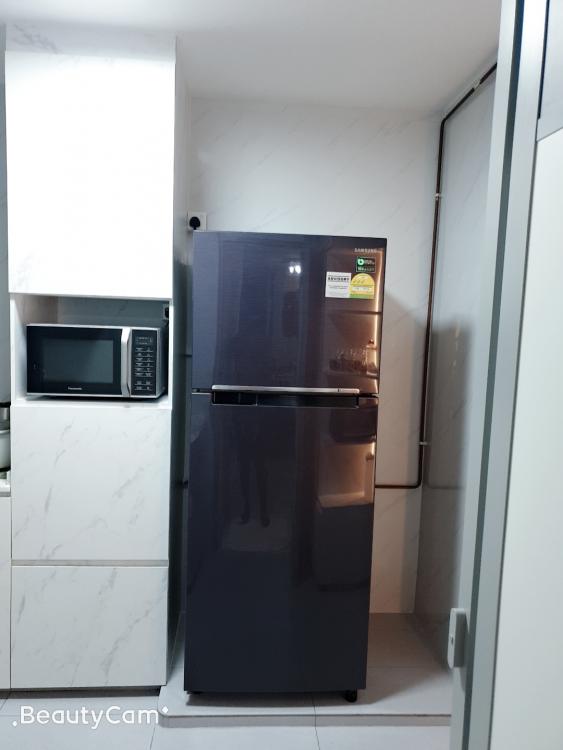
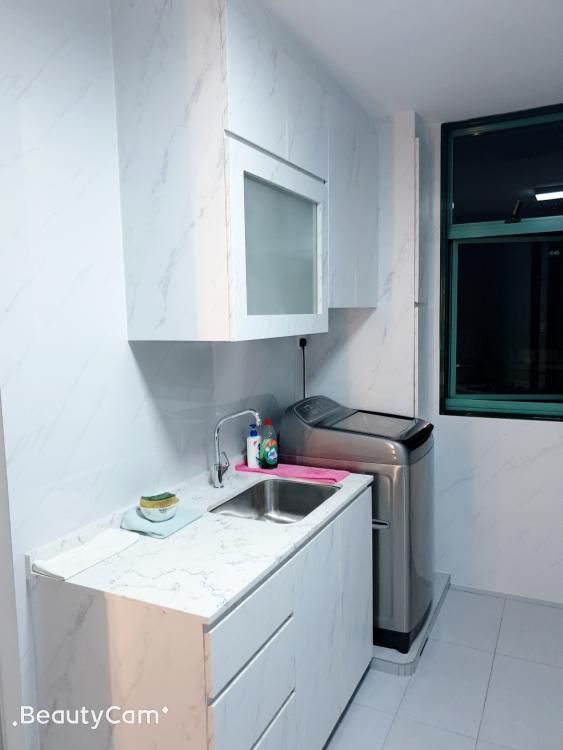
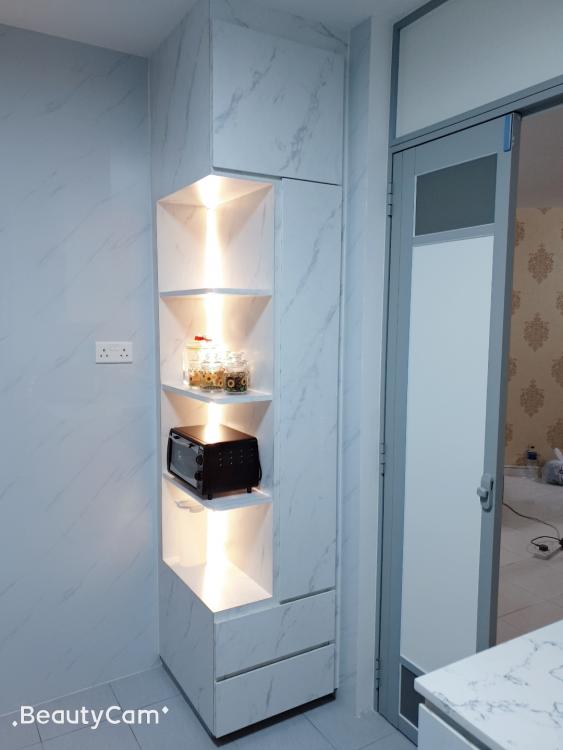
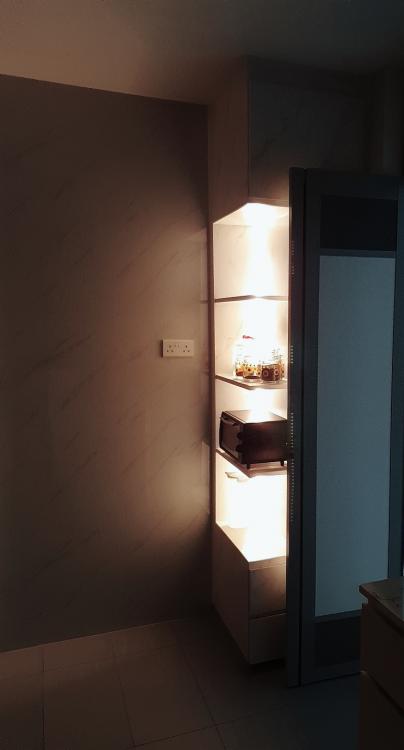
My wife & myself decided to renovate our whole kitchen...and we approached Angela from Interior Times Design 2 Pte Ltd... Angela came up with a new design of our kitchen and we gave her the go ahead for renovation. It took abt 4 weeks to complete from removing the old kitchen stuffs, laying over the flooring, putting up the wall panels, paintings, fixing of kitchen cabinets, fixing of gas burners & sink...finally came the cleaning of the whole kitchen... Today, we finally get to do our first cooking after weeks of eating outside food...satisfied with our new kitchen...below are some pictures of before & after of our kitchen... Thank you Angela, Interior Times Design 2 Pte Ltd & all other contractors involved in our kitchen renovation...