Skip to content
View in the app

A better way to browse. Learn more.

RenoTalk.com ™

A full-screen app on your home screen with push notifications, badges and more.

To install this app on iOS and iPadOS
  1. Tap the Share icon in Safari
  2. Scroll the menu and tap Add to Home Screen.
  3. Tap Add in the top-right corner.
To install this app on Android
  1. Tap the 3-dot menu (⋮) in the top-right corner of the browser.
  2. Tap Add to Home screen or Install app.
  3. Confirm by tapping Install.

Daen

Members
  • Joined

  • Last visited

Everything posted by Daen

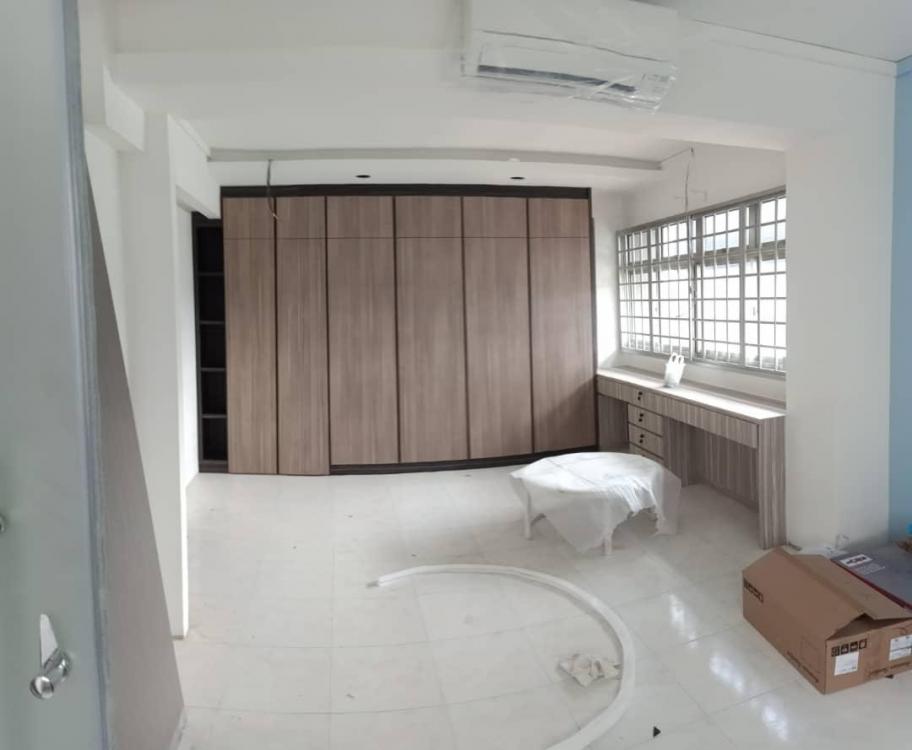
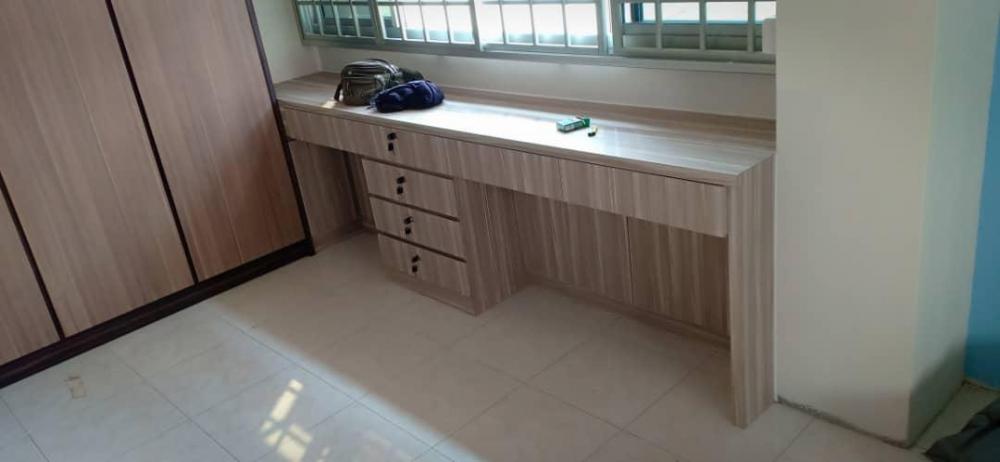
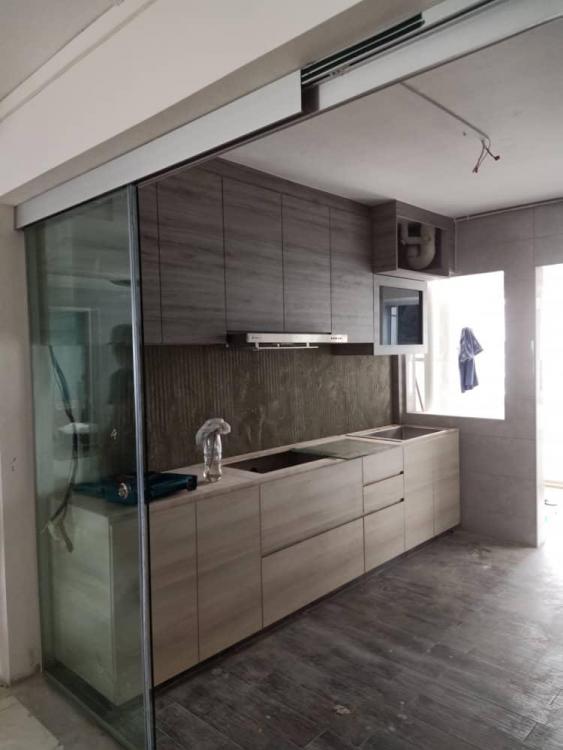
  1. I would like to thank Interior Times ID Angela Chong (Tradehub 21) for the great service provided. She is approachable friendly and always have room for discussion, provide great ideas. Her after sale service is great too. Will call up and check if all products are going well even mths after reno completed. Despite her busy schedules, she will always tried to answer to our queries. Overall she's a good ID & I would recommend her to those who want to renovate their house. I appreciate her great help and ideas and is totally satisfied with the whole reno. Worth every single cents with good quality products and great service provided by team. Greatly recommended!
Account

Navigation

Search

Search

Configure browser push notifications

Chrome (Android)
  1. Tap the lock icon next to the address bar.
  2. Tap Permissions → Notifications.
  3. Adjust your preference.
Chrome (Desktop)
  1. Click the padlock icon in the address bar.
  2. Select Site settings.
  3. Find Notifications and adjust your preference.