



kkjt
Members
-
Joined
-
Last visited
-
Hi all We just wanted to share our experience with GrillesNGlass because we are so happy to have engaged them after approaching many different window suppliers. Others that we had approached either quoted too high, reduced their quotes and cut corners (e.g. remove windows bones) or over-stated the area of the windows while reducing the unit price. But Alex was very experienced, friendly and gave us a lot of practical advice (sliding v casement, colour of glass pane, etc.) which helped us to make much better long-term choices. The workmanship is good, he has quick responsiveness, carries out works efficiently and charges a reasonable price for the windows. We are especially grateful because when the government announced the COVID-19 circuit-breaker, Alex worked over the weekend (Saturday and Sunday) to complete our windows for us. He really went the extra mile for us - and that's why we want to write this review for him. We are very pleased with GrillesNGlass' service and highly recommend them!
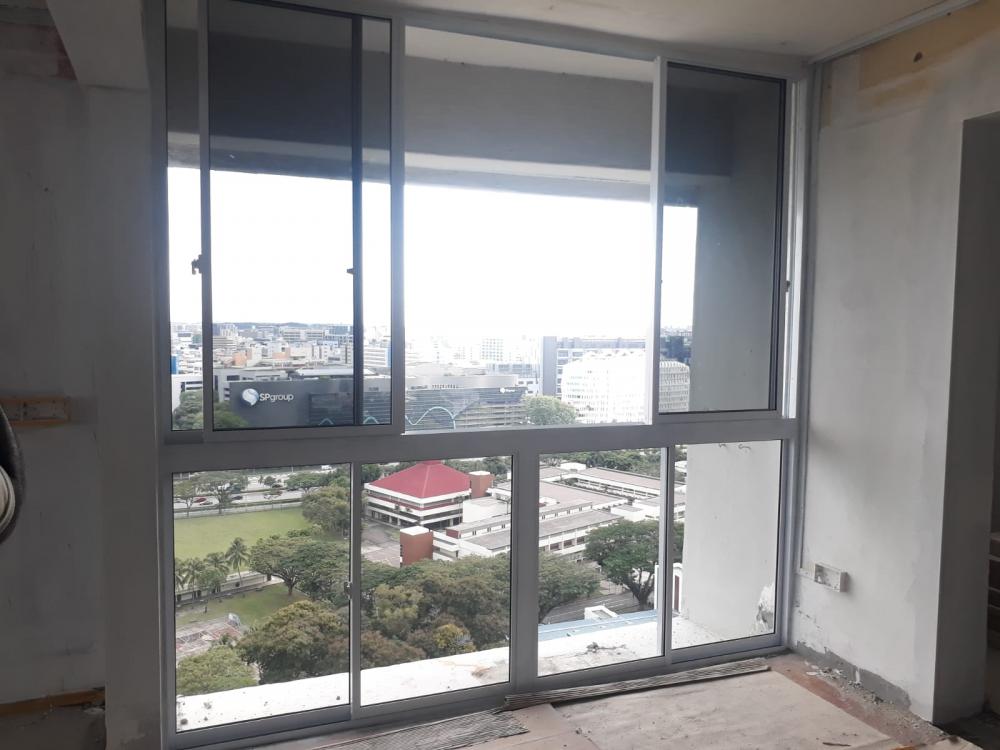


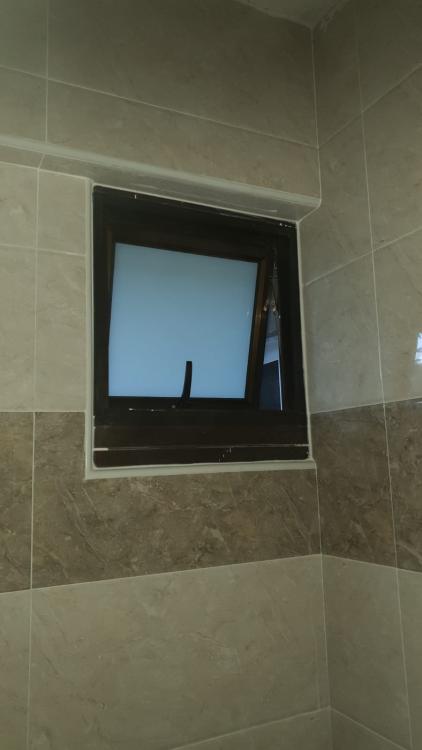
-
-
can pm details please? thank you
-
kkjt replied to weichengtoh7788's topic in Renovation Contractors, Interior Designers & Suppliers Reviewscan pm me details please?
-