bonniek
Members
-
Joined
-
Last visited
-
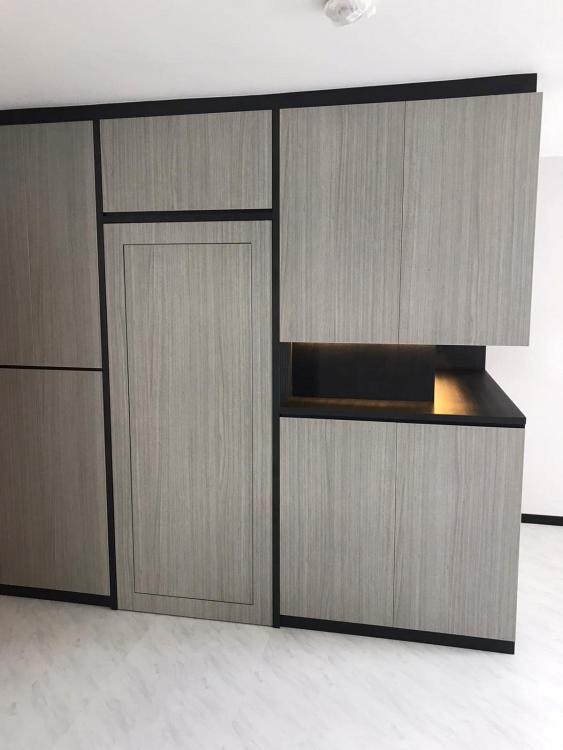
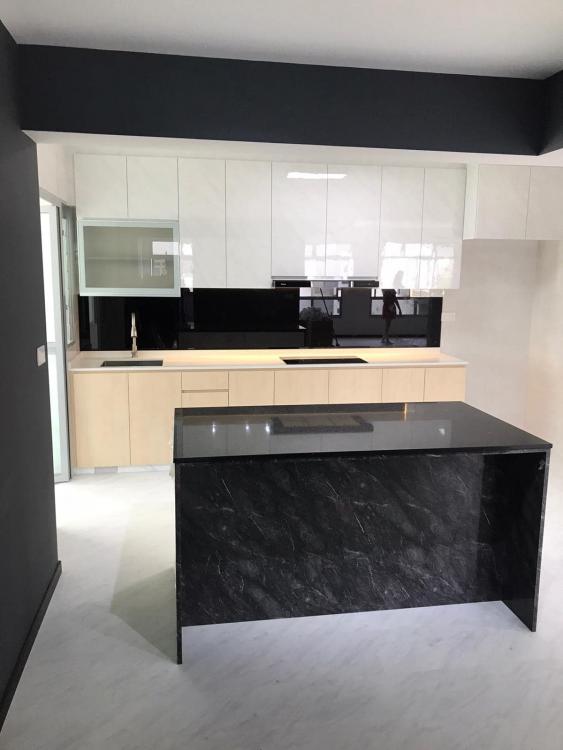
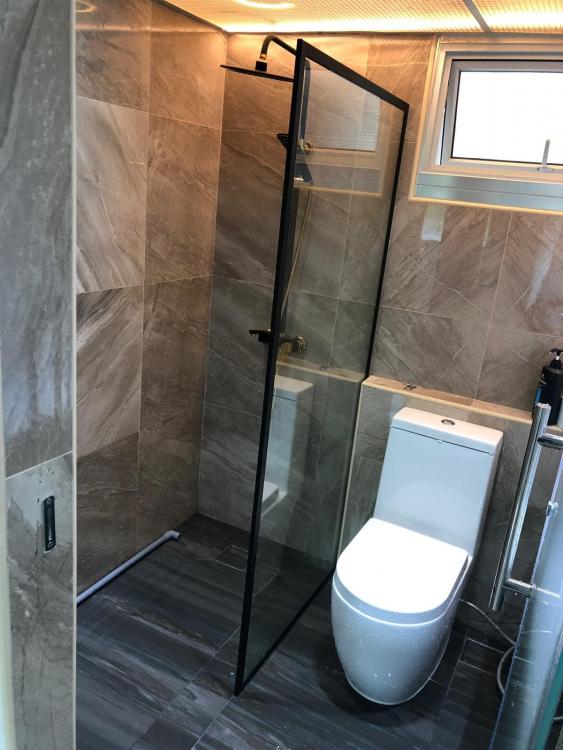
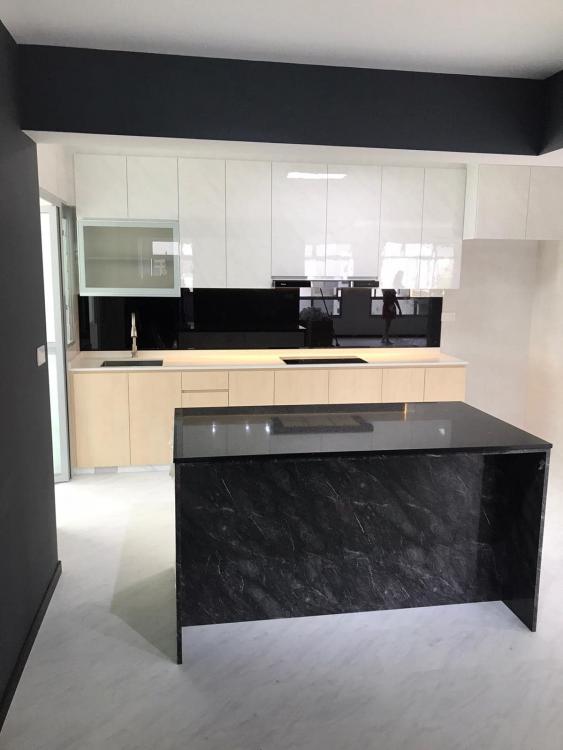
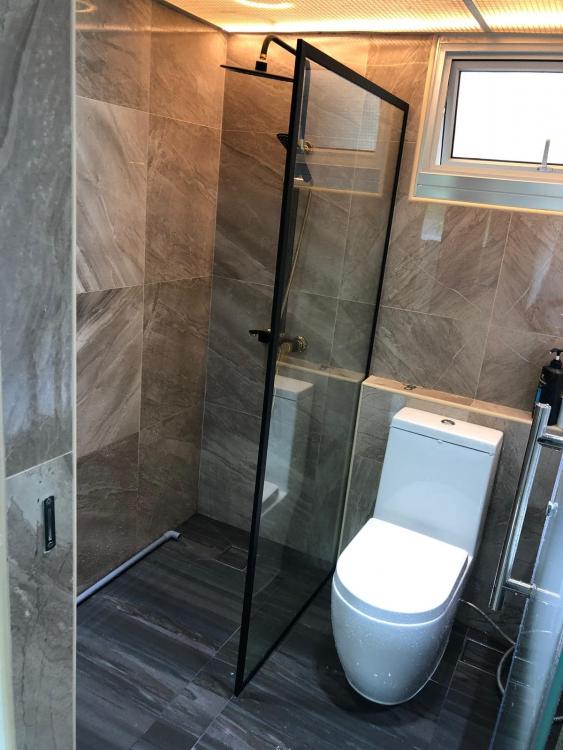
bonniek replied to Amessyperson's topic in Renovation Contractors, Interior Designers & Suppliers ReviewsHello All, we recently took over our 5-room BTO at Bukit Batok. We did not have a high budget as our wedding banquet was just in October last year. ID is definitely out of question and we looked for a contractor who could do some basic things for us. Loe and behold, we found one that is perfect for us. He is friendly and Love the workmanship, the service and most importantly the price. I'll let the picture of our new home speaks for itself. A painting speaks a thousand words, more eloquently that I could. Just wanted to share this gem of a find. Happy to share his details with anyone. Phase 2 is coming!
-
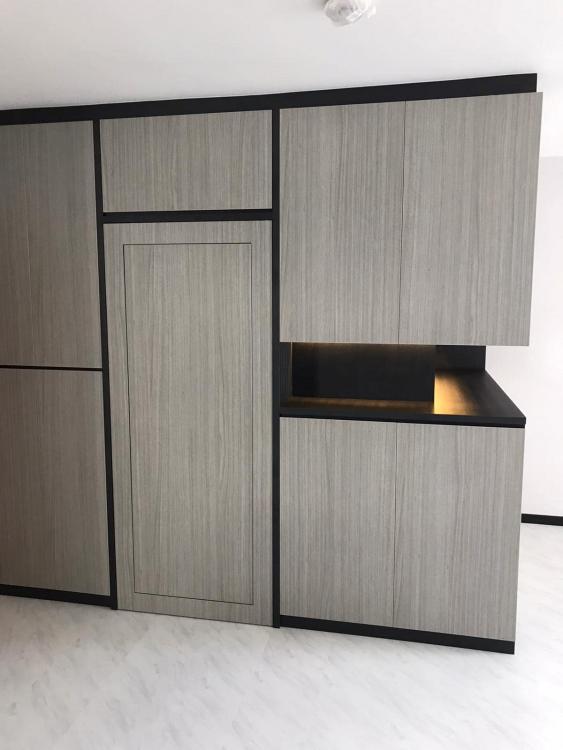
Hello All, we recently took over our 5-room BTO at Bukit Batok. We did not have a high budget as our wedding banquet was just in October last year. ID is definitely out of question and we looked for a contractor who could do some basic things for us. Loe and behold, we found one that is perfect for us. He is friendly and Love the workmanship, the service and most importantly the price. I'll let the picture of our new home speaks for itself. A painting speaks a thousand words, more eloquently that I could. Just wanted to share this gem of a find. Happy to share his details with anyone. Phase 2 is coming!