southview
Members
-
Joined
-
Last visited
-
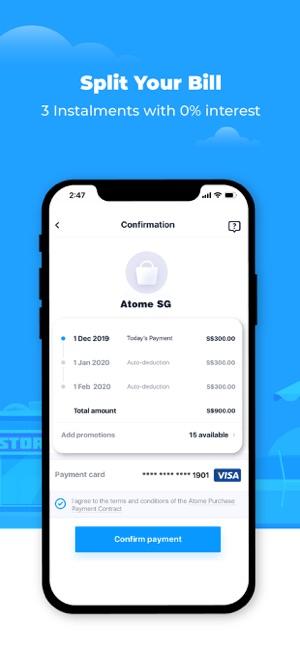
There’s a new app that lets Singapore’s shoppers pay for all kinds of things in installments. Launched by a local fintech startup this week, the Atome SG app enables both online and offline shoppers to purchase items in monthly installments over three months without interest. The mobile checkout app has so far linked up to around 500 merchants, including local fashion retailer Playdress, True Fitness, and retail brands under the Primer Group, which include BratPack and Dr. Martens. App users can either scan a QR code at physical shops or choose the Atome payment option when they check out on participating merchants online. “The way people shop has irreversibly changed. Retail has irreversibly changed. The shift towards online began before COVID-19 but this has now been accelerated. Businesses have to adapt quickly and find new sources of revenue and new ways to serve existing as well as new customers,” CEO David Chen said in a news release. The app is similar to others that have already launched in other countries, such as Affirm, AfterPay, and Klarna. Australia’s AfterPay reportedly has more than 8 million users from around the world, mostly millennials or Gen Z shoppers. Amid a global financial crisis, it seems like obtaining new items without having to pay fully right away could be a tempting option.