bernicezx
Members
-
Joined
-
Last visited
-
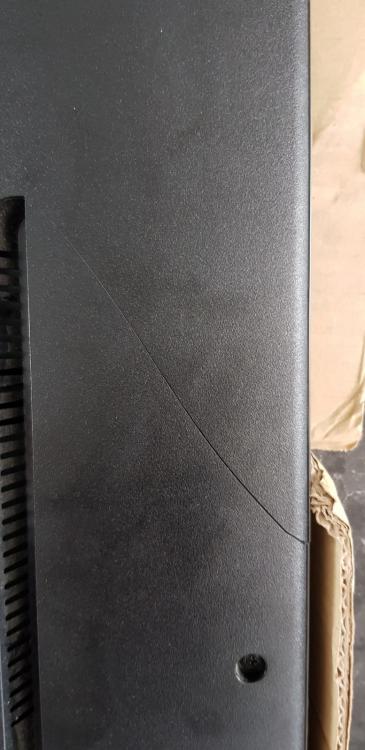
I wish I have read this before I commit to proceed with YONG SENG. Their charges was not the cheapest in the market with storage service. The nightmare comes after 2nd redelivery when we found deep cracks at the back of our LG TV. Yes it a used TV but it was not cracked before and worst the company denial that it was not their fault and same time admit that they didnt check it before. I am not asking for a neW tv & only fair to request damage part to be replaced but it was really a scene. The worker at site has accidently dropped my electronic equipment for sauna and they didnt even apologize and we also short of 1 item that was missing and failed to be delivered to us. It was obvious cos it a hanging support pole for our bikes. Thats not all, our water fountain found leaking and our fridge missing 1 wheel....