Skip to content
View in the app

A better way to browse. Learn more.

RenoTalk.com ™

A full-screen app on your home screen with push notifications, badges and more.

To install this app on iOS and iPadOS
  1. Tap the Share icon in Safari
  2. Scroll the menu and tap Add to Home Screen.
  3. Tap Add in the top-right corner.
To install this app on Android
  1. Tap the 3-dot menu (⋮) in the top-right corner of the browser.
  2. Tap Add to Home screen or Install app.
  3. Confirm by tapping Install.

Lee Brandon

Members
  • Joined

  • Last visited

Everything posted by Lee Brandon

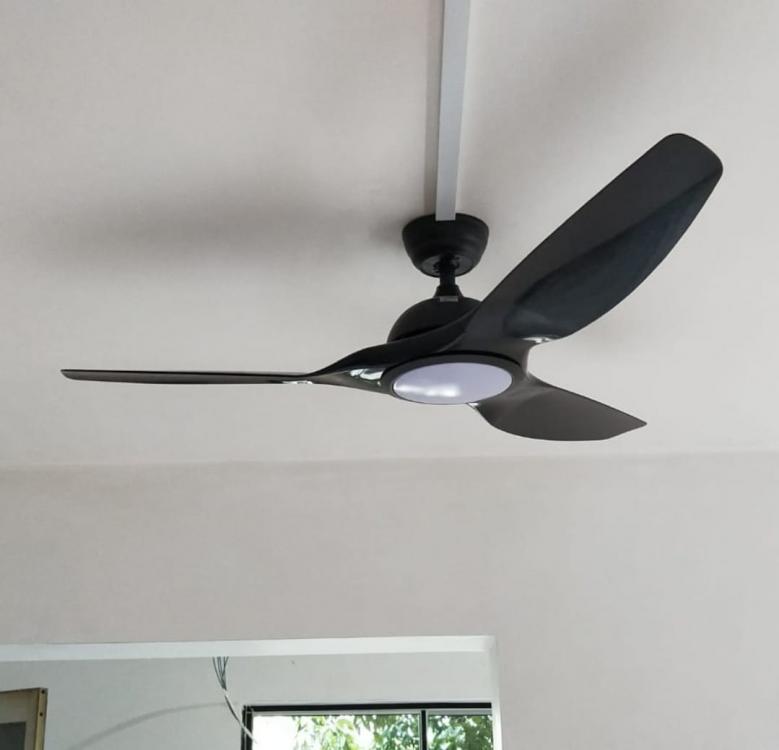
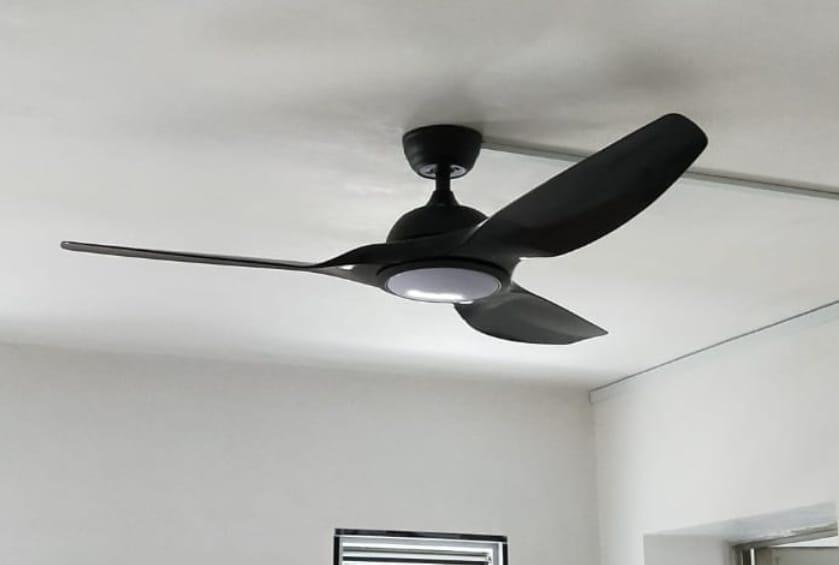
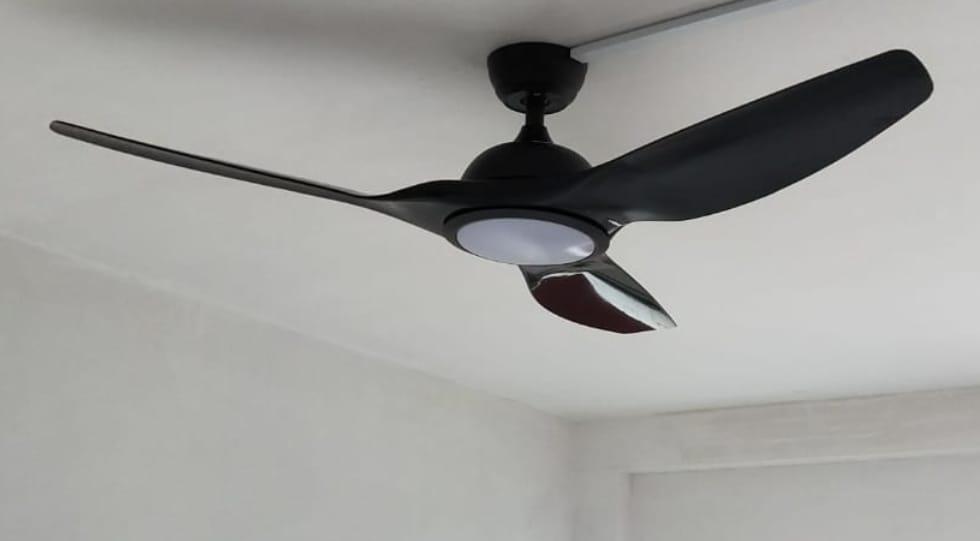
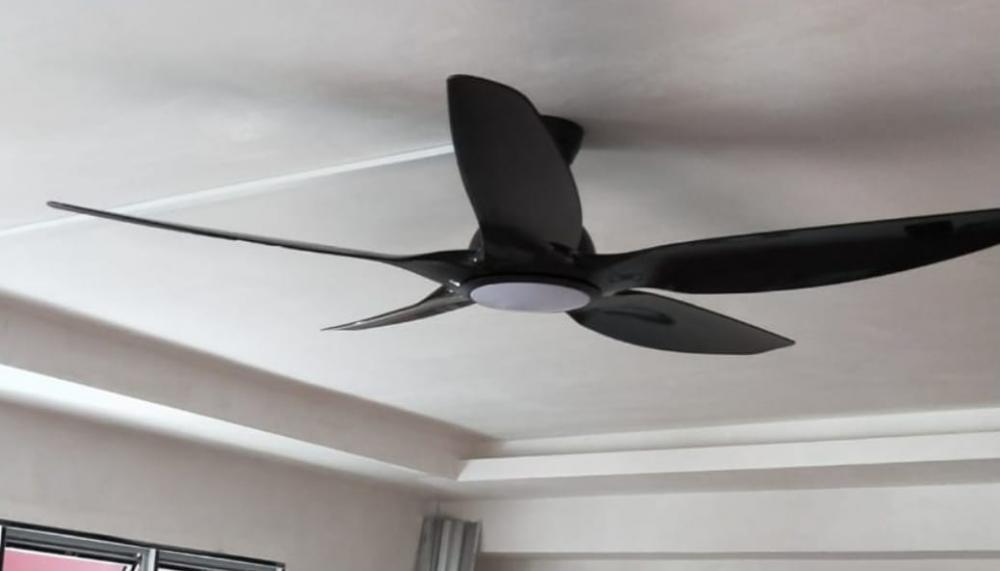
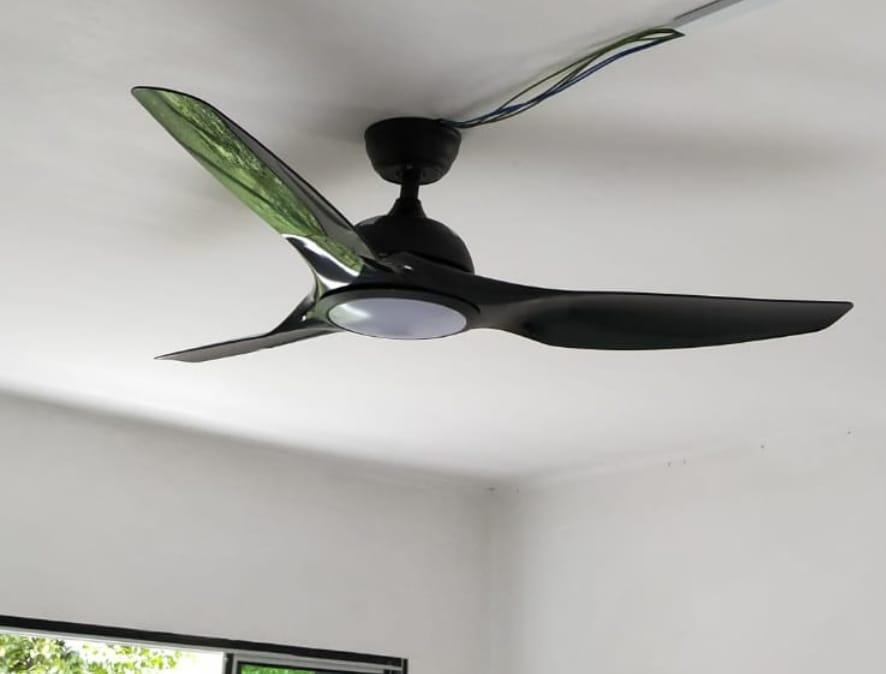
  1. Heard this model from few friends and my sibling new house was also using Yuga but I was quite curious on this comment about sound because none of them mention about this. Therefore, me and my wife decided to travel all the way down to showroom to try it out myself. It was surprisingly good with very strong wind but I did not encounter the sound issue mention above. So we decided to go with their 5 rooms package. Fan installed fast and installer was friendly. It has been a month and so far everything is good.
Account

Navigation

Search

Search

Configure browser push notifications

Chrome (Android)
  1. Tap the lock icon next to the address bar.
  2. Tap Permissions → Notifications.
  3. Adjust your preference.
Chrome (Desktop)
  1. Click the padlock icon in the address bar.
  2. Select Site settings.
  3. Find Notifications and adjust your preference.