



carameltea
Members
-
Joined
-
Last visited
-
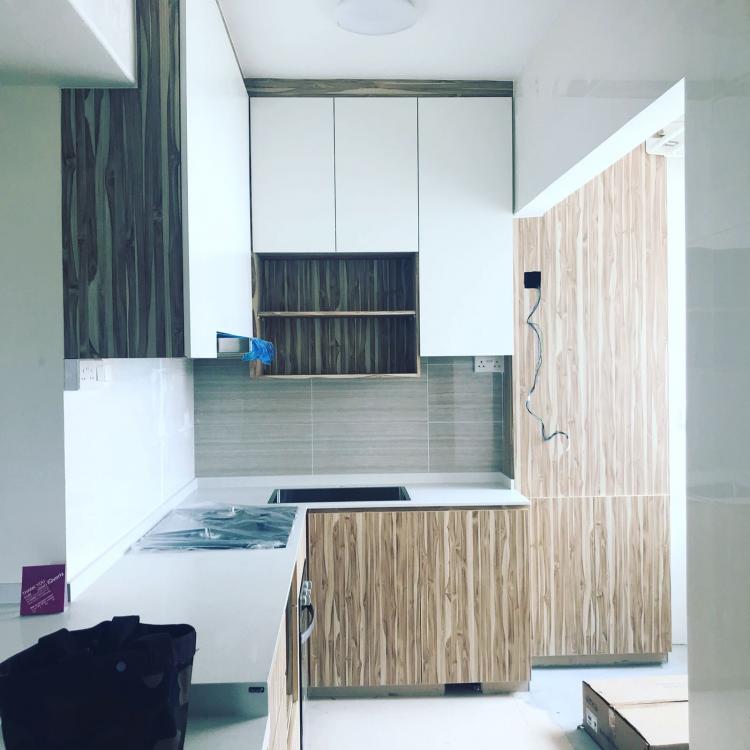
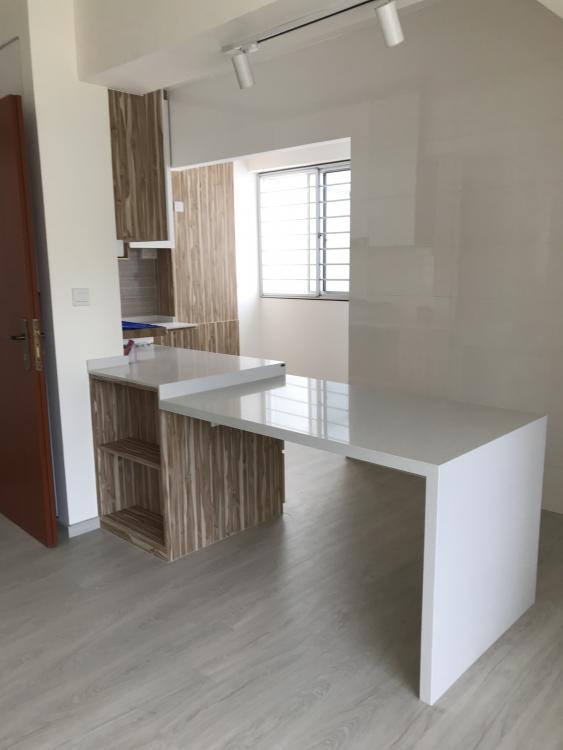
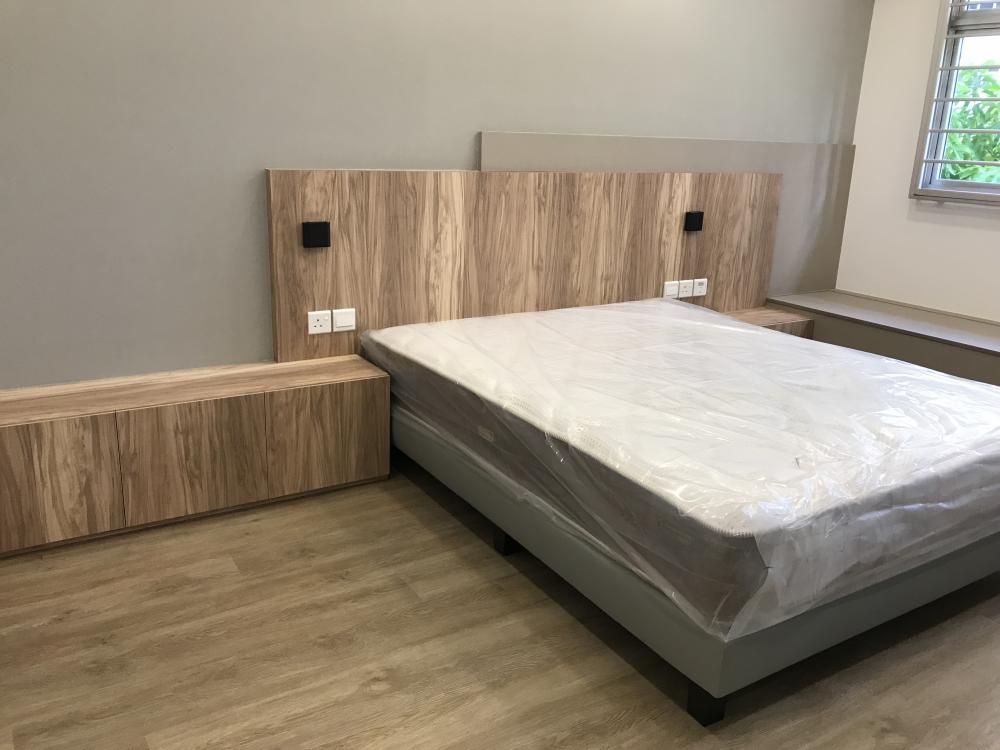
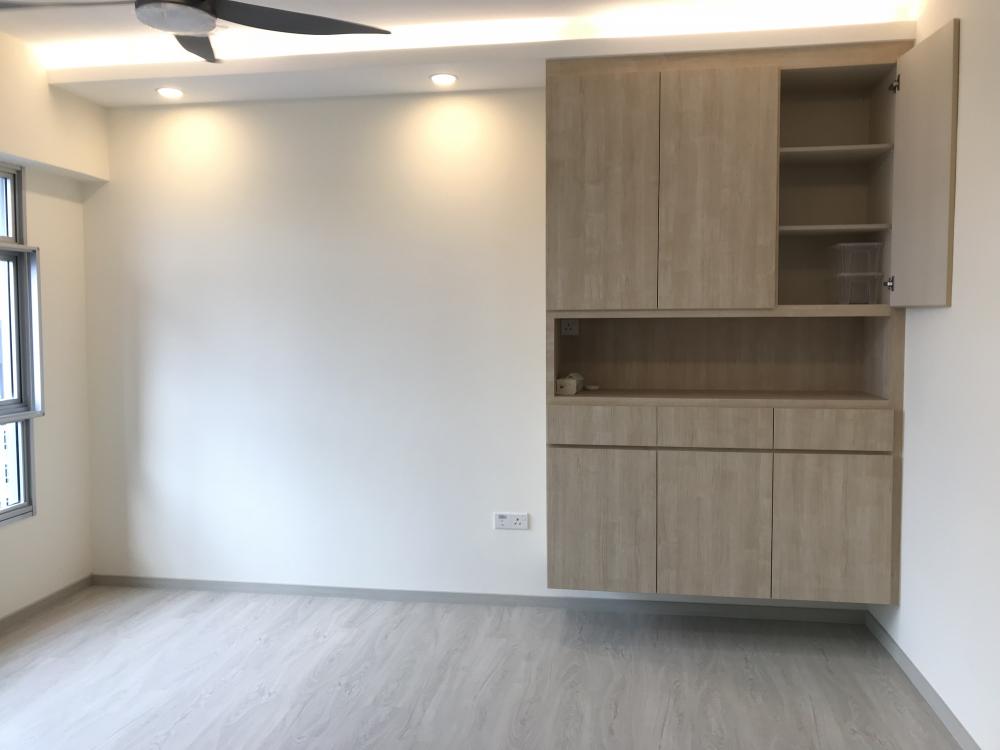
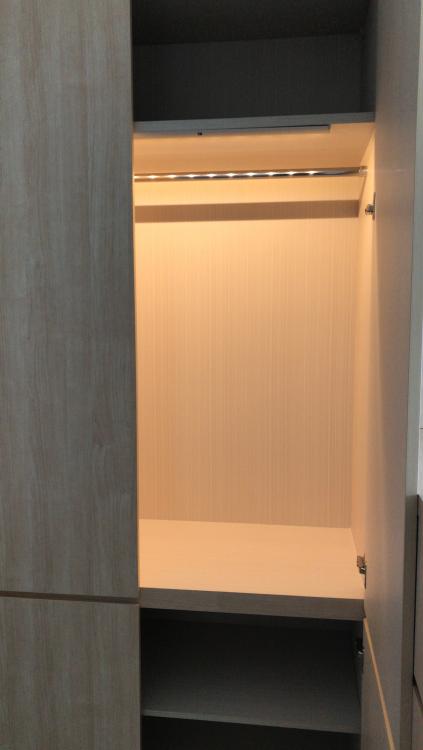
carameltea replied to dtft's topic in Renovation Contractors, Interior Designers & Suppliers ReviewsLate post for my Sister House. Self taking photos ?
-
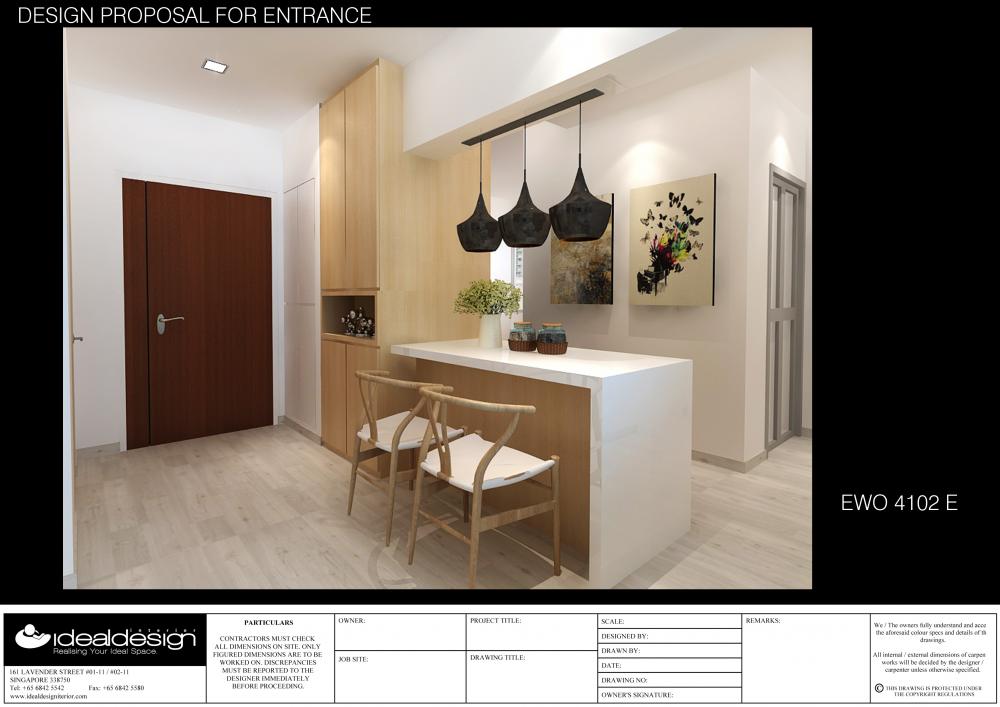
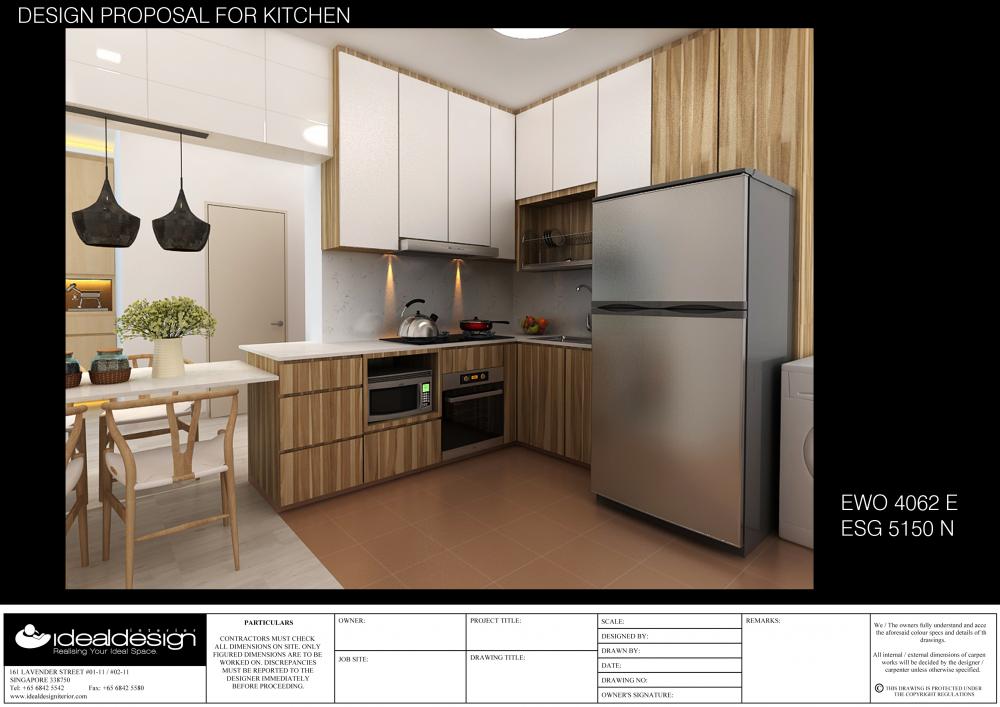
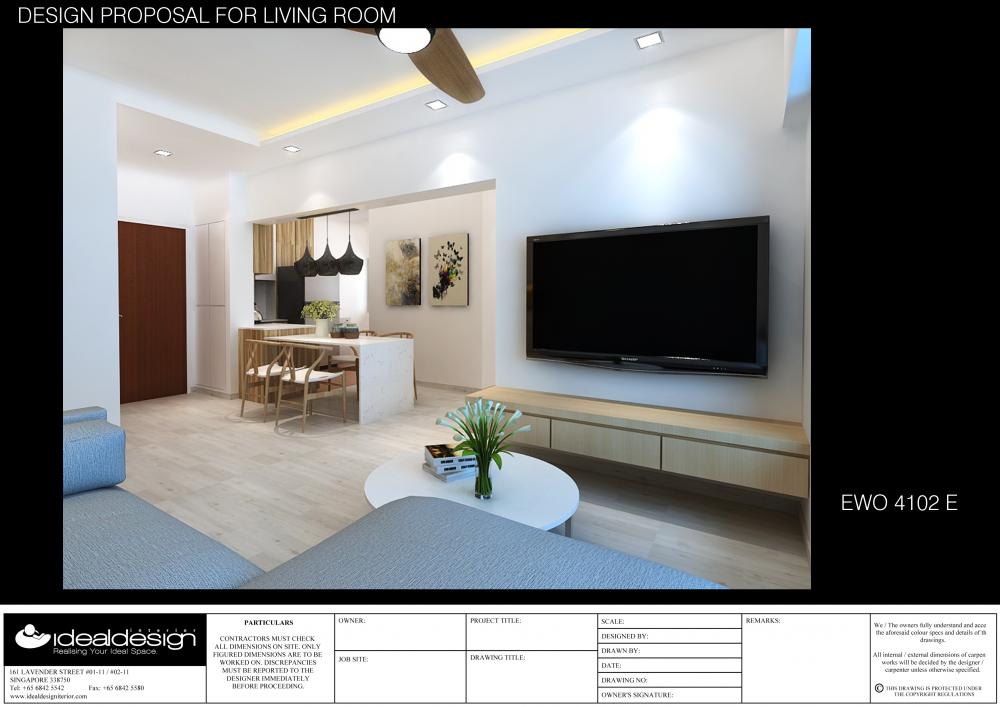
carameltea replied to dtft's topic in Renovation Contractors, Interior Designers & Suppliers ReviewsRecently, my sister also engage them , senior designer Adrian give him year end promotion kitchen cabinet $85 pfr with colour PVC interior cabinets ,overall I go thru the quotation really competitive ! hope to see the final designs.
-
carameltea replied to dtft's topic in Renovation Contractors, Interior Designers & Suppliers ReviewsLooking for them again to do my 2nd hse
-
carameltea replied to akml74's topic in Renovation Contractors, Interior Designers & Suppliers Reviewsideal design interior is the same company ?
-
carameltea replied to dtft's topic in Renovation Contractors, Interior Designers & Suppliers ReviewsI am looking for a realiable ID, possible to share contacts?
-
carameltea replied to km_foo's topic in Renovation Contractors, Interior Designers & Suppliers ReviewsAny feedback abt Surface Living I.D firm at Upper serangoon ,Thks!!
-
V reasonable price
-
Any FeedBack abt this Interior Firm ?