



tchuanye
Members
-
Joined
-
Last visited
-
Takes 2 days per toilet. Can't remember cost. Best to call them for latest price.
-
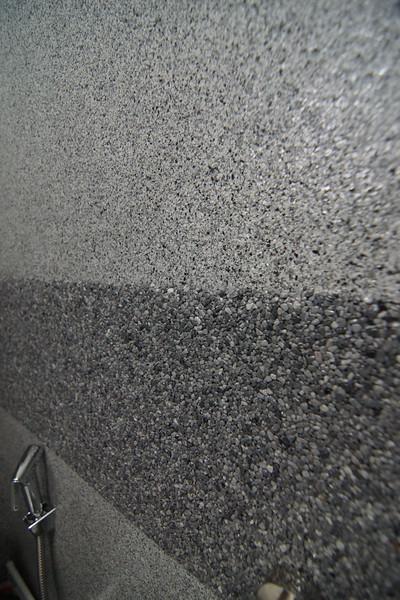
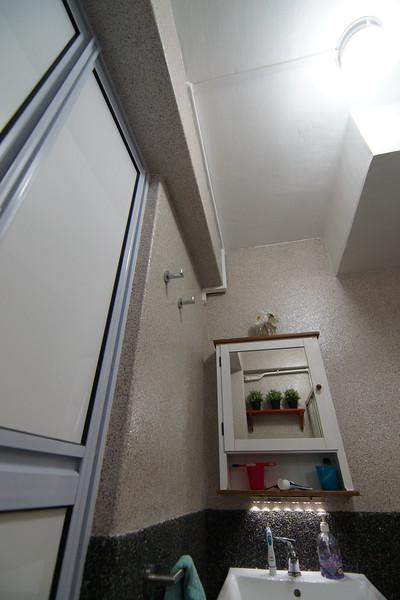
Close up of the surface.
-
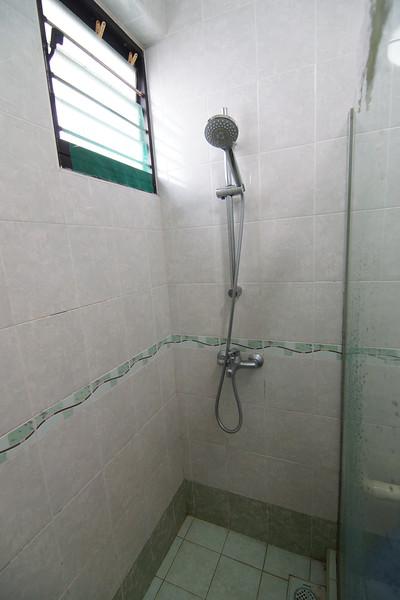
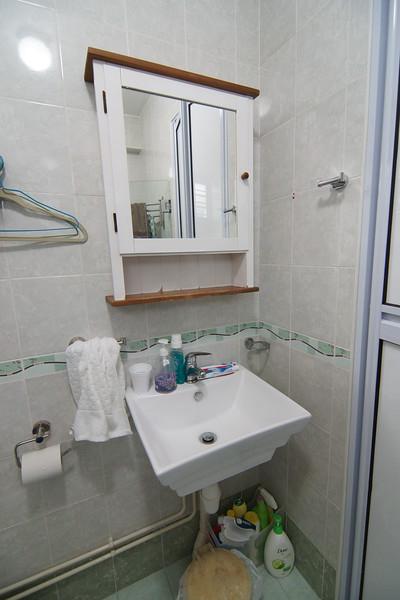
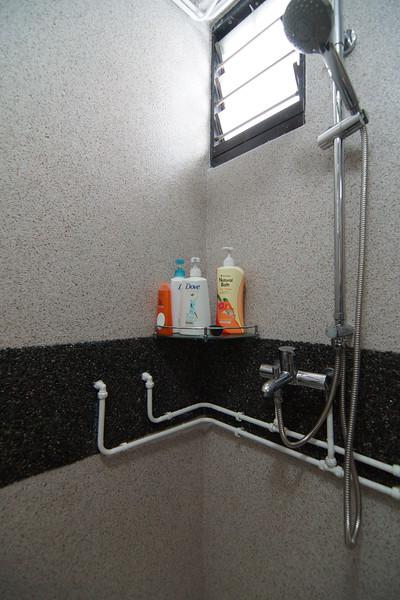
Ok, thought I should update here. I eventually got Mr Seah from Surfaceimage ( http://www.surfaceimage.com.sg/contactus.html ) to do my 2 toilets early this year before CNY. Happy customer. Changed to rainshower too. Some before/after images to share for those interested.






-
Can PM me a quote for 2 x HDB 5 rm toilet, wall and floor. Btw, saw your pics here. http://imgur.com/a/NubHh#6 Are these epoxy flakes? I noticed the tile grout lines and still be seen? Any way to do it that the lines are covered?
-
I saw this at someone's HDB toilet recently, and it is a pebble type of coating (seamless) laid over existing tiles. Looks very nice! Anyone have any experience in this? Does it last? (above pics were 6 mtns old) Asking if anyone has longer experience over this type of coating? Found 2 websites: http://www.surfaceimage.com.sg/contactus.html and http://www.porousway.com/ (looks dated though)
-
Hi, Can you PM me with quotes for the following: Refrigerator Samsung RT46H5200SL Hob and Hood: Tecno T333 TG Tecno TH 968T or 958T Fujioh FX900 Fujioh FG-793 GL (Please let me know if there is life time warranty for the glass for both hobs) Quote also for: 3 x 48" Ceiling Fan with light kits (dome type with energy saving bulbs), with remote 1 x 56" KDK living room ceiling fan with remote Thanks.
- 2319 replies
-
- fridge
- gas heater
- hob
- hood
-
Tagged with: