Skip to content
View in the app

A better way to browse. Learn more.

RenoTalk.com ™

A full-screen app on your home screen with push notifications, badges and more.

To install this app on iOS and iPadOS
  1. Tap the Share icon in Safari
  2. Scroll the menu and tap Add to Home Screen.
  3. Tap Add in the top-right corner.
To install this app on Android
  1. Tap the 3-dot menu (⋮) in the top-right corner of the browser.
  2. Tap Add to Home screen or Install app.
  3. Confirm by tapping Install.

anl

Members
  • Joined

  • Last visited

Everything posted by anl

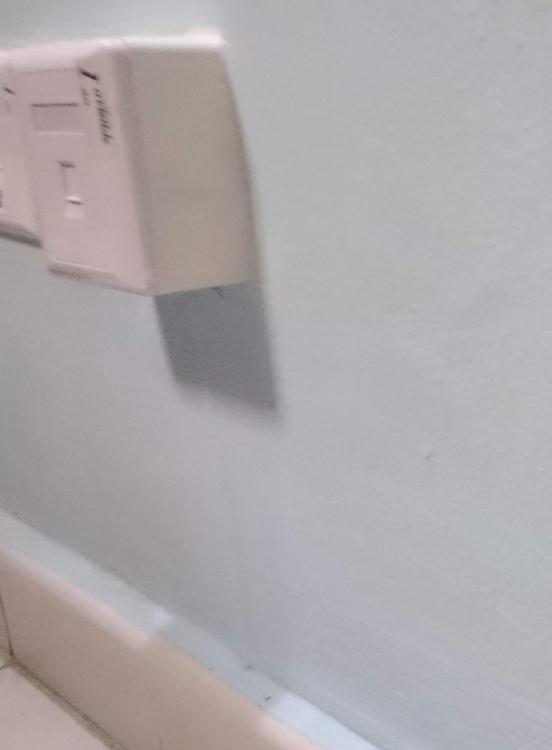
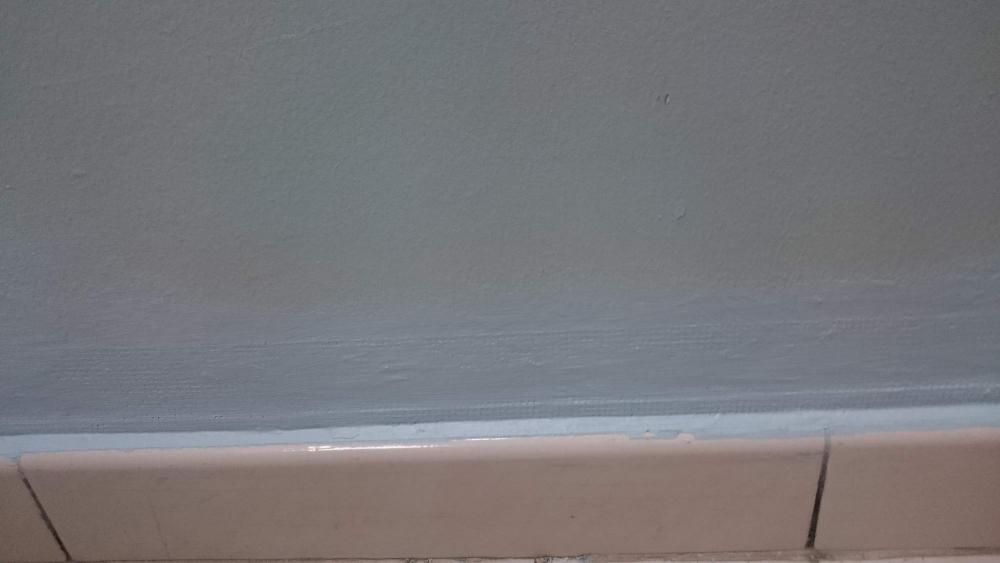
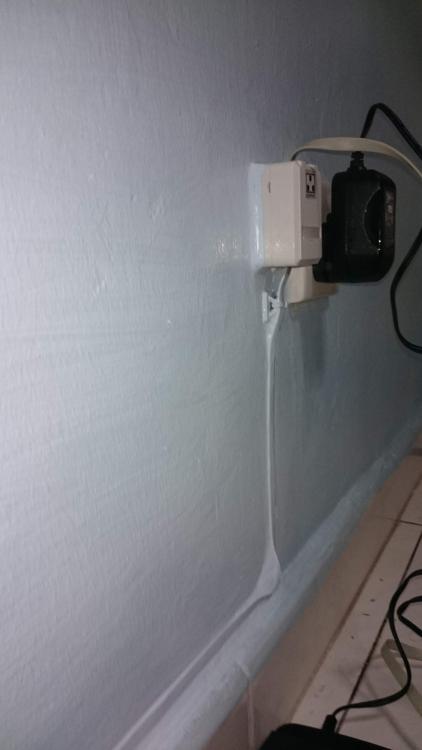
  1. Re-do entire network with mostly flat network cables Previous installation with PVC trunkings Before repainting Structured cabling using 3x flat cables, after repainting of one coat. Single cable run, after one coat of paint 6x flat cable run, after two coats of paint [/IMG] Near gigabit speeds Network speed test using software length of cable run is 14m+ total cable length (including patch cables) is about 29m
  2. My network cable installation (external installation without hacking of walls) About 10mtr of cable run from patch panel to this location. Pictures shown is after 2 coats of re-painting
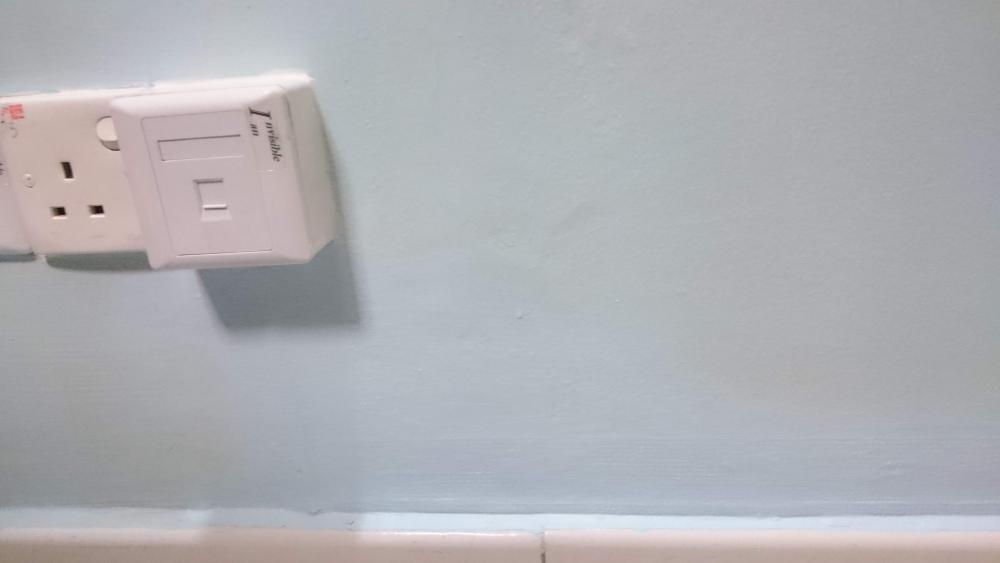
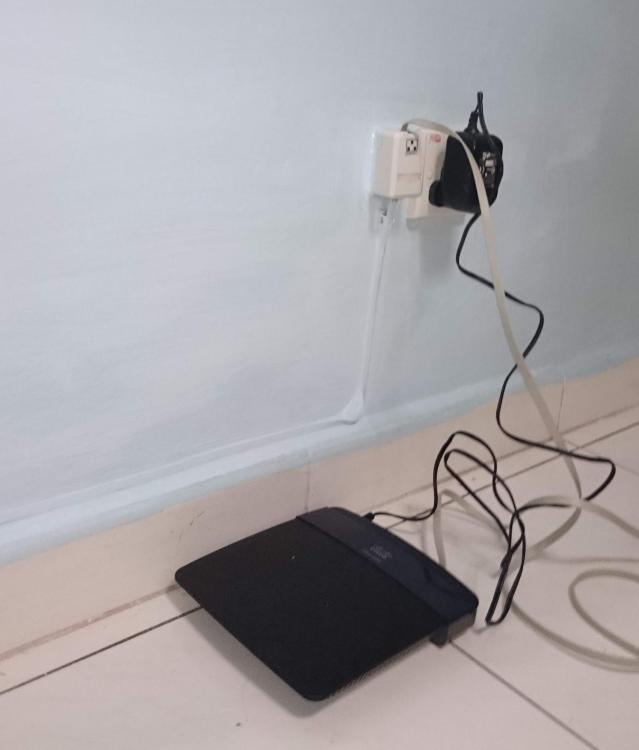
  3. I had just added a new data point to my home, without the awful looking PVC trunkings. After re-painting, it is almost invisible to sight
Account

Navigation

Search

Search

Configure browser push notifications

Chrome (Android)
  1. Tap the lock icon next to the address bar.
  2. Tap Permissions → Notifications.
  3. Adjust your preference.
Chrome (Desktop)
  1. Click the padlock icon in the address bar.
  2. Select Site settings.
  3. Find Notifications and adjust your preference.