iceflare
Members
-
Joined
-
Last visited
-
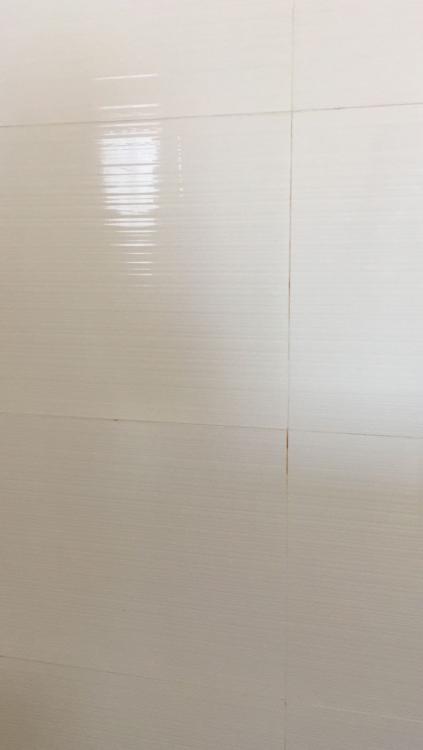
I am also having similar grout issues after a major renovation of my newly purchased resale. Shades of yellow, cement grey, and even missing - not sure what resulted in it and ID seemed to be having a hard time to remedy it despite coming a few times to fix and blaming it on the environmental or other apartments doing renovation. The inconsistency of the whole grouting just made the whole place looks older than it should be. Even the resale toilet tiles wall grouting which was done by HDB during the Home Improvement Programme (3 to 4 years back) in general looks better than the grouting done/subcontracted out by the ID. Any suggestions of what may resulted in the grouting issue and what I can do to address the issue? I personally think it's due to poor workmanship but not sure what can be done before; now it just seemed like we need to live with it.