poliwhack
Members
-
Joined
-
Last visited
-
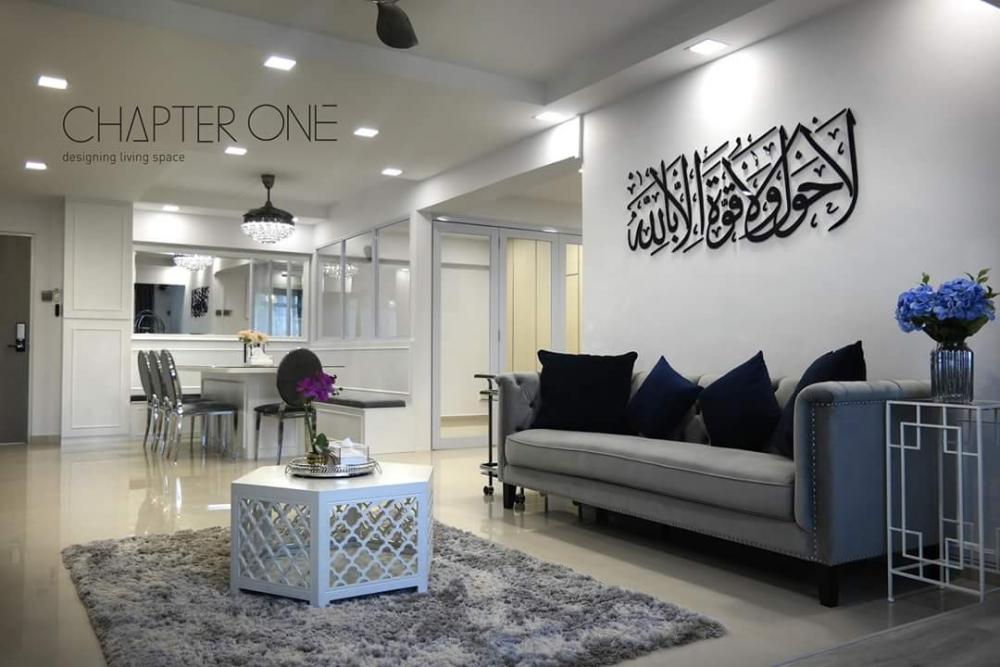
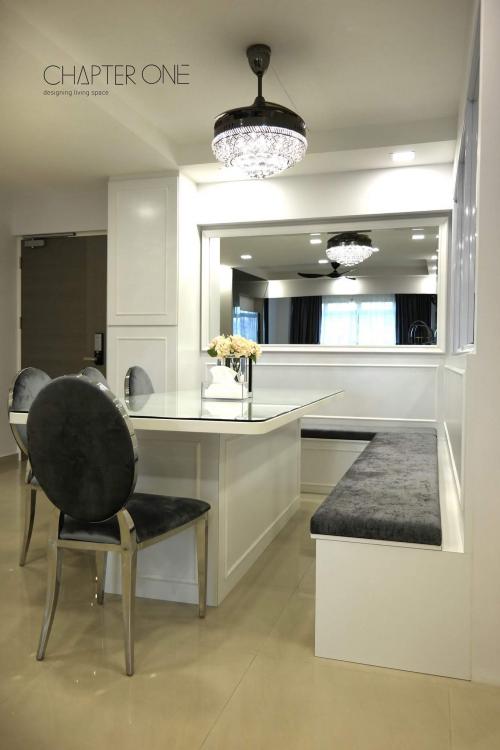
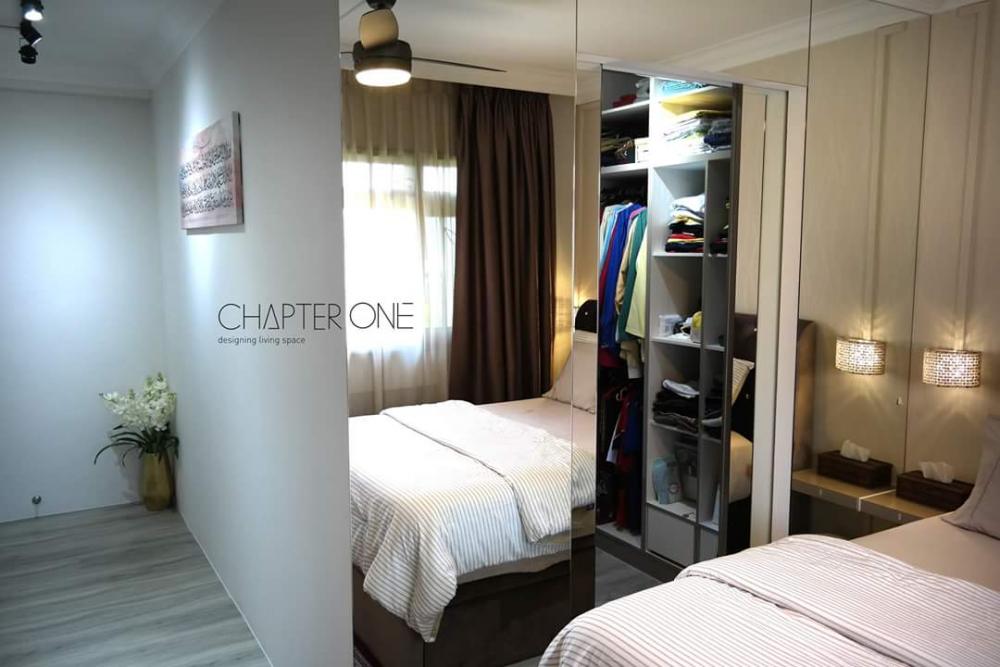
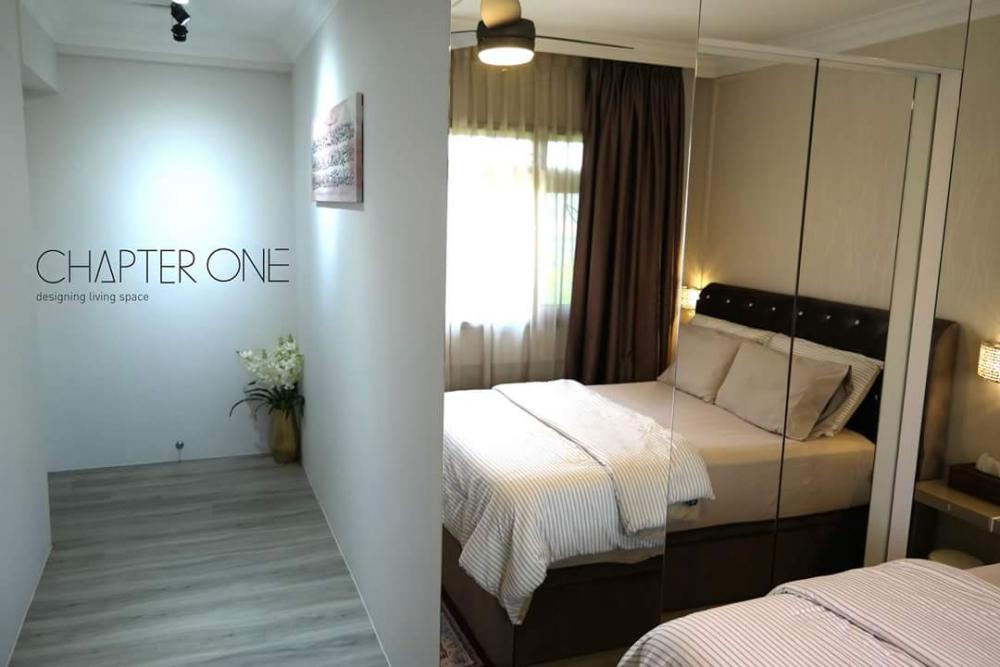
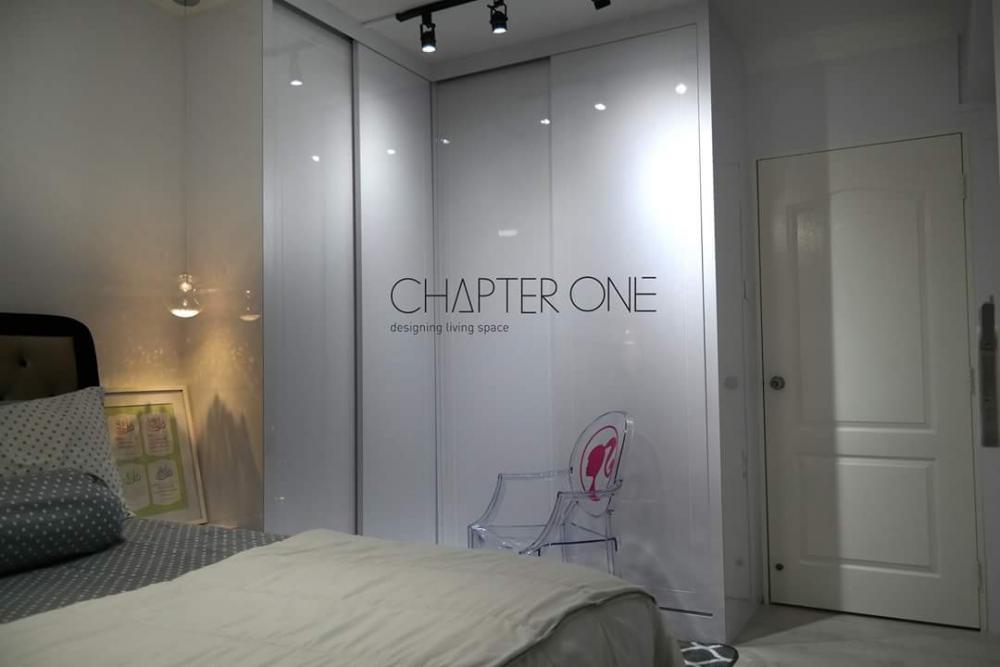
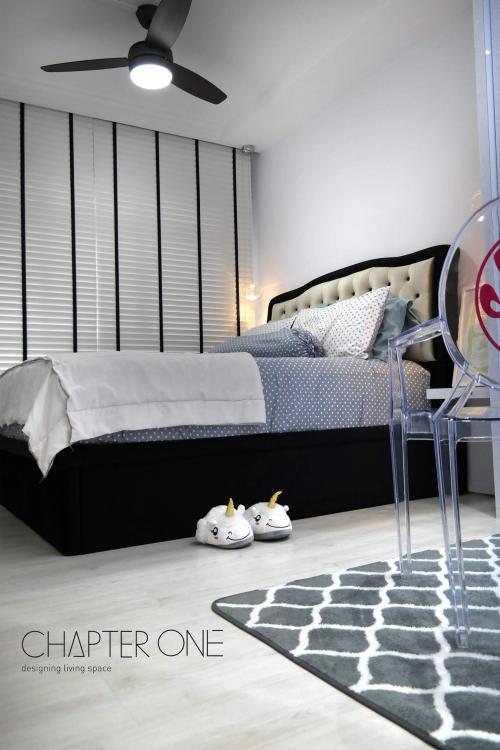
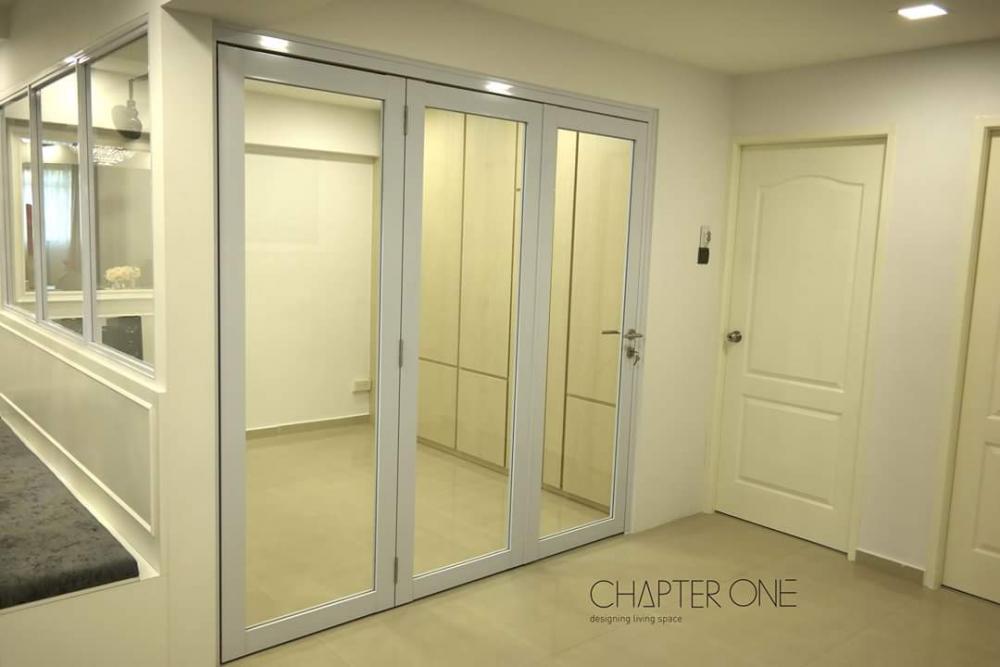
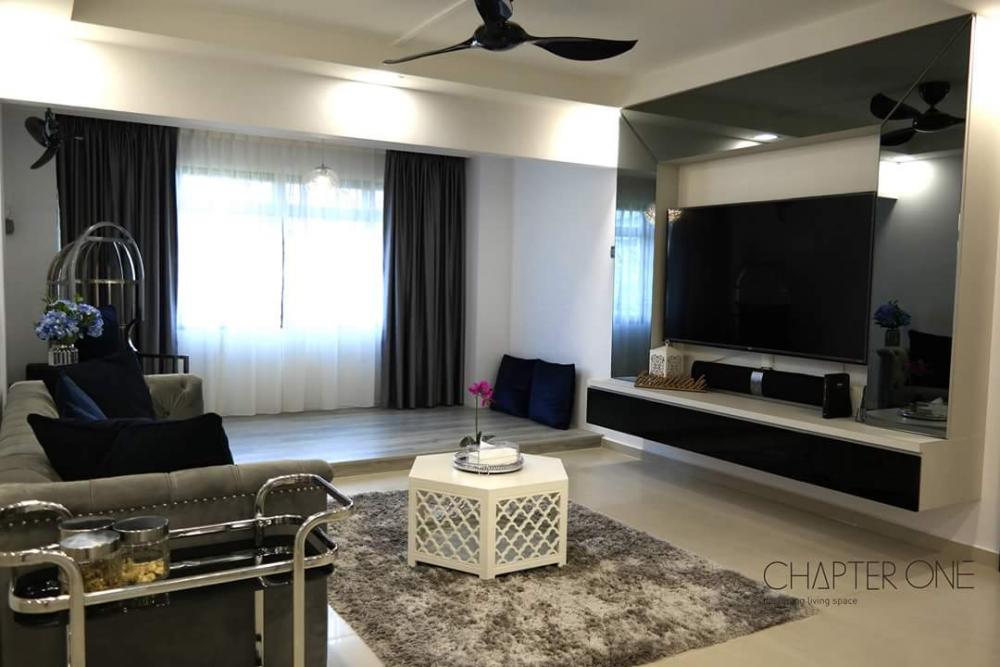
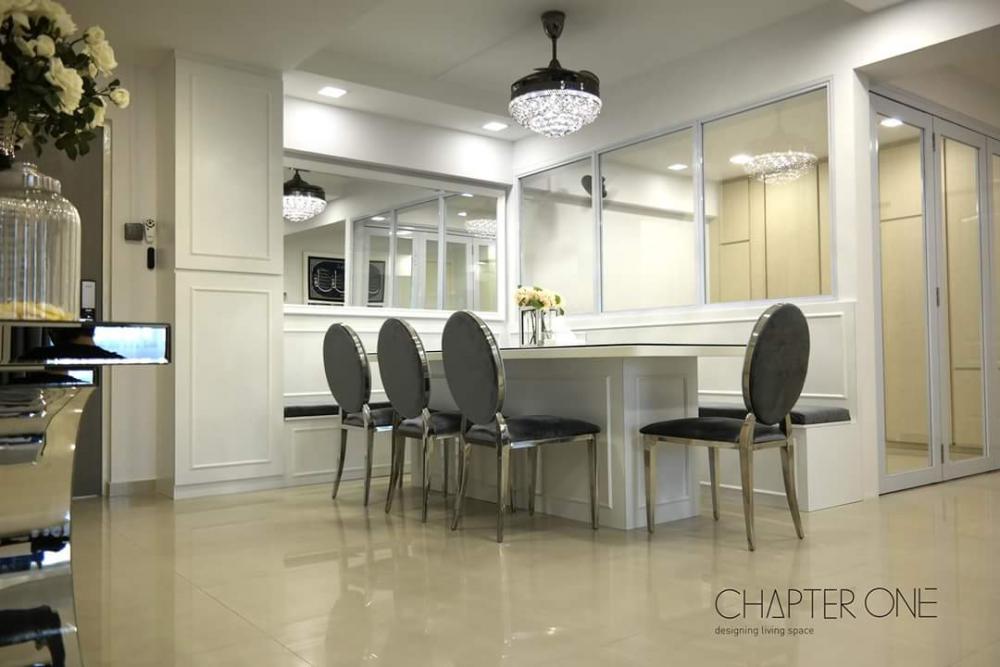
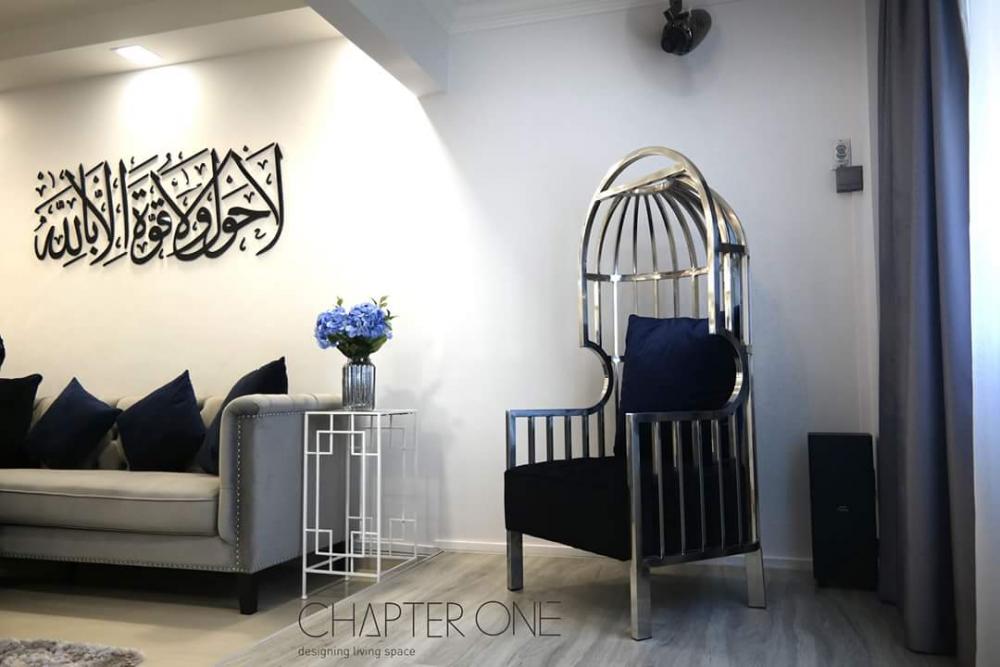
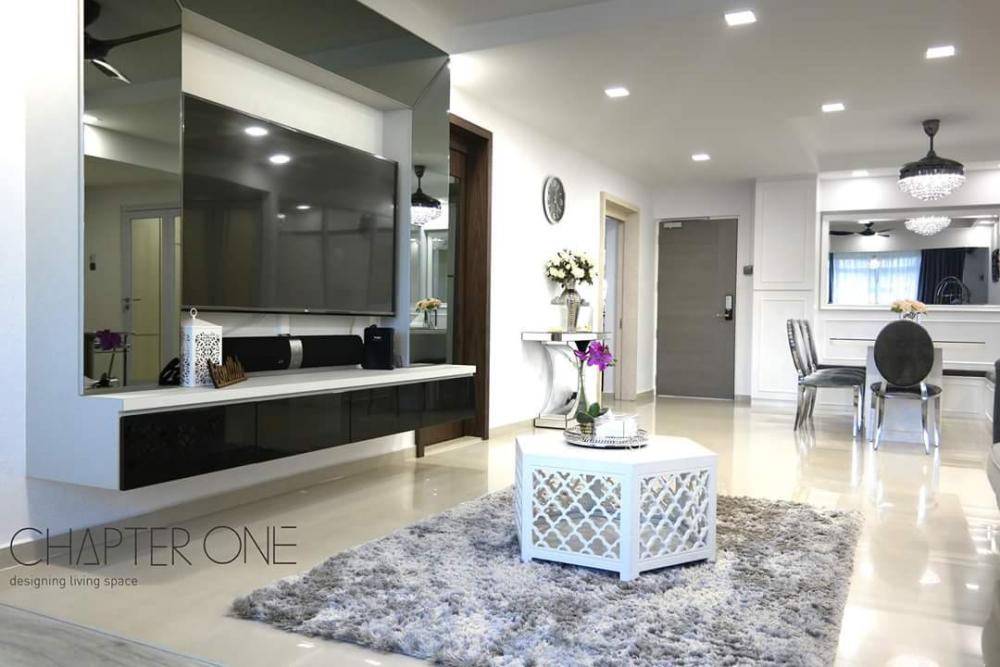
poliwhack replied to poliwhack's topic in Reno t-Blog Chat - HDB Resale Renovation & Interior DesignAfter 4 months of staying in our new place, we finally managed to have time for our photoshoot. Here are some images that we received from our ID. Enjoy browsing!



-
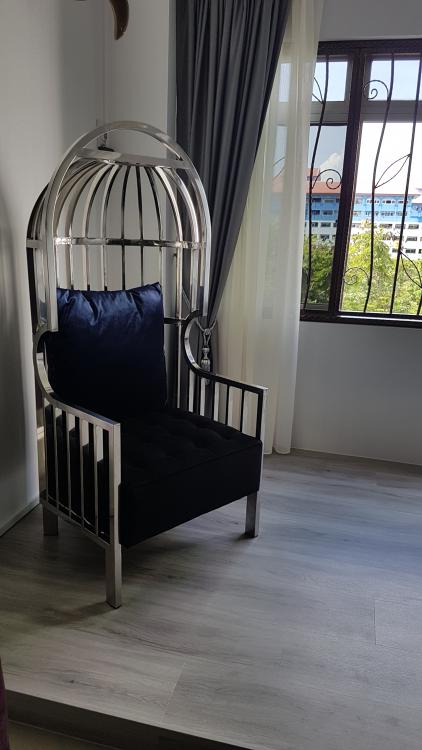
poliwhack replied to poliwhack's topic in Reno t-Blog Chat - HDB Resale Renovation & Interior DesignMy new stainless steel accent chair arrived last week!
-
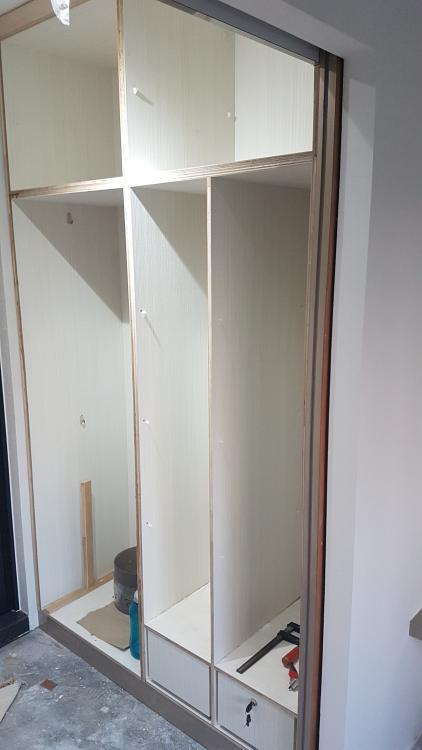
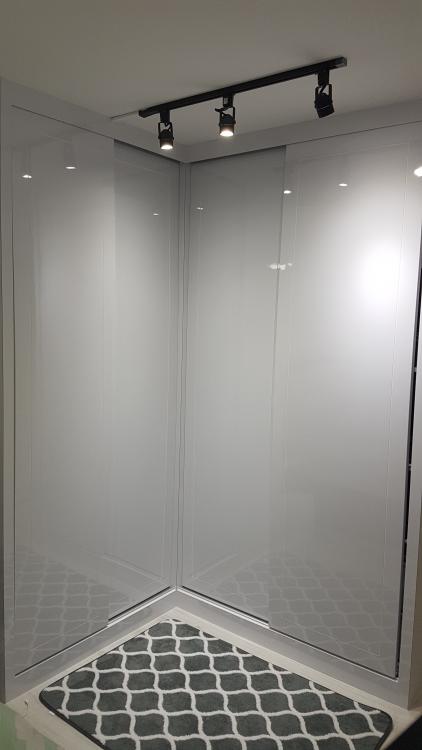
poliwhack replied to poliwhack's topic in Reno t-Blog Chat - HDB Resale Renovation & Interior DesignWardrobe in bedroom 2
-
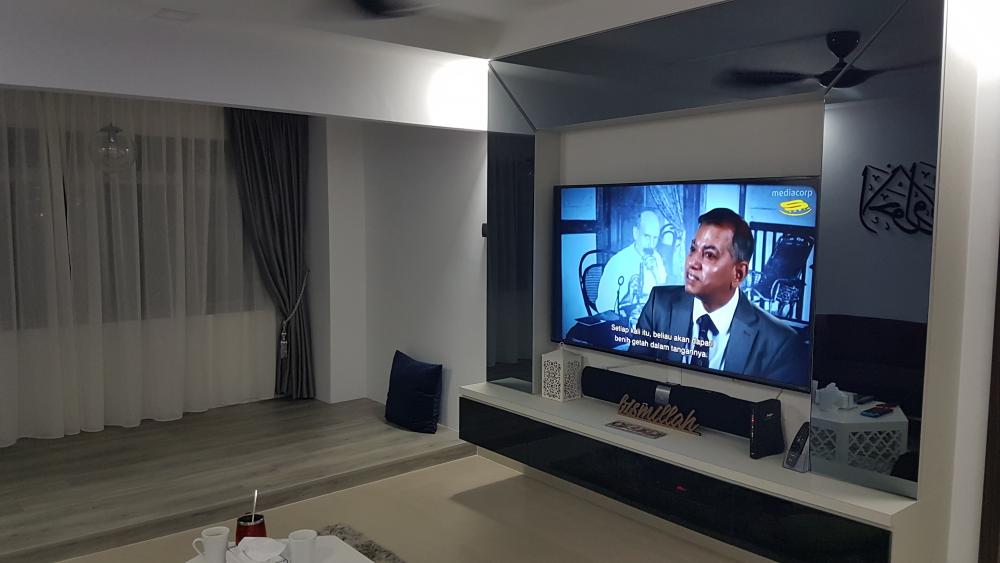
poliwhack replied to poliwhack's topic in Reno t-Blog Chat - HDB Resale Renovation & Interior DesignTv feature wall
-
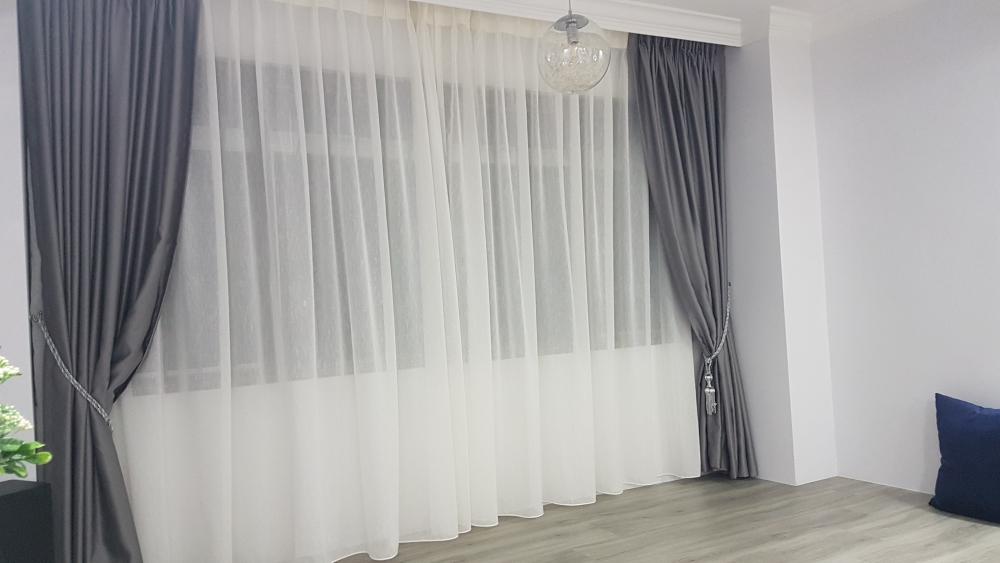
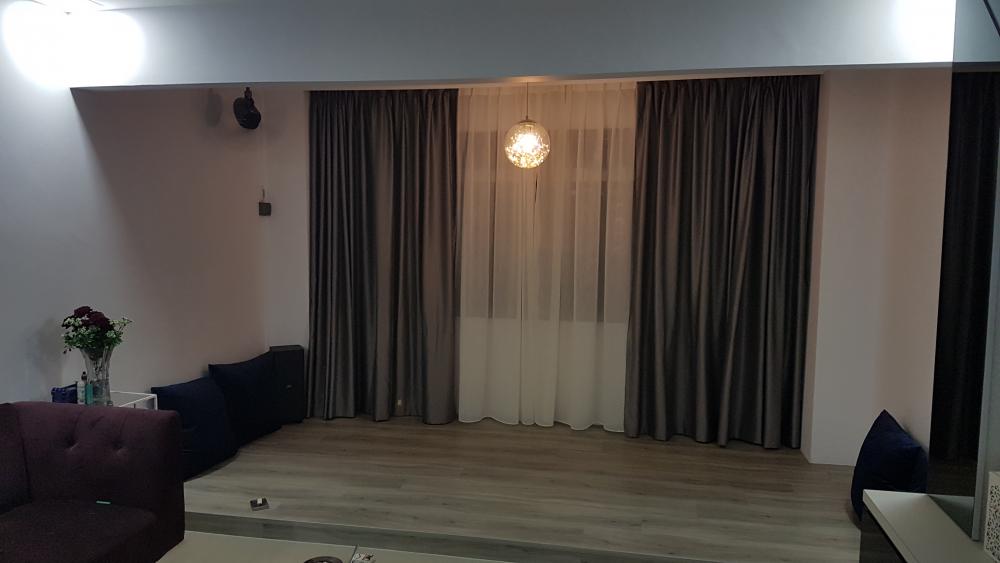
poliwhack replied to poliwhack's topic in Reno t-Blog Chat - HDB Resale Renovation & Interior DesignBalcony area

-
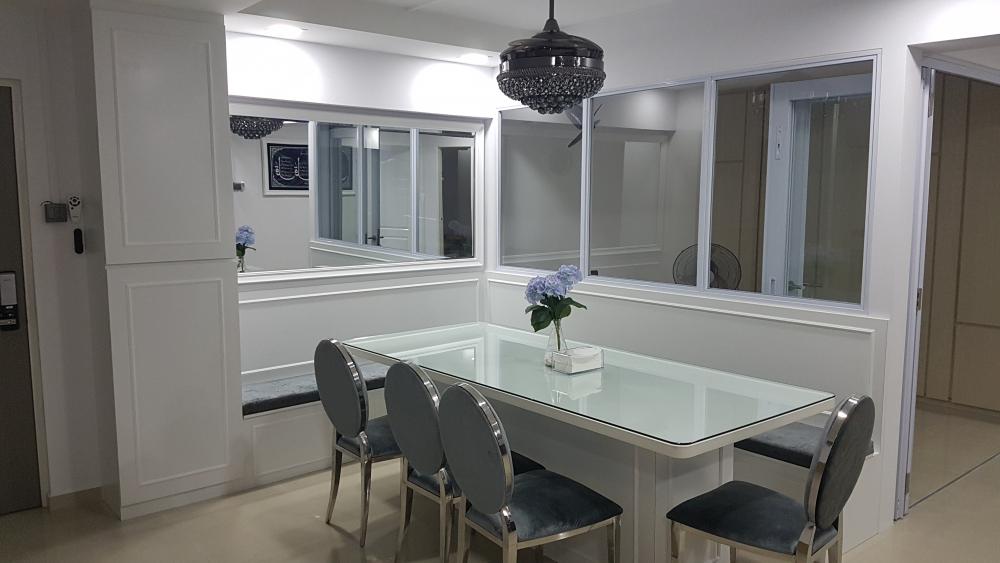
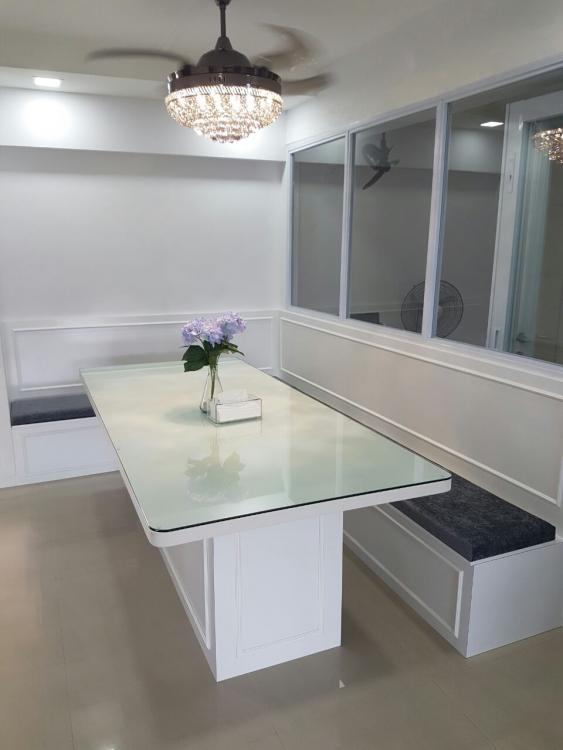
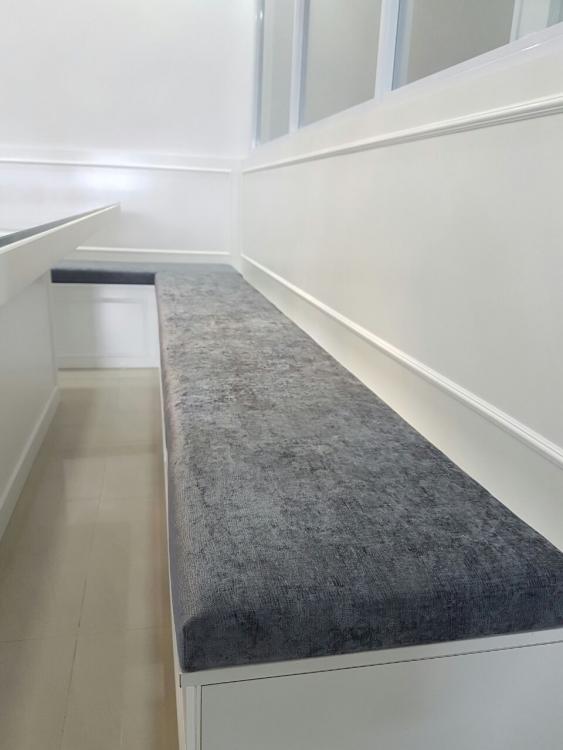
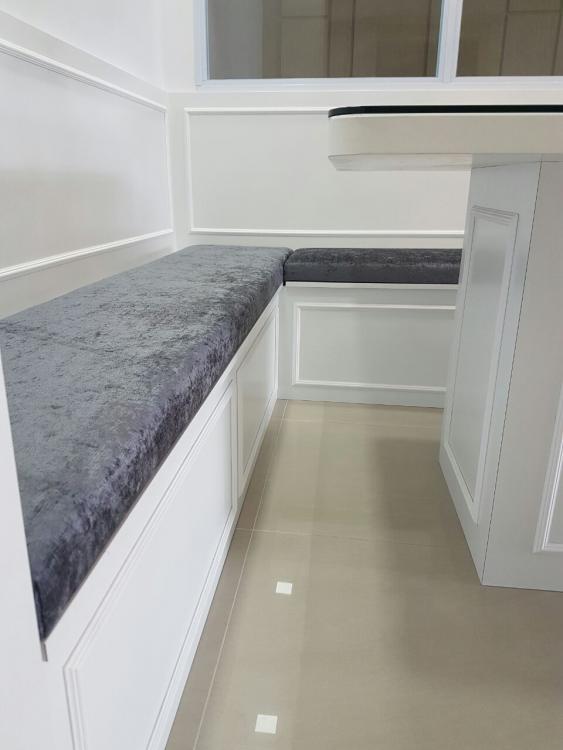
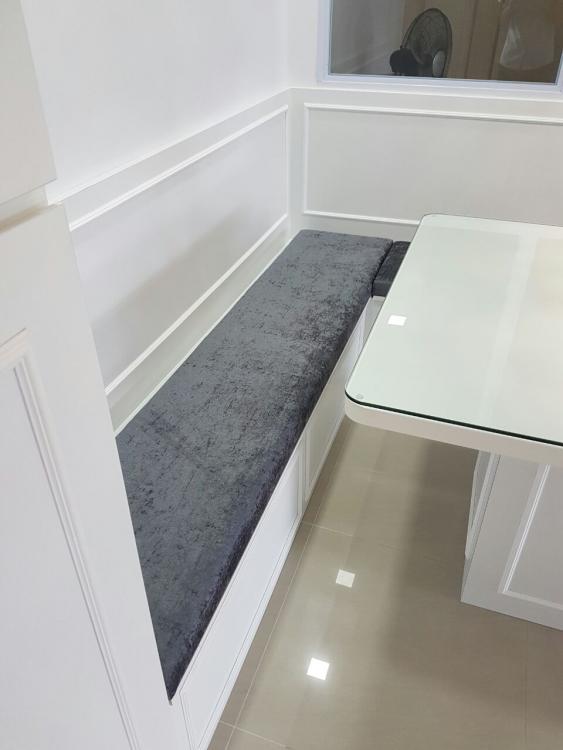
poliwhack replied to poliwhack's topic in Reno t-Blog Chat - HDB Resale Renovation & Interior DesignDining area completed.
-
poliwhack replied to poliwhack's topic in Reno t-Blog Chat - HDB Resale Renovation & Interior DesignThank you! will share more soon!
-
poliwhack replied to poliwhack's topic in Reno t-Blog Chat - HDB Resale Renovation & Interior DesignThank you!!
-
poliwhack replied to poliwhack's topic in Reno t-Blog Chat - HDB Resale Renovation & Interior DesignPM sent!
-
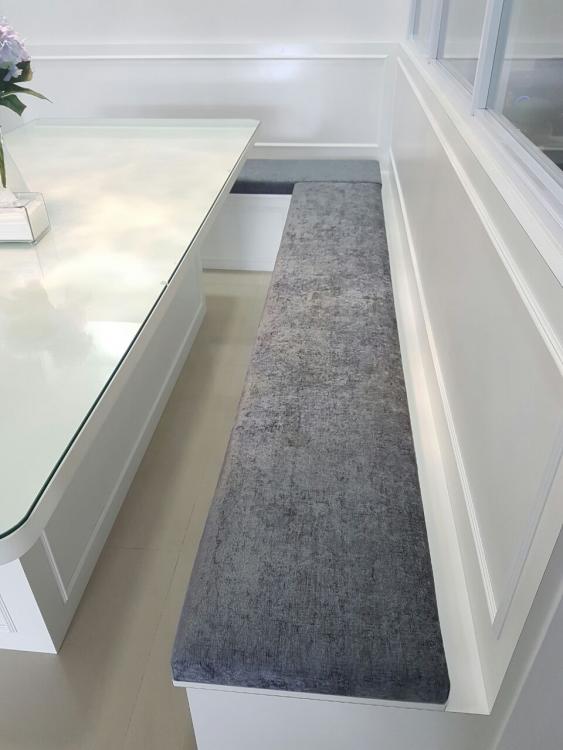
poliwhack replied to poliwhack's topic in Reno t-Blog Chat - HDB Resale Renovation & Interior DesignDining area completed
-
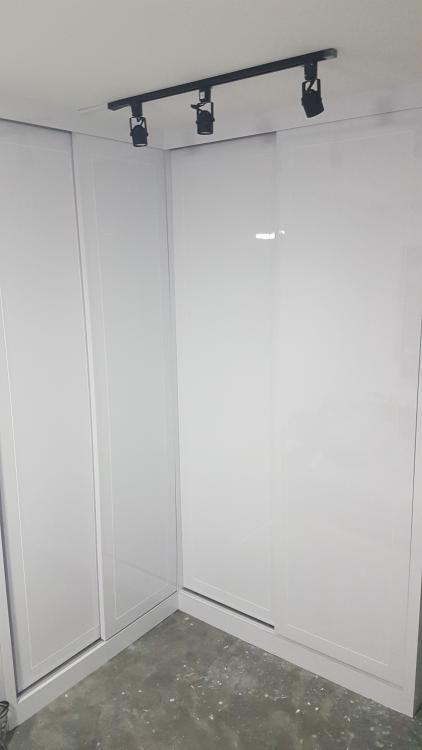
poliwhack replied to poliwhack's topic in Reno t-Blog Chat - HDB Resale Renovation & Interior DesignL wardrobe in bedroom 2
-
poliwhack replied to poliwhack's topic in Reno t-Blog Chat - HDB Resale Renovation & Interior DesignDining area completed. Left with dining table tempered glass top and bench cushion.

-
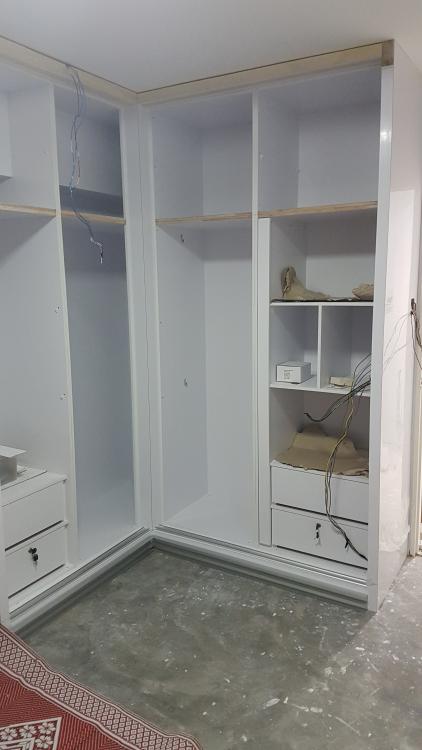
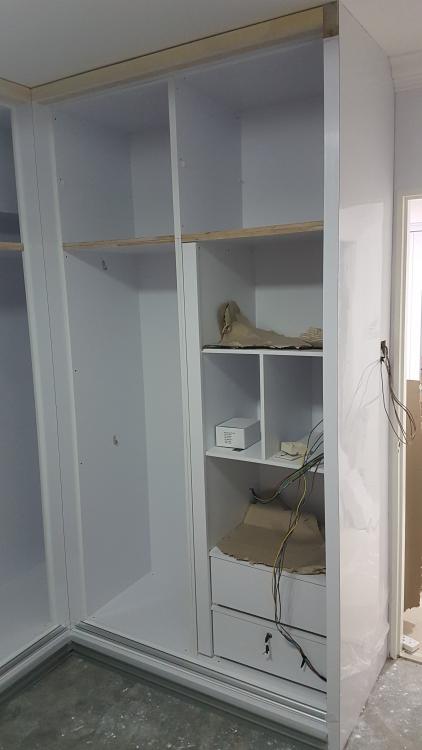
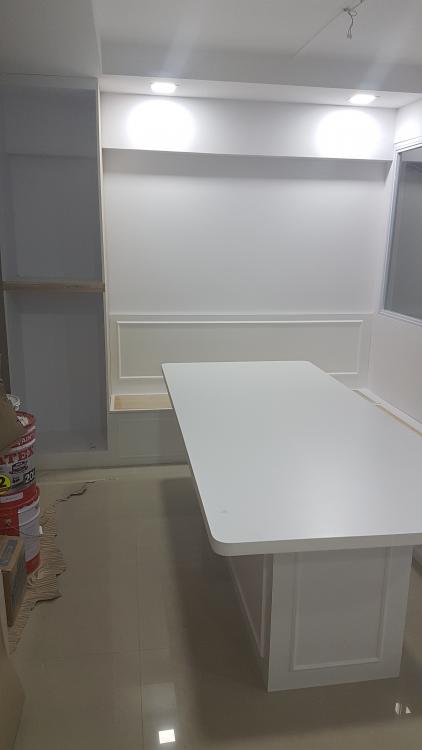
poliwhack replied to poliwhack's topic in Reno t-Blog Chat - HDB Resale Renovation & Interior DesignCarpentry installation day 2 Wardrobe in bedroom 2 With pull out mirror Dining area



-
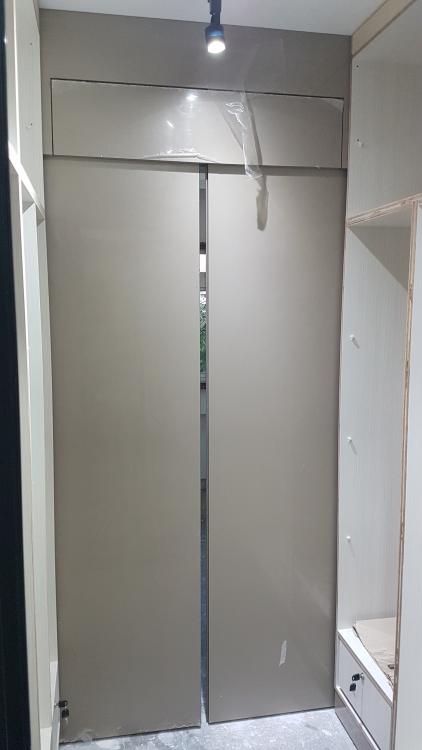
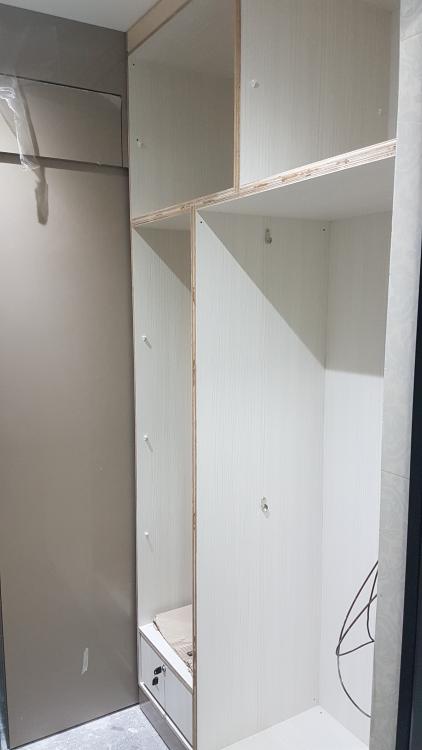
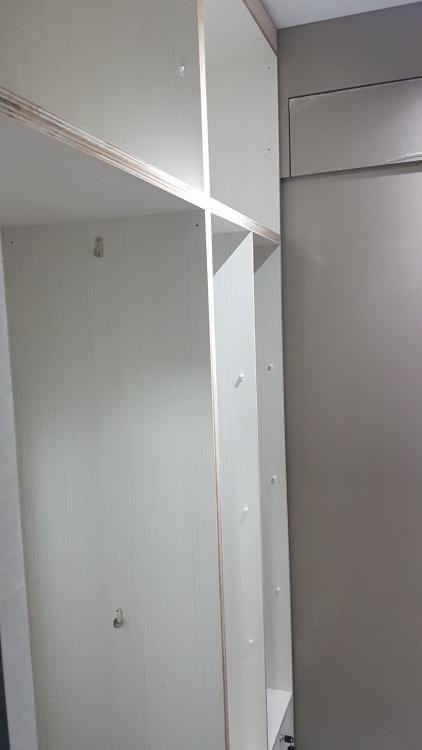
poliwhack replied to poliwhack's topic in Reno t-Blog Chat - HDB Resale Renovation & Interior DesignInside of WIW
-
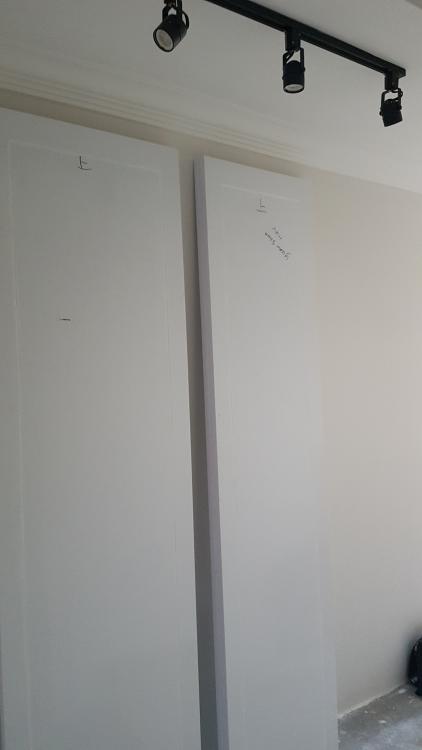
poliwhack replied to poliwhack's topic in Reno t-Blog Chat - HDB Resale Renovation & Interior DesignCarpentry installation day 1 Wardrobe door for bedroom 2 Walk in wardrobe