Skip to content
View in the app

A better way to browse. Learn more.

RenoTalk.com ™

A full-screen app on your home screen with push notifications, badges and more.

To install this app on iOS and iPadOS
  1. Tap the Share icon in Safari
  2. Scroll the menu and tap Add to Home Screen.
  3. Tap Add in the top-right corner.
To install this app on Android
  1. Tap the 3-dot menu (⋮) in the top-right corner of the browser.
  2. Tap Add to Home screen or Install app.
  3. Confirm by tapping Install.

Tracy0927

Members
  • Joined

  • Last visited

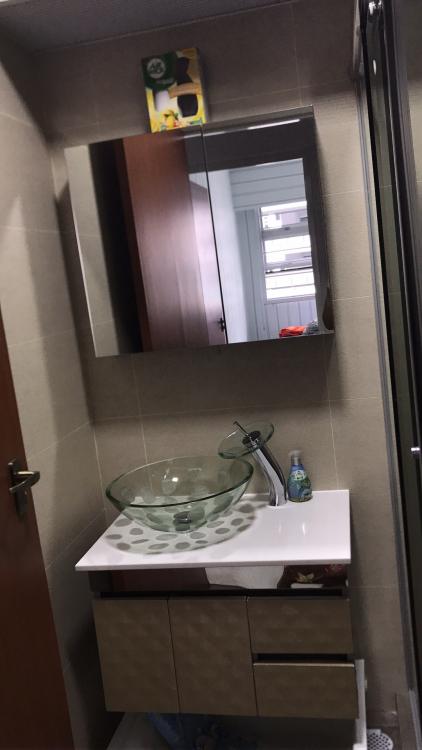
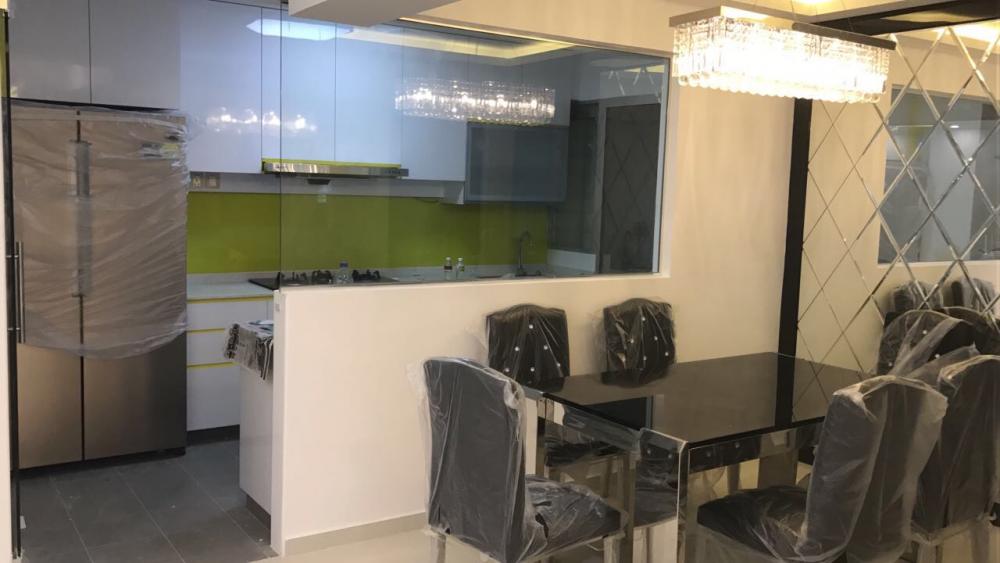
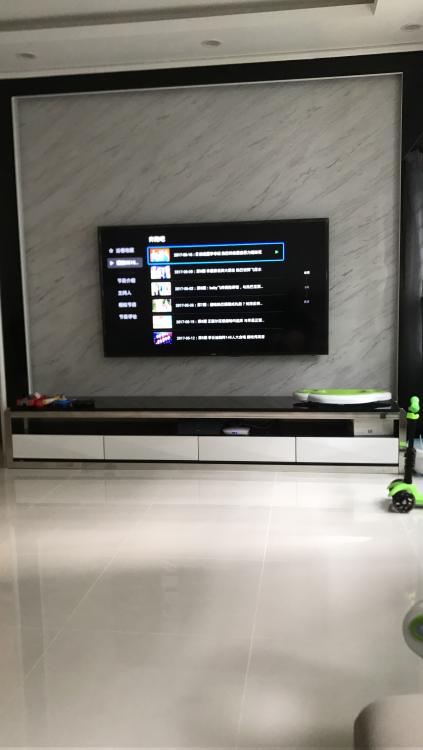
  1. This is our first home and therefore it is important that my husband and I engaged an ID whom we can trust and is able to share idea with us and as well as providing us with prompt response. I will definitely recommend Benz design interior to future houseowners. Benson is a helpful and responsible ID.He communicates regularly and update me on the progress of the renovation. He would constantly advice me if there is anything that needs my attention or any changes to be made. we are happy with the renovation as our new flat is mordern and vic.
Account

Navigation

Search

Search

Configure browser push notifications

Chrome (Android)
  1. Tap the lock icon next to the address bar.
  2. Tap Permissions → Notifications.
  3. Adjust your preference.
Chrome (Desktop)
  1. Click the padlock icon in the address bar.
  2. Select Site settings.
  3. Find Notifications and adjust your preference.